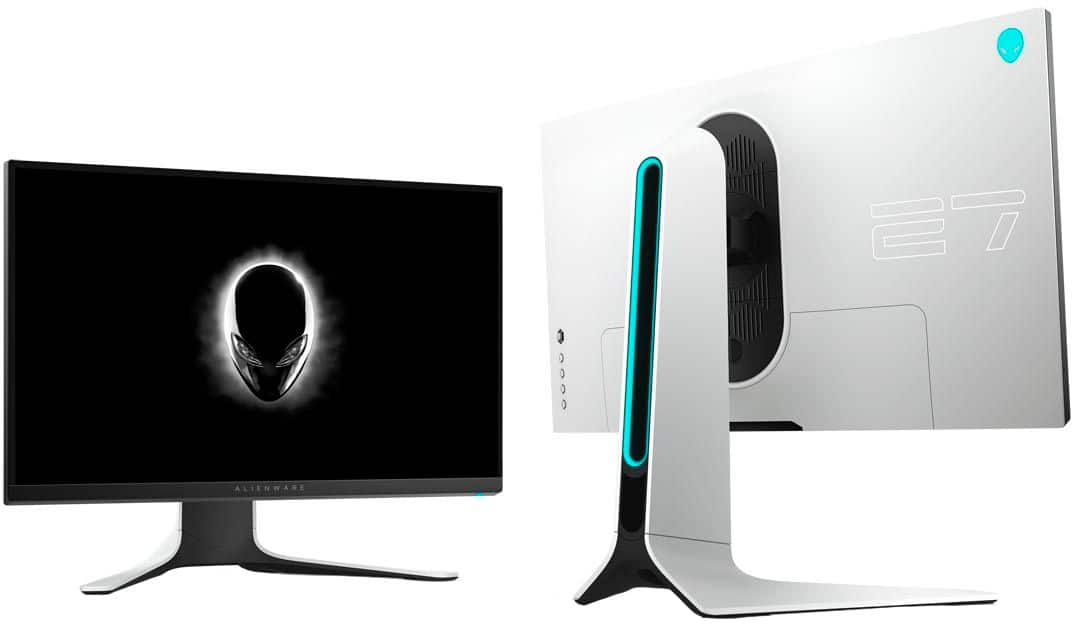
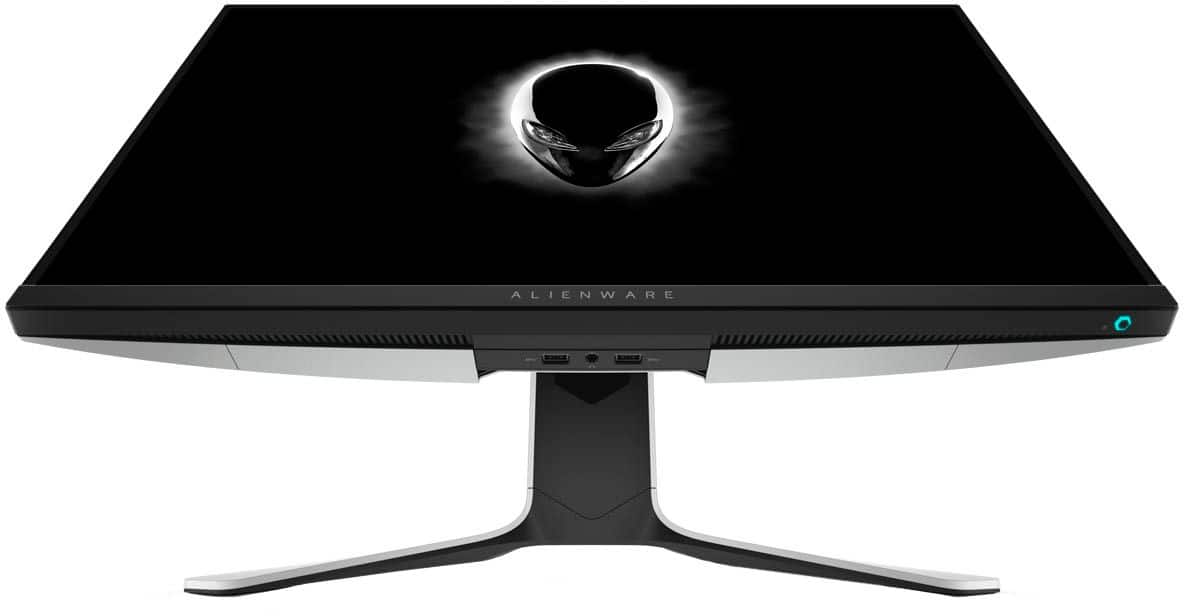
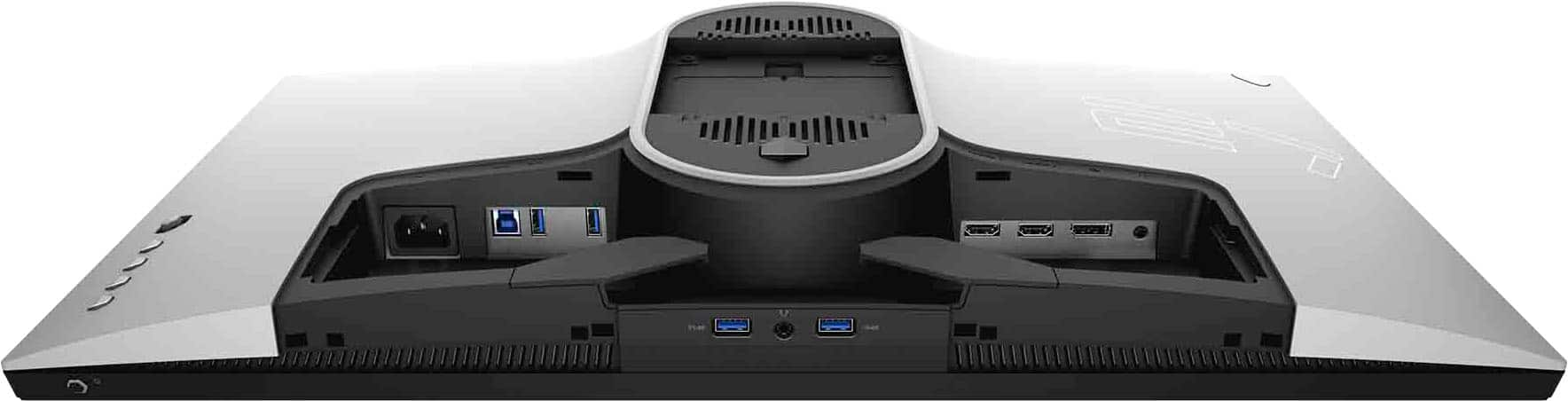
A:AnswerHello! This does not have a built in speaker. You can connect external speakers to your device and place them near your monitor if you need additional sound.
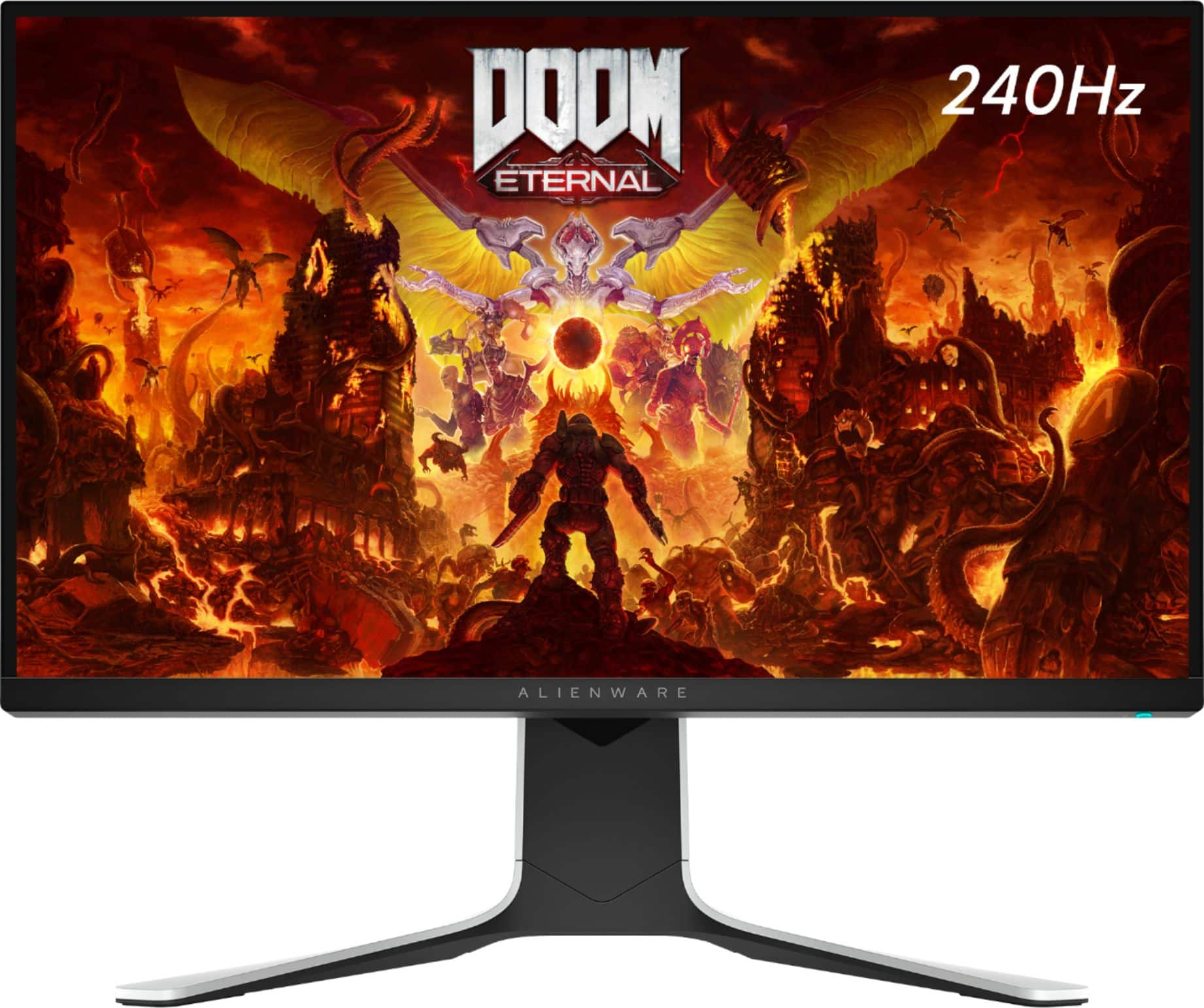
A:AnswerHello! Yes. This has a 240 Hz with 1 ms. The main difference is the screen size (this is 27" vs. 25") and this is a Free-sync monitor vs. a G-Sync.
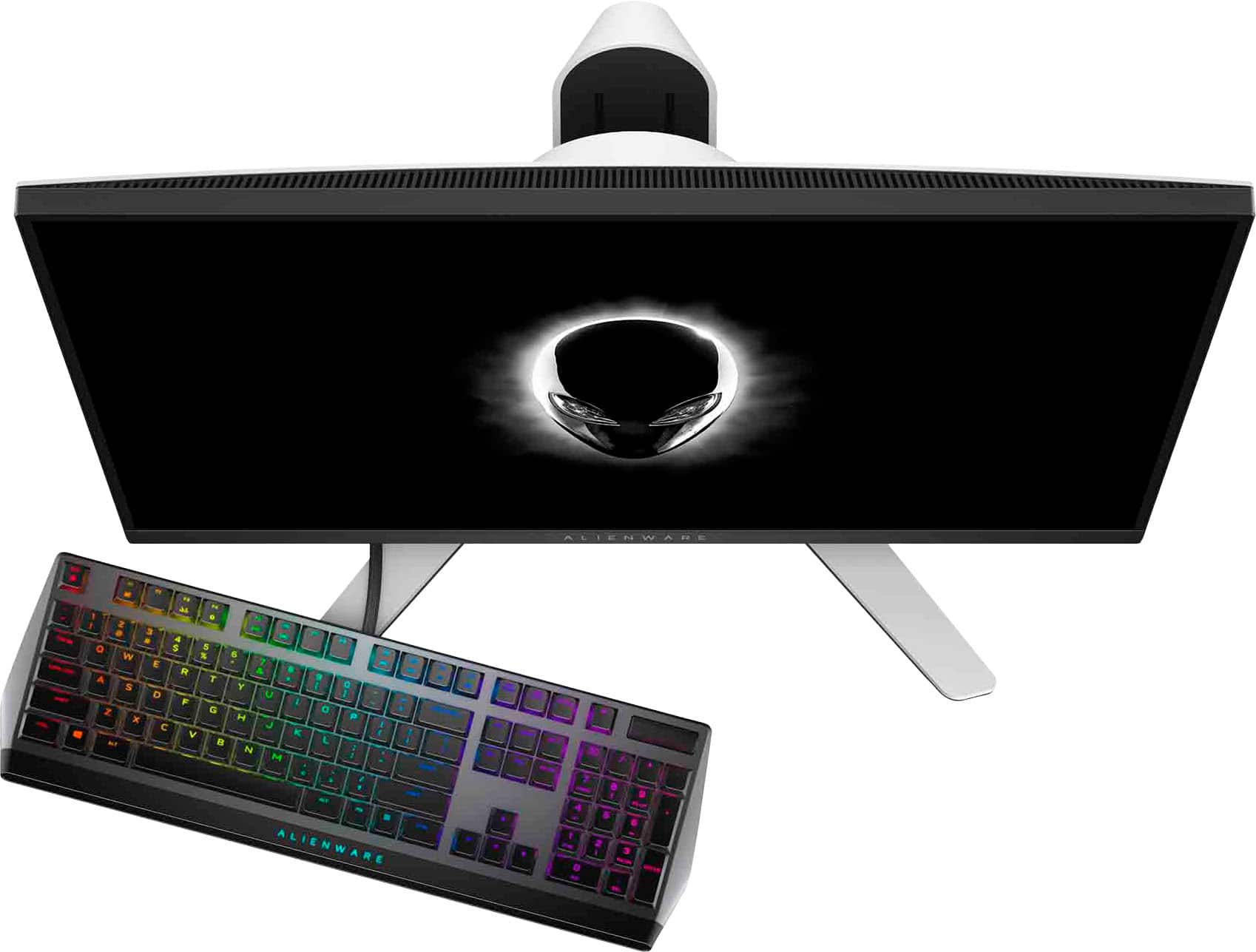
A:Answerno it does noty come with a keyboard and mouse its a monitor not a desktop pc. u can hook up a ps4 (pro) via HDMI but there are no integrated speakers but u can hook speakers up to it.
A:AnswerHello! You will just need to verify your Mac has the correct output port. You might need to purchase an adapter that allows you to connect to HDMI. But yes, you can use this monitor with your Mac mini.
A:AnswerHello! The monitor will turn on, but you do need to connect it to a source (console, laptop, desktop or all-in-one) in order for the screen to function.
A:AnswerYes, you can connect a PS4 to this monitor via HDMI but it won't utilize the 240hz refresh rate. You'd be better off buying a 60hz monitor which would probably save you some money. Unless you also game on PC, or are planning to game on PC in the future. This monitor would be a good purchase, in that case.
A:AnswerIn your case I'd buy a 60hz 4K monitor such as the LG 27UL600 or the Samsung UR55, both of which are cheaper than this monitor. A 4K TV would suffice also, unless you'd just rather use a monitor.
A:AnswerI can't answer this specifically, but if you can utilize 240Hz / fps or close, and don't mind 1080p @ 27" it's a great monitor. I can't imagine that it wouldn't work seamlessly, and at it's current sale price of $350 it's well worth giving a shot.