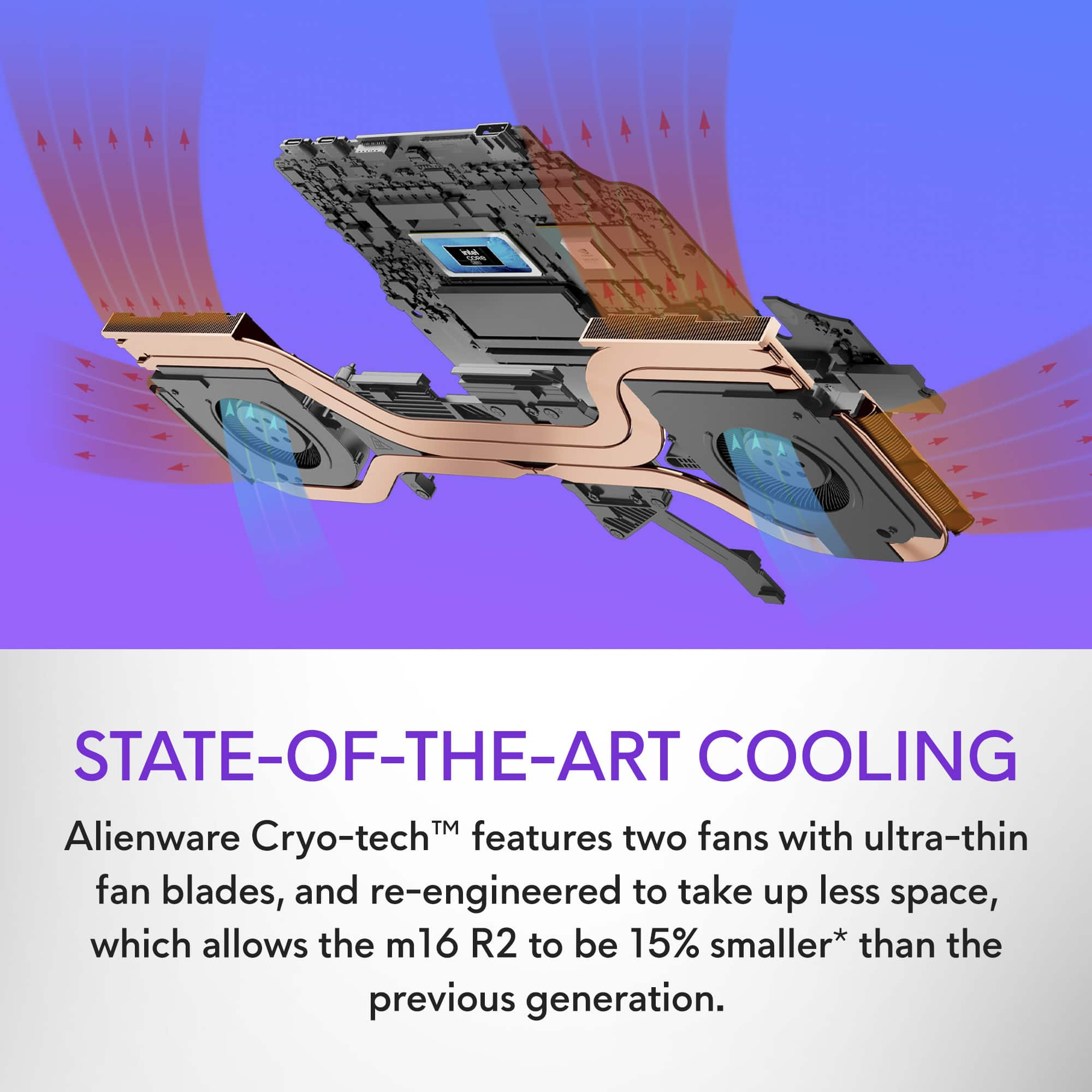
A:AnswerIt can get hot enough to throttle the CPU and GPU just like any other laptop. That’s just the way they’re made.
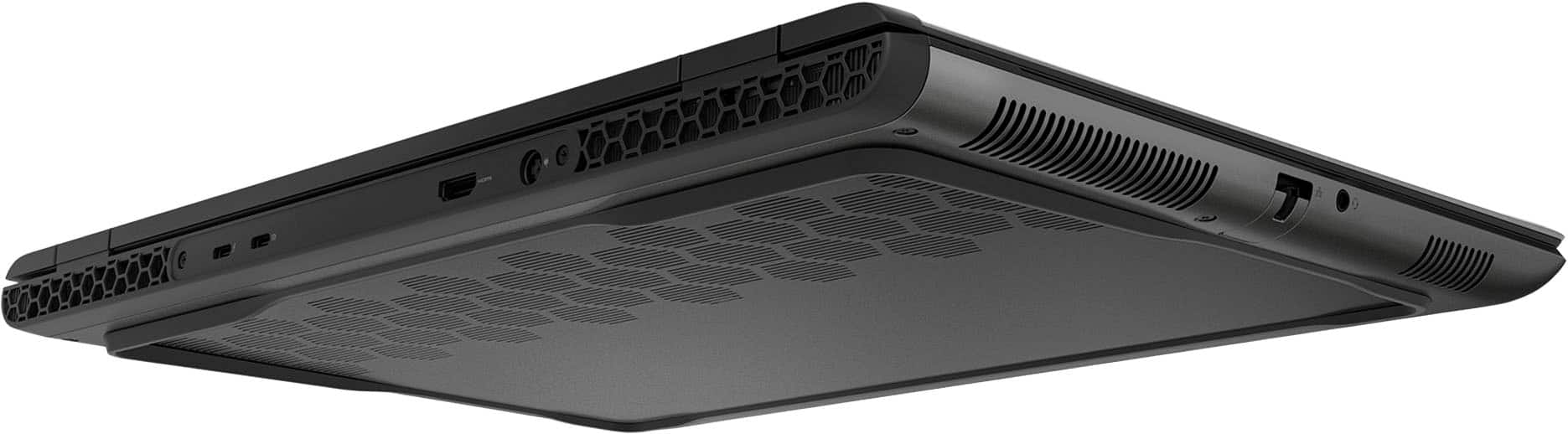
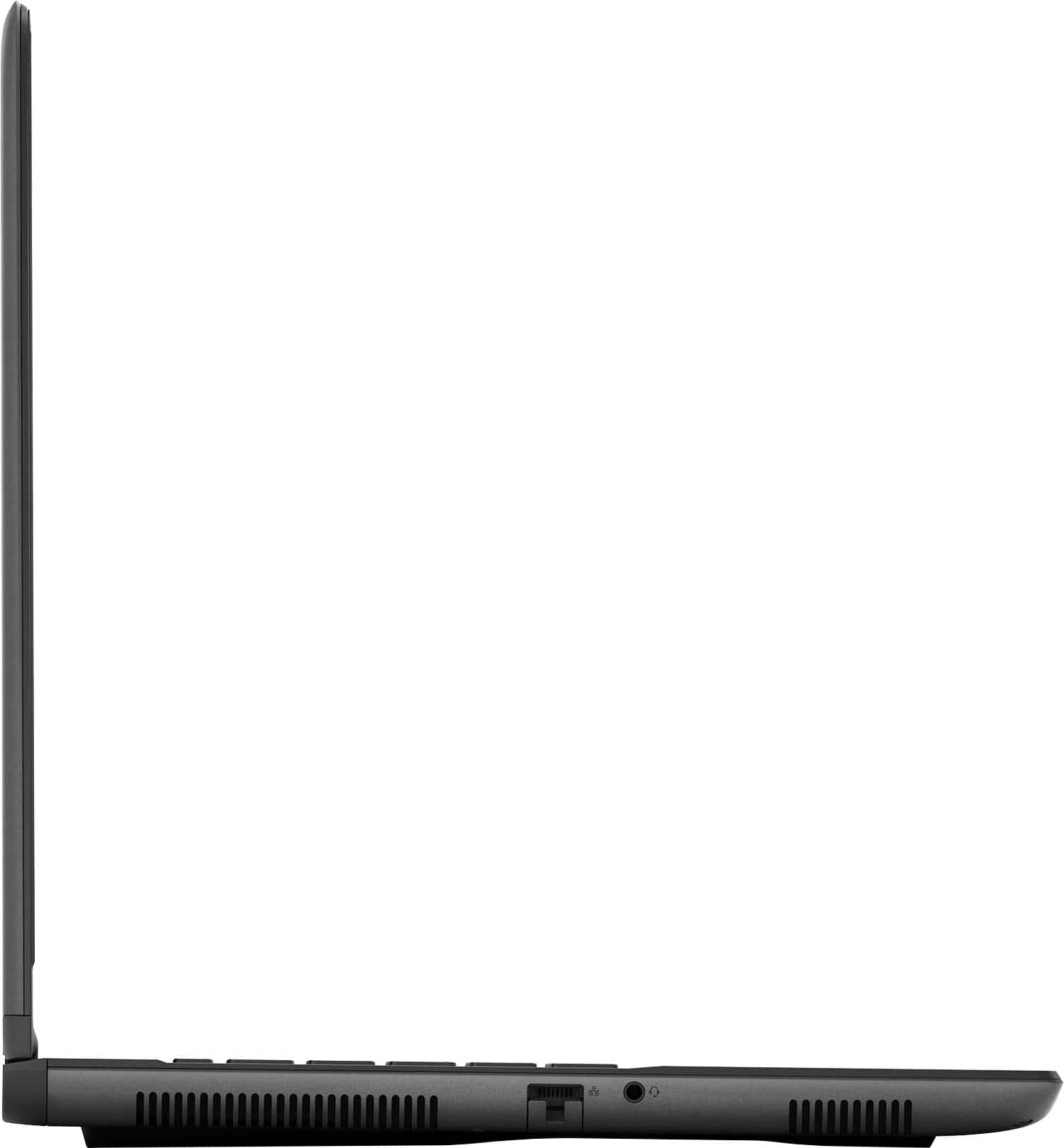
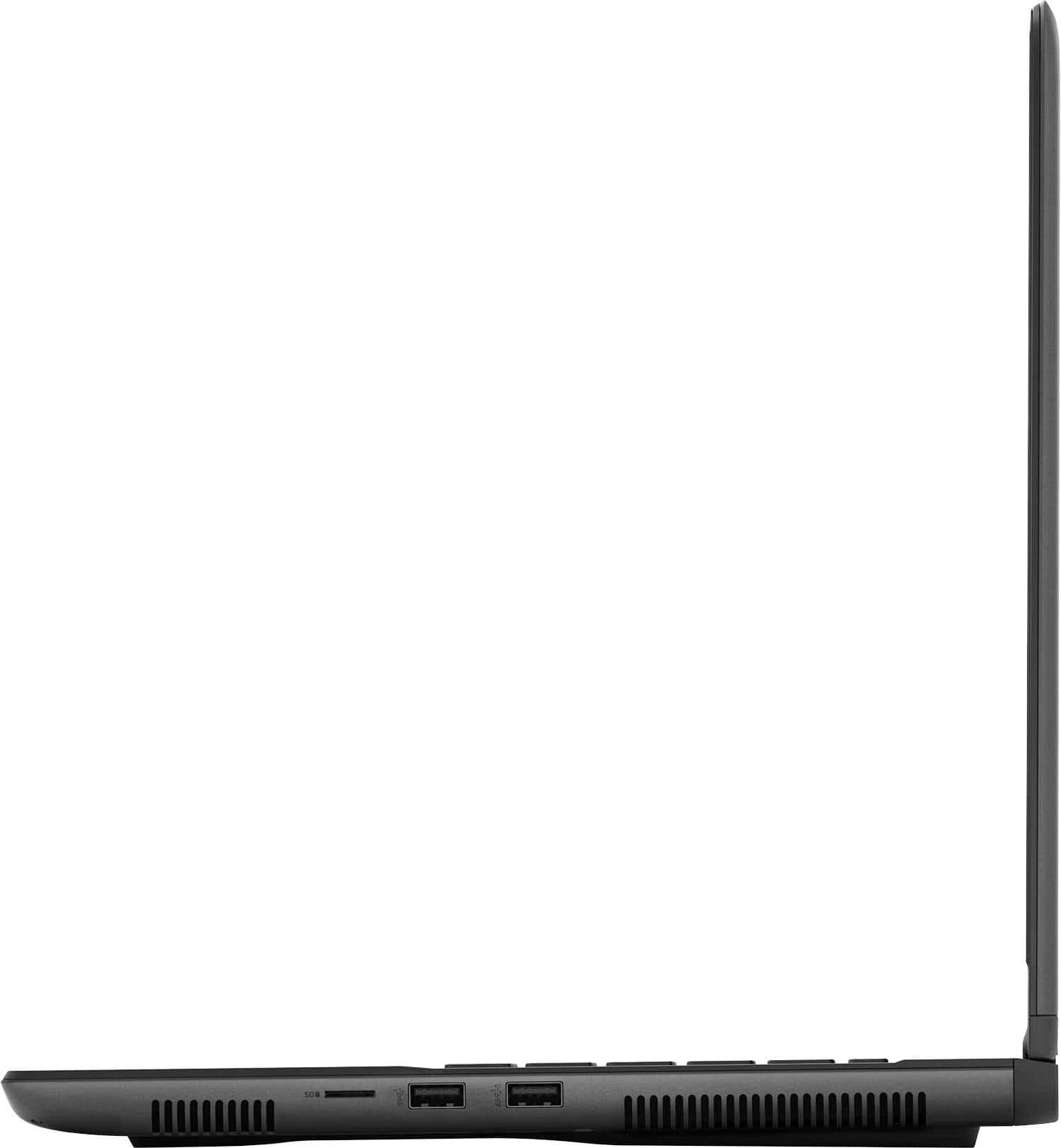
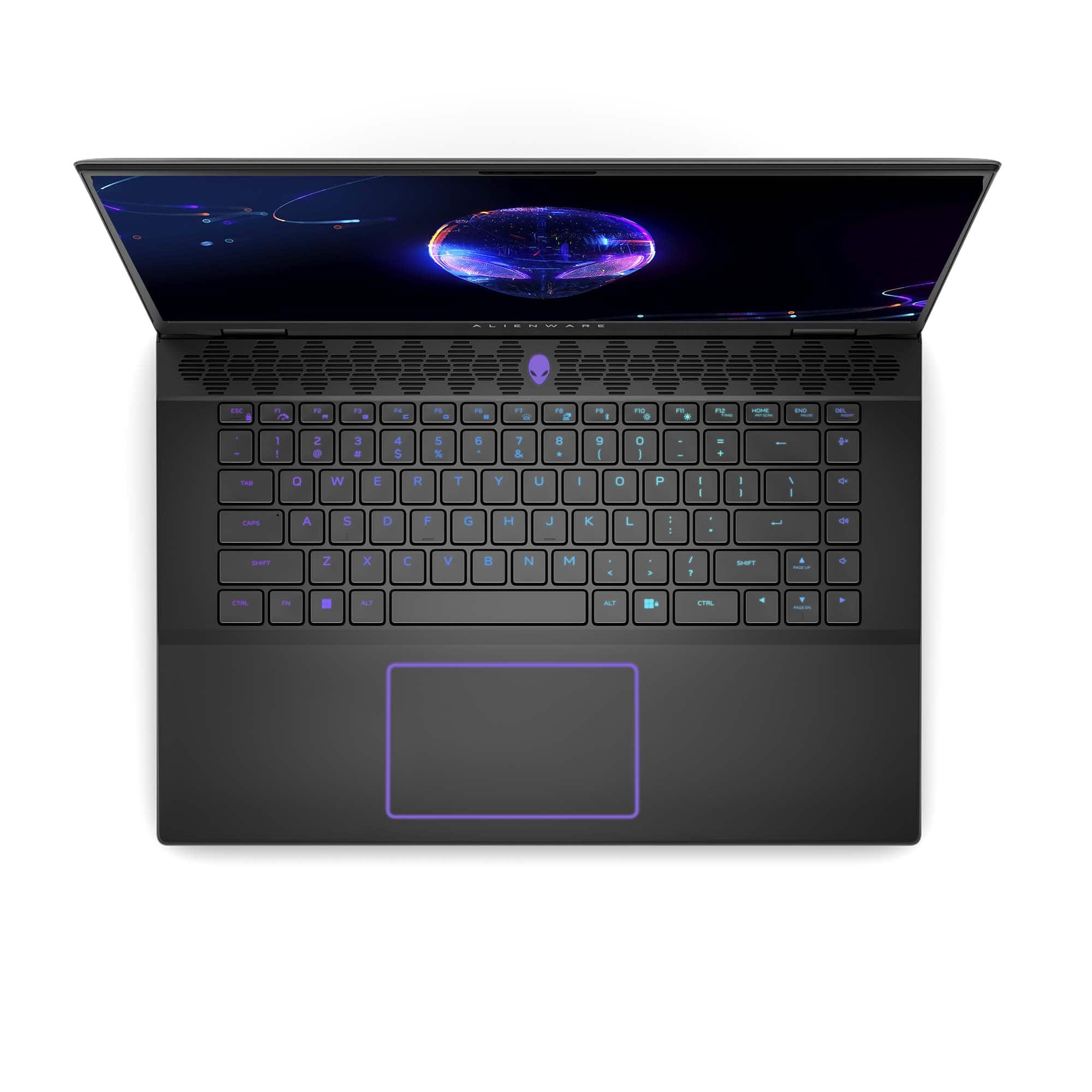
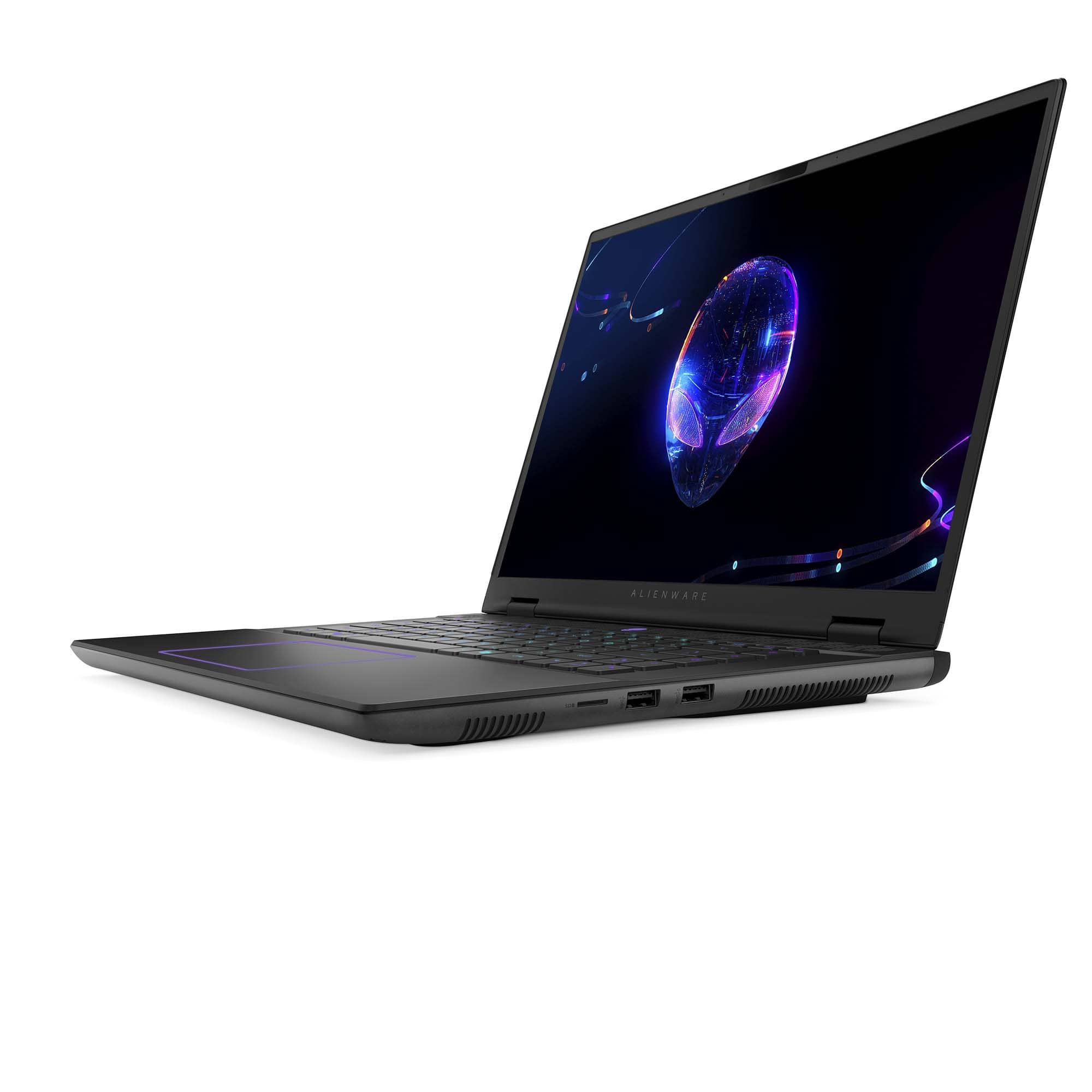
But it doesn’t feel as hot to the touch on the bottom as my MacBook does. That one gets HOT. The M16 r2 has openings on the bottom for airflow, so as long as you don’t block them like putting this on your lap on top of a blanket, it really doesn’t feel too hot and I never noticed throttling.
Look online at reviews of the M16 r2 - the temperature limits allowed before throttling is published information in a couple of reviews.
This super cool redesign of the M16 paired with the more efficient Intel core chips means I have never noticed any thermal throttling. The fan goes nuts if you push it super hard, and the fan really does its job.
A:AnswerHome.
Look online; you can get authentic Windows 11 Pro keys to upgrade for less than $20 at officially supported reputable websites that stack social-ly known information into an easy to search format.
A:Answeri had a i914 built desktop, 4080 oc pny, taichi z790, dominator ram at 7800 and let me tell you. these neew ultra 9 and 7 cpus perform just as well i was honestly mindblown
A:AnswerIt depends on use, obviously.
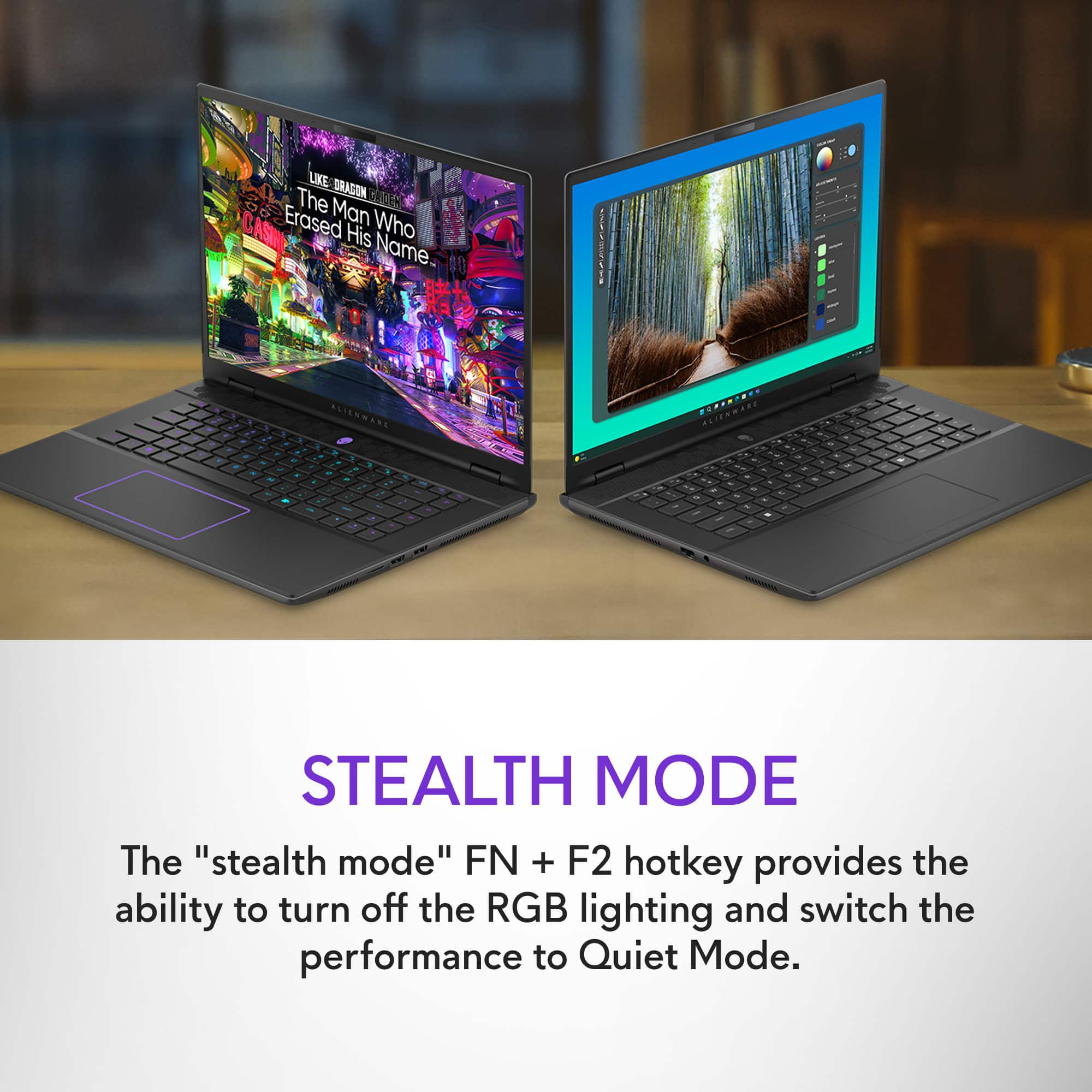
Stealth mode gives maximum battery life.
The M16 r2 has shockingly good battery life for a gaming laptop when used lightly with for example just taking notes in class. I’ve used it at work for 5-6 hours straight with no issue. And that’s with a battery that after a year of use is down to 75% max capacity.
With super hard usage like hard gaming with the fan going nuts, expect barely more than an hour of usage. (Also, don’t block the air vents underneath for best cooling and therefore less fan usage which means better battery life.)
Just like with any other laptop, note the following:
Leave screen on bright or super bright, it will eat battery.
Use computer hard for science lab applications, it will eat battery even faster.
Have WiFi that’s weak, it’ll eat battery.
Have many browser tabs open, it’ll eat battery.
Have cloud storage doing a big sync or backup, it’ll eat battery.
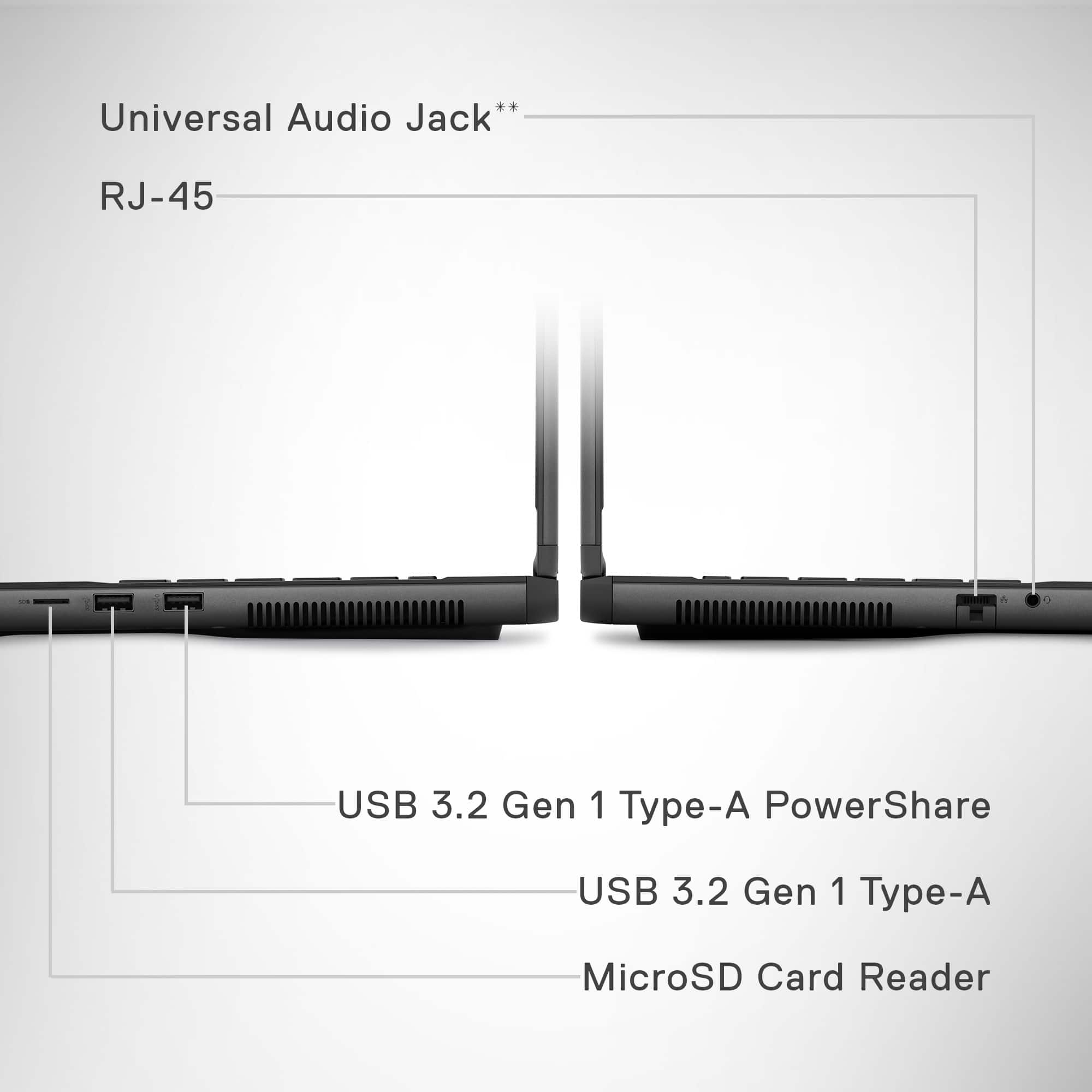
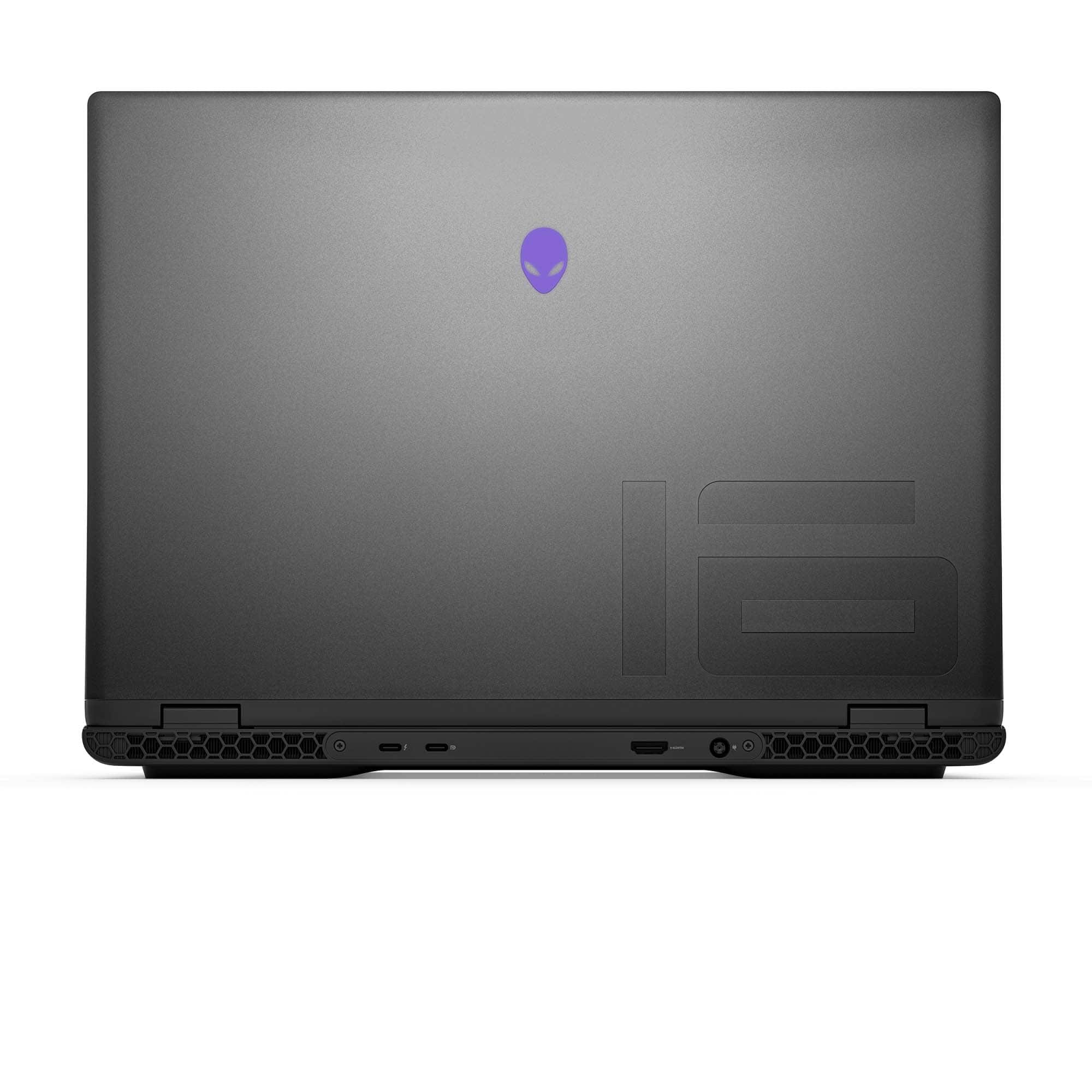
A:AnswerUsing a Dell thunderbolt docking station, you most definitely can expand the number of monitors supported beyond the one hdmi port provided on the M16 r2.
Although Dell doesn’t list the WD22tb4 thunderbolt docking station as compatible (due likely to the high power requirements of the M16 r2), it has been for me, and with 2-3 hours of heavy gaming last night, the battery went down only from 100% to 75%.
That dock supports up to 4 external monitors, but do your due diligence to see if the supported resolutions and refresh rate on the dock meet your requirements. Reminder: you have to be using the thunderbolt port on the M16 r2 to get the dock’s full functionality.
The dock is much cheaper if not our CB added directly from Dell. Make sure that you update the dock’s firmware when you get it.
A:AnswerYou will want to upgrade for an international warranty. Premium or Pro warranty service through Dell will qualify for the Dell global warranty.
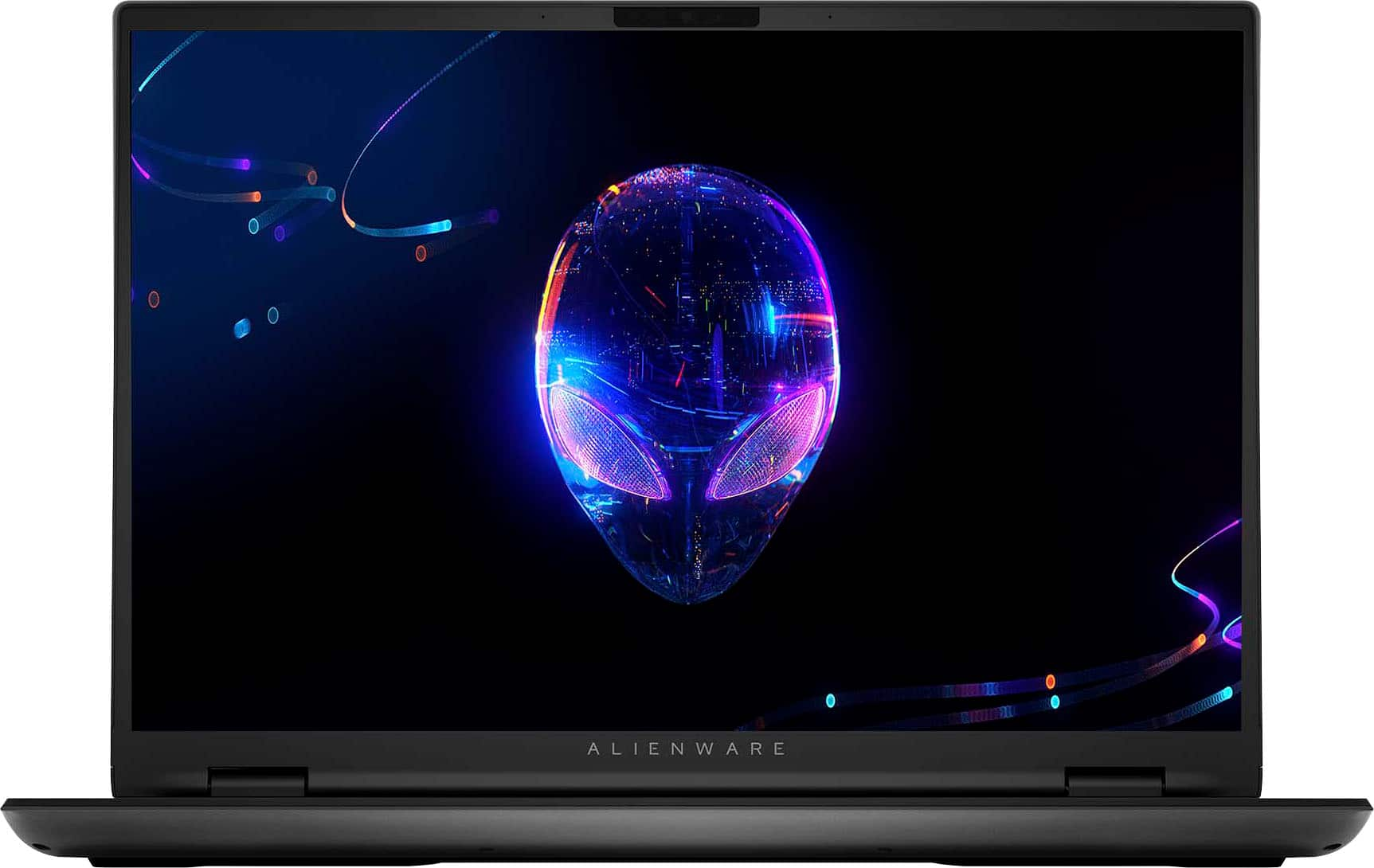
A:Answer300 nits is the published specification.
Outside in bright sun, it’ll be close to useless.
Inside, it’s most definitely bright enough unless in a super super bright room or with bright sun shining on the screen.
I agree with what others have said: Dell likely went a little cheaper on the screen because gamers likely have a great monitor at home that they use when doing their hardcore gaming.
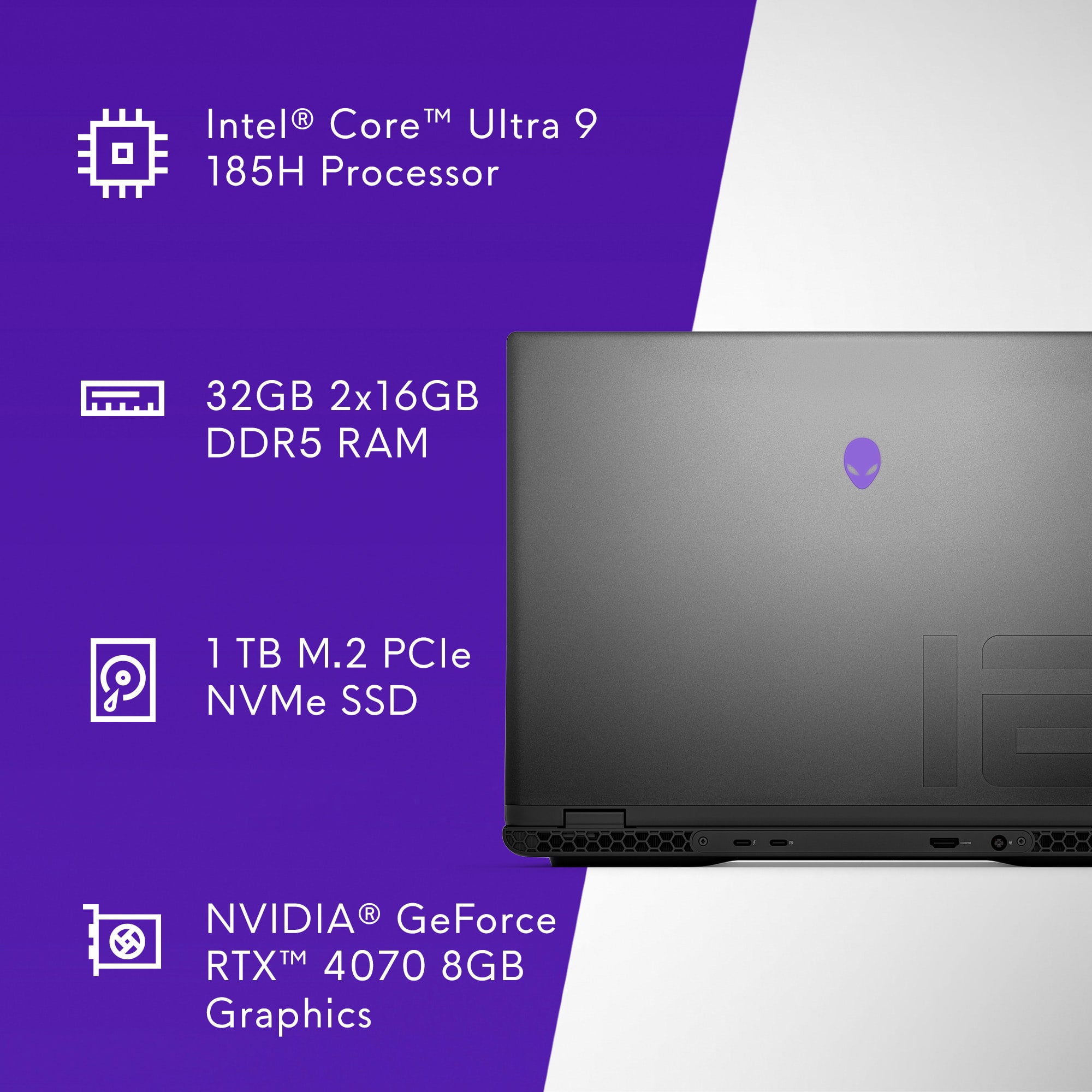
A:Answer96 GB just like the CPU can handle.
Crucial makes a set that works great!
Make sure that you give the M16 r2 plenty of time to recognize the RAM through a bios boot cycle or two. It takes so long you think that it doesn’t work. Be patient, follow the upgrade process path others have shown elsewhere on a community forum that sounds like a color.
Now virtual machines run like crazy, I never have to wait for anything.