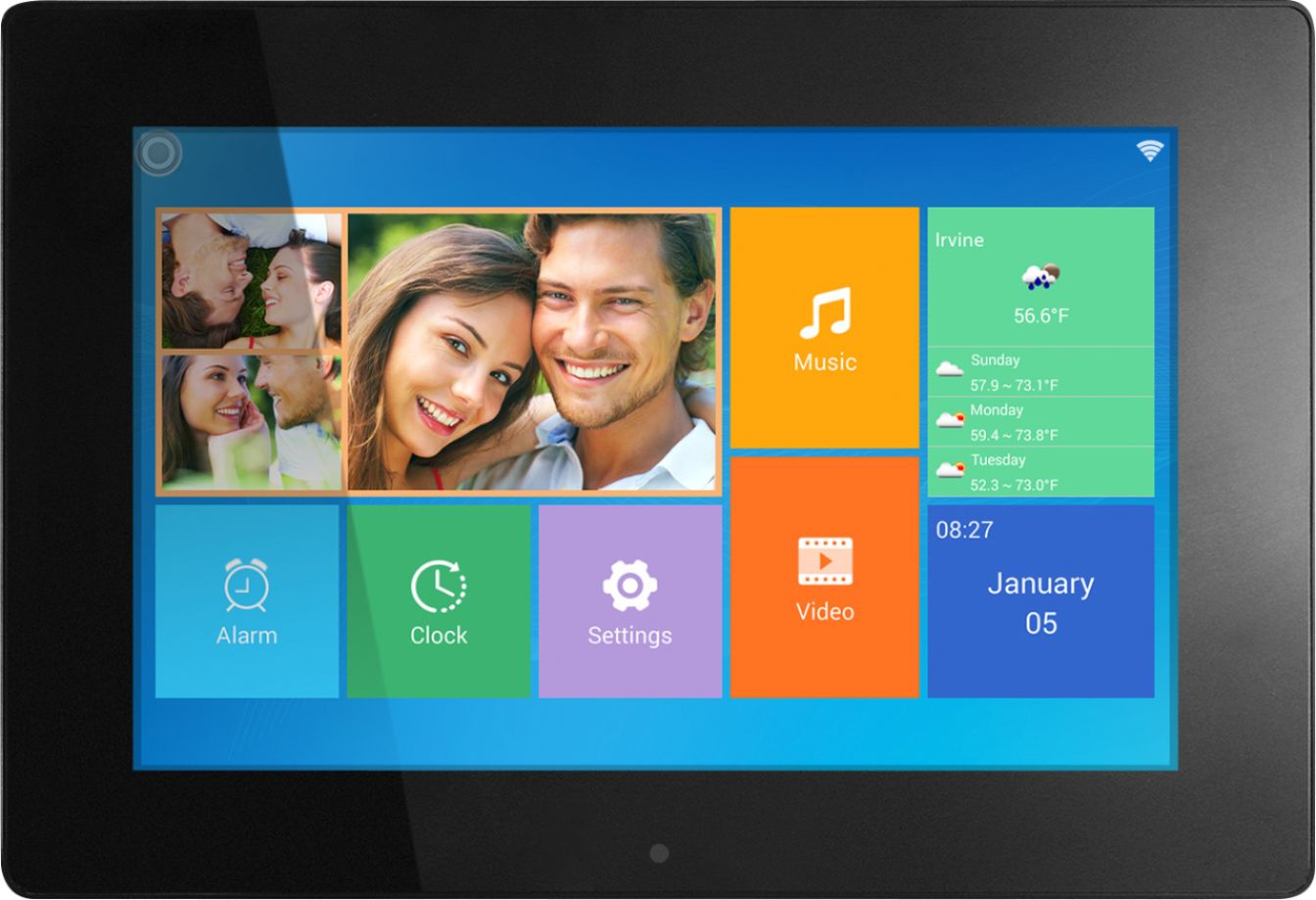
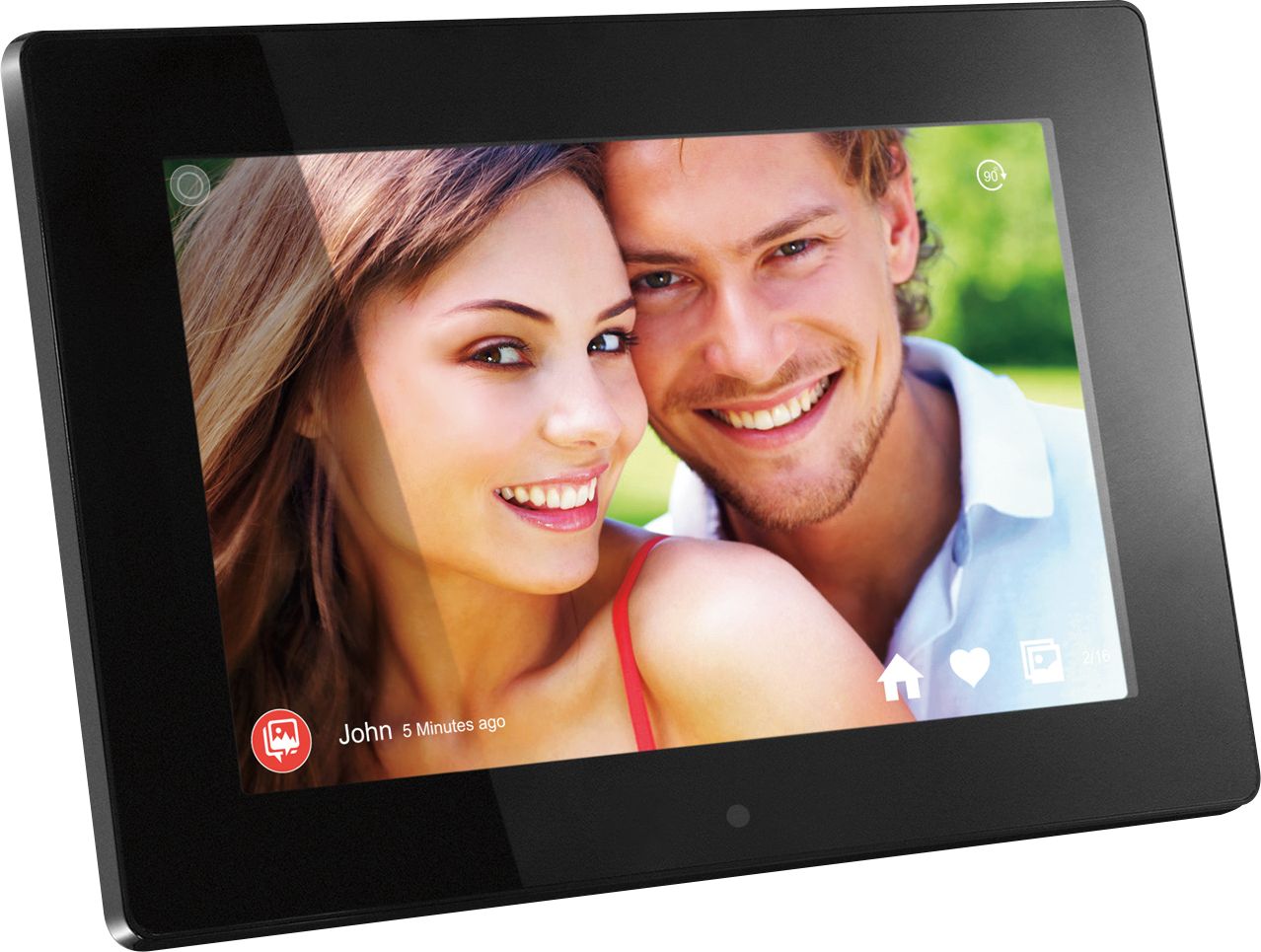
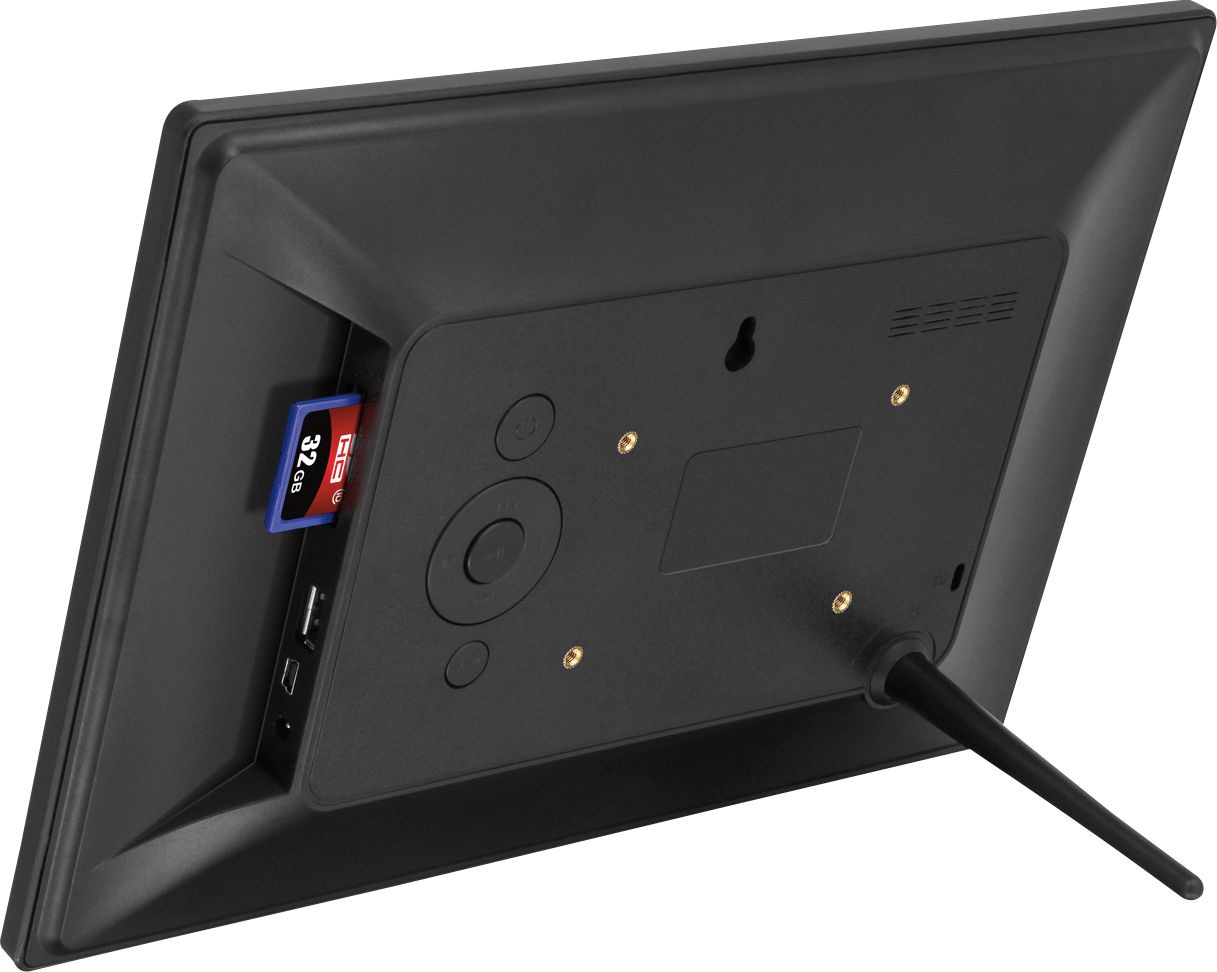
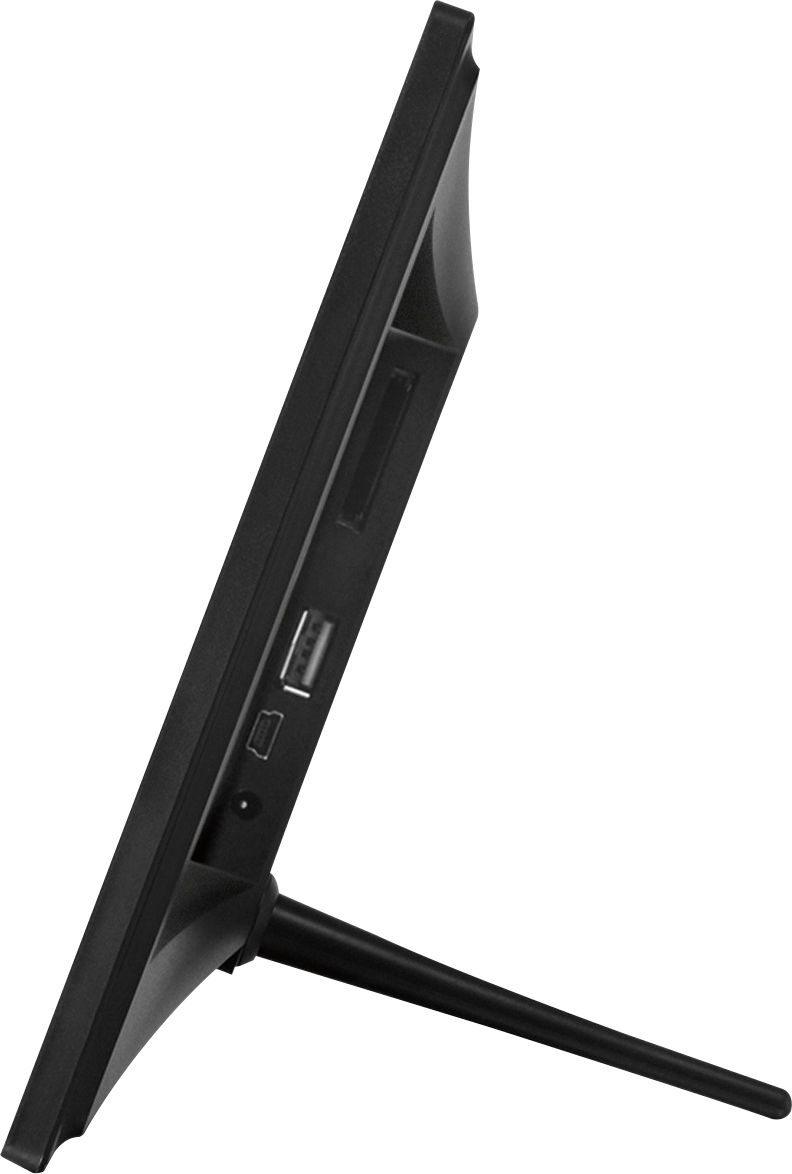
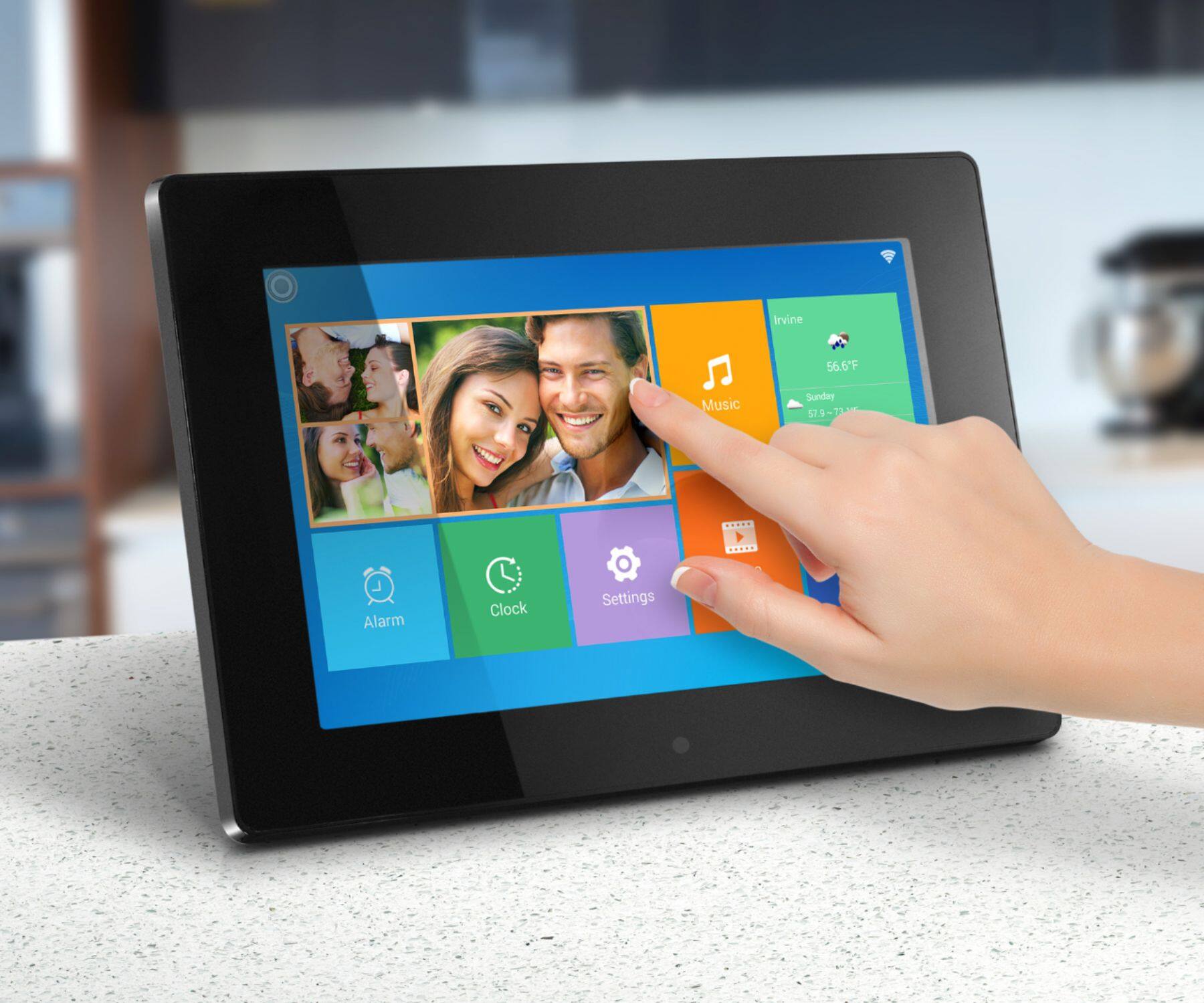
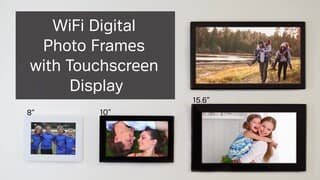
A:AnswerI would say, No. After setting up the frame at home and pairing up my phone to it I could send any photo from my phone directly to the frame. I took the frame to work with me the next day and set it up on my desk, I decided to send a few more photos from the phone that was paired up with the frame the night before directly to the frame but the images never transferred. I took the frame back home that evening and soon as I got in and turned it on the photos transferred. Not sure why the photos didn’t transfer from my phone wile at work since both times I was hooked up to wifi and the device had already been paired. Your best bet would be to send the photos to her phone and use the frame’s app for loading photos to the frame. If she is not as computer savvy as you say, then you may have to pair up her device with the frame and install the app to her phone, But if you want to email photos directly to the frame I would say you w=may want to seek other options...
A:AnswerI haven’t found a way to do this remotely. You can easily add photos remotely and delete them at the frame, and you can display sequentially or randomly.
A:AnswerFor this model, there is no QR code. Once the frame is connected to the internet, there will be a frame/device ID that you to enter in the Aluratek Smart Frame app for the pairing.
A:AnswerLooking at the frame you have, the AWS10F, you should be using the Smart Frame app, not our FrameTime app or WIFI Frame app. The Smart Frame app does not require any QR code scanning. You will bind your phone (using Smart Frame app) to the frame via WIFI. Download the app, setup an account and login, then go to the Devices tab on the phone app, click the + sign next to My Devices and complete the 3 tabs. Then tap on Submit or Bind. If someone already setup the frame and you are the 2nd or 3rd person to try to bind to the frame, then you click the + sign next to Other Devices or Bound Devices and complete 2 tabs to bind. Contact us at [email protected] for more detailed instructions on using the Smart Frame app.