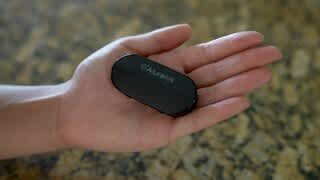
A:AnswerYes, this you can connect this to your keyboard and send the audio to a bluetooth headphone or speaker. For best performance make sure your bluetooth device supports aptX™ Low Latency. Otherwise you may hear a slight delay.
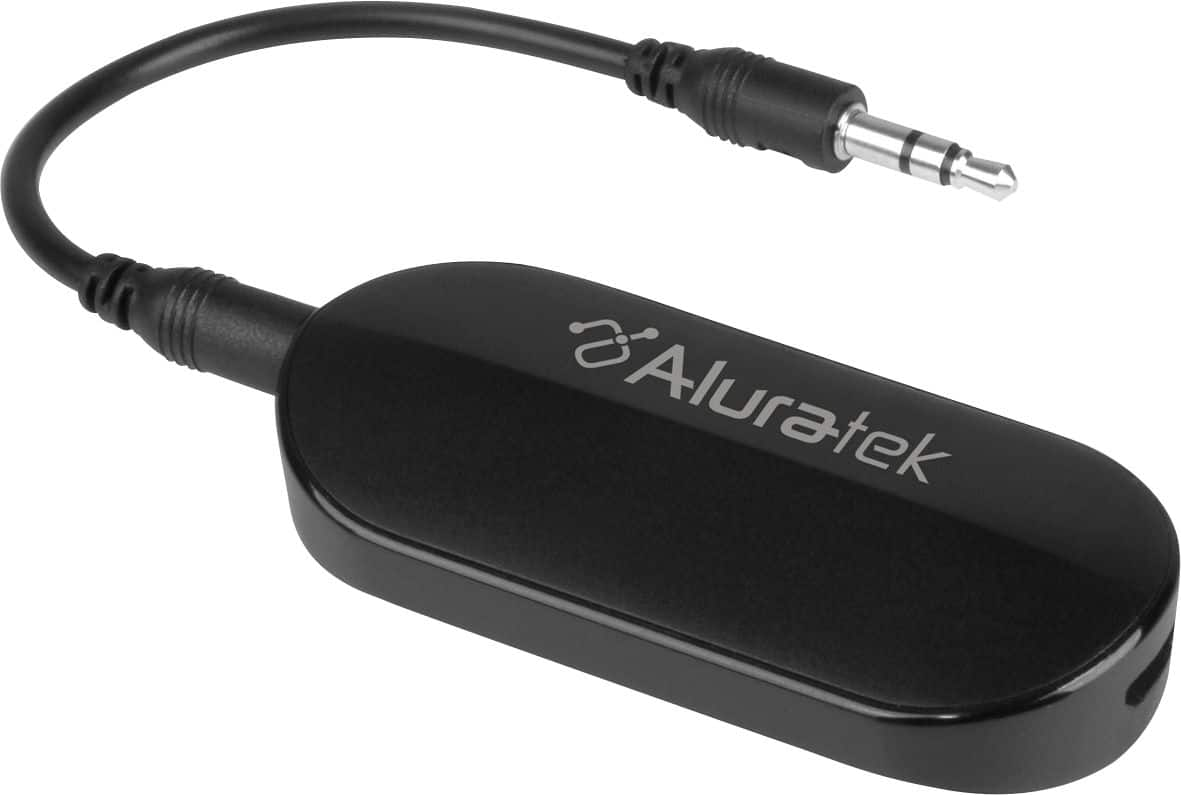
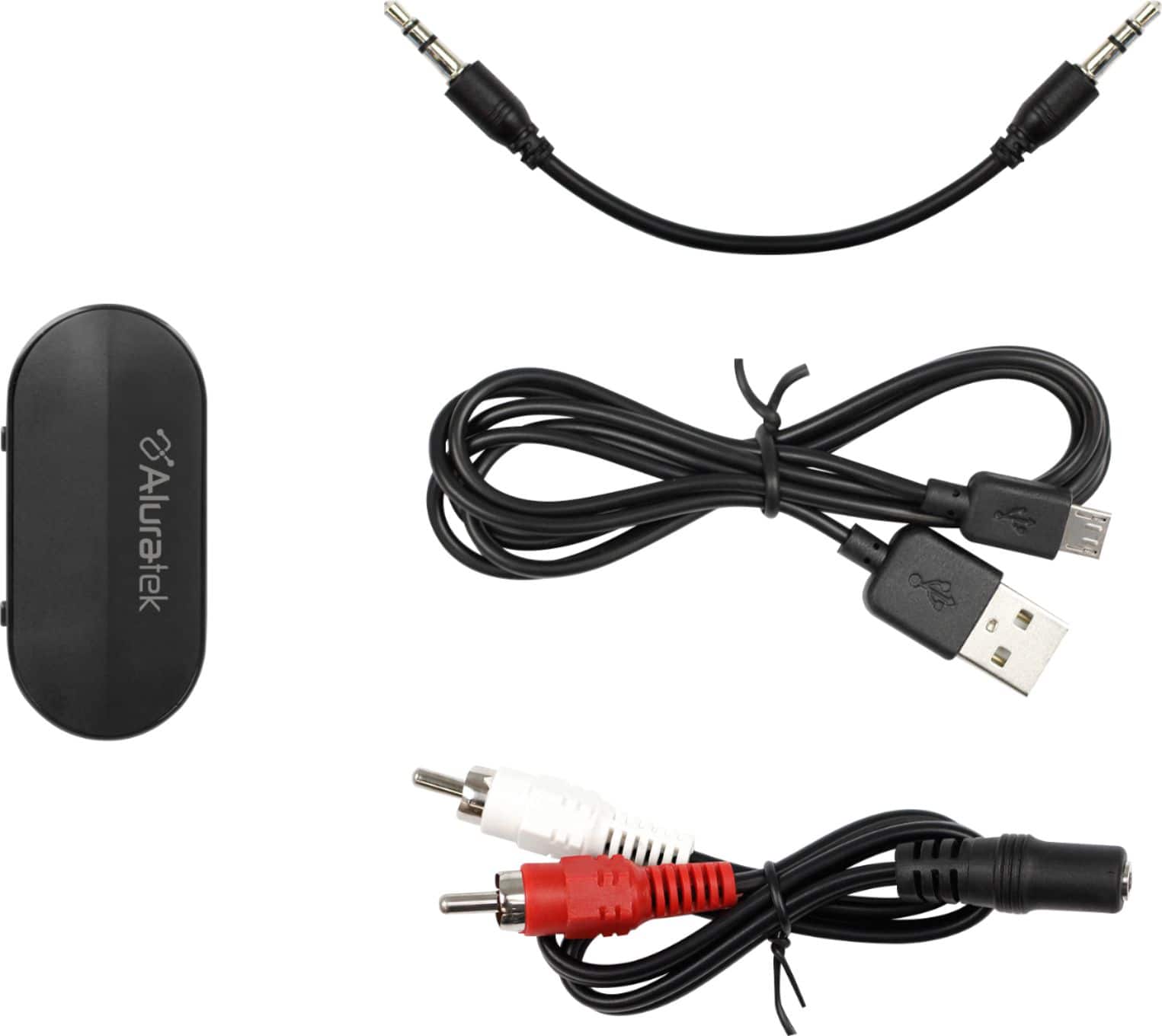
A:AnswerIt should pair with any Bluetooth enabled device. And you can connect it to the headphone jack of the listening device, or use the left/right(white/red) audio jack adapter.
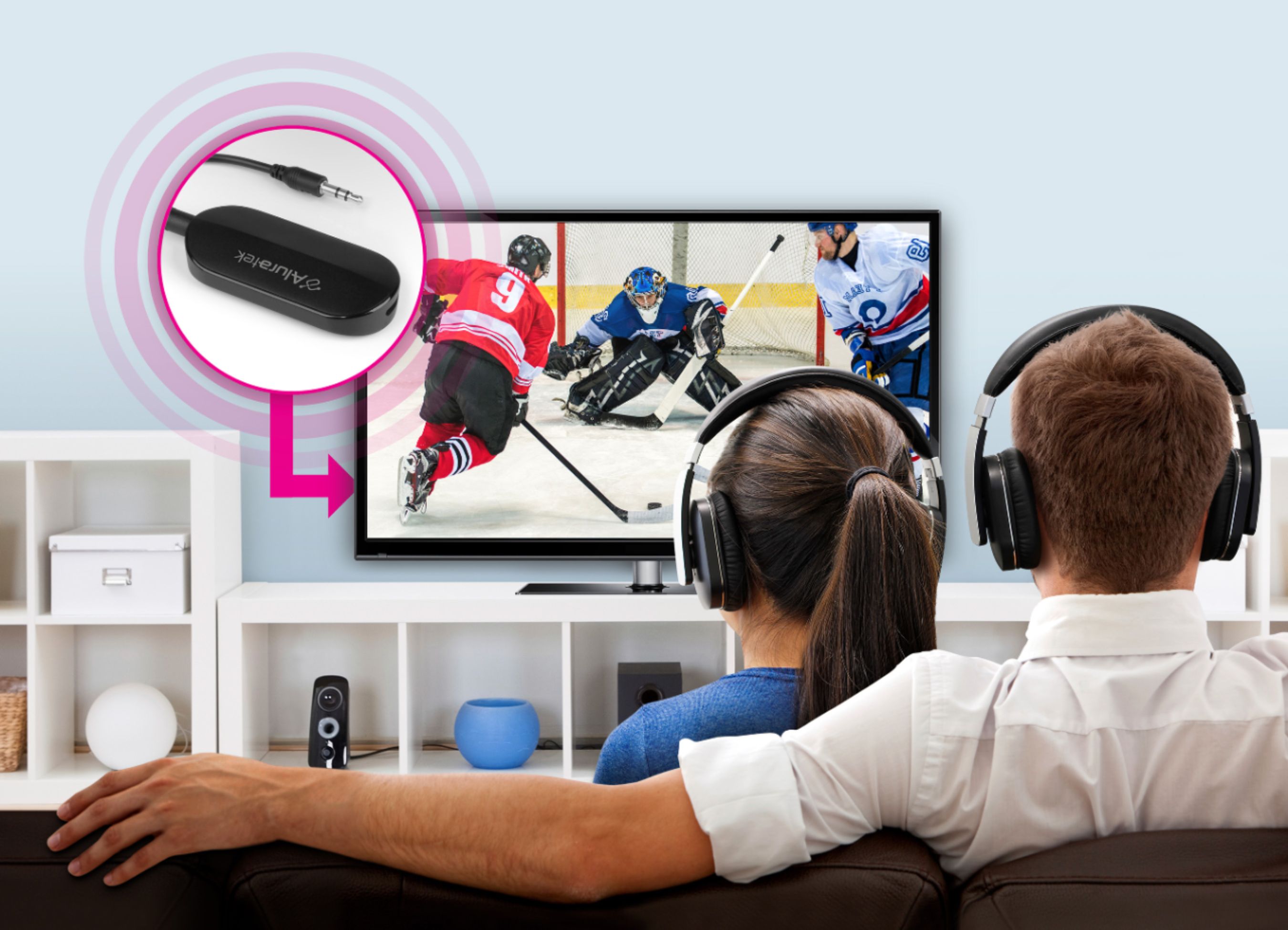
A:AnswerI put the transmitter into the audio out port on the back of my LG TV and set it in pairing mode, first. Then I turn my bluetooth headset on and set to pairing mode, second. Works for me.
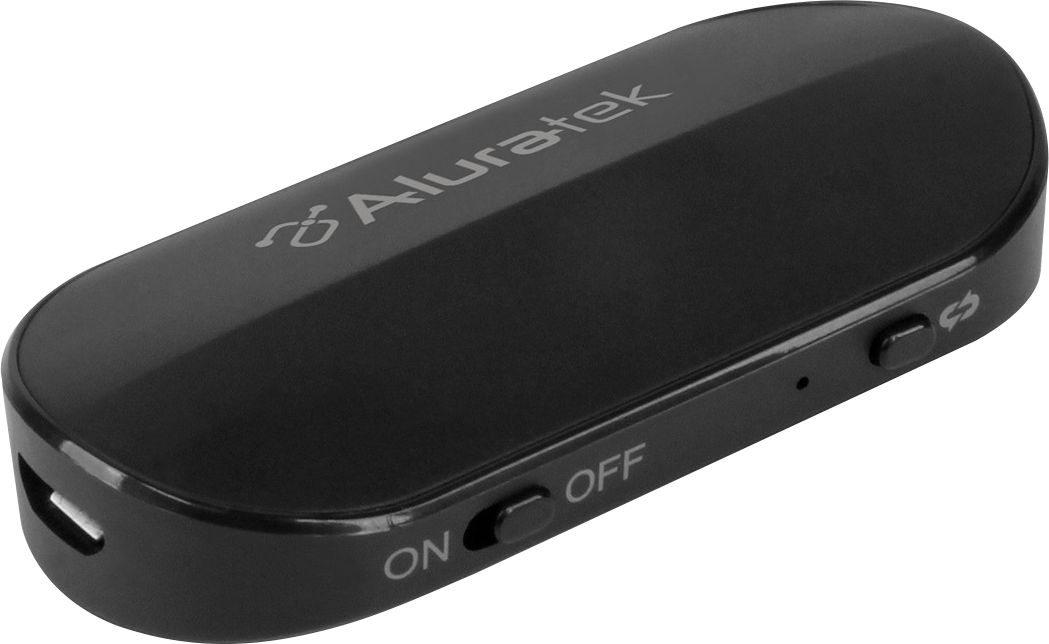
A:AnswerThere are two connections: charge (USB) and audio (AUX). They work simultaneously as they perform different functions. If your TV does not have headphone plug, it will not work.
A:AnswerPlease help to double check that the headset is not connected to another device such as your smart phone. Please also check that the ABT05F is charged or connected to a power source.