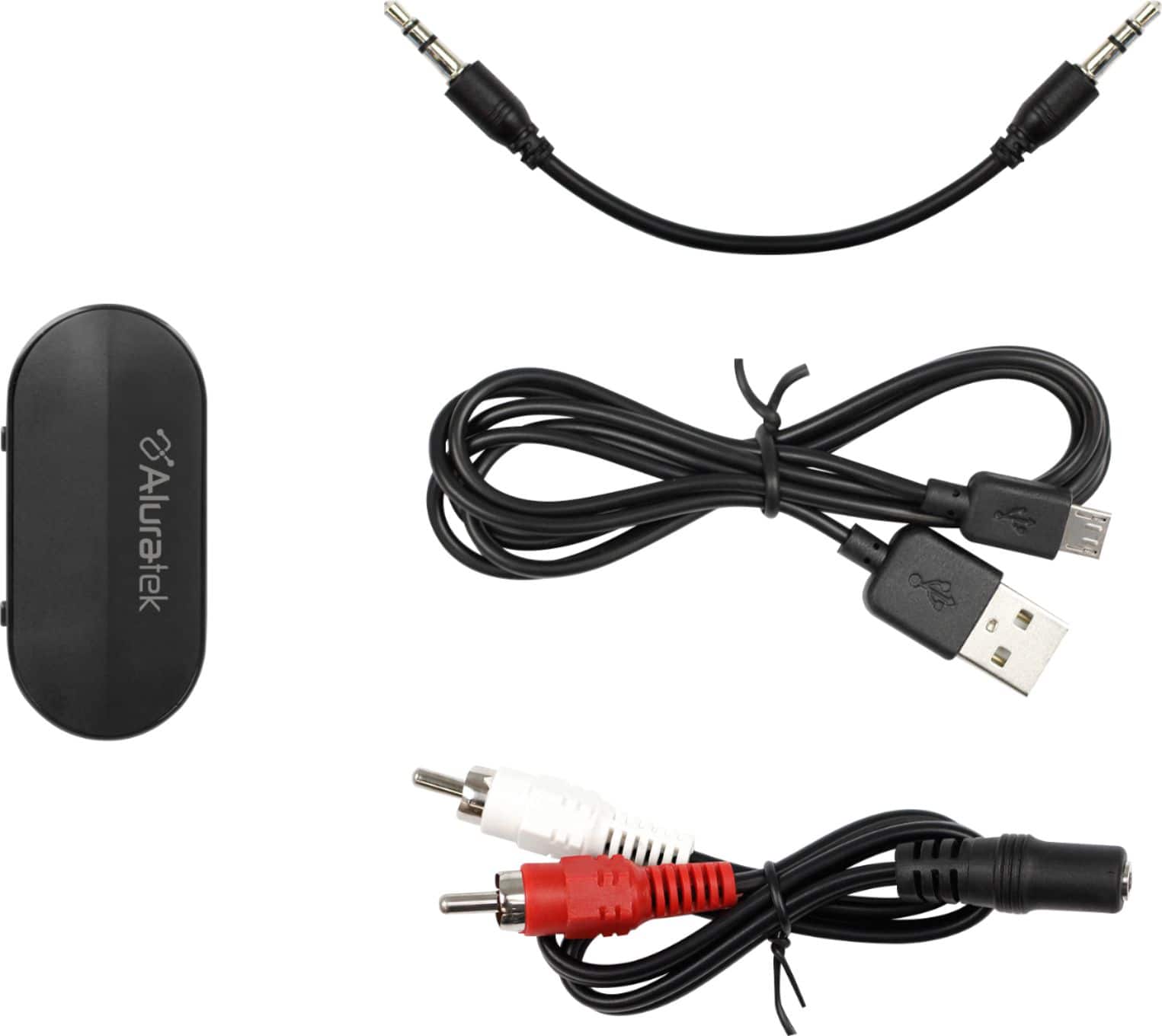
A:AnswerPlease check on the 3.5mm or RCA connection. If you are still not getting sound, please contact our support at 866-580-1978 for more assistance.
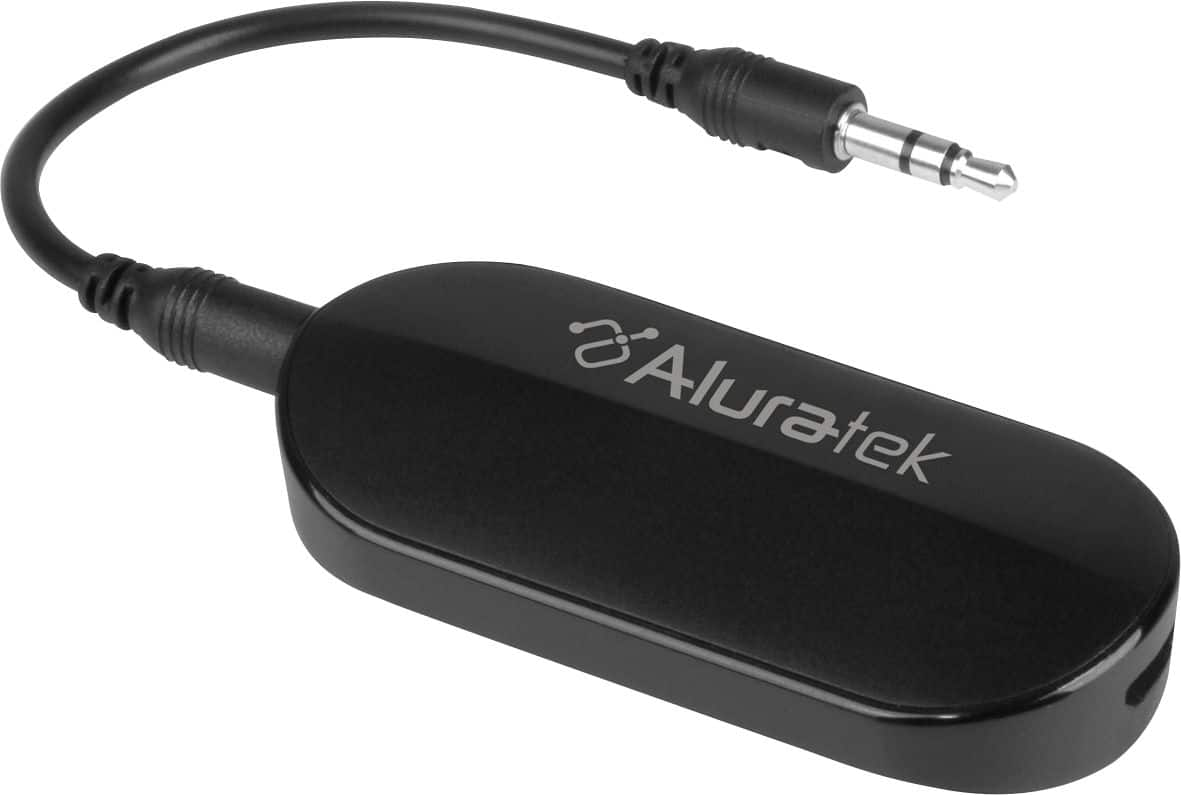
A:AnswerFor your application, you will need a Bluetooth receiver for the radio. Please find below suggestions on the product that will work for your application.
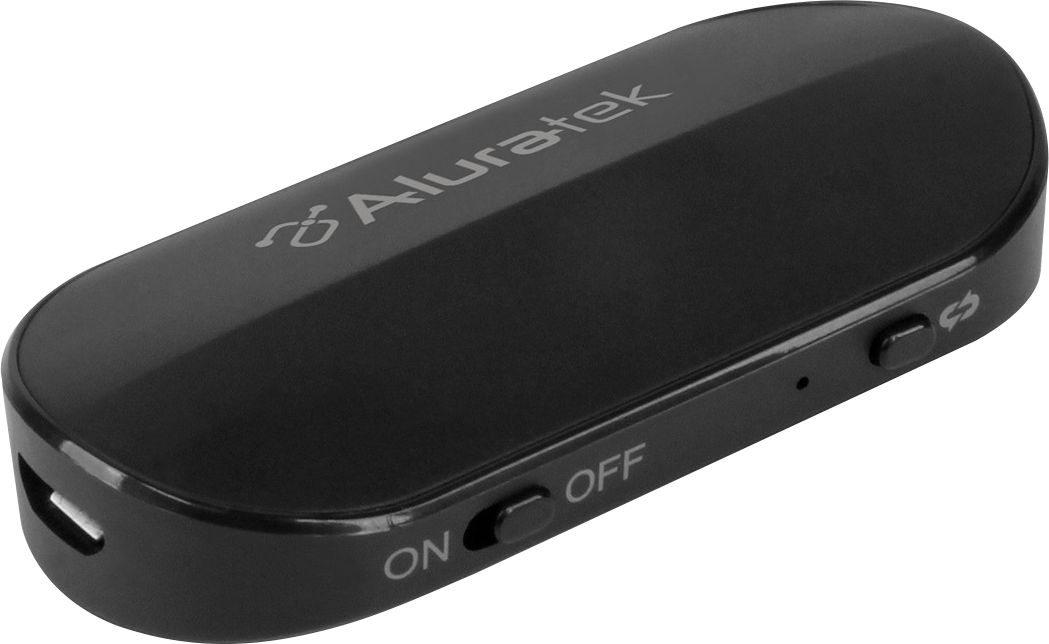
A:AnswerPlease try to do a hardware reset of ABT05F by press/hold the power button and insert the power adapter (connected to a power source) while the button is pressed. ABT05F will default back to pairing mode.
A:AnswerYou will need to have a Bluetooth receiver so you can stream your music from your phone to your motorcycle speaker. Please also make sure that you have a Aux/3.5mm input on your motorcycle speaker.
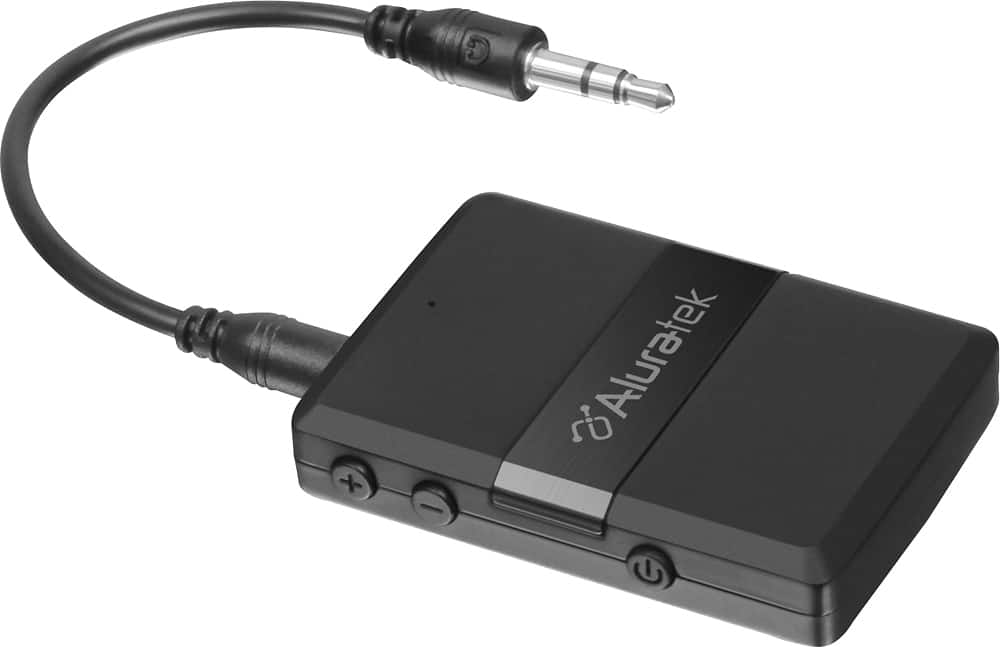
A:AnswerABCD54F should work with your hearing aid as long you don't need an app to do the pairing process. We have many customers already using it for this application but unfortunately we don't have the make and model for the hearing aids.
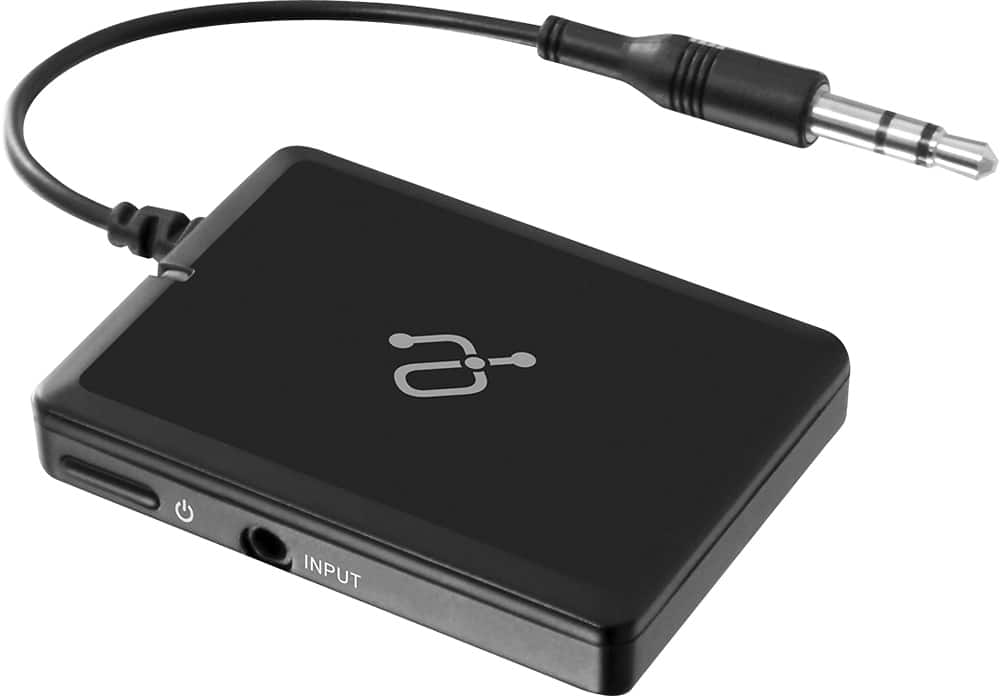
A:AnswerIf you are looking to stream music from your phone to the car stereo, you will need to purchase a Bluetooth receiver, iStream that I listed below. You can leave the power cord connected so you don't have to worry about power.
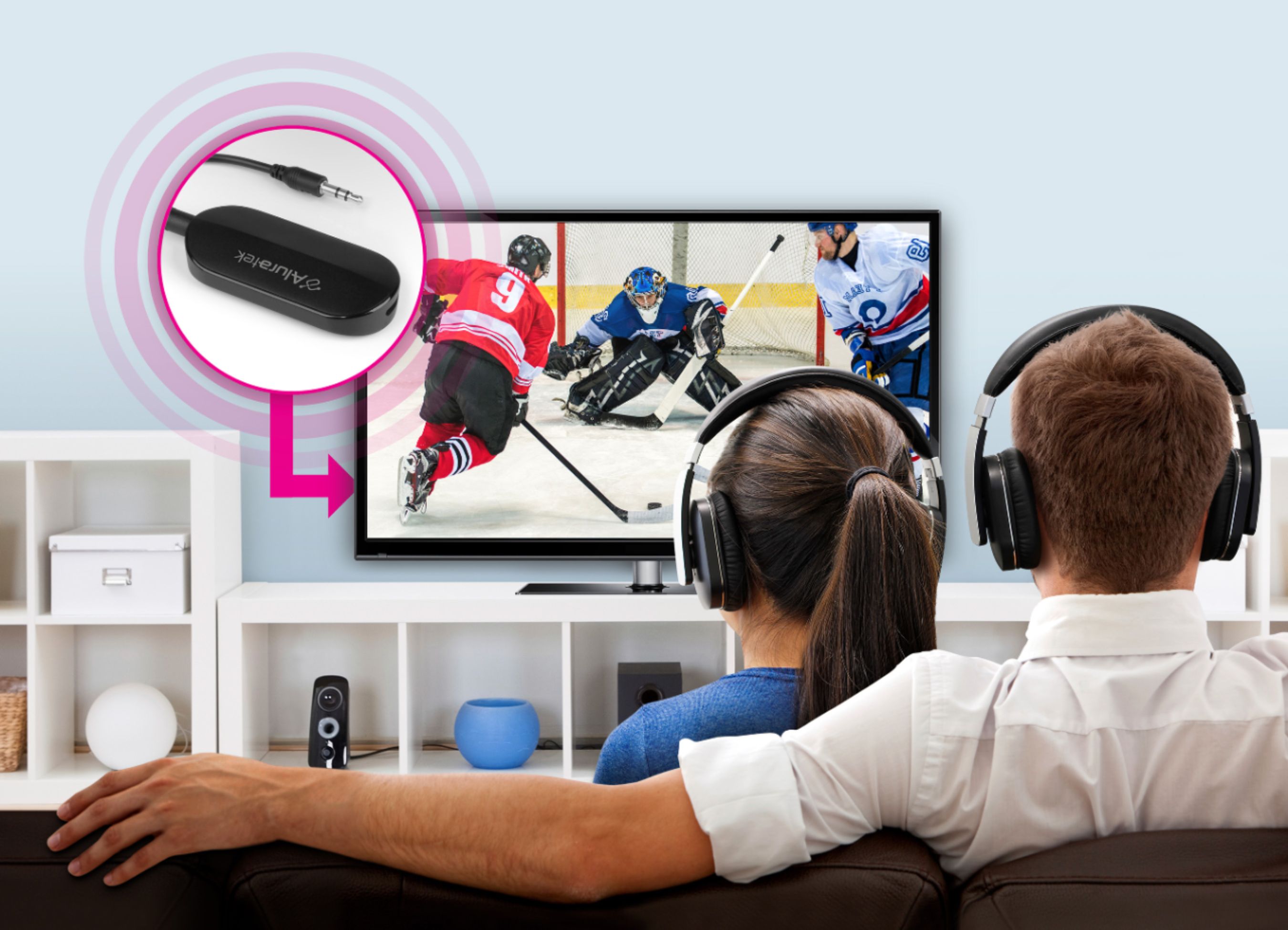
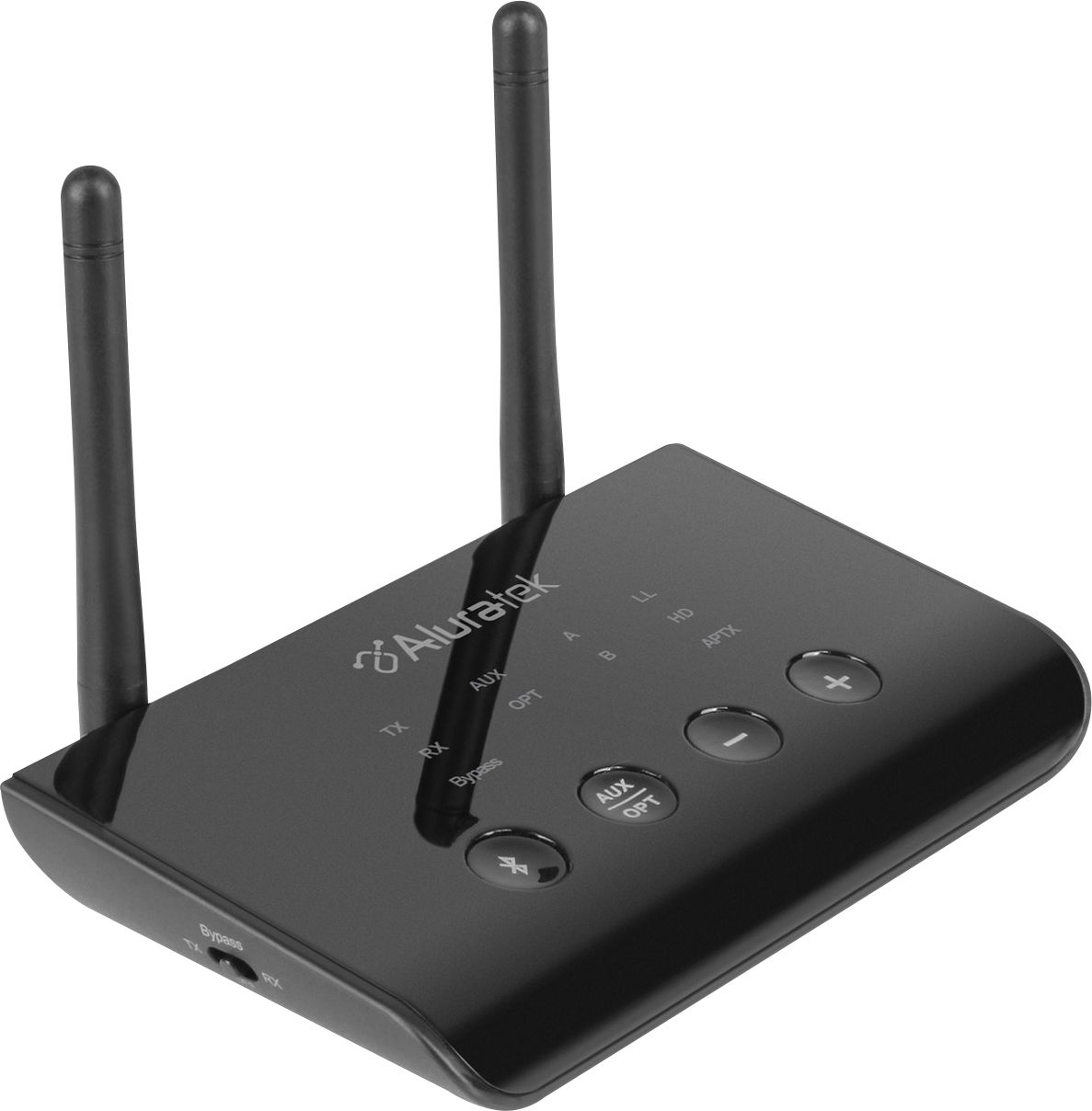
A:AnswerThe audio jack should be enabled by default. Please check your Samsung TV manual if there is no output. When ABT01F is showing red/blue lights, please make sure to enable the pairing mode on your headset so the two devices can pair to each other. Please also check that the audio output is in PCM by going to the advanced sound menu on your TV.