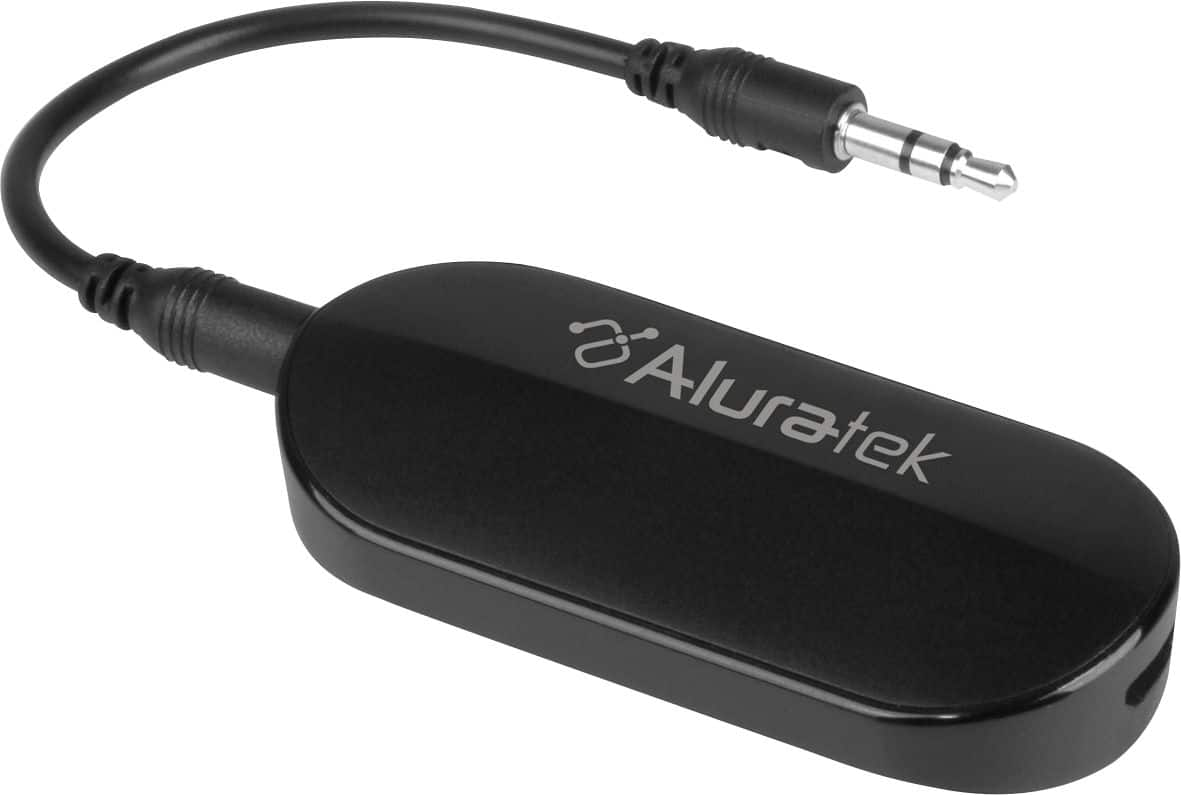
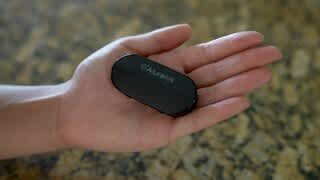
A:AnswerNo. A mobile phone will not connect via Bluetooth to a transmitter. You need a Bluetooth Receiver for this. Take the ABT05F back and get an AIS01F Bluetooth Receiver. Or get the ABC01F which is both Receiver and Transmitter and you would put that unit in RX mode for BT receiving. If you need help setting up contact us at support@aluratek.com.
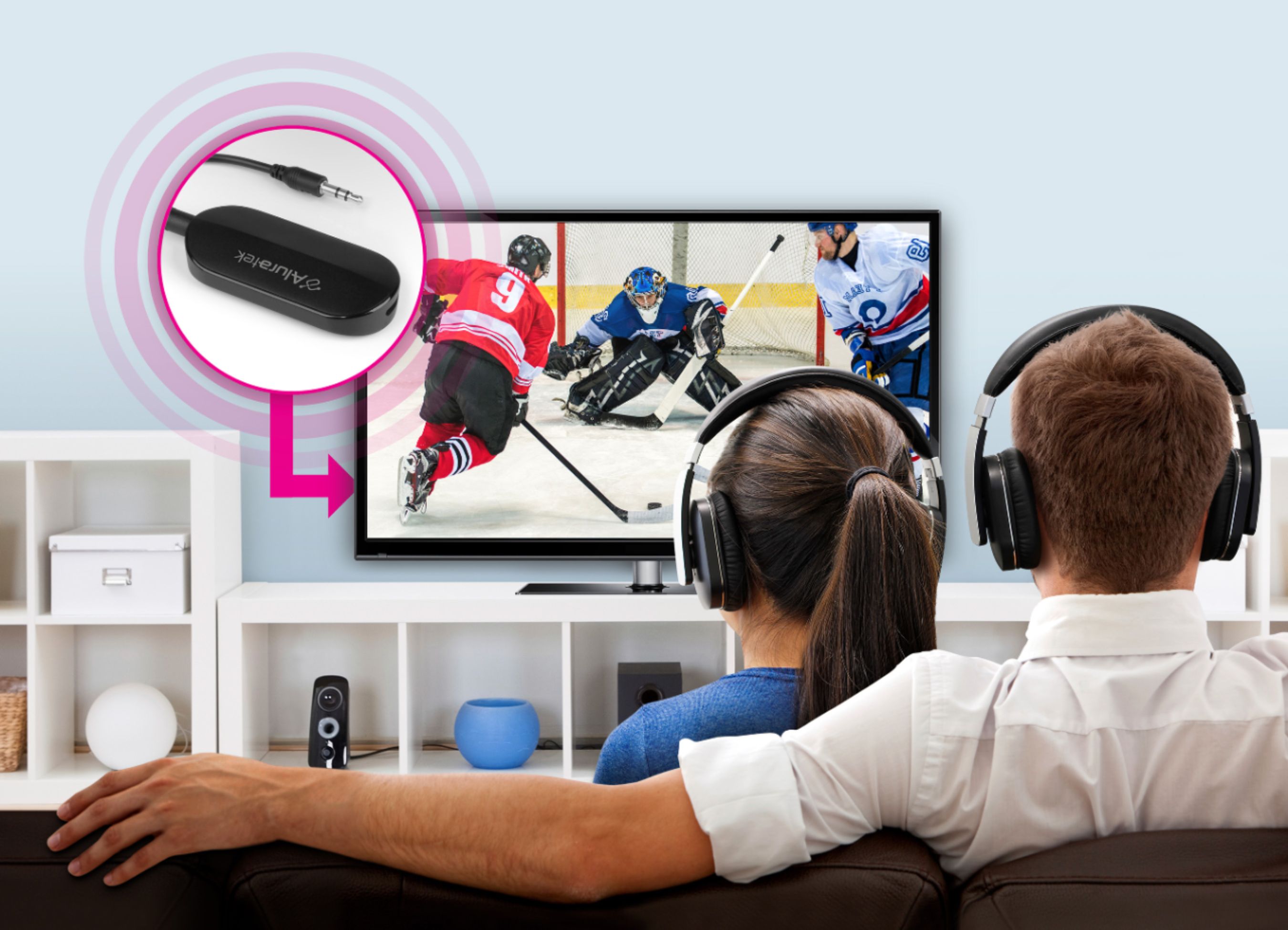
A:AnswerThis is a bluetooth transmitter only and is really good for connecting to headphones, earbuds, or BT speakers. This will not connect to phones, tablets, or computers because you need a BT receiver for those devices. Contact support@aluratek.com if you have questions or need setup tips and device info.
A:AnswerThis depends on the type of stereo Bluetooth your car has, or the type of device sending the audio. In general most people get a Bluetooth Receiver, pair with their phone, then connect the receiver to the car's AUX input. So if this unit does not work, get a receiver. Contact support@aluratek.com if you have any issues for need tips.
A:AnswerIt could be but your hearing aids need to be A2DP profile compatible with the type of Bluetooth they use. If they are then make sure to turn off any devices that have been connected to your hearing aids, or just turn Bluetooth off on those devices.
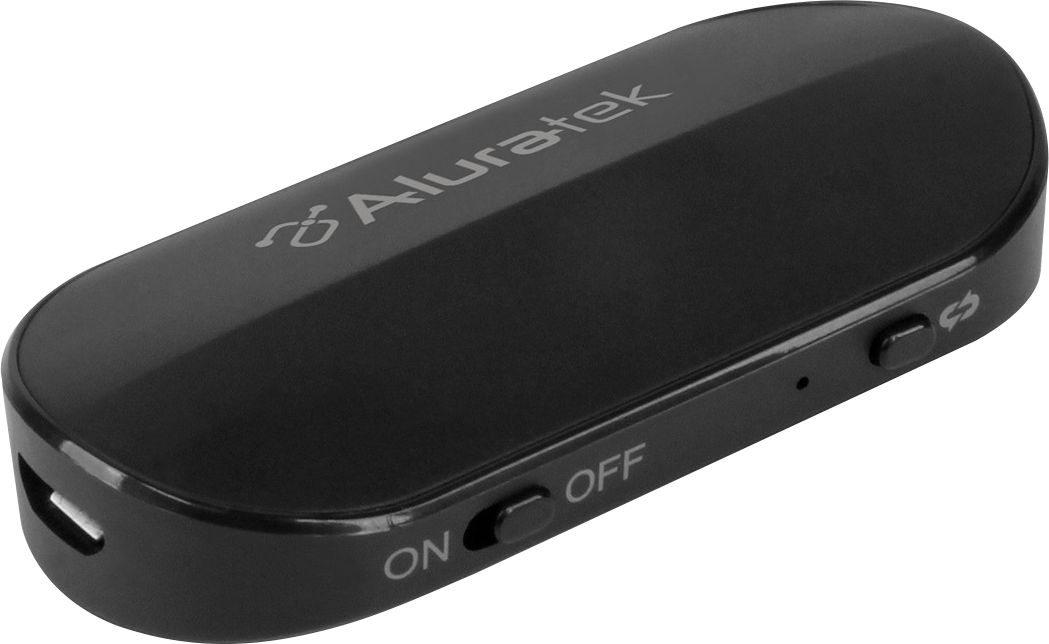
A:AnswerSee my notes. ----------->>> NOTE: If you have paired your headphones or earbuds to another device like a phone, tablet, or computer then be sure to disable Bluetooth on those devices so they do not accidentally pick up the headphones before the Aluratek. ----->>>> If you need to reset the ABT05F, simply turn it off, hold the BT button down for 10 seconds, then turn it back on and when the red and blue lights blink back and forth fast then you should be able to pair with your headphones again. ------->>>>> PAIRING TWO HEADSETS
When trying to pair 2 headsets to the unit you must pair one headset first (with the other off), then wait 20 seconds and turn off the first headset. Now turn on the 2nd headset and put that in pairing mode, put the ABT05F in pairing mode again and pair to the 2nd set. Wait 20 seconds and now turn the first headset back on.
A:AnswerThis mostly depends on the hearing aids. Unlike many normal Bluetooth devices hearing aids often use a proprietary form of BT. If the hearing aids support A2DP then they will work. If not then you may need to find something different.
A:AnswerBecause this is a BT transmitter. These transmit to headphones, BT speakers. You need a BT receiver for iPhones, computers, tablets. We have two units that will work for you. The AIS01F is a receiver only. Or get the ABC01F which can transmit and receive depending on what you need it for. Contact support@aluratek.com for more info.
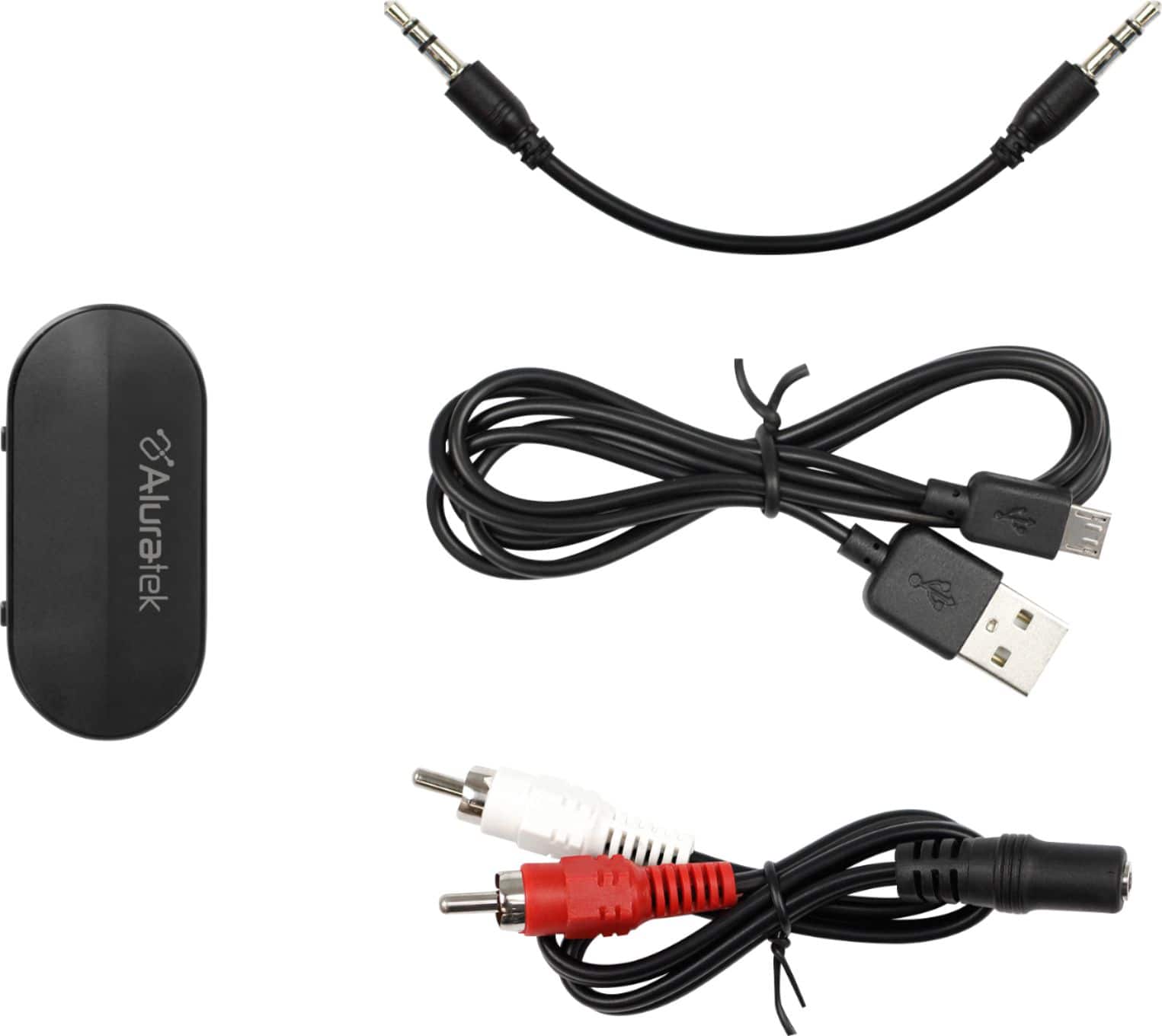
A:AnswerIf the library playaway has a headphone jack (3.5mm) i think it will. Mine works on my old 2G ipod, cd player, boom box, dvd player even my old turntable. Anything that has a headphone jack or "red and white" audio out jack.
A:AnswerAs long as your car Bluetooth can connect with the BT Transmitter then yes. Most of these units come with 15-day to 30-day return period, so you can try and take back if it does not work. Some vehicles have BT mostly for connecting to a phone for cellular, but if you can connect for audio as well then you should be OK.
A:AnswerMany hearing aids do not pair with Bluetooth devices that are A2DP profile compatible. This is the most popular profile for Bluetooth but be sure to check with your hearing aid manual and instructions. If they are compatible, then yes, they will work. Be sure to turn Bluetooth off on your phone so it does not try to grab the hearing aids before the Aluratek can.
A:AnswerI work 9½ hr shifts at work and listen to music the whole time. I turn it off when i go on break. It lasts about a shift and a half so theyre correct in saying about 14hrs playtime. I dont listen too loud so the volume can effect how long it plays. Cool thing is it does work while its charging!
A:AnswerThere is a 33 foot limit with this Bluetooth device. More importantly this is a Bluetooth transmitter. Transmitters do not connect to phones, tablets, or computers. Only Bluetooth Receivers. Your phone can send audio to a BT receiver connected to an INPUT on one stereo, but I am not sure it can connect to 2 BT receivers at the same time. Additionally you would run into too much latency with current Bluetooth standards (5.0) due to distance.