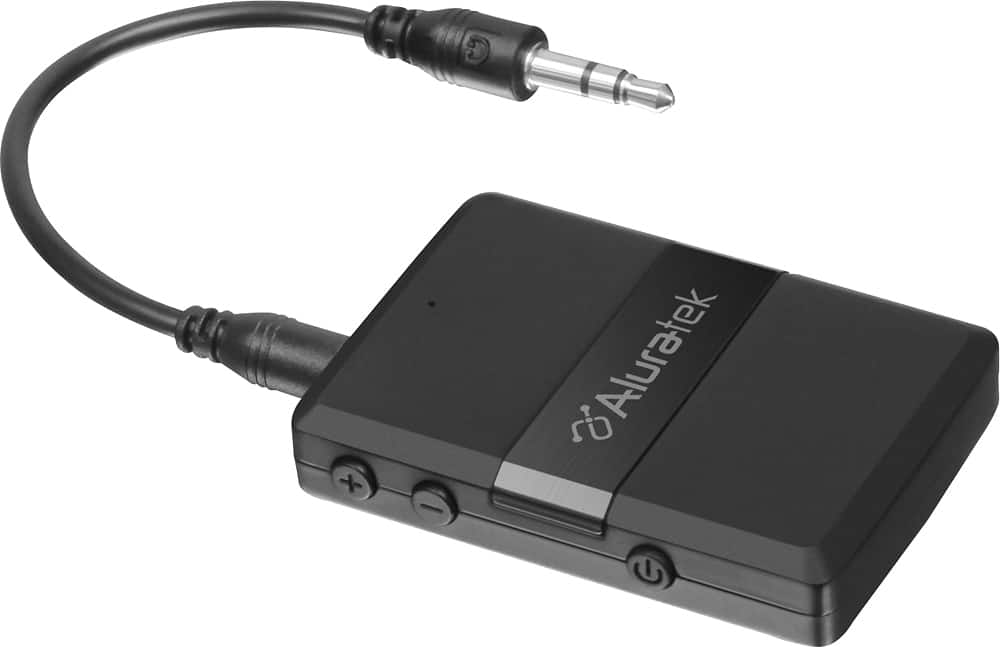
A:AnswerYou hold down the power button on the Aluratech until red and blue light blinks quickly. Go to settings on device, select Bluetooth and find abt05f. Click on it. You will hear a beep and will be connected. Simple, fast, and easy. Great product!!
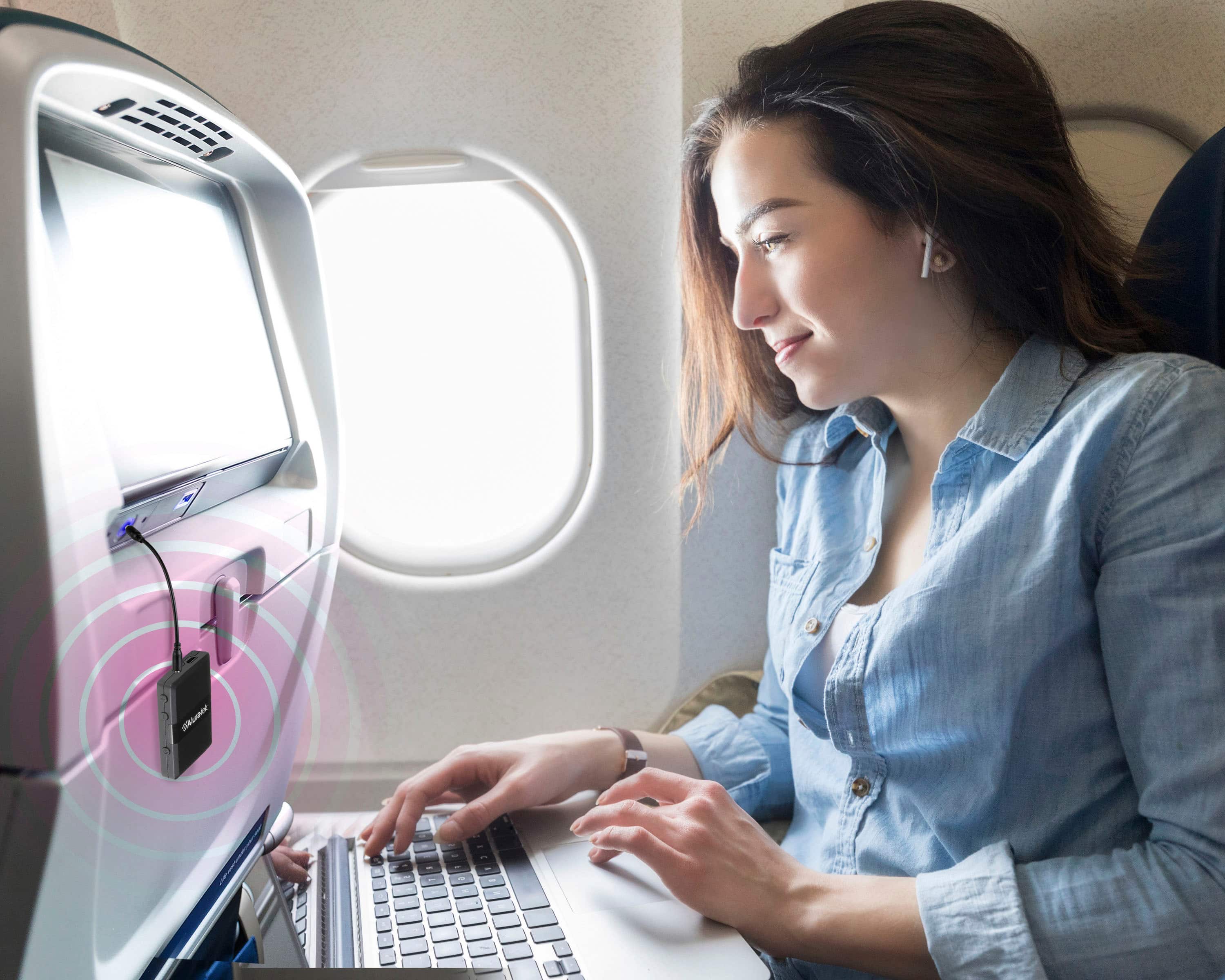
A:AnswerYes, the Yamaha receiver has the ability to receive bluetooth signals. So you can connect a bluetooth transmitter to the headphones output of the Samsung Smart TV. Of course, they should not be more than 30 feet away from each other.
A:AnswerIt lasts a long time... I have not timed it, but I have forgotten to charge it because it lasted many sessions. It does not seem to need much power. In the car I just leave it plugged in. I think the specs said 8-12 hours, I would say thats correct, seems more like 12 to me.
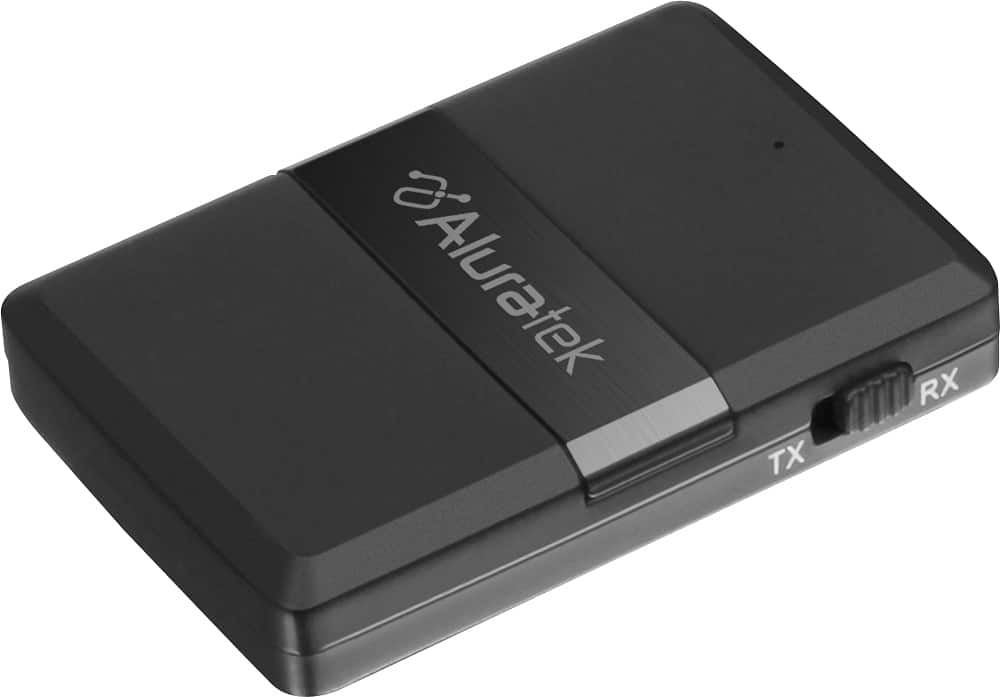
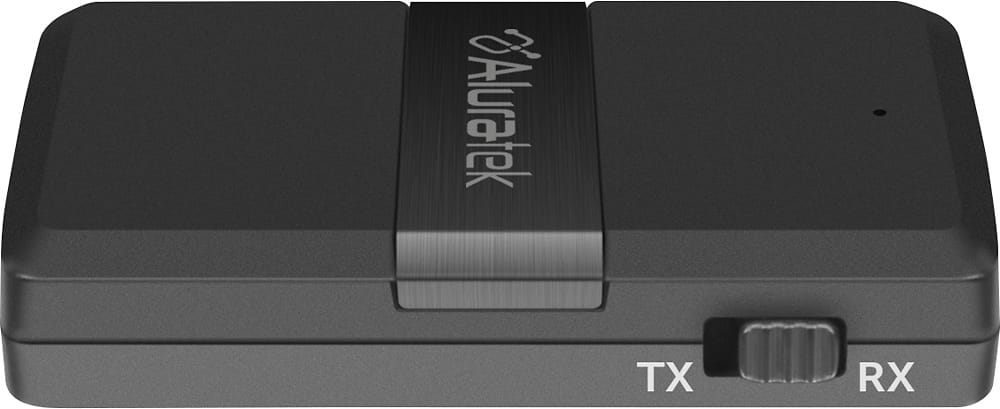
A:AnswerWhen you trying to do the pairing, please make sure that ABC01F is not connected to any other device. For your application, ABC01F should set in Tx mode.
A:AnswerI would think so. I connect my Bluetooth receiver/transmitter to my iPod mini with no problems to play on my wireless headphones. I also use to transmit my iPod and phone into my stereo receiver to listen on my good speakers.
Fantastic product. No more being tethered to my devices.
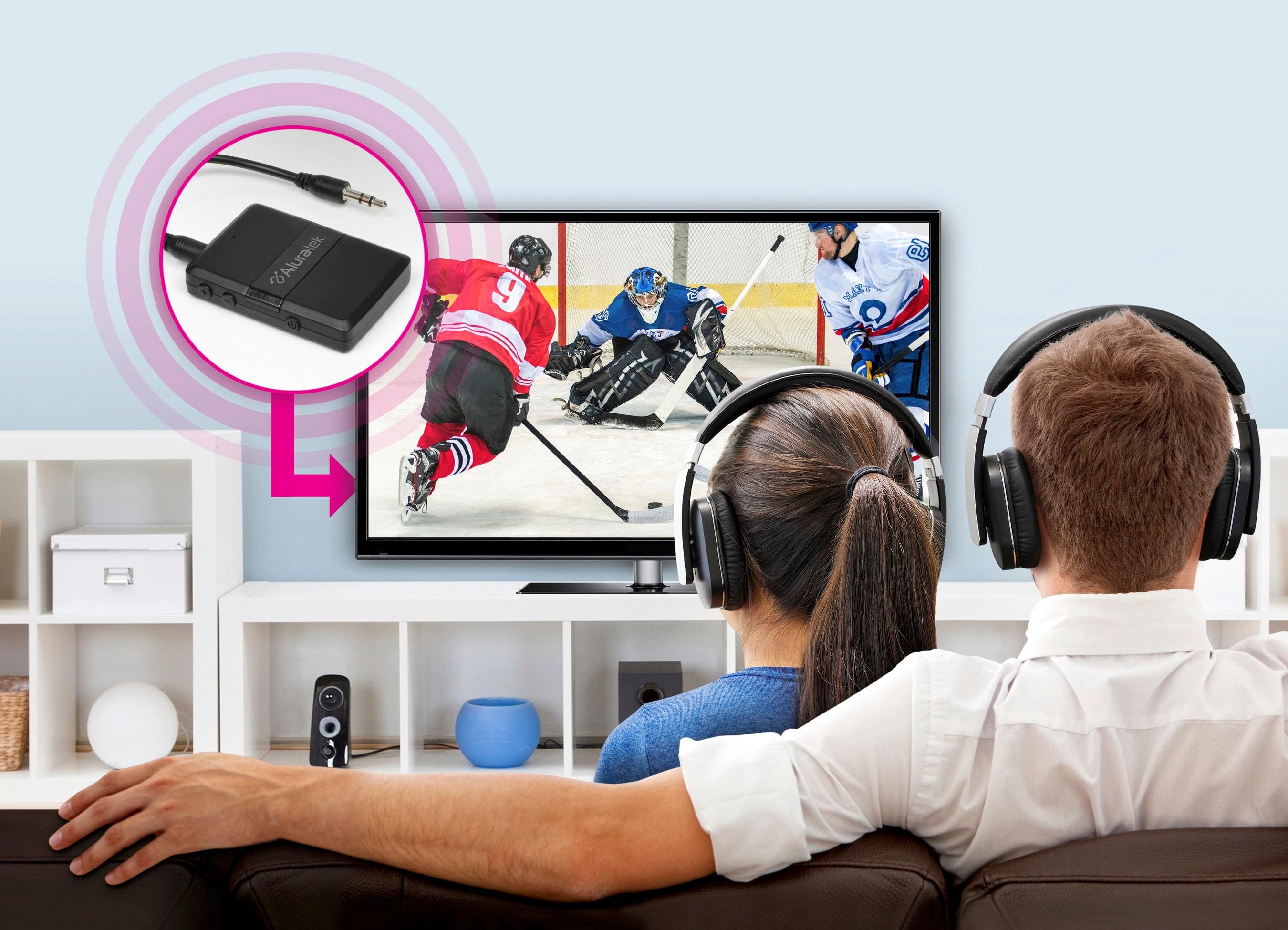
A:AnswerYou can only use one device at a time with your BT audio transmitter /receiver. To connect your headphone, you will first have to unpair your headphones from any device then before you connect your BT to a tv, make sure to first slide the switch to tr mode to transmit. Now connect it to the headphone port on your TV and hold the power button on your BT down for 2 seconds until it starts flashing red. Then let go and listen to your headphone for a request to pair with your BT when this happens, press the BT power button again this time the red flash will turn blue and your headphones will be paired to your BT . Good luck and enjoy.
A:AnswerYes.
Paired a Moto E4 with Sony wireless headphones (just to test...because you can use the Moto Bluetooth to directly pair) and to pair with a non-Bluetooth receiver to play Spotify. Worked great.
The first time pairing was a bit tricky, but paired very easy on subsequent turns.
A:AnswerAlthough I haven’t tried this, theoretically that should work. I have mine plugged into an audio out on a pre Bluetooth tablet for the same reason and it functions well. Range is limited and it takes a bit to pair the device with your wireless buds. Unless your pc audio out jack is on the front panel, I’d recommend getting a longer mini audio patch cable to extend the length as you’ll need to pair it each time you use it and the longer cable will make that a bit easier.