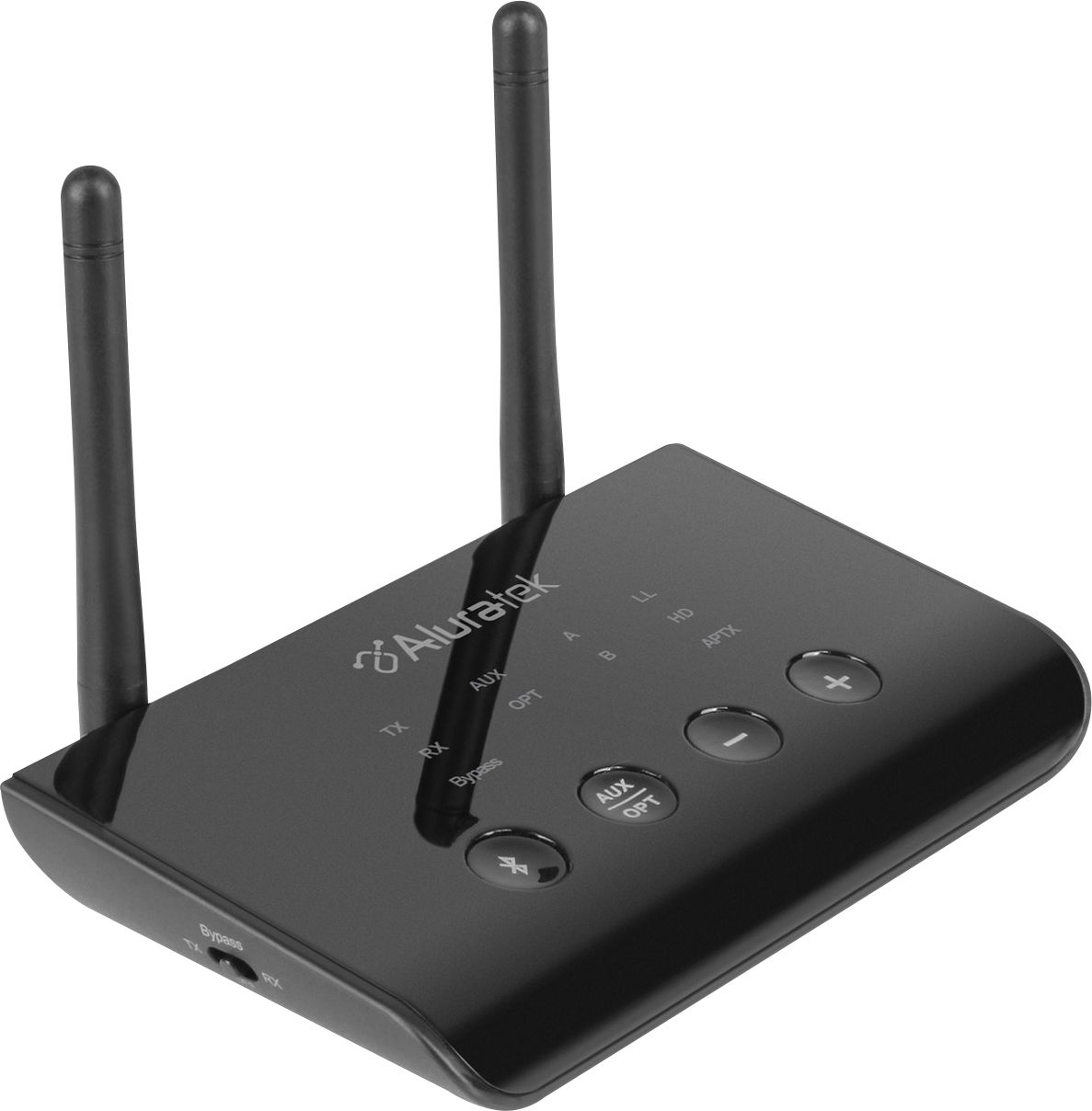
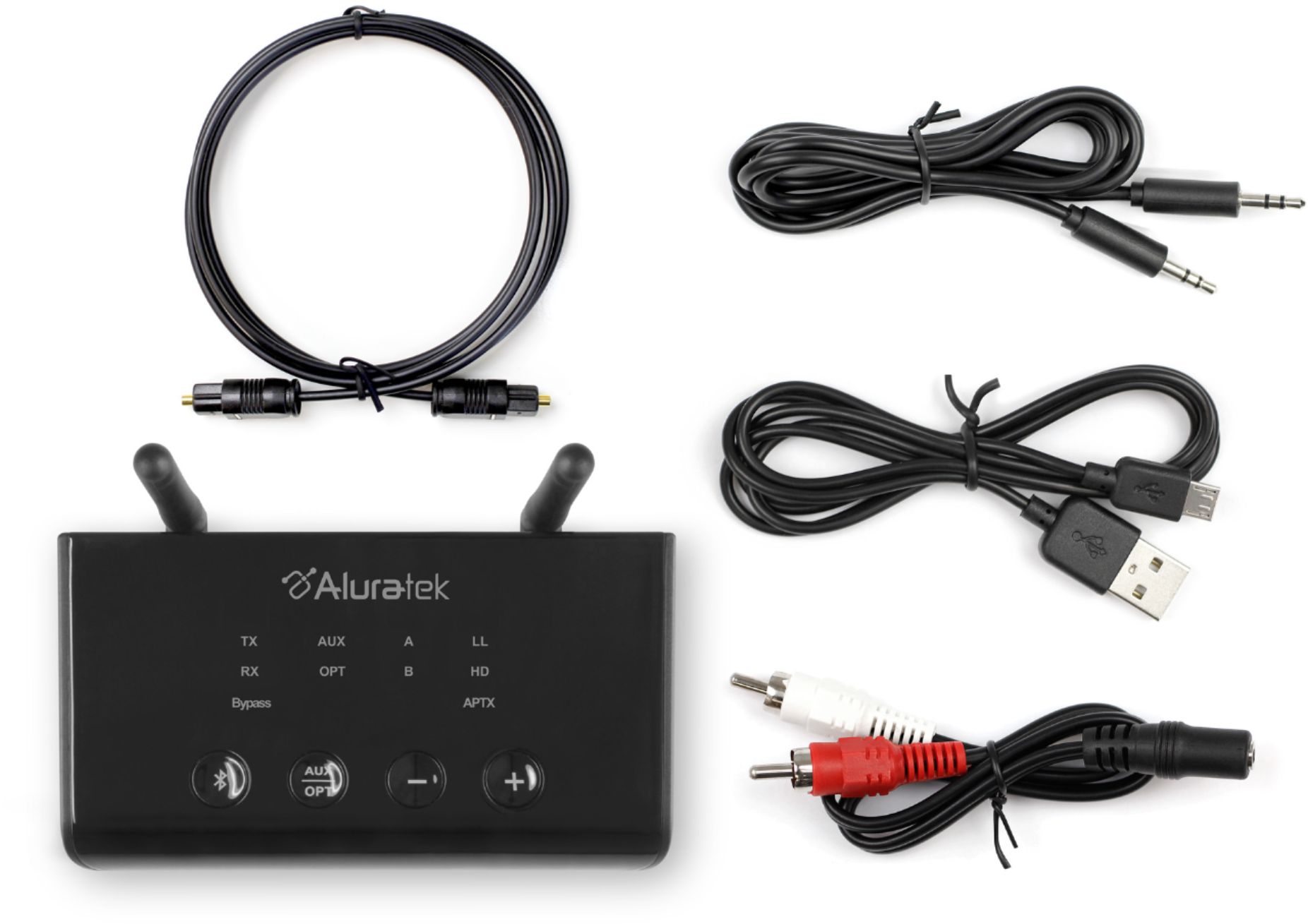
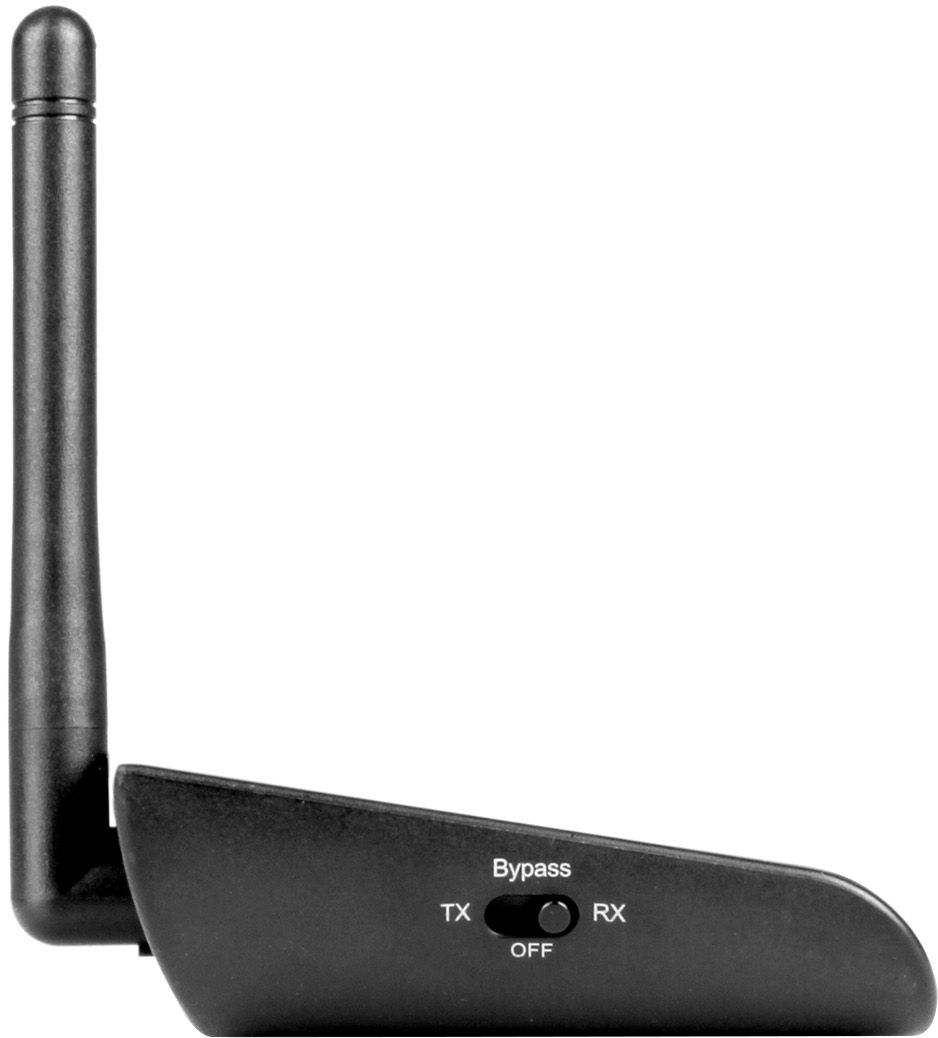
A:AnswerNot sure if Morgan was responding to the correct question, but to answer yours, this device does exactly what you are asking. It is designed to transmit audio via bluetooth from one device (such as a tv) to up to 2 bluetooth audio recieved such as headphones, speakers, etc.
A:AnswerABCD54F should work with your hearing aid as long you don't need an app to do the pairing process. We have many customers already using it for this application but unfortunately we don't have the make and model for the hearing aids.
A:AnswerHi. I also had some trouble pairing my air pods but I did get it to work eventually. I had to turn the Bluetooth off on my other devices (phone, iPad, laptop) to make sure they didn’t pair automatically with my AirPods. After doing that I held down the pairing button on both AirPods and antenna at the same time and it worked. Hope that helps
A:AnswerI have the same issue. I’ve connected the device via optical as that’s my TVs output. I have my Bluetooth headphones paired. I went to sound under settings of tv, picked Audio out/optical, but no sound comes through headphones. I’m lost....
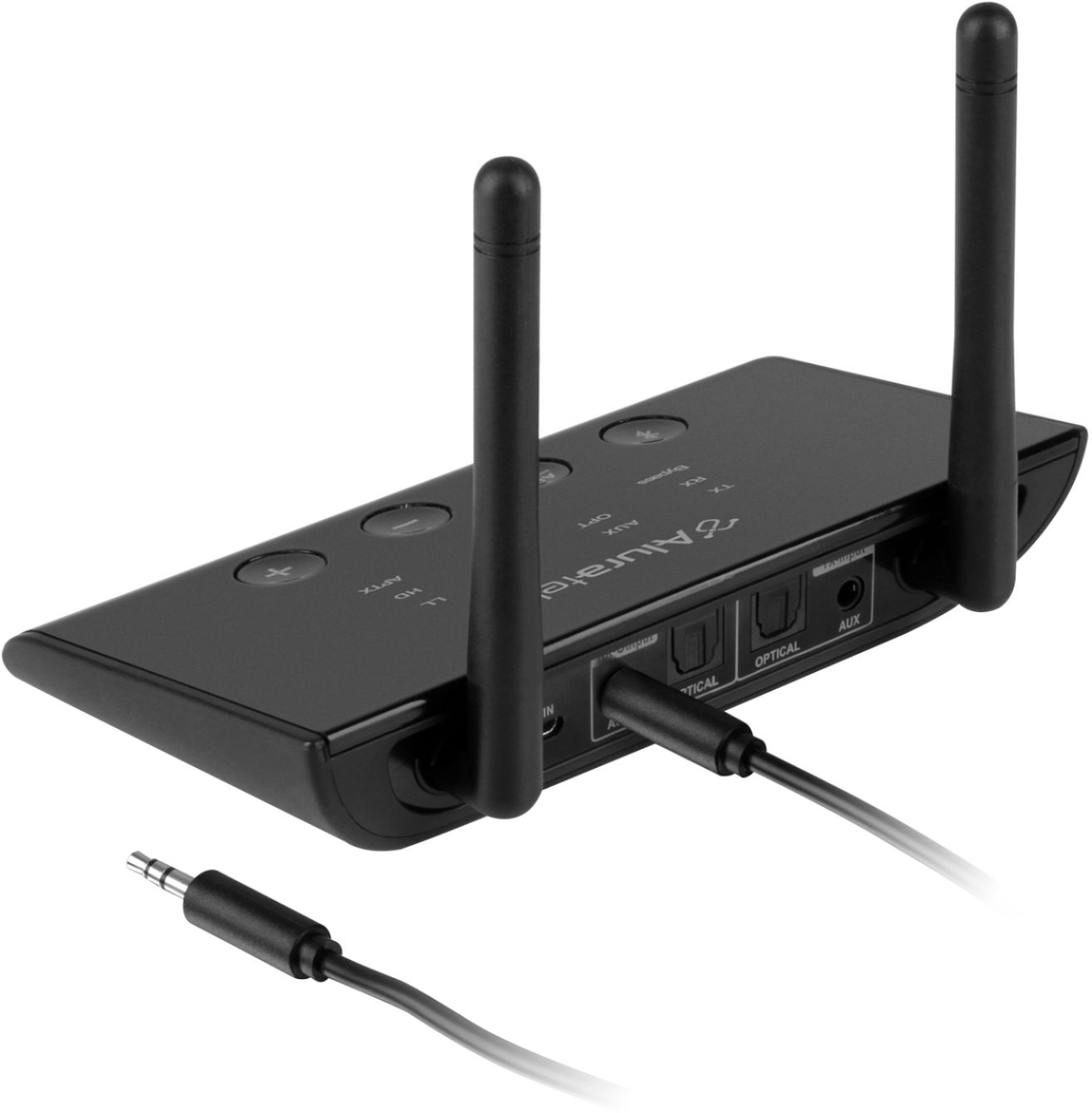
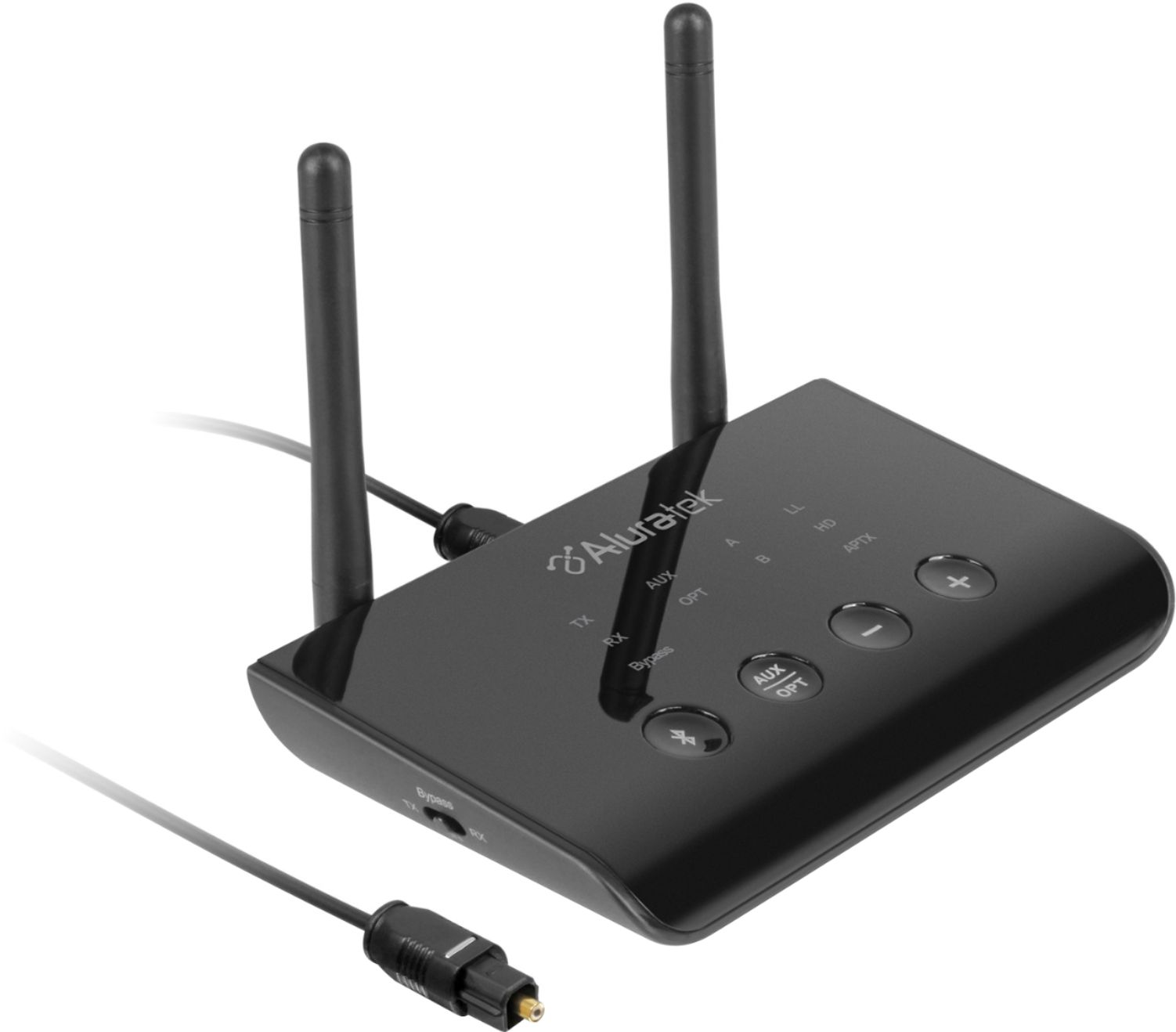
A:AnswerIf you are connecting thru RCA, please make sure you are connecting to RCA output on the TV. If you are connecting thru optical, please make sure optical is enabled on the TV. In addition, please change the sound setting to PCM.
A:AnswerIt might work for Bluetooth devices like phones & tablets. If your auto has Bluetooth capability it should work, too but not everybody has that. I haven't tested the limits of its range yet; documentation says it should be good for 100 ft or more.
A:AnswerYes In Rx mode read the instructions and you will get it after a few trys its really a great product “i can watch tv at night while my wife has to sleep with my airpod pros”