A:AnswerMake sure the bluetooth is fully charged or plugged into power spurce while playing back. I had the same problem and it was bc the battery was dead.
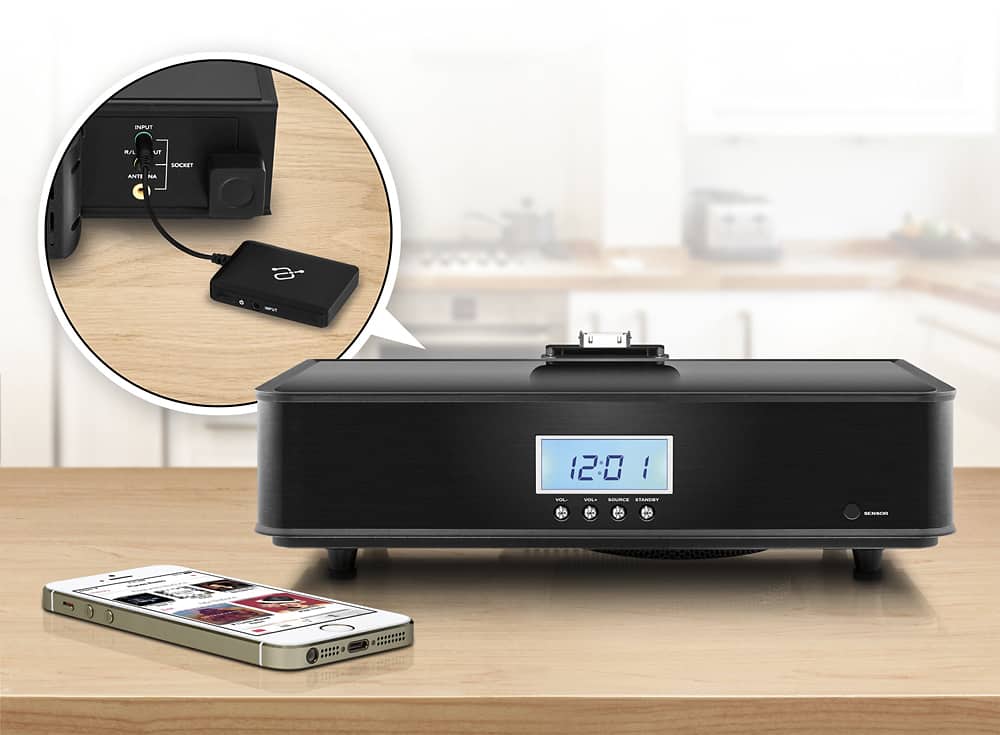
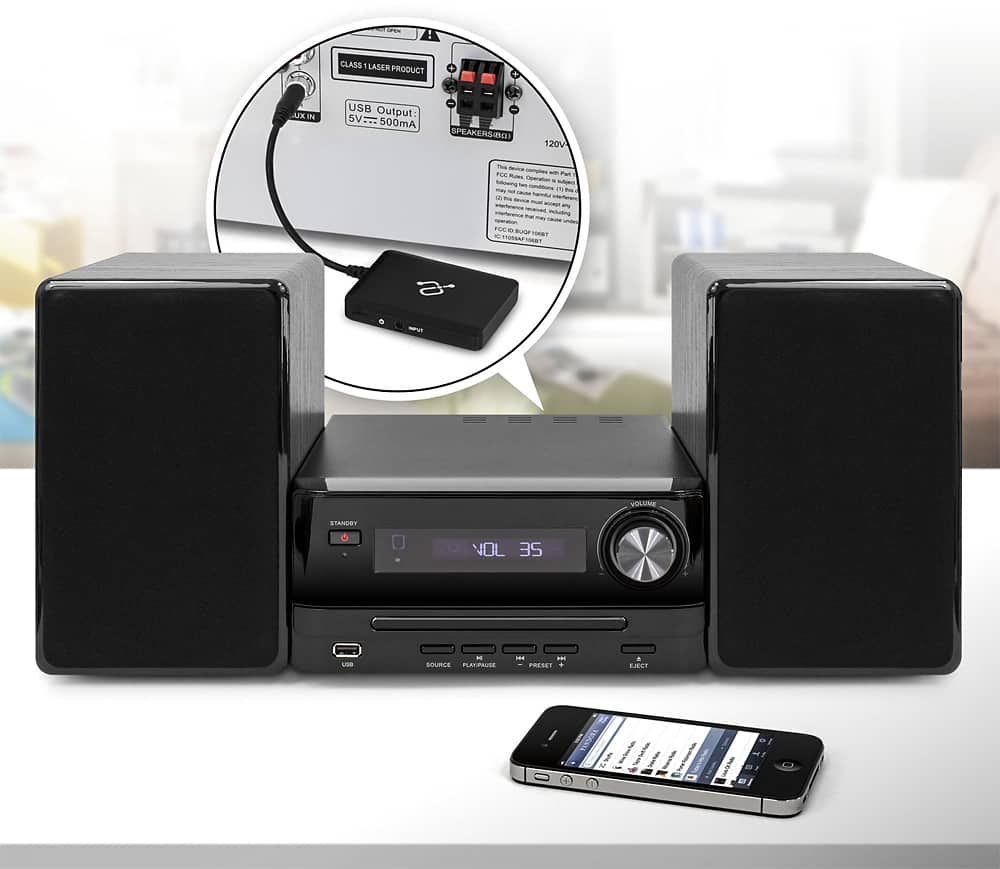
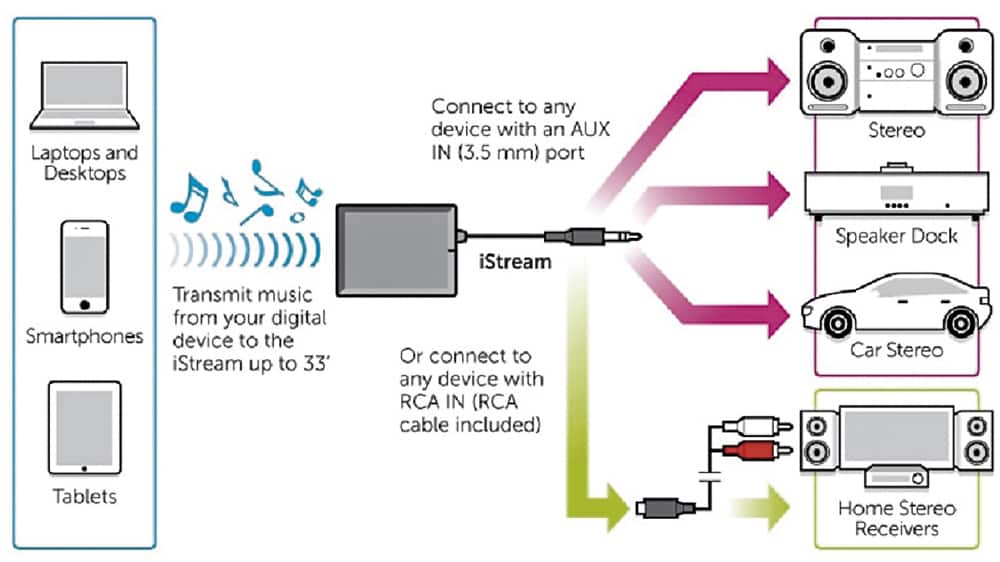
A:AnswerI was able to pair this to my car stereo system to play music from my phone, so you should be able to do the same. I did notice that the volume was somewhat softer then I expected. (I just turned up the volume a bit more than when listening to the radio.
A:Answer1. Make sure AIS01F is turned Off.
2. Activate AIS01F pairing mode by press and hold the power button for 6-7 seconds.
3. Activate your device’s Bluetooth function and set your device to search for Bluetooth
devices. Select AIS01F when it is found.
4. For transmitter with Bluetooth version 2.1, you will not need to input a code. If you
are prompted for PIN, please enter “0000”.
5. If prompted by your device to connect, please select “Yes”.
6. After connecting successfully, the blue LED will flash twice every 5 seconds