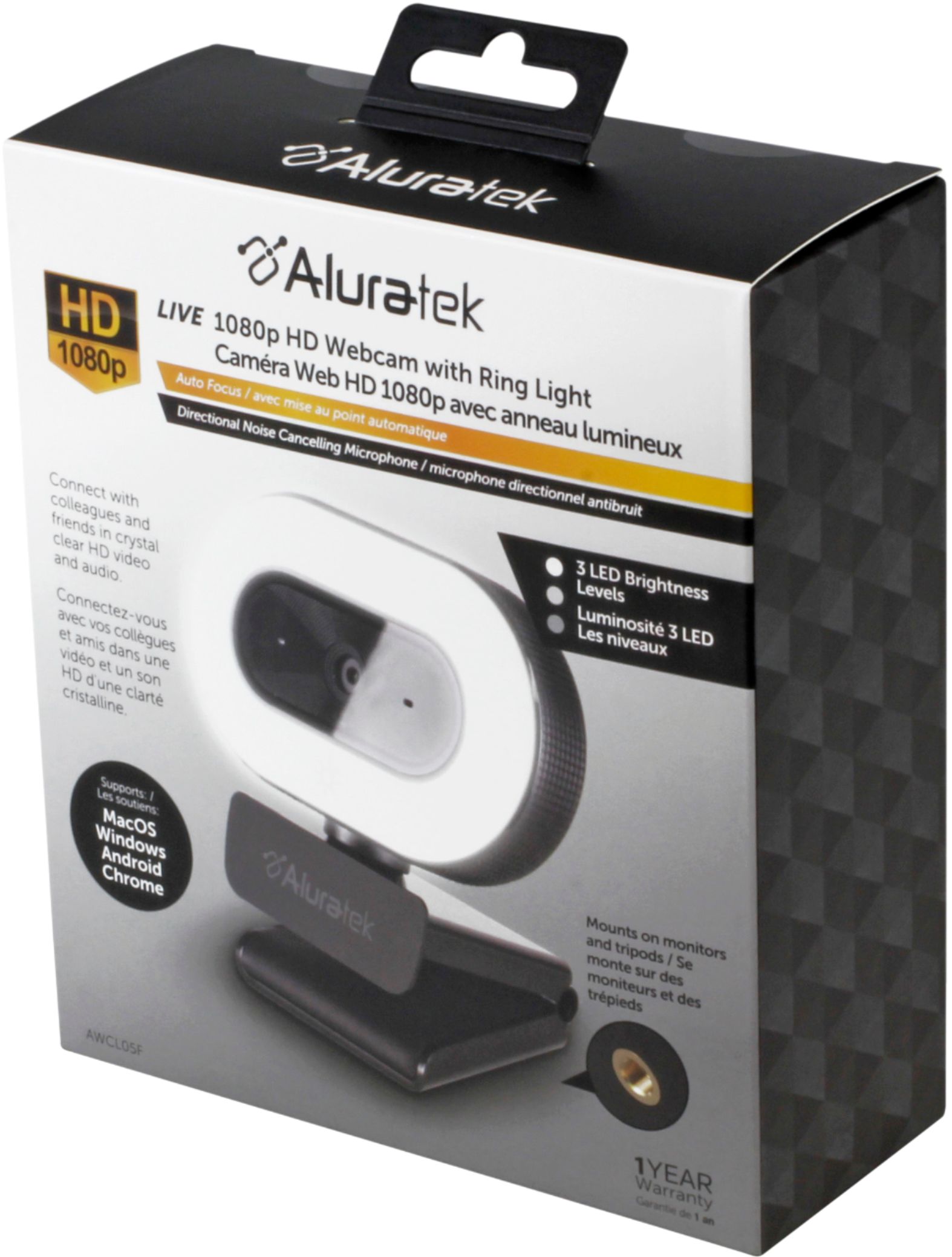
A:AnswerIt seems that the pro 3 runs windows and has front and rear cameras "standard," I believe. Adding another windows compatible camera seems to be ok.
If is isn't compatible you may be able to return it within applicable return policies.
I've found it quite acceptable for web conferences.
Asked by HowwillIbeabletoreplacethelightwhenitburnsout.
A:AnswerSince it uses LED lights, you won't have to worry about that for a long time. Chances are that you'll replace it for an upgrade long before it wears out.
A:AnswerMine comes on when the computer starts up and shuts off when it goes into shutdown. If the light is on when it goes into shutdown, it stays on and has to be manually deactivated....just touch the frame a couple times and it goes right off.
A:AnswerSince it's microphone only, you should be able to go into your Sound Settings on the desktop and specify the microphone for the webcam. As far as output, or the sound you hear while using it, that still relies on the existing speakers that you currently have in the desktop, or a bluetooth device.
A:AnswerI have been using it with webex and zoom. I know for webex both camera and mic automatically turn on based on your last meeting setup. It is very easy to use once you know where the settings are for webex and zoom. IMHO I don't think that is unique to this device.