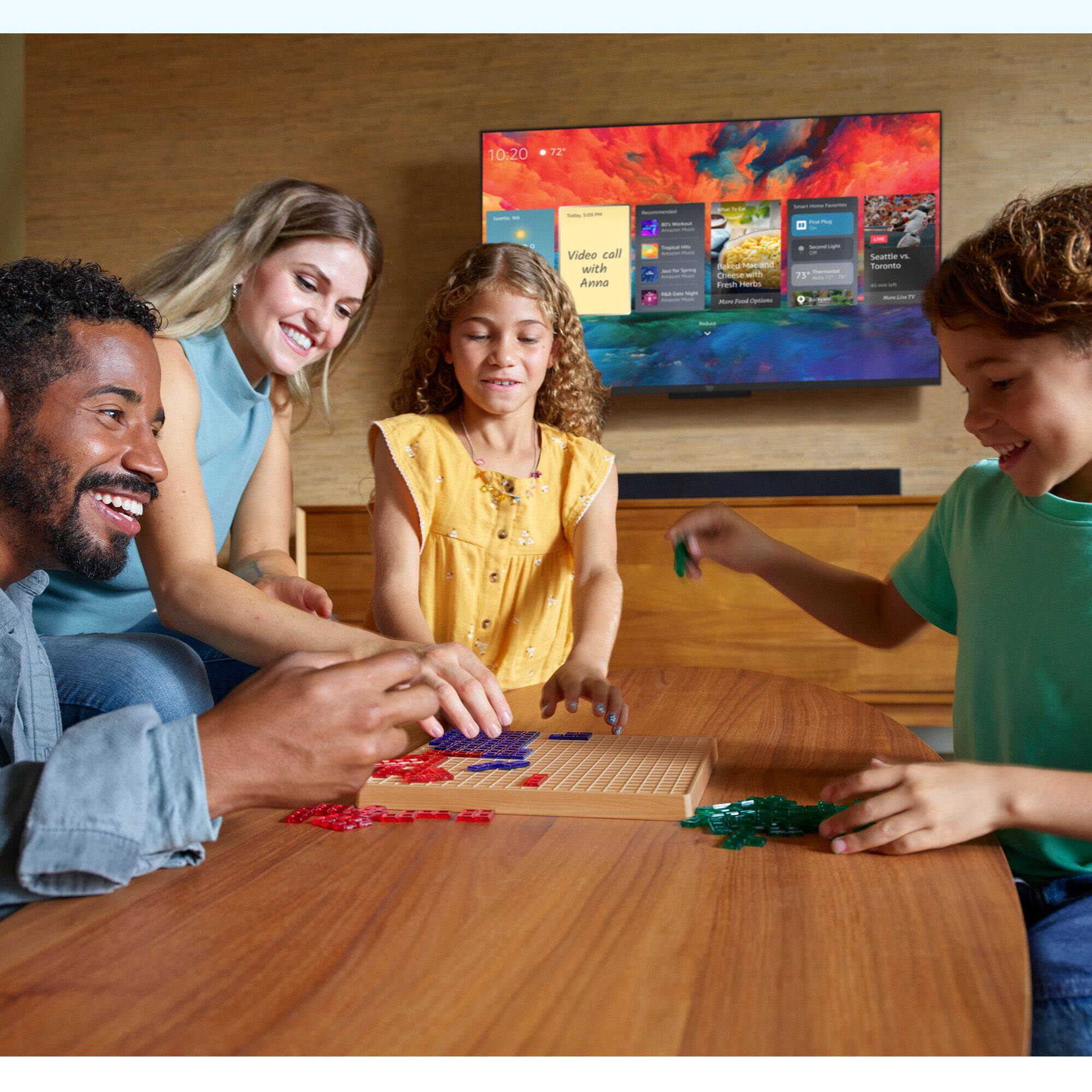
A:AnswerHello Bickey! This TV has all of the same capabilities as a non-voice controlled TV and can be fully controlled using the remote. The voice control is in addition to normal manual controls and can be used to do a multitude of other things such as control your smart home devices, tune to different apps, enable Ambient Mode, etc. all with your voice as well. Thanks so much for your question and I hope you have a terrific day!
A:AnswerHello Manny! You can connect using the Screen Mirroring feature on this TV to mirror smart phones, tablets, or computers. Depending on the type of device you are mirroring, you may need to follow different steps. Specifically if you are trying to mirror Apple devices, you would need to use Apple HomeKit on your device and sync it with the Omni TV in that way. Otherwise, going to the screen mirroring feature and enabling it will allow you to search for devices to connect to. Thanks so much for your question and I hope you have an awesome day!
A:AnswerHello Alexa,
Thank you for your question.
You do not need an existing Alexa device in order to use Alexa on your new TV. You will simply need to create an Alexa account. Then you will be able to ask Alexa to change the channels, open Netflix or Prime Video, tell you about the weather or play music. And much more!
Have a great day!
A:AnswerHello Longtallsally1! Yes, the Fire TV Omni Series, and Fire TV Omni QLED Series support audio streaming for select compatible Bluetooth hearing aids and devices for a private listening experience. I hope this helps, have a great day!
A:AnswerHi BBCustomer, you want to know if the Amazon 55" Class Omni QLED Series 4K UHD smart Fire TV features an ATSC 3.0 Tuner. The Amazon 55" Class Omni QLED Series 4K UHD smart Fire TV does not feature and ATSC 3.0 Tuner. Hope this has answered your question. Have an amazing day!