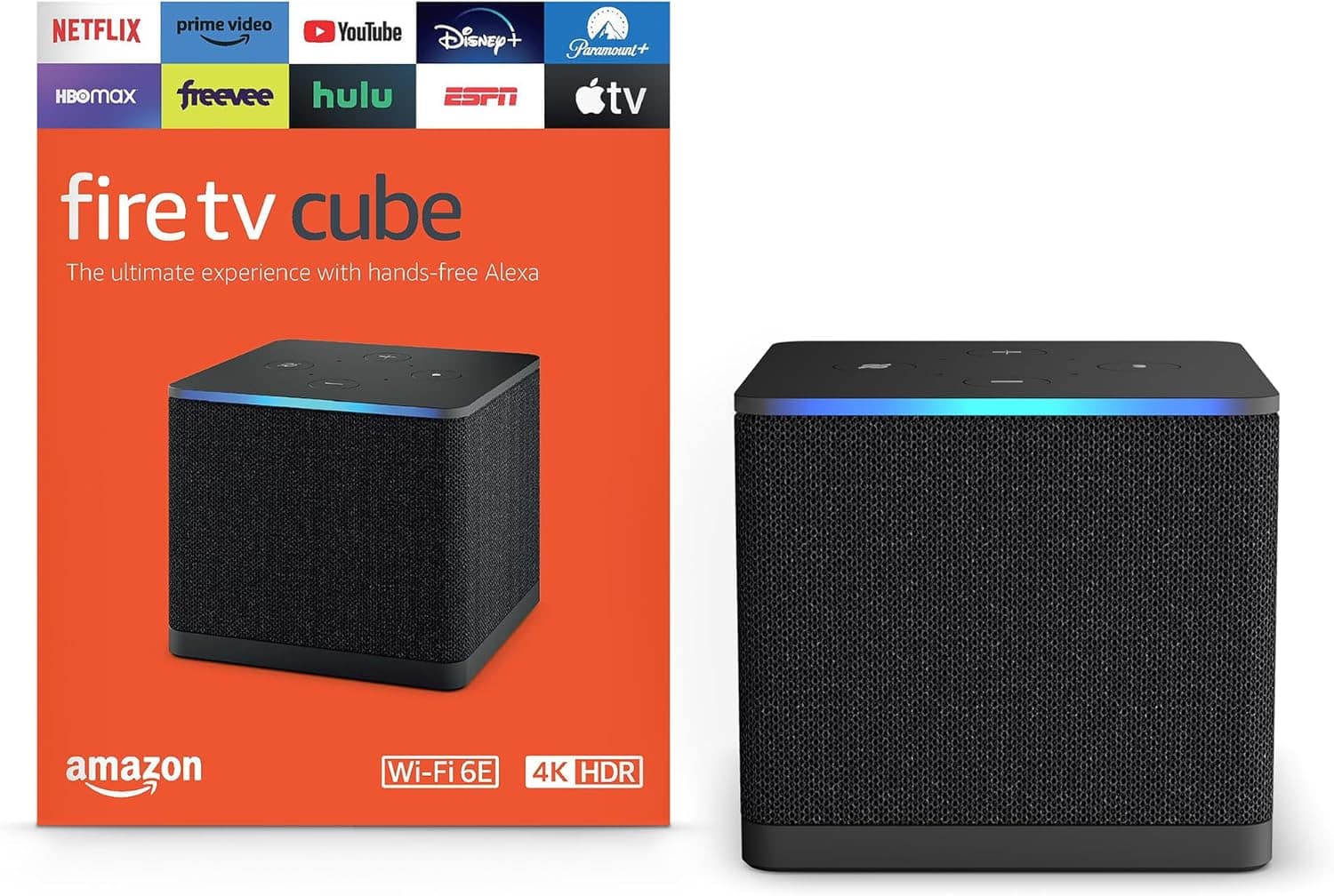
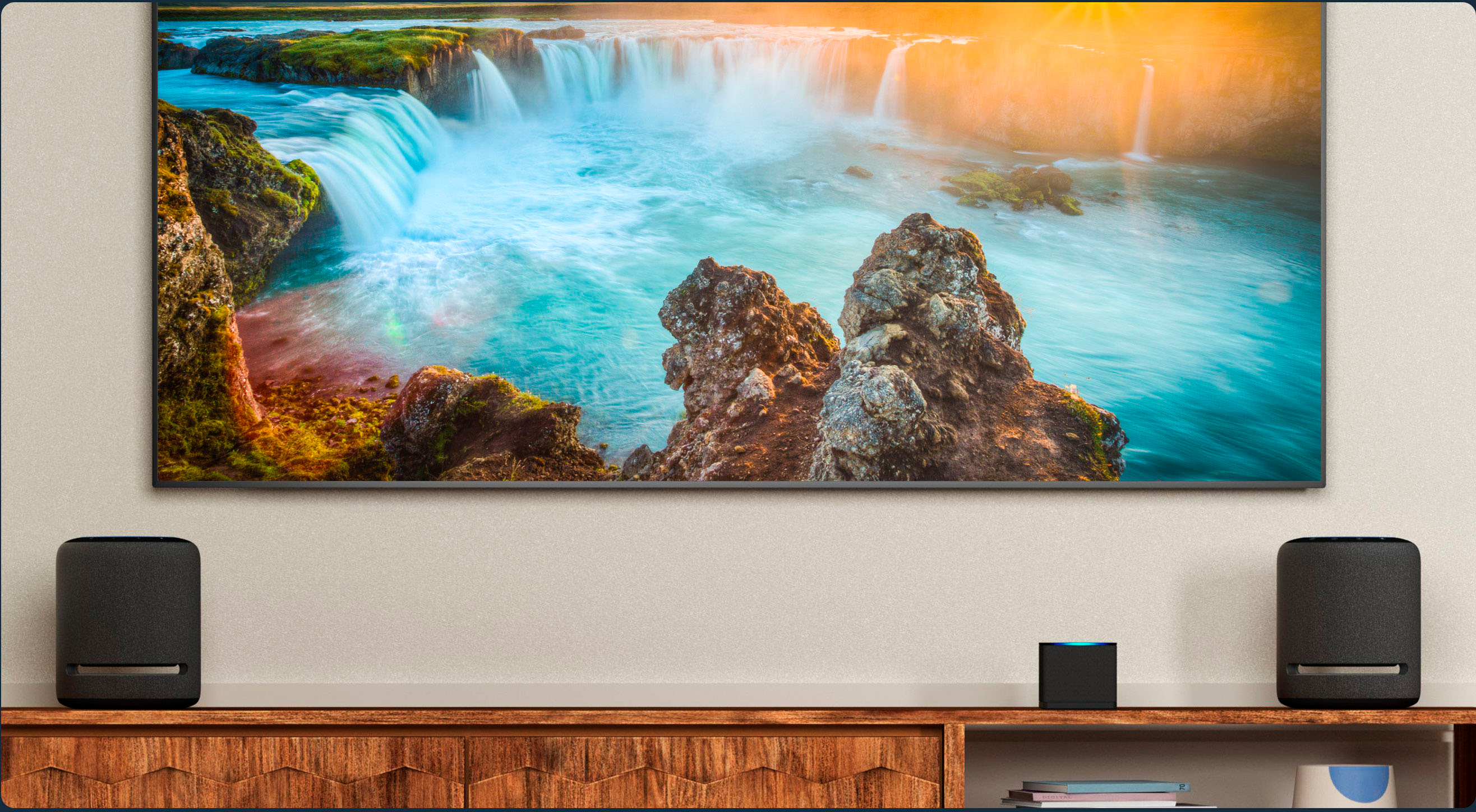
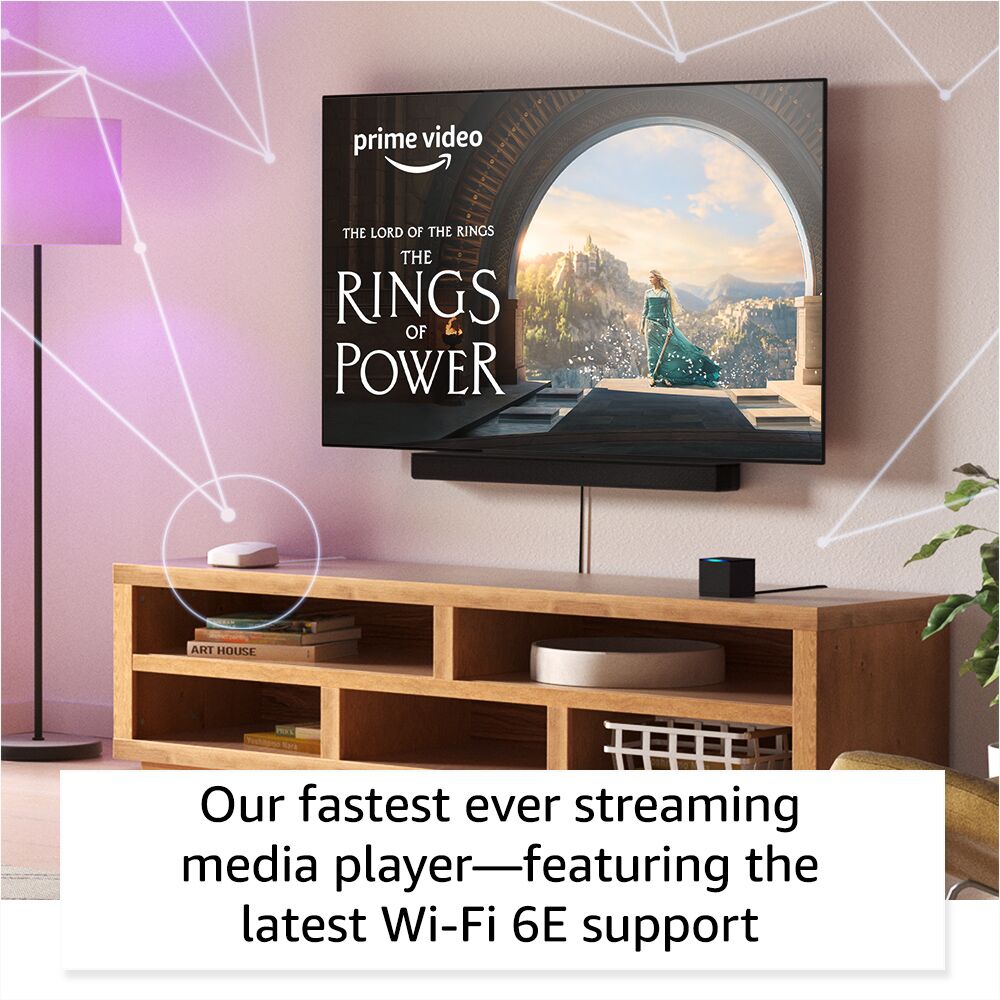
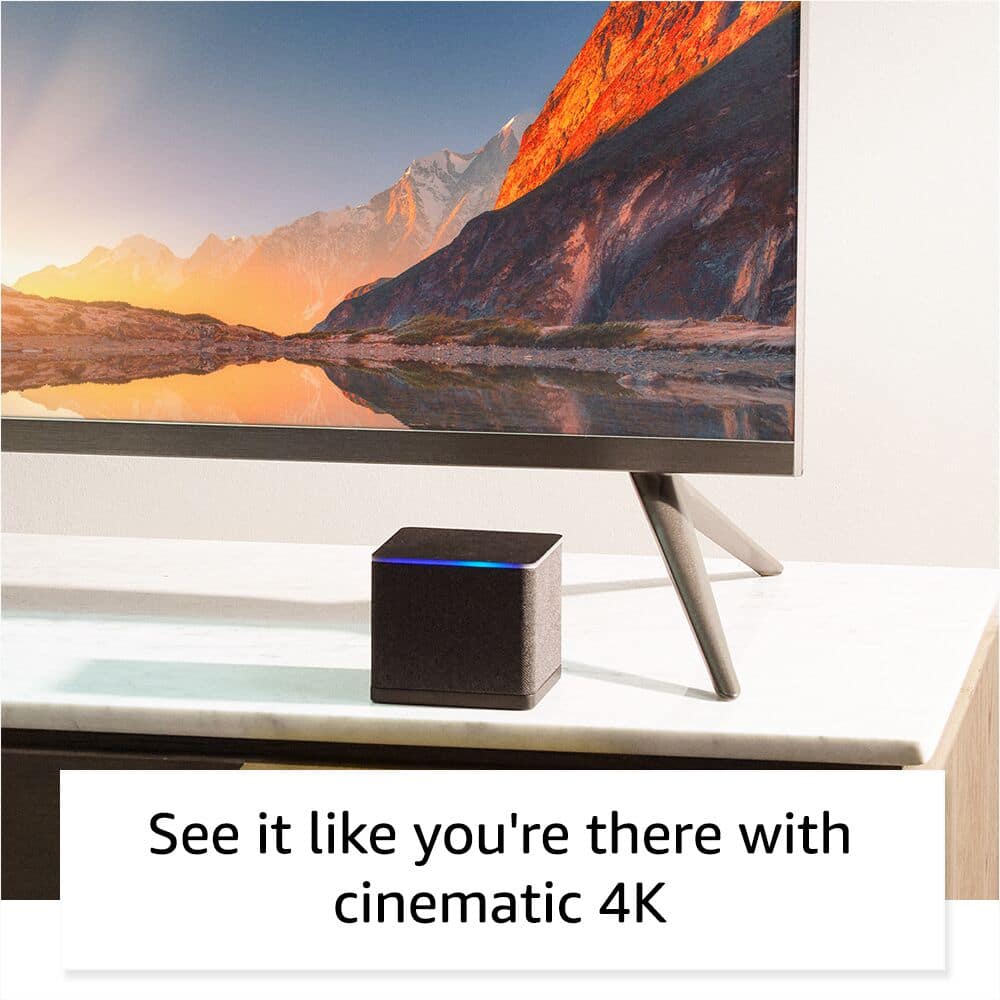
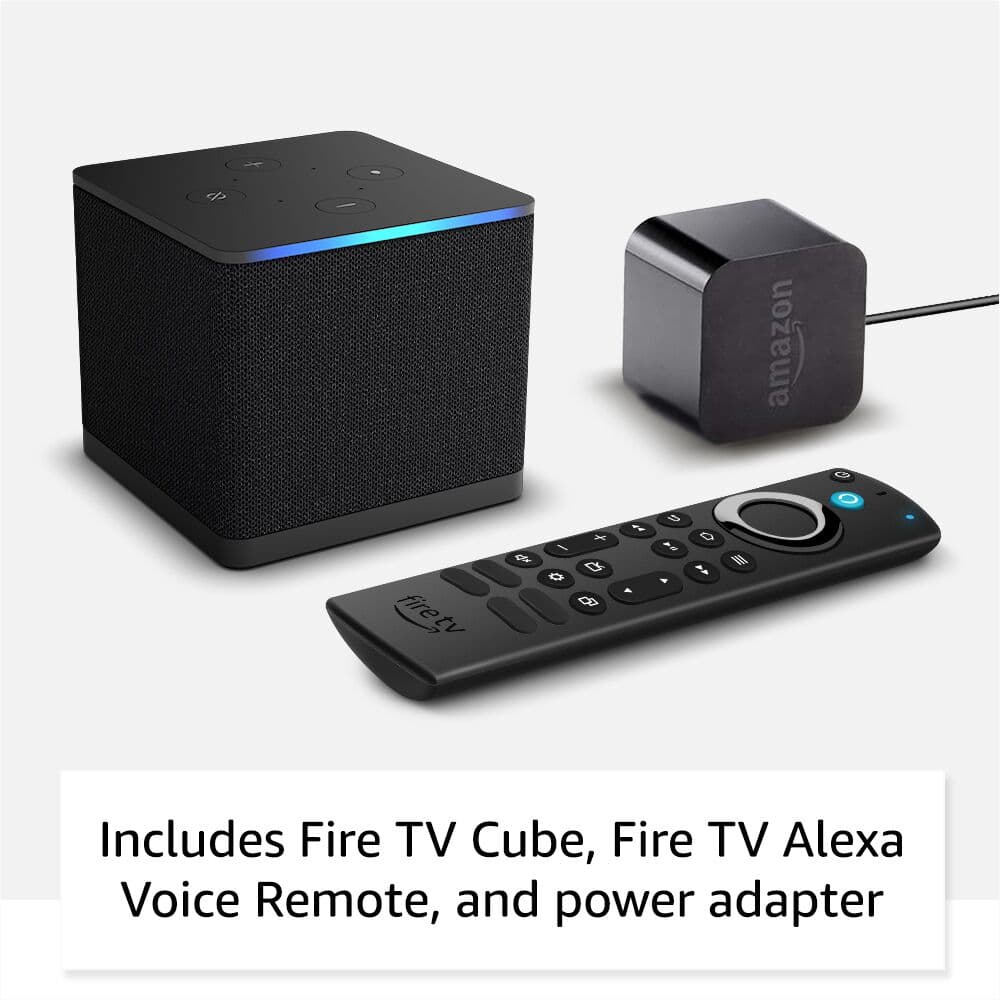
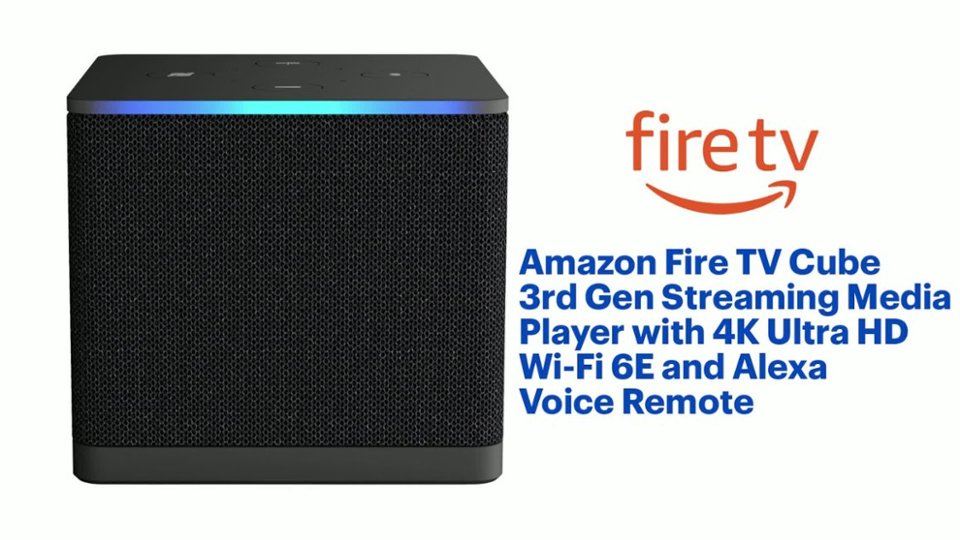
A:AnswerHello! A Fire TV Cube is a Fire TV device that would give you access to streaming apps such as Prime Video, Hulu, Sling TV, Netflix and many more. It allows you to only use and subscribe to the channels you want to use. It also has an Echo Dot built into it, so you can control your TV hands free just by asking Alexa. It comes with an IR reader in the box, so it will control devices in your home theater set up that use IR control, such as a gaming console, or cable box, or even some sound bars. So everything can be done with your voice. I hope this information helps. Have a great day!
A:AnswerHello and thank you for asking this question. You can download the Xfinity app to view live tv and many web-based apps and channels but it may not pick up local channels like an antenna would. I hope this answers your question and that you have a good day.
A:AnswerHi milton,
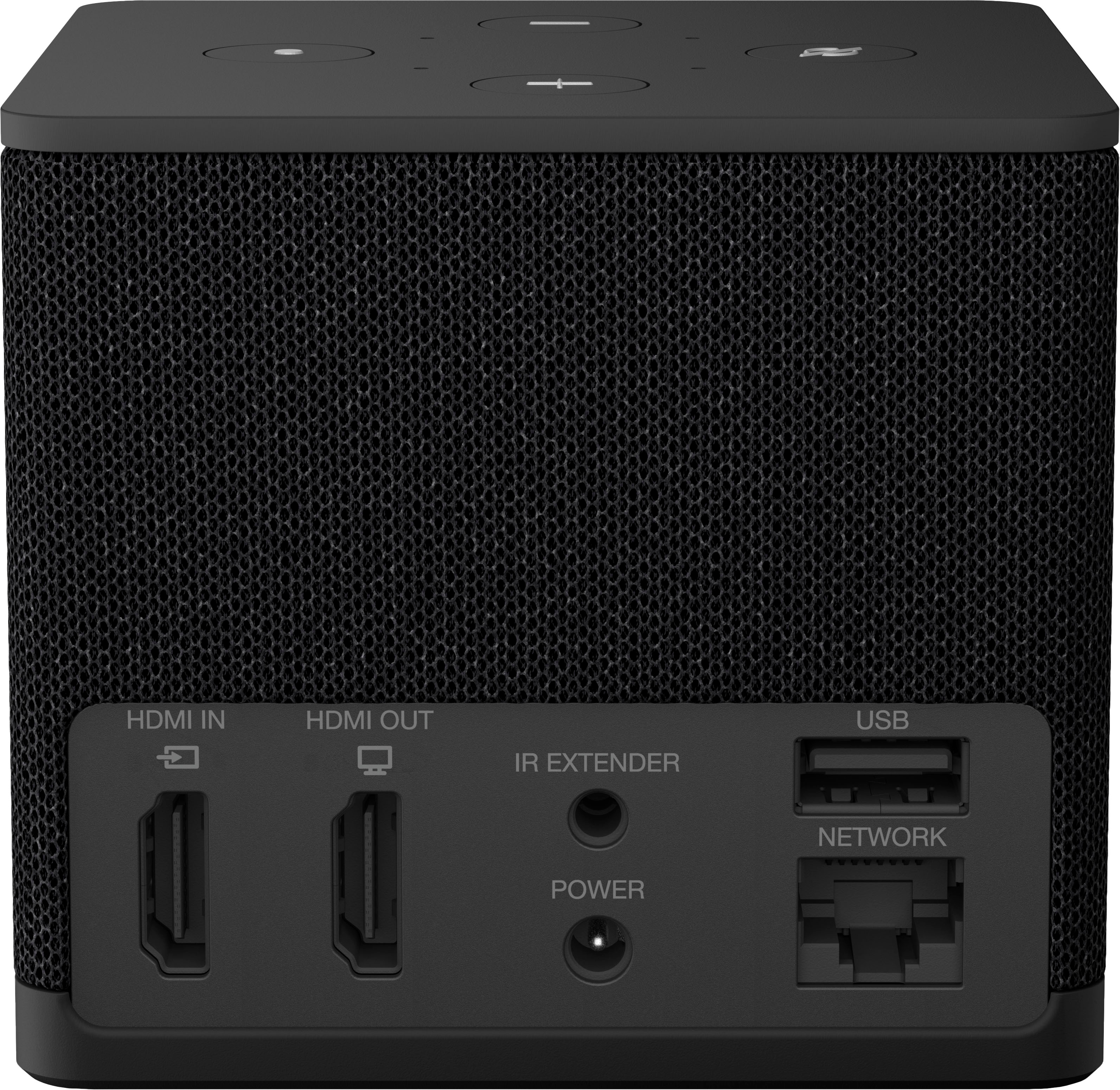
Great question! Yes, the Fire TV Cube does support a wired Ethernet connection, so you can bypass Wi-Fi entirely. Here's what you need to know:
The Fire TV Cube (3rd Gen/latest model) includes an Ethernet port built into the power adapter, so you can connect an Ethernet cable directly. However, there's an important distinction regarding connecting directly to a modem versus a router:
Connecting to a modem directly:
It depends on your modem type. If you have a modem/router combo unit (gateway) provided by your ISP, then yes — you can plug the Ethernet cable directly from the Fire TV Cube's adapter into your modem, and it should work since the combo unit handles both functions.
If you have a standalone modem (separate from a router), it typically only provides one IP address to one device. In that case, connecting the Cube directly would work for the Cube, but no other devices in your home would have internet access at the same time.
What we recommend:
If you want to bypass Wi-Fi for a more stable, reliable connection, plug the Ethernet cable from the Cube's adapter into your router (or modem/router combo). This gives the Cube a dedicated wired connection while keeping your other devices online.
One note on speed: The built-in Ethernet adapter supports 10/100 Mbps — which is more than enough for 4K Ultra HD streaming.
We hope this helps! If you have any other questions, feel free to reach out to us at 1-888-280-4331.
A:AnswerHello eggos64! The maximum refresh rate for the Fire TV Cube (3rd Gen) is 60Hz. It also has an optional feature allowing you to match the original frame rate of the content you're watching (like 24 fps movies) which helps eliminate 'judder'. Thank you for your question and I hope you have a great day!
A:AnswerHi StragerThing!
Yes, an Xbox controller can wirelessly connect to the Amazon Fire TV Cube, as newer models support Bluetooth for gaming, allowing you to play Xbox Cloud Gaming titles directly or use it for general navigation after pairing through the Fire TV's settings menu!
I do this often to play on Game Pass, its one of my favorite features of the Fire TV Cube.
Hope this answers your question!
A:AnswerHello Coogs, the Amazon Fire TV Cube does not have a DVR built into the device. There are several devices on the market that will allow you to record local channels via an antenna which you can access using the Amazon Fire TV Cube.
Have a great day!
A:AnswerHello and thank you for your question! No, you cannot use an external hard drive to record directly to on a Fire TV Cube. You can use an external drive to expand storage for apps, if you need to free up internal memory. Hope this helps! Have a great day!
A:AnswerNo, only need a good internet connection with either WIFI or CAT5+ ethernet connection. The DVR we have uses a ethernet cable, and connects to the TV set with a HDMI to HDMI.
Some streaming channels require a subscription, and if you set it up directly or with Amazon services, there is no problem.
Also, keeping the Direct TV basic entertainment for one (of our 7 TV sets). Your Direct TV service qualifies for some of the streaming subscriptions. (i.e. Fox Business, Fox News) but there is a universe of free program services.