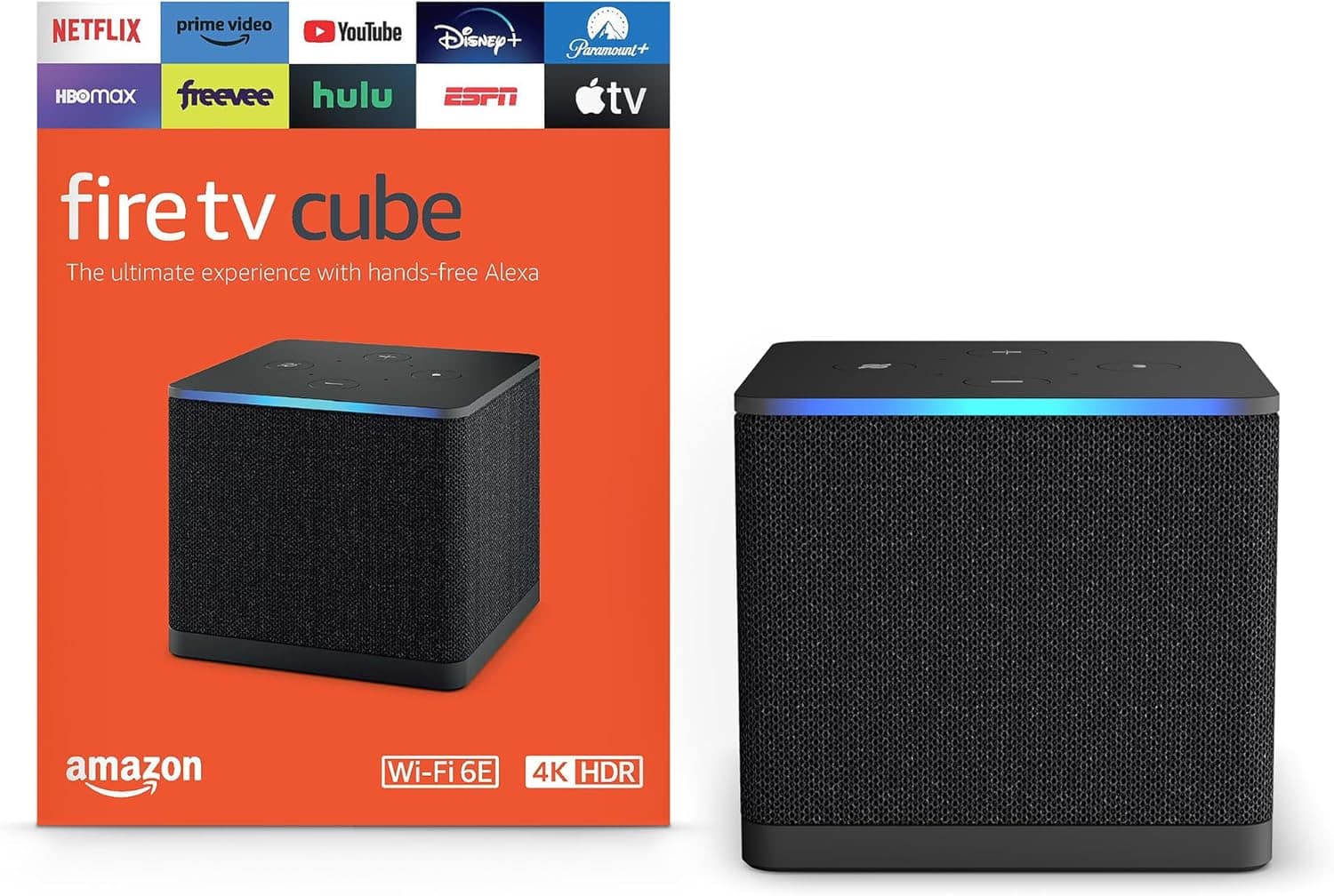
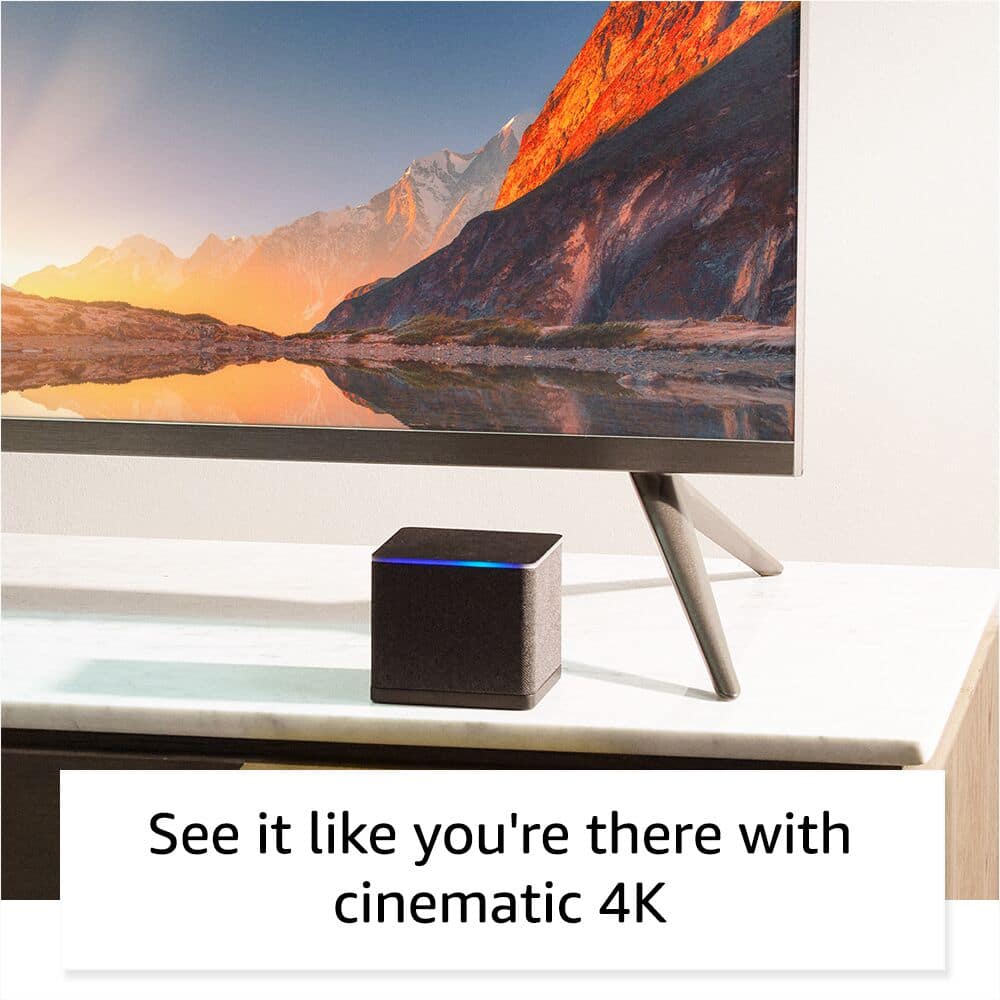
A:AnswerThat is smart tv, so you should not need a fire cube. Unless it does not offer all the streaming services you have. The firecube has just about everything you could want. The other advantages of firecube is voice command and ability to turn on my surround receiver and tv. Also fantastic 4k picture. Hope this helps
A:AnswerDefinitely! Watch the YouTube videos on it. There are endless apps you can get if you watch the YouTube videos on downloading the downloader and unlinked apps to your device.
A:AnswerThe apps you can download on the Cube or Firestick are endless. There are basically no limits to it. There are several live tv streaming apps or movie apps. Just YouTube best apps for Firestick and you’ll be very impressed on what you can watch for free.
A:AnswerHi Zorro, thank you for reaching out. The Fire TV Cube itself does not offer a record feature; however, depending on the streaming service you are using, there may be recording options available within the options of that particular app. Hopefully this helps. Have a wonderful day!
A:AnswerThe difference between 60 hz and 120 hz really only matters if you are playing video games. The Television will show a lag during game play but won’t be detected from anything playing on Amazon devices.
A:AnswerYou can find jail broken Firesticks on many third party sites like eBay and there are tons of tutorials online. The process involves putting additional software on the Firestick outside of the default software which is something you are not going to find at bestbuy or most other large retailers
A:AnswerHello, the Amazon Fire TV Cube does not have a DVR built in the device. There are DVRs on the market that you can get and then use the Fire TV Cube to access the content.
Have a great day!
A:AnswerYes, you would need a device for each tv that you wanted to use. We have a cube in the living room and firesticks in the other tvs in the house for example.