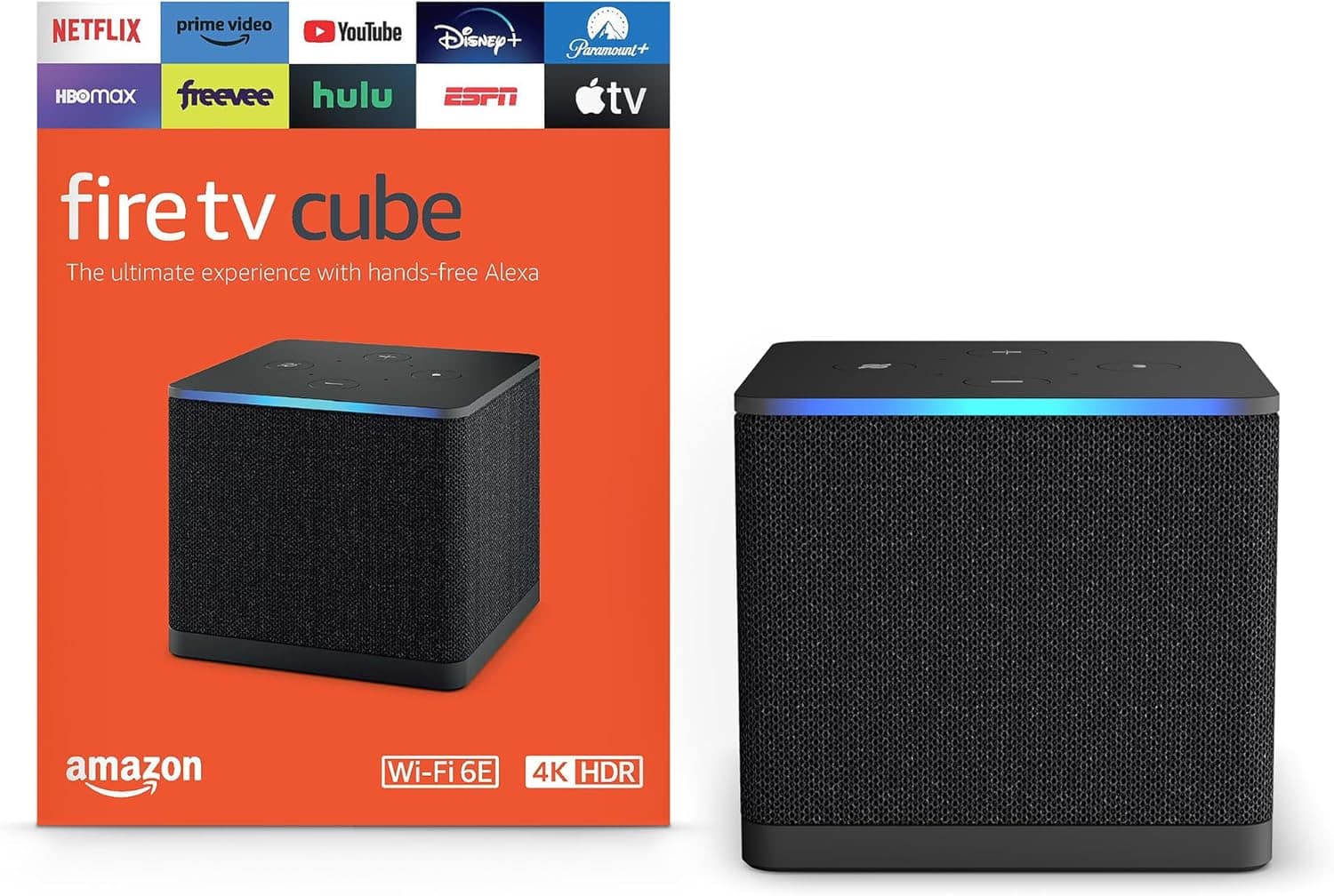
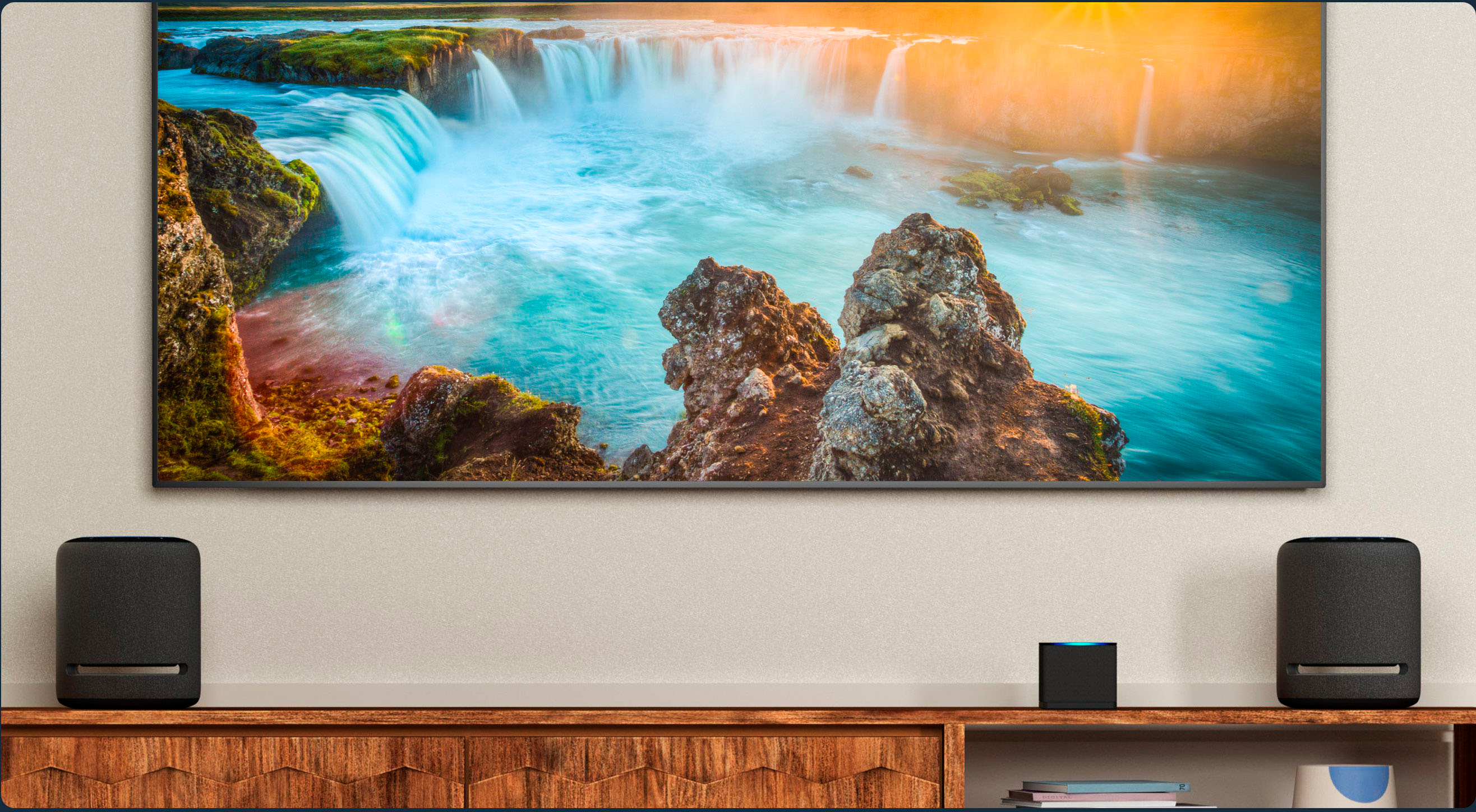
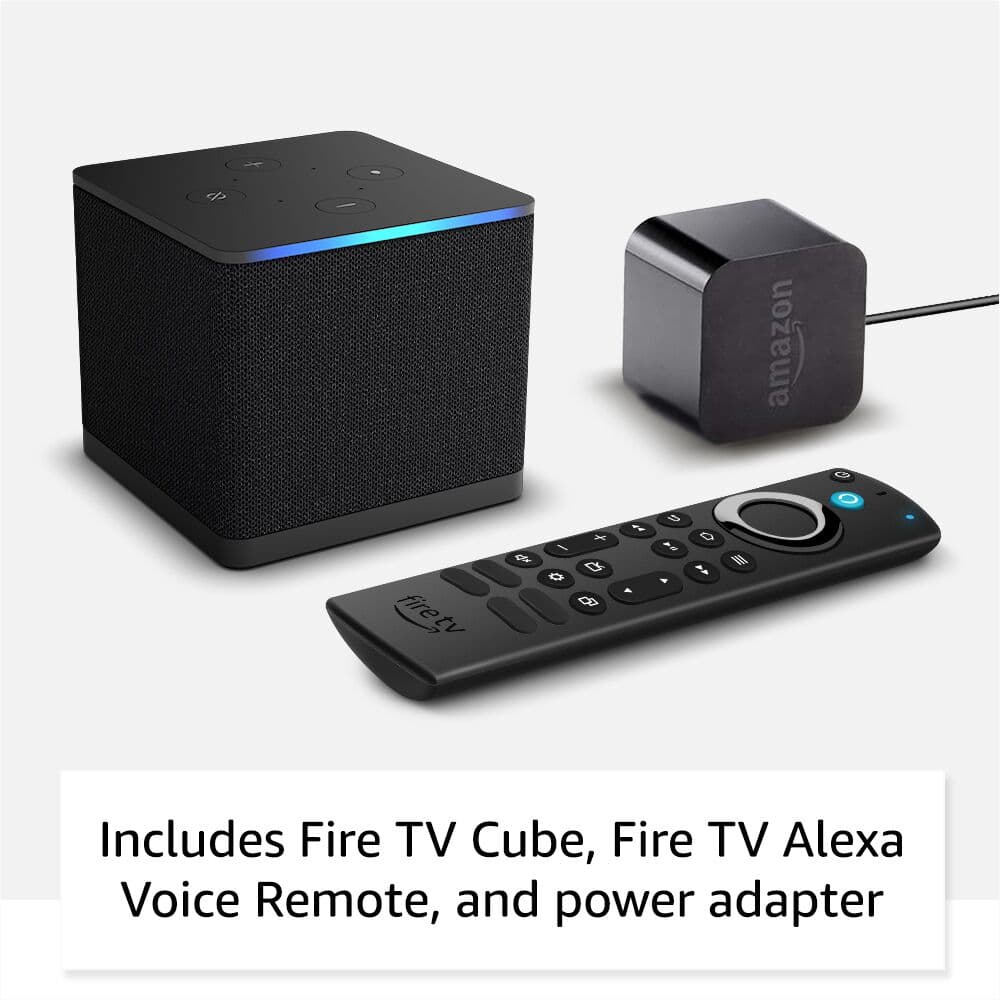
A:AnswerThis has a small speaker to hear Alexa when the TV is off. It will control almost any speaker you're using from a Bose Sound Bar to Echo speakers or your home audio system/speakers.
A:AnswerIf I understand correctly your fiber optic package includes Television services and should work just fine when plugged directly into your TV. The fire cube is a streaming device which might also provide Television services but which is also plugged directly into your TV. There would be no reason that I could see to plug your fiber television connection Into the Fire Cube.
I don't see any reason why the firecube would interrupt any special access services that you have on your TV now through your Fiber service.
A:AnswerThe fire cube only works on a single tv at a time you would have to have a splitter with a long cord and if you do that both tv will have to watch the same thing
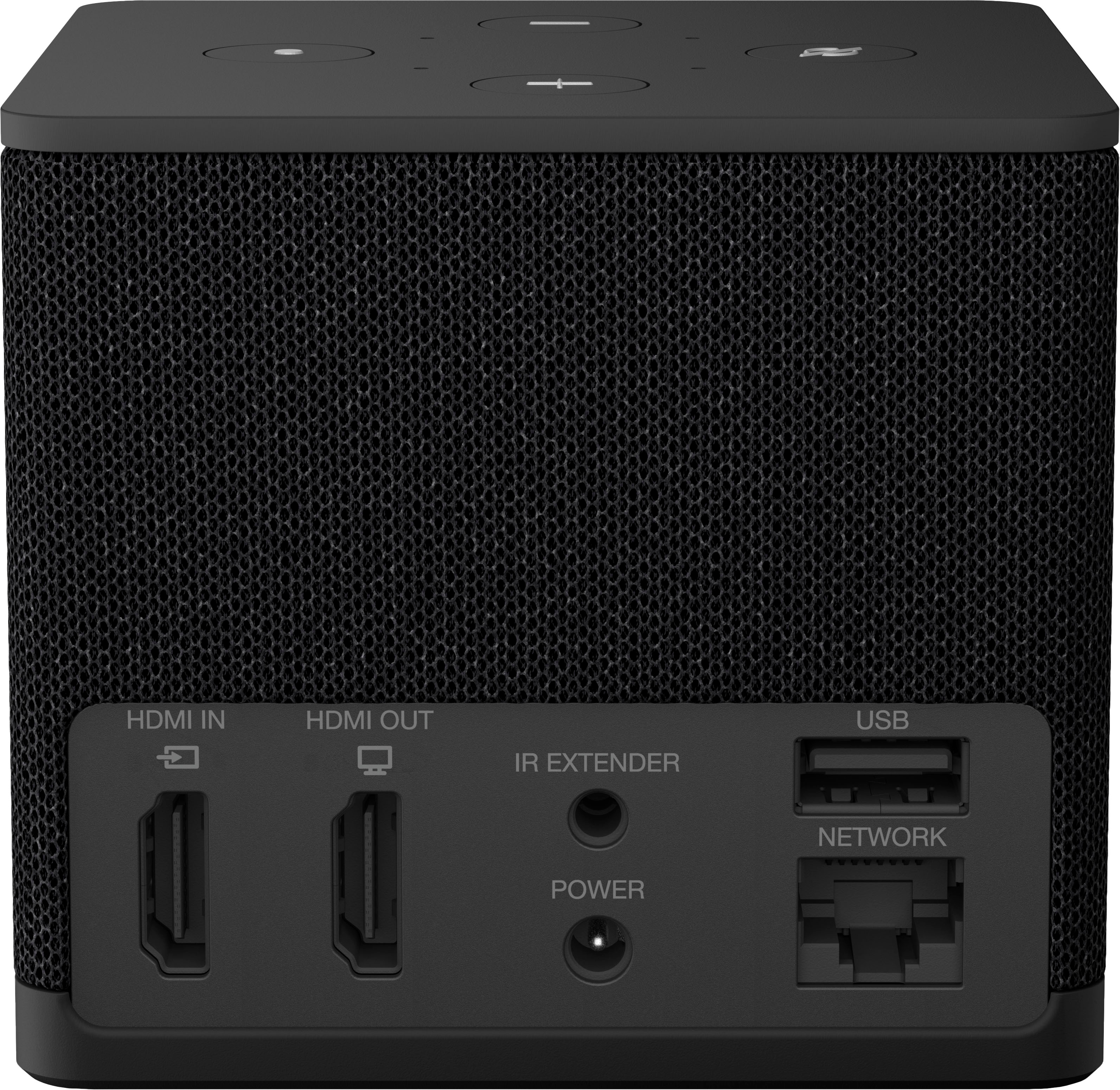
A:Answer16Gb storage; any earlier fire devices no more than 8Gb. There is a port for USB flash drives or externally powered portable drives; a NAS (Network Attached Storage) Device is accessible for wifi or ethernet connection.
A:AnswerJust as Cable and Dish services provide a sampling of local channels, so do competitive streaming apps, for which an internet search will yield various pricing structures and options, most of which also include DVR services. Otherwise the Cube will let you set up what to switch to for your Live TV source, whether it's an antenna or rabbit ears with a digital box that plugs a cable into the back of your TV, or a streaming app.
A:AnswerIf you install the Apple TV app, and you have an existing account on Apple TV, you can log in. If you are new to Apple TV, but, be careful. You need to apply for your credit card. If you like the service then fine, keep it, you will spend $9.99 a month. But if you don't like it or hardly watch the shows or movies, don't forget to shut it off. I have made a mistake in the past for a few services I stopped watching but never shut it off. So I was paying for a service I didn't watch.
A:AnswerSure, via a USB flash drive (external hard drives plugged into the USB port require their own power), or a NAS (Network Attached Storage) Device via ethernet or wifi, depending on how your network is configured.
A:AnswerIt depends on the soundbar and if it has ir codes or how you connect it. It did work with mine, however I used E-ARC and the remote did not have codes for Sonos arc. It did allow volume changes. I don’t think you would have issues but it truly depends on the bar, connection, and how you want to use it.