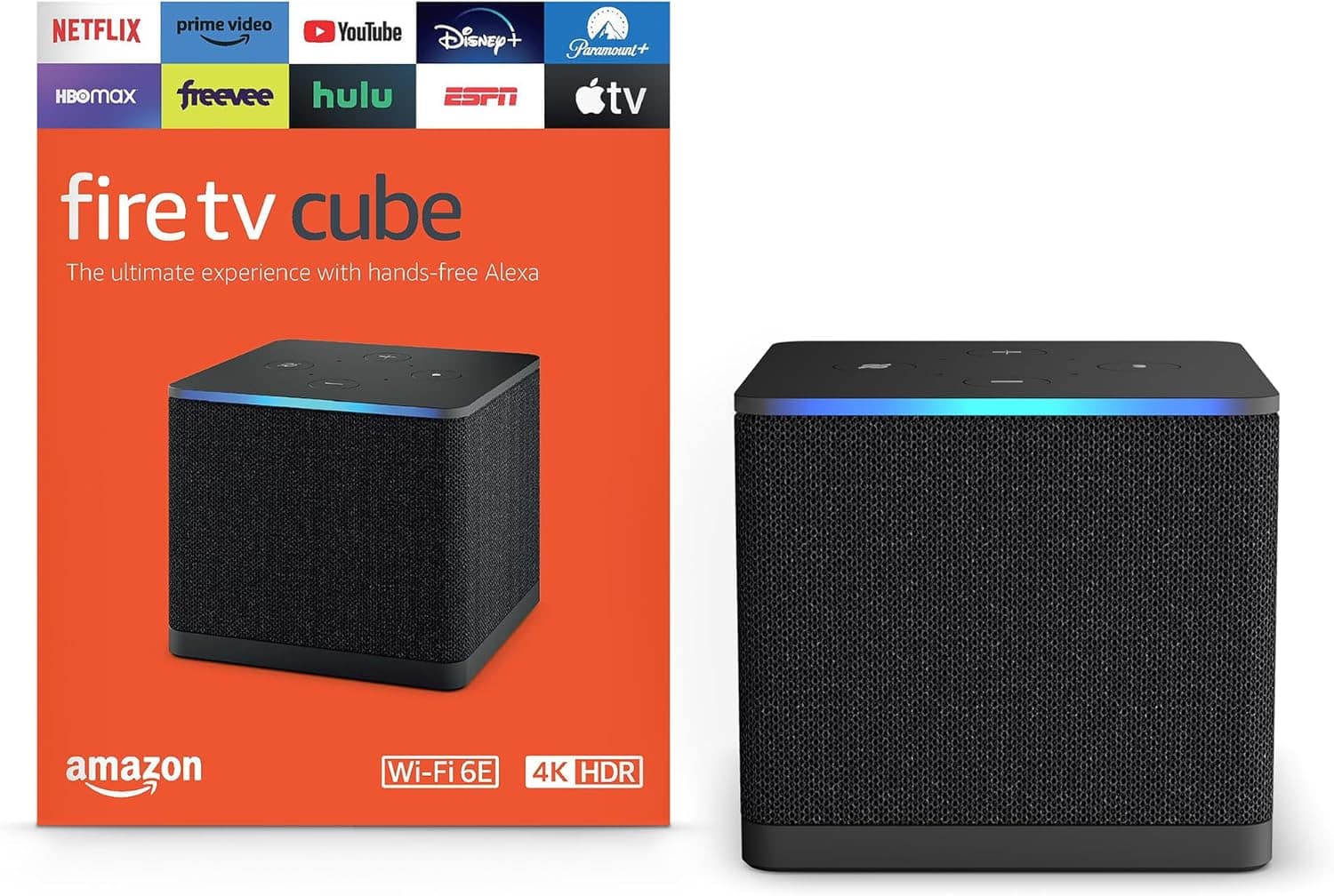
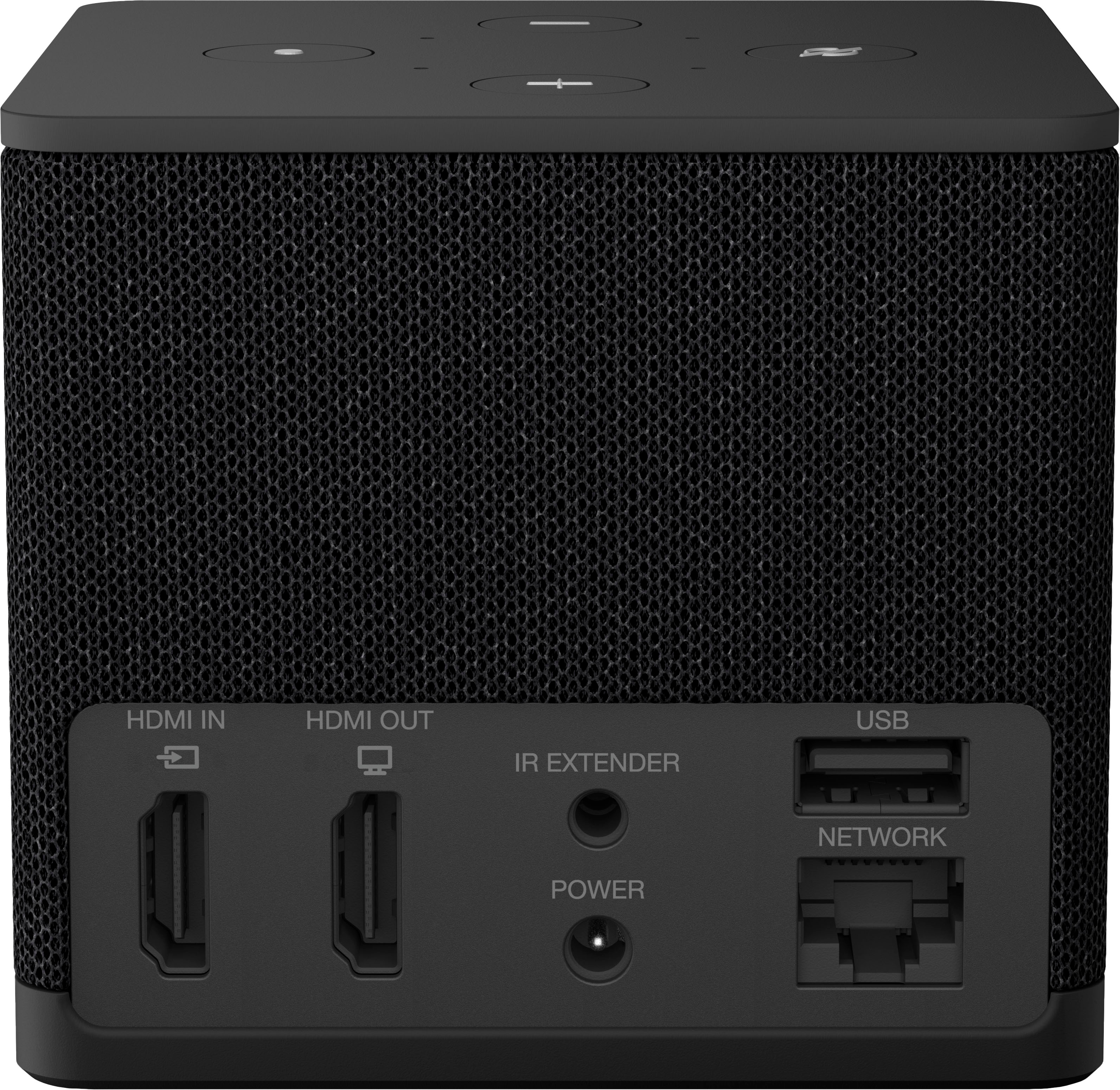
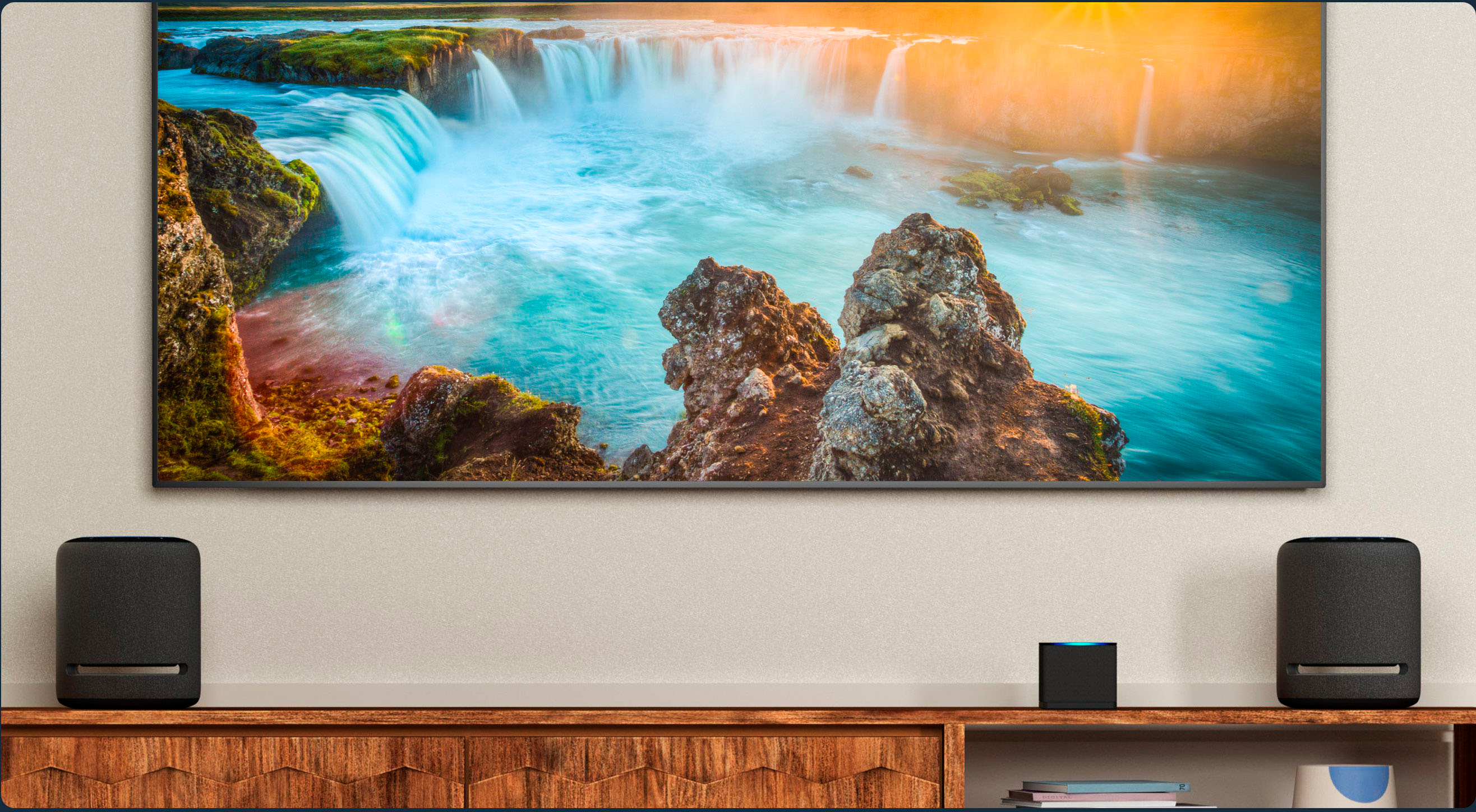
A:Answeryes, It can be put in your AV closet assuming you already have an hdmi connection running from your av closet to your TV. You can use any alexa device to control the fire TV cube, even just your phone with the alexa app.
A:AnswerWhen you buy any fire TV device from a reputable store, they will never be fully loaded. They will have the options for you to load whatever apps you have user names and passwords for. If you do not have a Netflix account with your username and password you cannot use Netflix. If you do not have a username for Disney+, you cannot use Disney+. Only if you have accounts, can you use those apps. There are some free things on here, but free is a relative term. You do have to pay for it one way or the other. One of the easiest ways that they have found for you to pay for the concept of movies is to watch commercials . So there are a ton of movies and TV shows that you can watch for free, but they will have commercials. A lot of people download ESPN, HBO, and other apps, thinking that they’re going to see a lot of things for free, and that is not true. You can only see things on those apps, if you had a subscription for those apps .
A:AnswerSpectrum is my internet provider, I don't have a cable box. However, the Fire TV Cube depends entirely on the internet, whether wifi or ethernet. If you get internet via your spectrum cable box, the Cube works the same way you get internet for your laptop.