A:AnswerHello Traveler, you want to know if you are able to install a VPN on the Amazon Fire TV Stick HD. You will be able to download a VPN app from the Appstore onto you Amazon Fire TV Stick HD. Hope this has addressed your concern. Have an amazing day!
A:AnswerHello Stretch,
Yes, the Fire TV Stick HD USB cable can use the TV's USB for power. It's a much more convenient and reliable option than having to run an extension to an outlet.
I hope this answers your question!
A:AnswerHi Manu! All newly released Fire TV Sticks feature the Vega OS, but you still find and install apps via the Amazon App Store just like always! I hope that helps, have a great rest of your day!
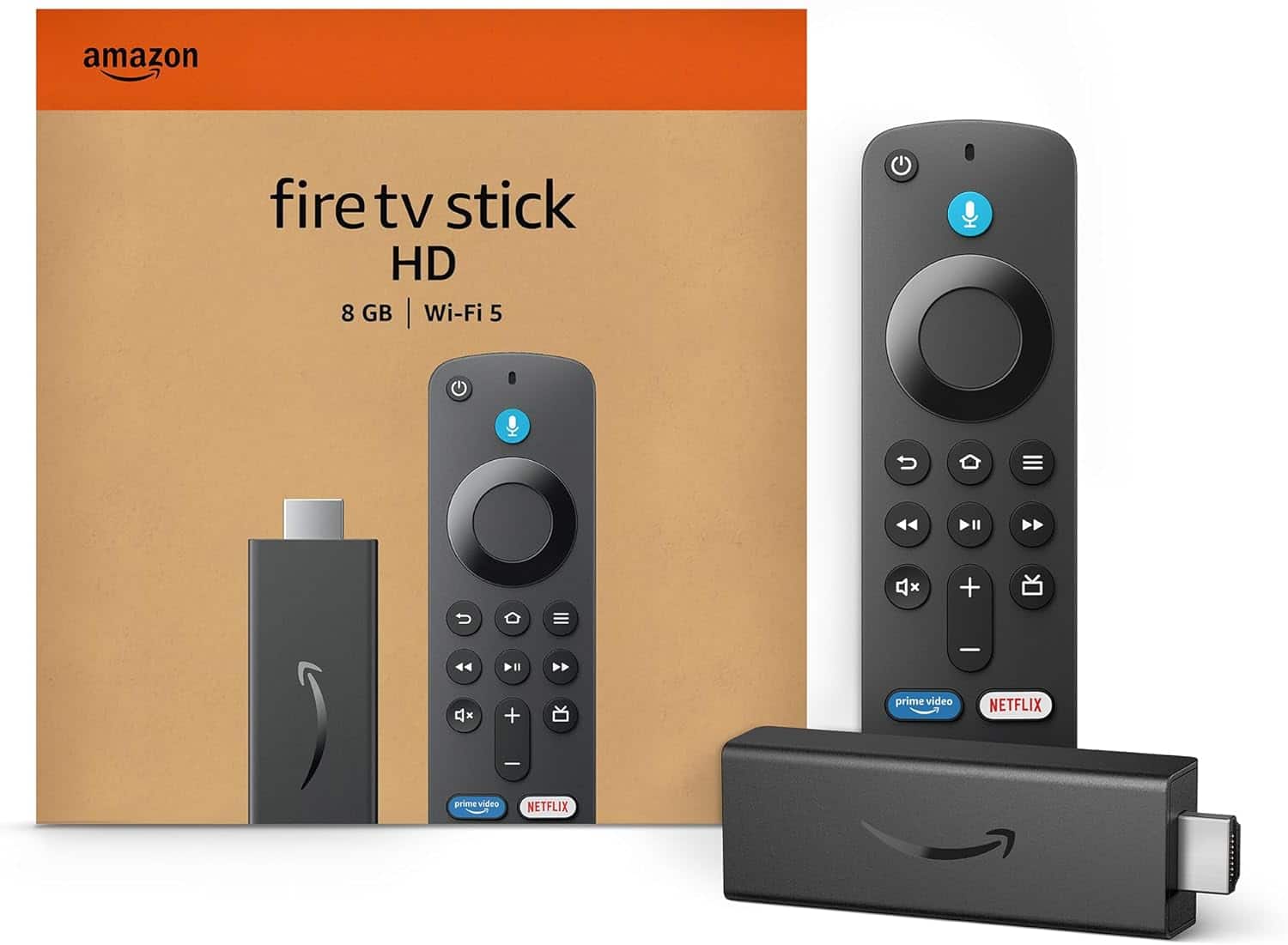
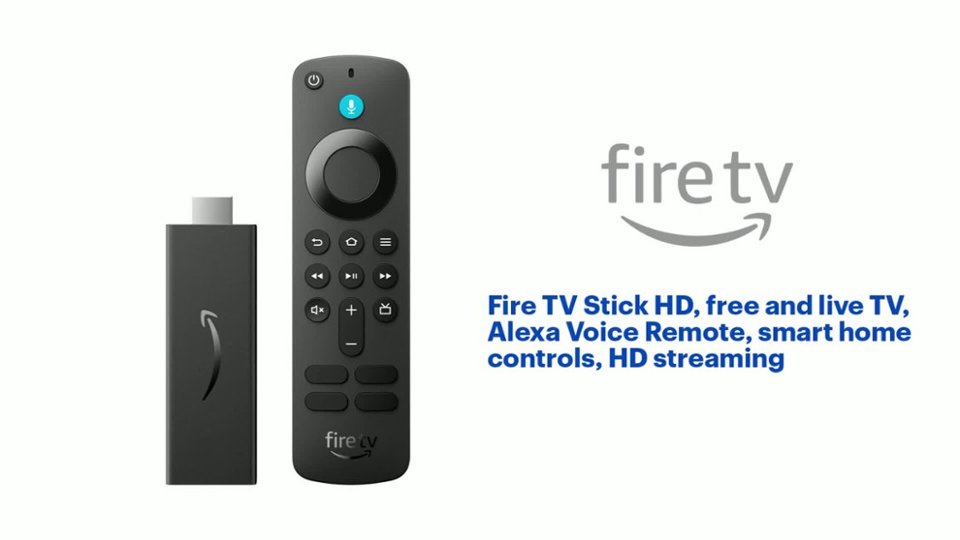
A:AnswerHi Sara, yes — you can buy a replacement Fire TV remote and pair it to your Fire Stick HD.
Just make sure it’s a compatible Fire TV remote for your model. You can also use the Fire TV app as a remote in the meantime.
Hope this helps.
A:AnswerHello Ez! The Fire TV stick streams over the internet and doesn't contain local channels out of the box like a traditional cable box, but you can use free apps like 'News by Fire TV' to curate news based on your location. There are also many news apps within the Fire TV Store containing news channels curated by region, though some may charge their own individual subscriptions. I hope this answers your question and I hope you have a great day!
A:AnswerHello, Black! as of April 15, 2026, you can use select Firesticks to download the Spectrum App and login to access your cable package. Currently, this doesn't include the Firetsick HD model. Here are the models that can support this function with the Spectrum App: Amazon Fire TV devices running Fire OS 6+ or Vega OS, including the Fire TV Stick 4K Select, Fire TV Stick 4K Max, Fire TV Omni QLED Series, Hisense U6, TCL QM64L Series, and Panasonic Z95B. I hope this helps!
A:AnswerHello, Black! as of April 15, 2026, you can use select Firesticks to download the Spectrum App and login to access your cable package. Currently, this doesn't include the Firetsick HD model. Here are the models that can support this function with the Spectrum App: Amazon Fire TV devices running Fire OS 6+ or Vega OS, including the Fire TV Stick 4K Select, Fire TV Stick 4K Max, Fire TV Omni QLED Series, Hisense U6, TCL QM64L Series, and Panasonic Z95B. I hope this helps!
A:AnswerHello,
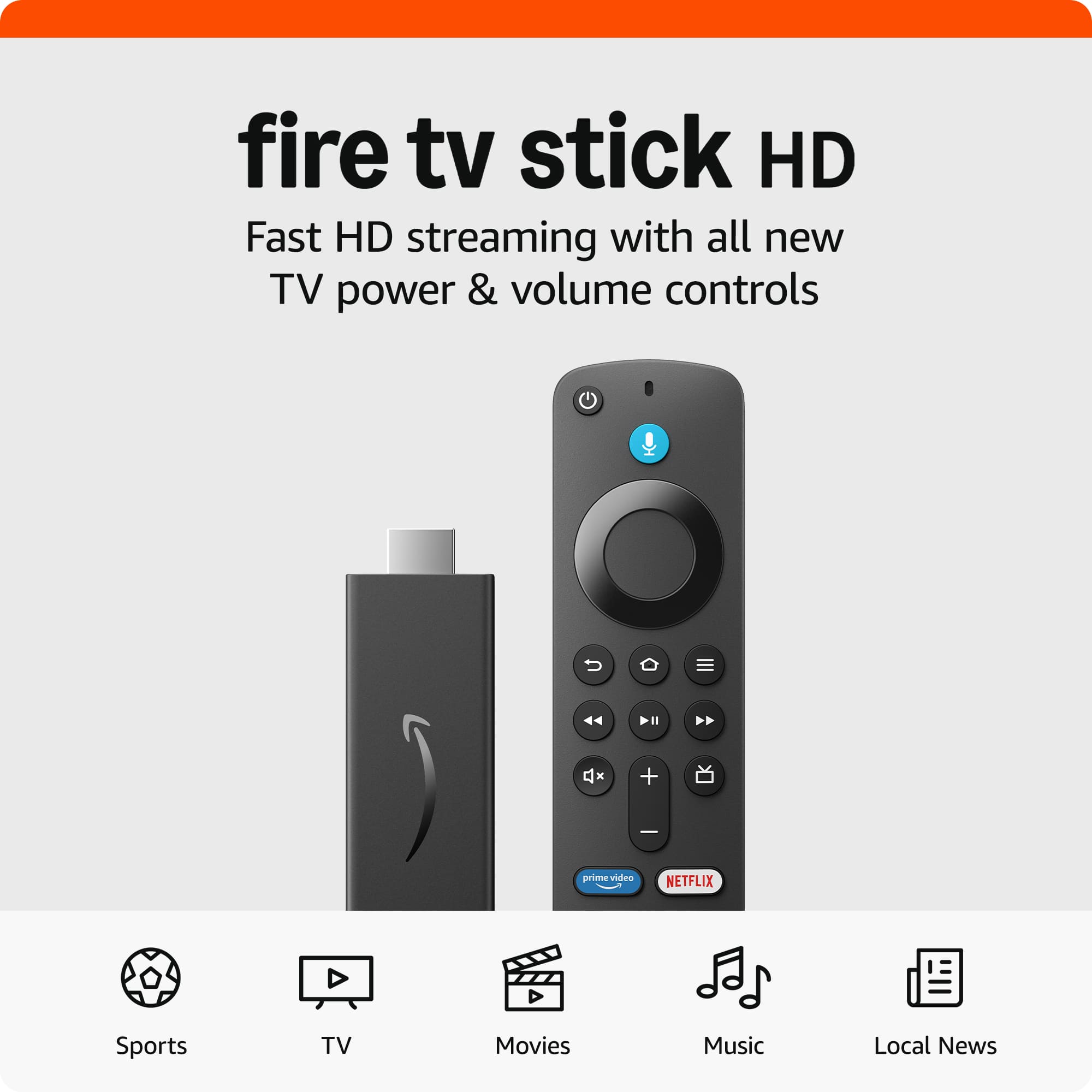
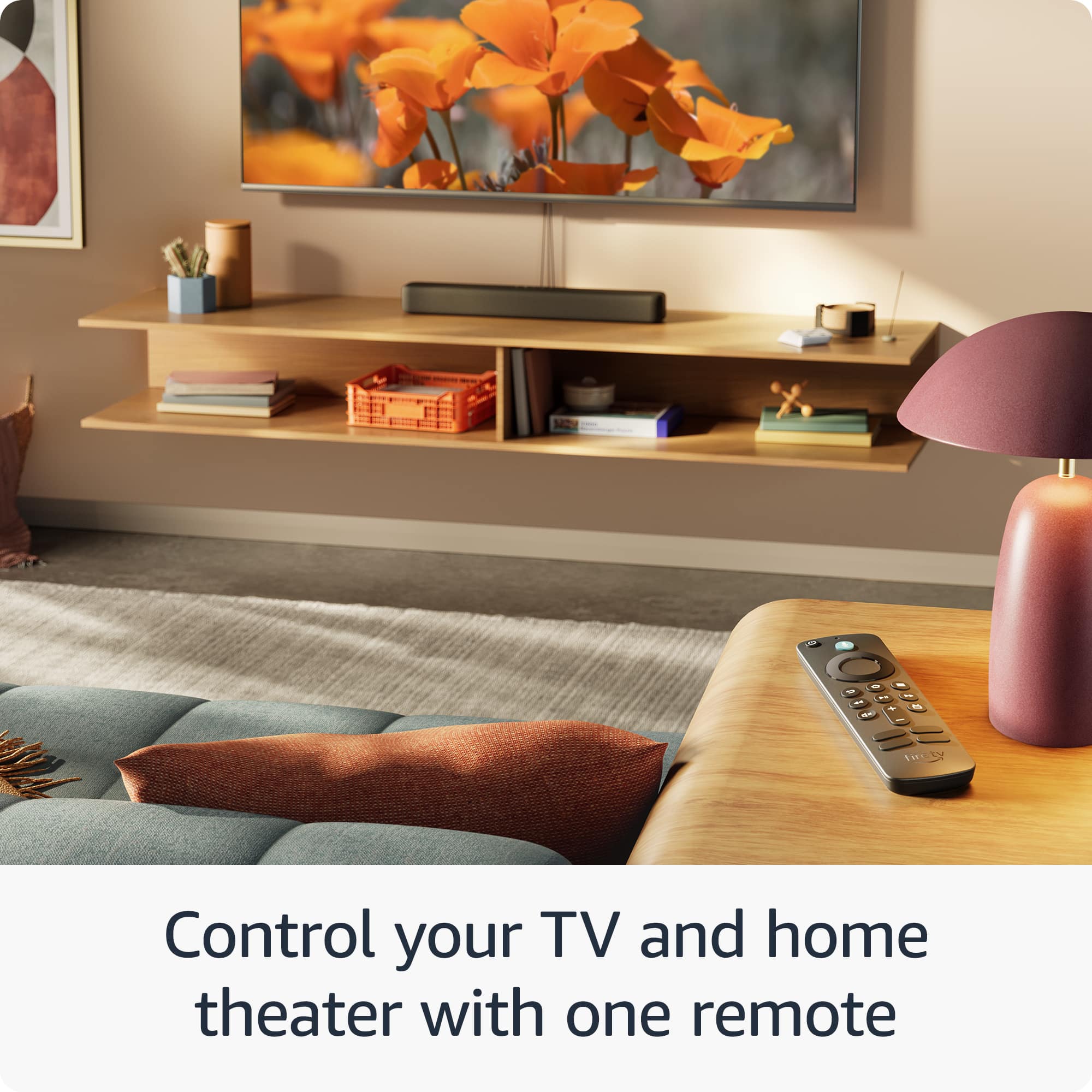
The Fire Stick HD Remote will come pre programmed with an Amazon Prime and a Netflix button. These are pre programmed buttons that can not be customized.
I hope this answers your question!
A:AnswerGood day to you Dhanani! Here is some helpful information in regards to your question on available channels! The Amazon Fire TV Stick HD doesn't have built-in Indian or Pakistani channels, but you can access them through apps available on the device.
Here's what's available:
•
Streaming apps – Download apps that offer Indian and Pakistani content (Jio Cinema, Hotstar, Zindagi, etc.) directly from the Fire TV app store
•
Prime Video channels – Prime Video offers regional Indian programming through add-on subscriptions
A:AnswerHello! These are officially supported and available directly in the Amazon App Store.
--Freevee (by Amazon): Formerly IMDb TV, this is built directly into the Fire Stick interface. It has high-quality Amazon Originals (like Jury Duty) and thousands of popular movies.
--Tubi: Often called the "King of Free Streaming," Tubi has a massive library of older movies, cult classics, and even live news.
--Pluto TV: This app feels exactly like old-school cable. It has hundreds of "channels" that play content on a loop, including dedicated channels for Star Trek, CSI, and 24/7 news.
2. Live News & Sports
News by Fire TV: This is a built-in app that aggregates local news from cities across the US and national outlets like CBS News and ABC News.
--Sports.TV: A newer free service that aggregates niche sports channels, extreme sports, and local sports coverage.
--Haystack News: Great for personalized news; you pick the topics you care about, and it builds a custom "broadcast" for you.
3. All-in-One Media Hubs
Plex: While mostly known for letting you stream your own personal movie files, Plex now has its own massive library of free movies and live TV channels that require no setup.
--The Roku Channel: Yes, you can get the Roku Channel on a Fire Stick! It offers free movies and "Roku Originals" at no cost.
--YouTube: Still the king of free video content. It's usually the first app most people download.
4. Niche & Specialty Apps
--Crunchyroll: If you like Anime, there is a large selection of episodes you can watch for free (with ads).
--PBS & PBS Kids: Excellent for documentaries and educational children's programming without commercials.
--Vudu (Fandango at Home): While mostly for renting movies, they have a "Free" section with thousands of ad-supported titles.
--Hope this helps!