Appreciation EventEnds Sunday. Limited quantities. No rainchecks.Shop now

Skip to contentGo to Product Search
Main Content

Questions & Answers

$21.99
Save $18
The comparable value is $39.99
Deal ends in 21:09:46
Page Showing 1-20 of 33 questions
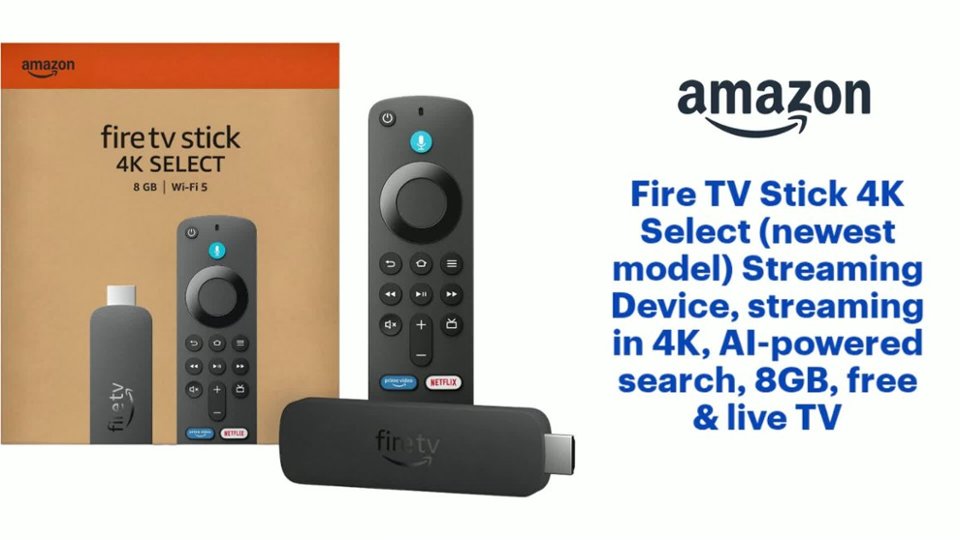
  • QuestionWhat is the maximum resolution supported by this device?

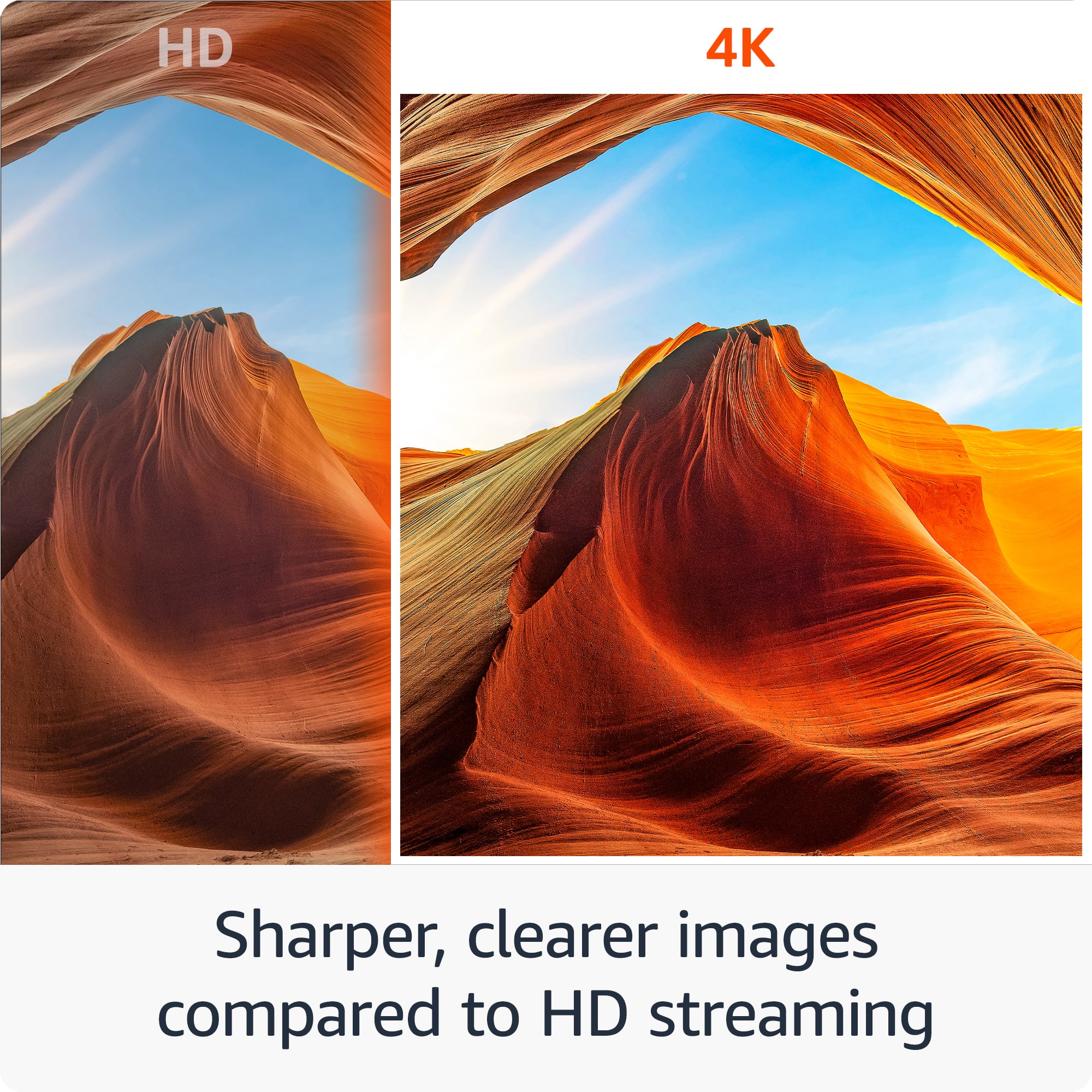
    • Answer The maximum supported resolution is 2160p (4K).
    This question and answer was generated by AI based on customer and product data.
  • QuestionDoes this streaming device come with a remote control?

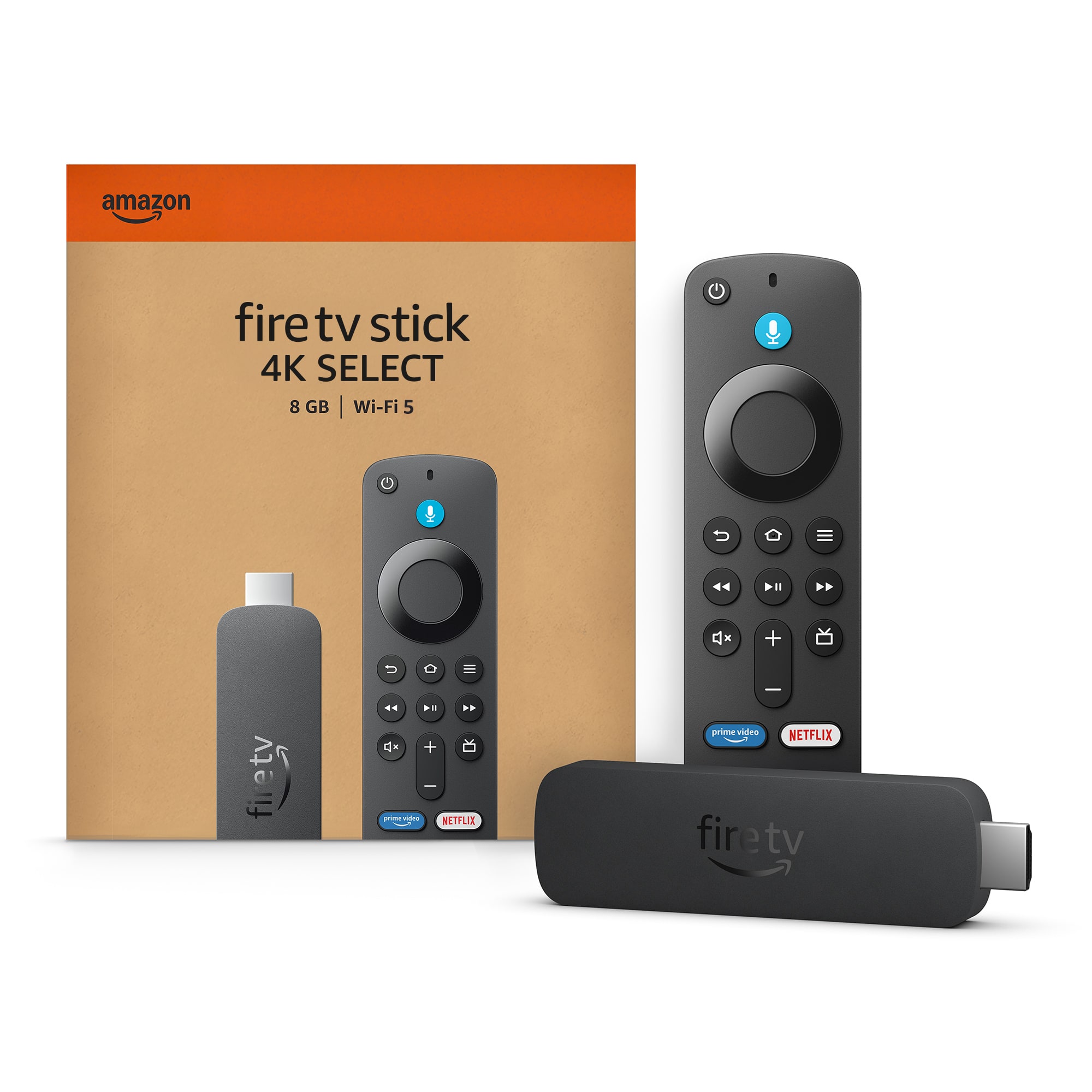
    • Answer Yes, a remote control is included with this streaming device.
    This question and answer was generated by AI based on customer and product data.
  • QuestionCan I dim my home lights using this streaming stick?

    • Answer Yes, you can dim your home lights using this streaming stick.
    This question and answer was generated by AI based on customer and product data.
  • QuestionDoes this streaming stick support high dynamic range?

    • Answer Yes, this streaming stick supports High Dynamic Range (HDR) and HDR 10+.
    This question and answer was generated by AI based on customer and product data.
  • QuestionWhat is the storage capacity of this streaming device?

    • Answer This streaming device has a storage capacity of 8 gigabytes.
    This question and answer was generated by AI based on customer and product data.
  • QuestionCan I use voice commands with this streaming device?

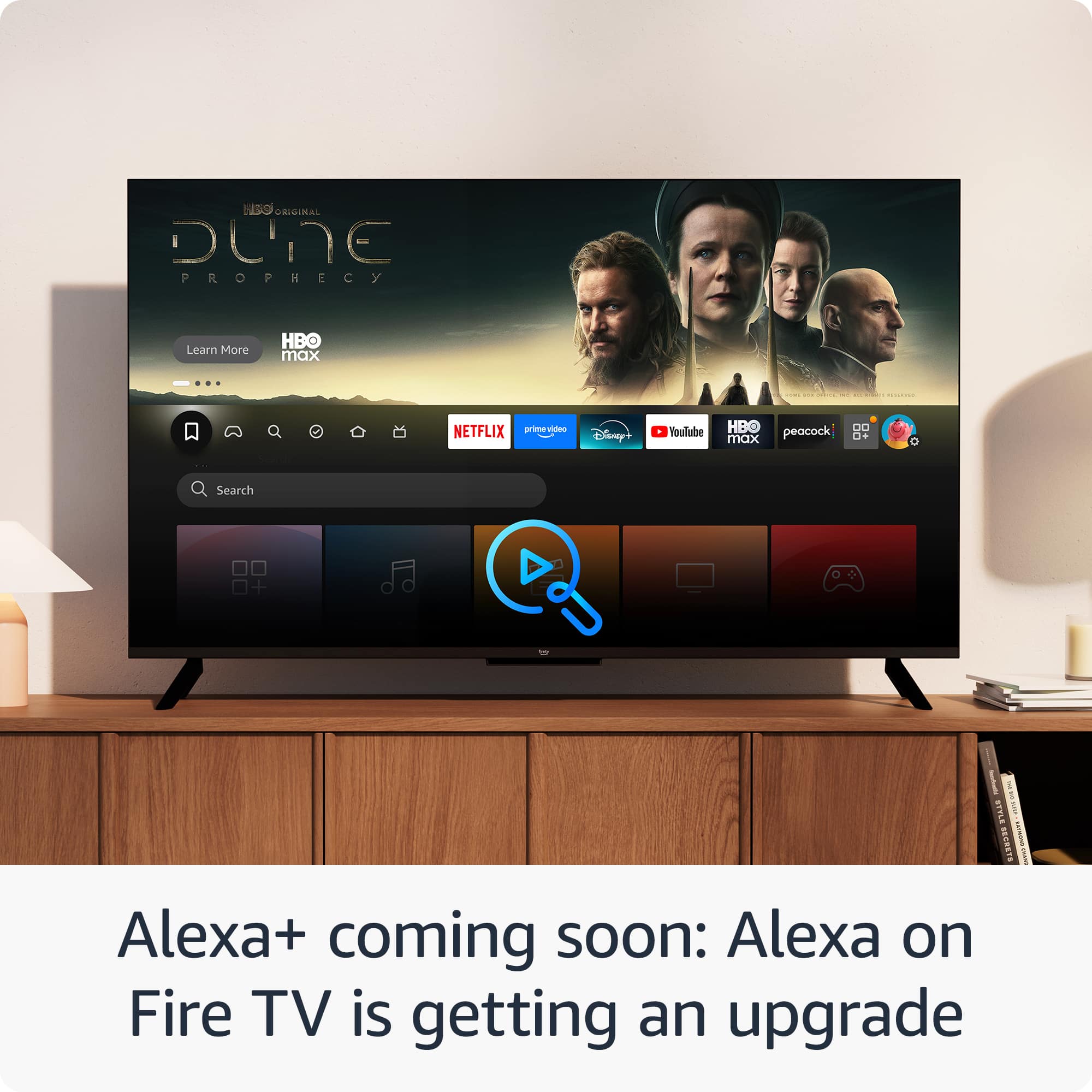
    • Answer Yes, you can use voice commands, as Alexa is at your fingertips.
    This question and answer was generated by AI based on customer and product data.
  • QuestionCan I stream content in 4K with this device?

    • Answer Yes, you can stream content in brilliant 4K Ultra HD.
    This question and answer was generated by AI based on customer and product data.
  • Questioncan the 4k fire stick be used without a cable box?

    Asked by Anonymous.

    • Answer Yes it can

      Answered by RandallD

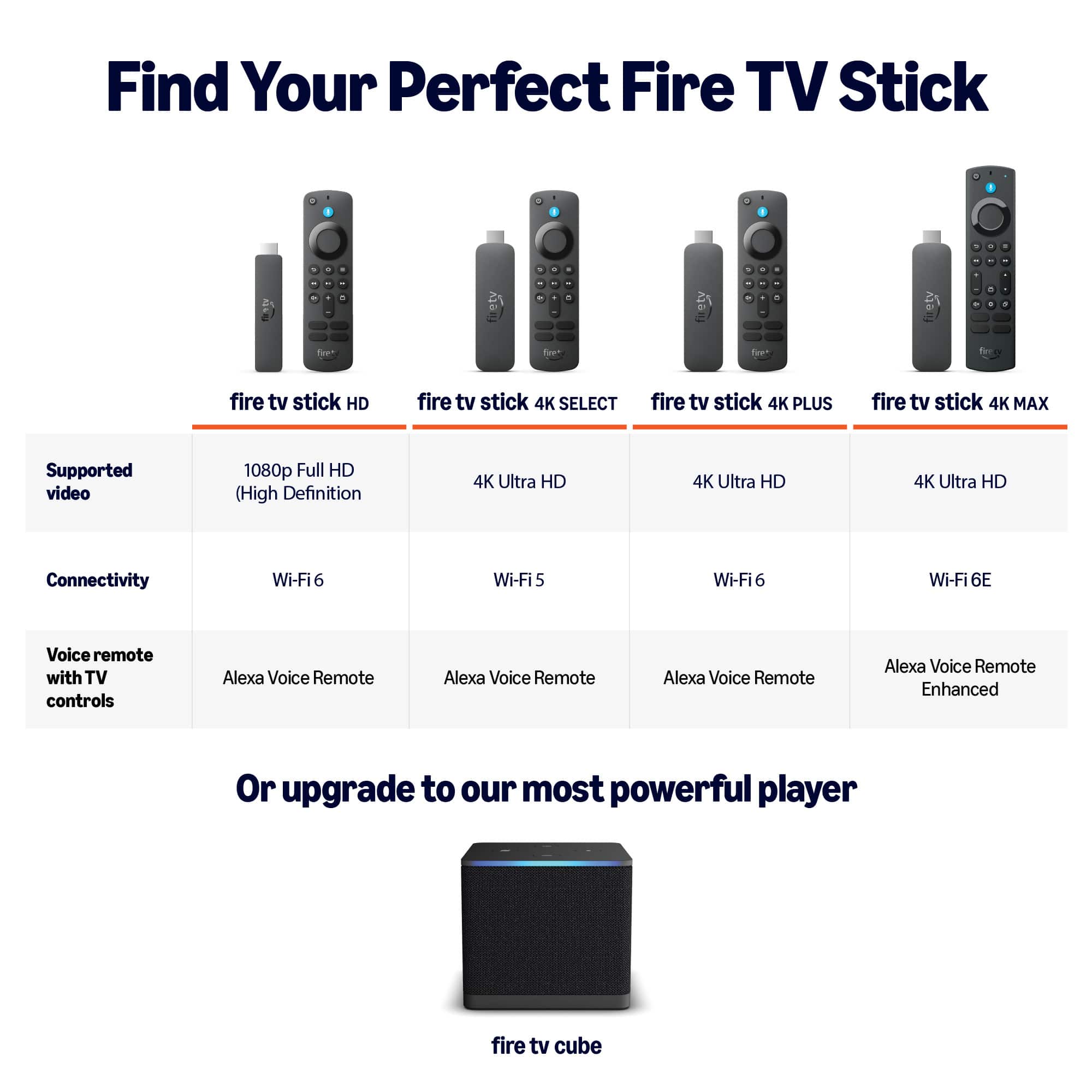
  • QuestionDoes this have Wi-Fi 6

    Asked by Steve.

    • Answer Yes

      Answered by CarmenV

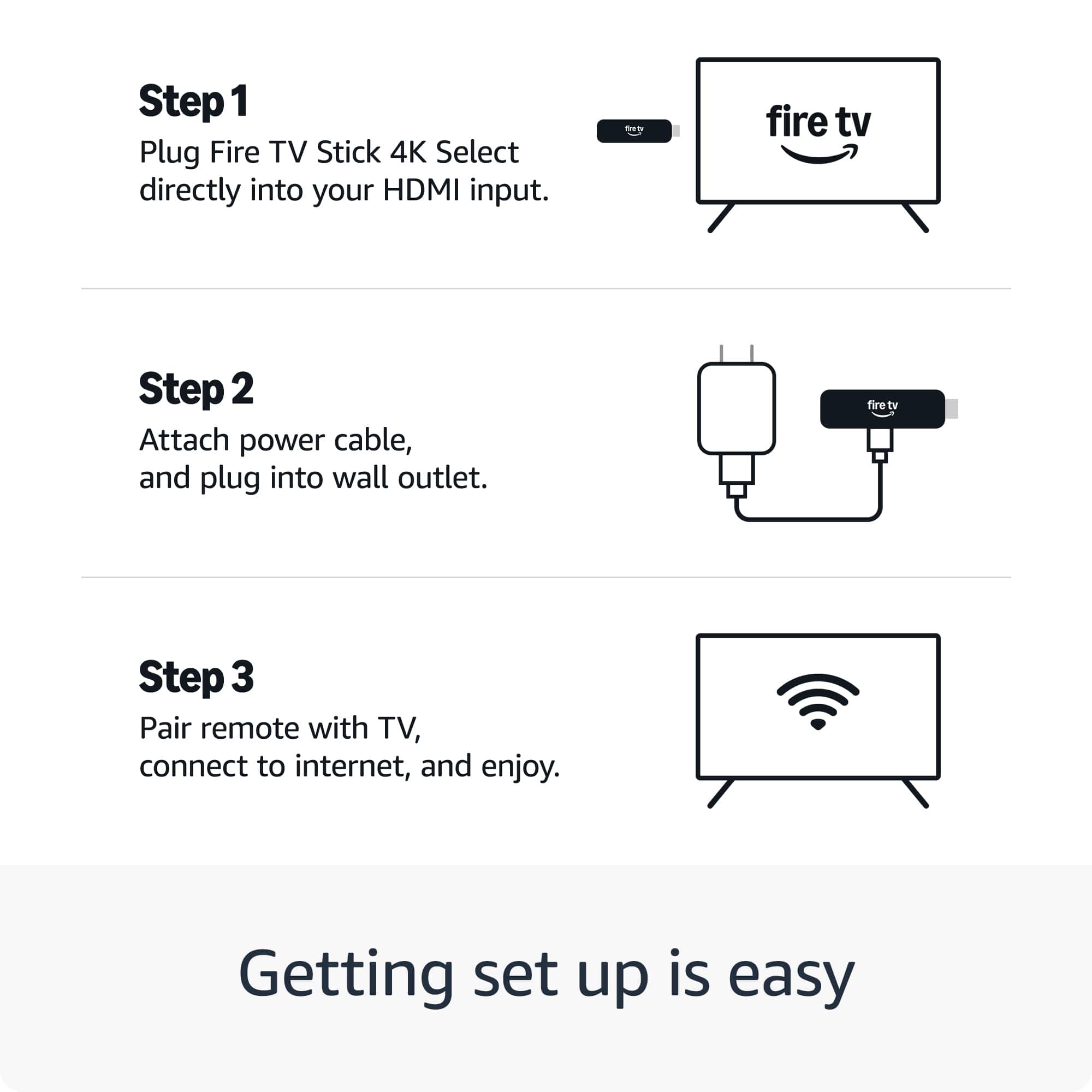
  • QuestionDoes it work on a TV that's not a smart TV?

    Asked by Anonymous.

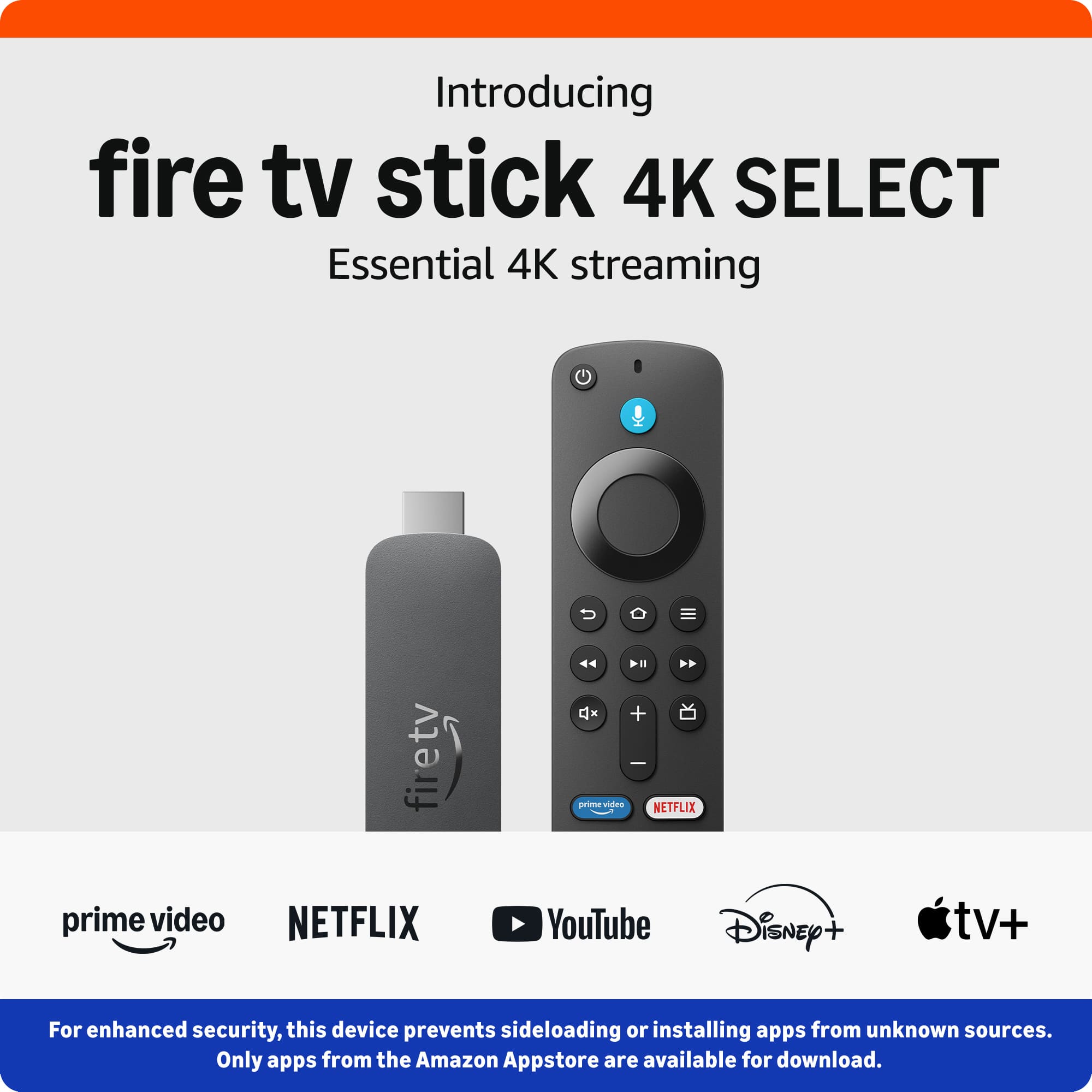
    • Answer Yes. All it requires is an HDMI port. However if you plan on sideloading apps like smarttube, you can no longer do this on firestick. You should consider the onn 4k box which is only $20 at various places. We're swapping out all of our firesticks as they brick up. Which for some reason has suddenly begun to happen. Smart move on Amazon's part to brick up your old firestick so you have to buy a new one which is locked down.

      Answered by krylos

  • QuestionDown loader app not found

    Asked by Anonymous.

    • Answer Firestick no longer allows sideloading. Get the onn $20 4k box.

      Answered by krylos

  • QuestionDoes this fire stick enable free streaming?

    Asked by Deweyann.

    • Answer Yes

      Answered by FELICIAS

  • QuestionCan I download Downloader app on it & will it allow me to download 3rd party apps like IPTV etc

    Asked by Anonymous.

    • Answer Hi there! All newly released Fire TV Sticks feature the Vega OS, but you still find and install apps via the Amazon App Store just like always! I hope that helps, have a great rest of your day!

      Answered by Amazon Devices Customer Support

  • QuestionIs there a yearly or monthly fee

    Asked by Anonymous.

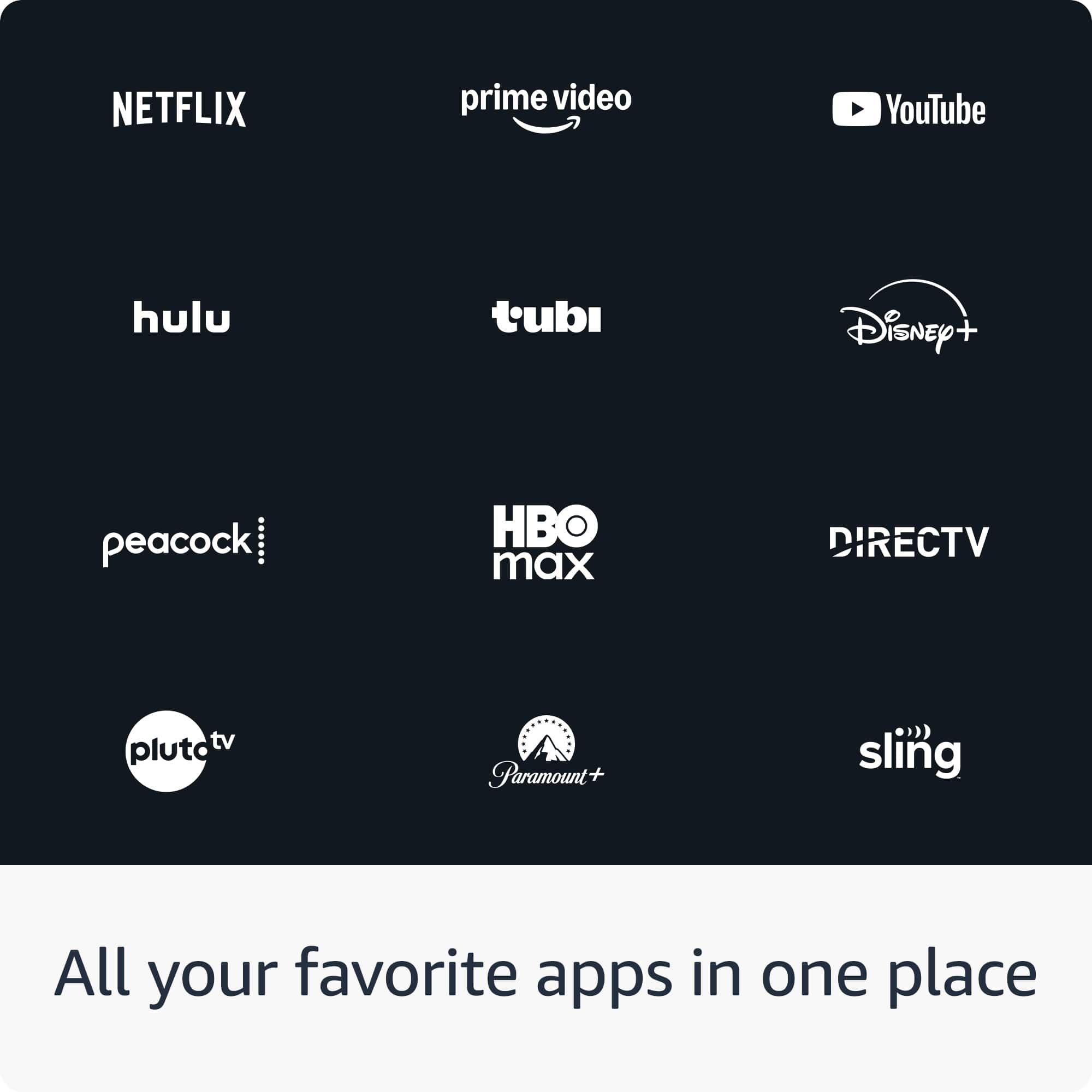
    • Answer Hello and thank you for your question! No, there is no yearly or monthly fee associated with the Amazon Fire TV Stick 4K Select. If you wanted to stream from subscription based apps (Disney +, Hulu, Netflix, etc) those would require a fee for their services. Hope this helps! Have a great day!

      Answered by Amazon Devices Customer Support

  • QuestionCan I connect a Ethernet cord to device?

    Asked by Jenizzo.

    • Answer No, there is no port for one. It works off WiFi.

      Answered by MichaelM

  • QuestionCan I download STB emu app, tv streaming service?

    Asked by Chet.

    • Answer Hello, Chet! The short answer is absolutely. Underneath the rubber bumper and the kid-friendly interface, a Fire 7 Kids tablet is identical to the standard Fire 7 tablet. Amazon simply bundles the standard hardware with a rugged case, a two-year "worry-free" guarantee, and a subscription to Amazon Kids+. How to Switch to "Adult Mode" You don't need to hack the device or install anything special to use it as a regular tablet. You just need to switch profiles: Swipe down from the top of the screen to open the Quick Settings. Tap the Profile icon (the little person silhouette). Select your Adult Profile (the one associated with your Amazon account). Enter your PIN or password if you set one. Once you are in the adult profile, the colorful "Amazon Kids" interface disappears, and you’ll have the standard Fire OS home screen with access to the Silk browser, the Kindle store, and the full Amazon Appstore. I hope this helps!

      Answered by Amazon Devices Customer Support

  • Questionwhat are the channel packages and rates for fire sticks?

    Asked by neal.

    • Answer Yes you can

      Answered by JoshuaC

  • Questioncan i get you tube tv with this

    Asked by Anonymous.

    • Answer Of course

      Answered by JoshuaC

  • QuestionCan I get Tubi with this Firestick?

    Asked by Bubbles.

    • Answer Yes

      Answered by RichardD

  • QuestionWith the proper apps such as tinycamerapro will I be able to connect via the router to any wifi or ethernet DVR system our security camera system to any of my smart tv's that have the streaming fire stick installed?

    Asked by LongIslandGal.

    • Answer Hi LongIslandGal! While I haven't used tinycamerapro myself, I can verify it's available for the Fire TV Stick 4K Select via the Amazon App Store. So as long as your cameras are compatible you shouldn't have any issues getting things set up, at least as far as app availability goes. I hope that helps, have a great rest of your day!

      Answered by Amazon Devices Customer Support