Questions & Answers
- Model:
- B08C1W5N87
- |
- SKU:
- 12007051
Q: Questioncan i use my i phone 12 pro max to control the device instead of the remote. the remote is kind of cheaply made and not to reliable. thank you for your help
Asked by Anonymous.
- A:Answer Hello and thank you for your question! Yes! You can use your Iphone 12 Pro Max as a remote and never worry about where the controller went again! Follow these steps to set it up: 1. Download the "Amazon Fire TV" App on the IOS app Store. 2. Connect your mobile device to the same Wi-Fi network as your Fire TV Device. 3. Open the Fire TV app on your IPhone. 4. Select an available device on the screen. 5. Follow the on-screen prompt. 6. Use the on-screen navigation, keyboard, and other menu options to control the selected Fire TV device. Hope this helps!
Answered by Amazon Devices Customer Support
Q: QuestionMy series 20 fire hd smart tv is on it's way. Do I need, is there an extra benefit to get the fire stick since the fi=e TV has built in apps?
Asked by MJ.
- A:Answer Hello MJ. Since I do not know exactly what TV model and manufacturer you are getting, I cannot speak to exactly what is available on it but I can say that any Fire TV model that has the Amazon Fire TV interface and system in it, should already have the same Fire TV platform that this Fire TV Stick will have depending on the model and software version available once you set up and connect your TV. So if that is the case, the Fire TV Stick would be unnecessary to get. I hope this helps answer your question and that you have a great day!
Answered by Amazon Devices Customer Support
Q: QuestionHow long does a firestick last?
Asked by Anonymous.
- A:Answer If you put it to sleep after use, it lasts a few years. You do have to clear cashe and remove apps you don’t use so you don’t fill your storage.
Answered by Starwarsgirl
Q: Questionthere's no sound coming from my device and been troubleshooting it but can't solve the problem, I used to disconnect and reconnect it after a couple of minutes but that doesn't work now, What do you think the problem is, is it normal to loose the sound?
Asked by AlmondJoy.
- A:Answer What I've noticed is, after a full reset sometimes it takes a few minutes or hours to get the sound back. As for your static it could be: 1 your media player "old" a/o with a corrupted update. 2 your HDMI input at your tv. 3 after an update your tv not been compatible with such. Perhaps switching your inputs would give you better results.
Answered by Walt
Q: QuestionHi does this fire stick work with Sling? Thank you!
Asked by Poptoh.
- A:Answer yes, from what i read in i looked in amazon, it works with sling tv
Answered by netgear
Q: QuestionHow do you power off the fire stick "when not in use" so it does not use up all your bandwidth?
Asked by Danosmitity.
- A:Answer Unplug it from usb.Helps device last longer(more years from device)
Answered by Milky1077
Q: QuestionDo you pay for service
Asked by Anonymous.
- A:Answer You must have an amazon account. Not necessarily prime but channels come with prime whereas only usage and access to apps come with just the amazon account.
Answered by Niki
Q: QuestionWhat channels can you get
Asked by Dave.
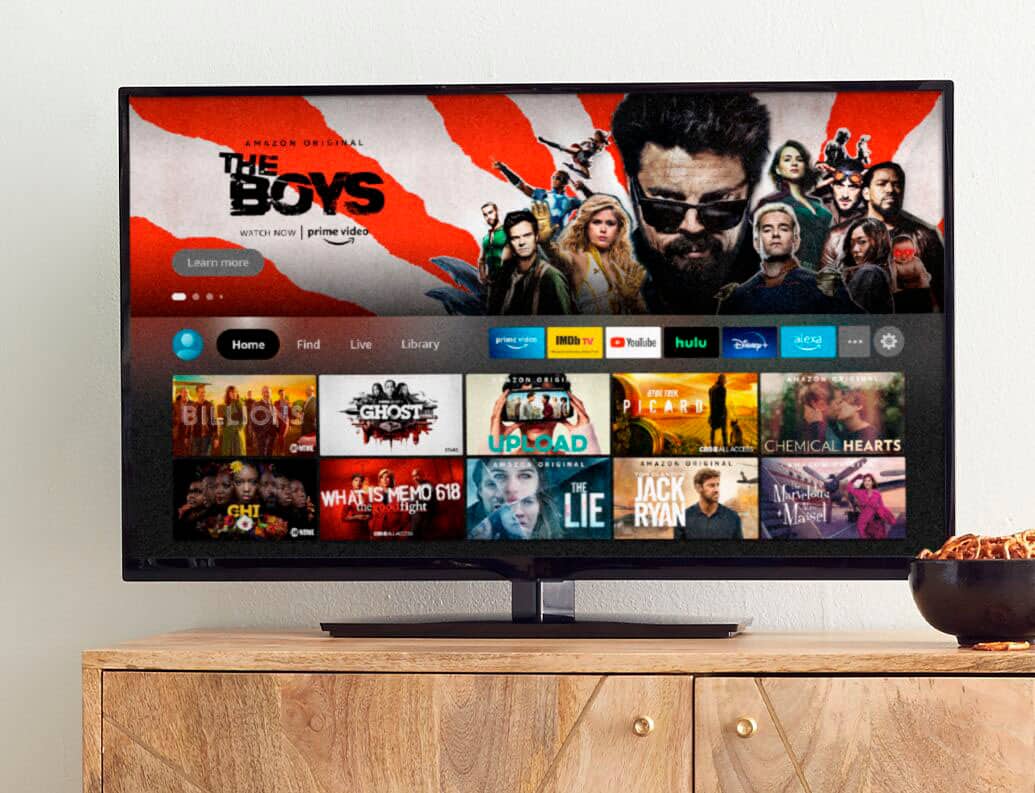
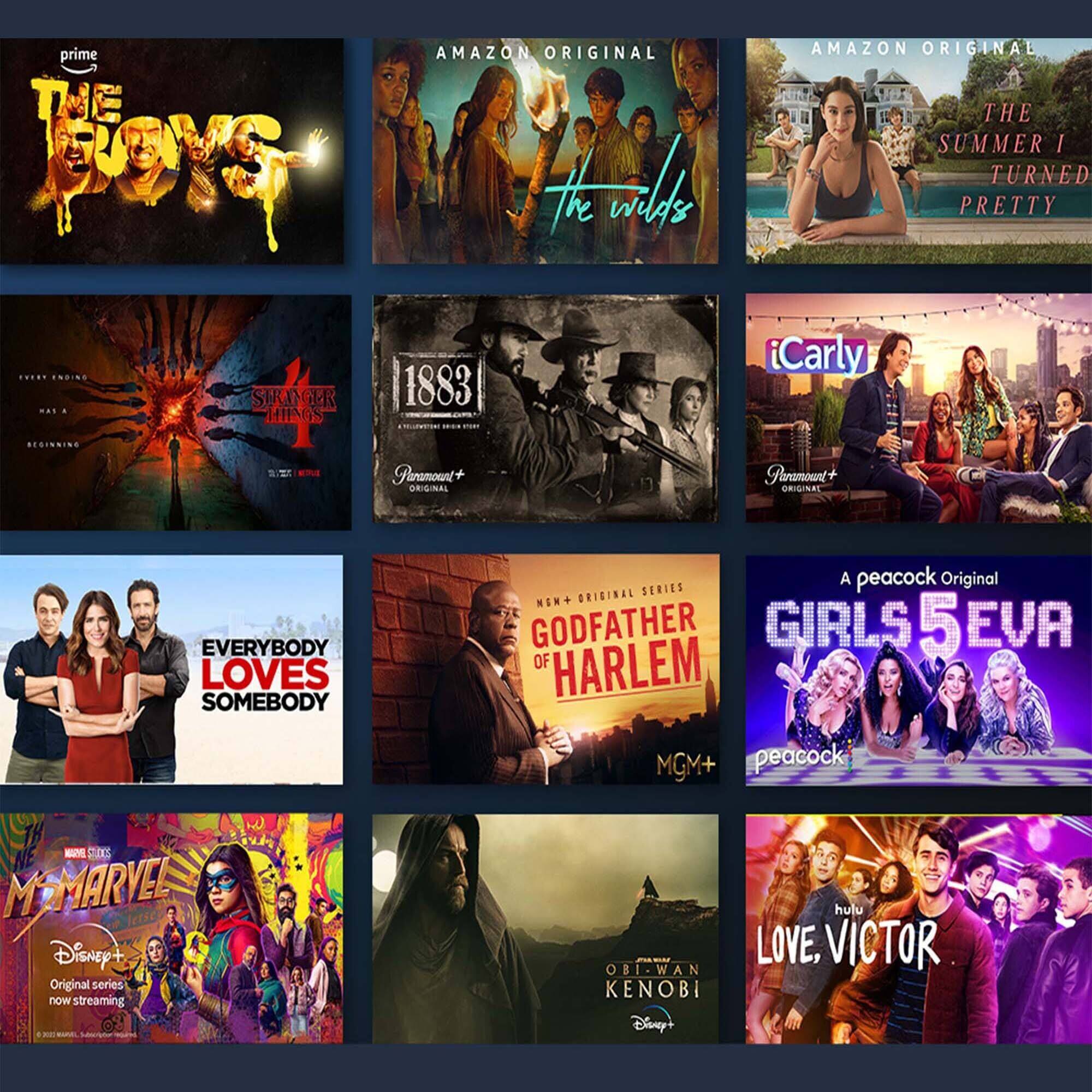
- A:Answer Hi Dave! Enjoy favorites from Netflix, YouTube, Prime Video, Disney+, HBO Max, Apple TV+, Peacock, STARZ, SHOWTIME, Paramount+, and others. Stream live news, sports, and must-see shows. Access tens of thousands of HDR titles. Plus, play millions of songs through services like Amazon Music, Apple Music, Spotify, Pandora and iHeartRadio. Subscription fees may apply. Thanks for your question, have an amazing day!
Answered by Amazon Devices Customer Support
Q: QuestionCan I use the fire stick with my iPhone’s mobile hotspot instead of in-home WiFi? I want to connect it to the HDMI port on my vehicle’s rear entertainment system. Will this work?
Asked by MadDad.
- A:Answer You could definitely do that, just be aware of the amount of data you are using. Most cell phone companies don't have unlimited data when using your device as a hotspot. Have a great day!
Answered by Amazon Devices Customer Support
Q: QuestionDoes this browse the internet? Can you shop online with this?
Asked by BillG.
- A:Answer You can download an app to surf the internet although it's cumbersome.
Answered by Customer
Q: QuestionDoes the tv need to be hooked up to cable in order to use the Firestick?
Asked by TerriG.
- A:Answer Hello TerriG, the TV does not need to be connected to cable. All you will need is a Wi-Fi connection for the Fire TV Stick to connect to. Have a great day!
Answered by Amazon Devices Customer Support
Q: QuestionDoes this work for a Toshiba - 43" Class LED Full HD Smart FireTV model #43LF421U21
Asked by Anonymous.
- A:Answer Don’t use a fire stick on a firetv because it’s already built in
Answered by jab99
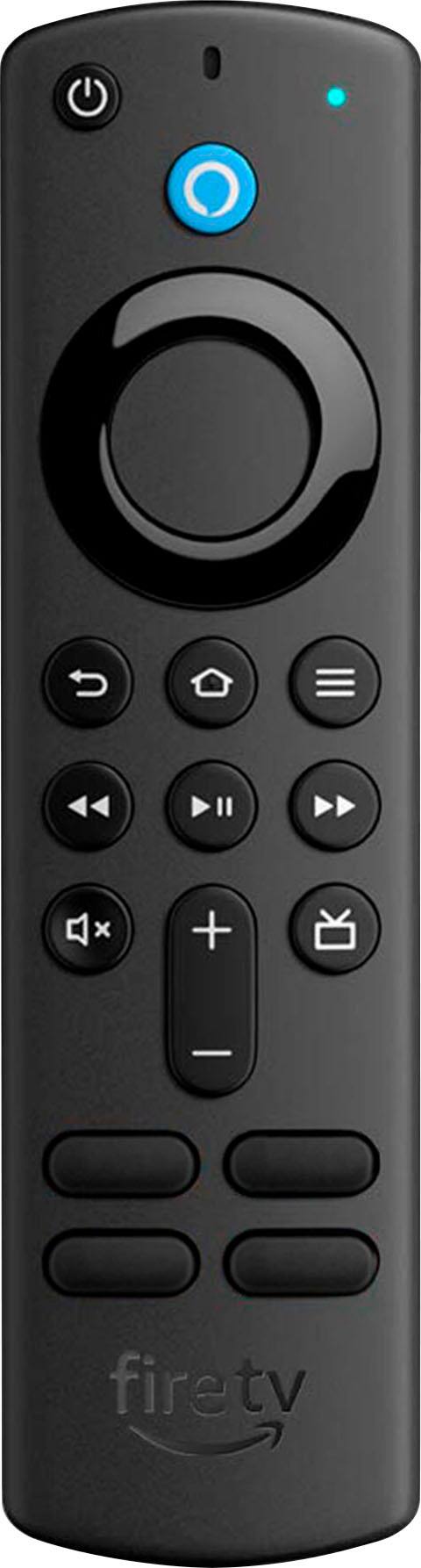
Q: QuestionCan the volume control on a 3rd generation stick be assigned to something other than the TV (a monitor in this case) the stick is connected to? I want the power button to control the monitor and the volume controls to control my stereo.
Asked by FireTVwatcher.
- A:Answer Hi FireTVwatcher! Yes, supported devices can be controlled with your Fire TV remote. Here are steps on how to set that up: Before getting started, locate the remotes for the devices you're connecting to Fire TV. To connect your devices: 1. Go to Settings on your Fire TV. 2. Select Equipment Control. 3. Select Manage Equipment. 4. Select Add Equipment and choose the equipment you'd like to add. Hope this helps, Have a great day!
Answered by Amazon Devices Customer Support
Q: QuestionDoes the Fire Stick have the Marquee sports app?
Asked by Tom.
- A:Answer Hello Tom, I just searched on my own device and found the Marquee Sports Network App available to download. I hope that's the one you are looking for. Have a great day!
Answered by Amazon Devices Customer Support
Q: QuestionWill this help me access a VPN?
Asked by Joe.
- A:Answer You have the option to download a vpn from the firestick.. Most are paid but they do have a few free in the appstore.
Answered by Mike2all
Q: Questionis there an xfinity app for the fire stick?
Asked by sks.
- A:Answer Hello, Yes, that app is available on the Fire TV Device. Apps can be easily downloaded from the main screen on your Fire TV device. Here are the steps: 1. Use the main menu on your Fire TV to search for apps. You can also use your voice to search for specific apps. Just press the voice button on your Alexa Voice Remote. 2. Select the app you want to download. 3. Select Get or the shopping cart icon to start your download. Have a great day!
Answered by Amazon Devices Customer Support
Q: QuestionDo you need a router to use a fire stick?
Asked by Andi.
- A:Answer Hello, Andi! To use a Fire TV Stick, you would need a WiFi connection. People will typically will have either a modem/router combo or a modem and a router. Either of these set ups will work to set up your Fire TV Stick. During set up of the Fire TV Stick, it will ask you to connect to your wireless internet. There is no need to directly connect it, but you can if you want with an Ethernet adapter. I hope that information helps! Have a great day!
Answered by Amazon Devices Customer Support
Q: QuestionCan I stream from my iPad to tv with this
Asked by Anonymous.
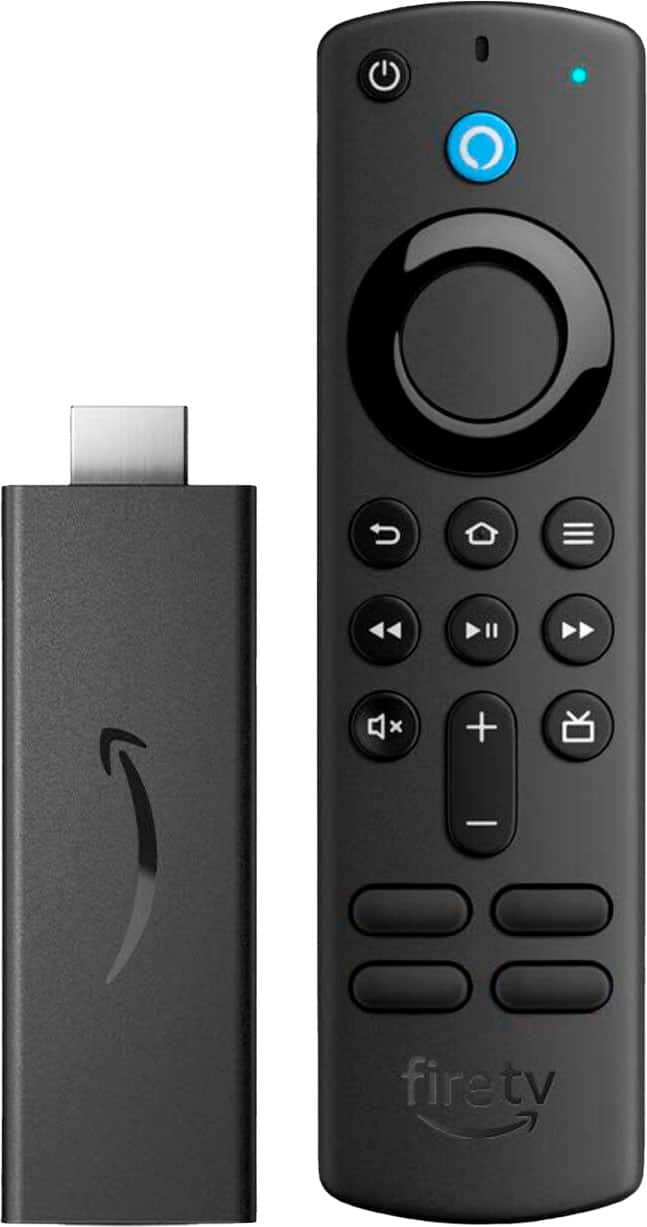
- A:Answer Hello, Unfortunately at this time, you cannot stream from your iPad to your TV with the FireTV stick. The Amazon Fire TV stick offers tens of thousands of channels, apps, and Alexa skills, Amazon Fire TV offers all your favorite subscriptions and streaming services. I hope this helps, have a great day!
Answered by Amazon Devices Customer Support
Q: QuestionDoes Amazon Fire TV stick have volume control?
Asked by Sparky.
- A:Answer Yes, it will control volume on your tv, however it will not control the volume on a sound bar unless you configure it.
Answered by Tom9
Q: QuestionCan you download the downloader app?
Asked by Anonymous.
- A:Answer Hello, Yes, The Downloader app is available through the Fire TV Stick's app library. To download this app, you can search for it using the Magnifying Glass icon on your Home Screen. Once you select the "Find" option, you can type in the Downloader App and it will search the Amazon App Store for the correct Application. Once the app is downloaded, you can open it from your home screen. I hope this helps!
Answered by Amazon Devices Customer Support
Top Rated
- $129.99Your price for this item is $129.99
- $149.99Your price for this item is $149.99
- $29.99Your price for this item is $29.99
- $199.99Your price for this item is $199.99
- $35.99Your price for this item is $35.99$49.99The comparable value for this item is $49.99
- $39.99Your price for this item is $39.99
- $59.99Your price for this item is $59.99
- $14.99Your price for this item is $14.99
- $99.99Your price for this item is $99.99
- $149.99Your price for this item is $149.99