A:AnswerDo you have ESPN3 on centurylink?
If not than you won't have a provider log in.
You could download Kodi- and get every espn made along with big10-longhorn--and SEC networks
A:Answerfind out what generation your stick is then go to you tube and watch video associated with your generation stick- you need to be next to tv when watching video so you can do step by step.
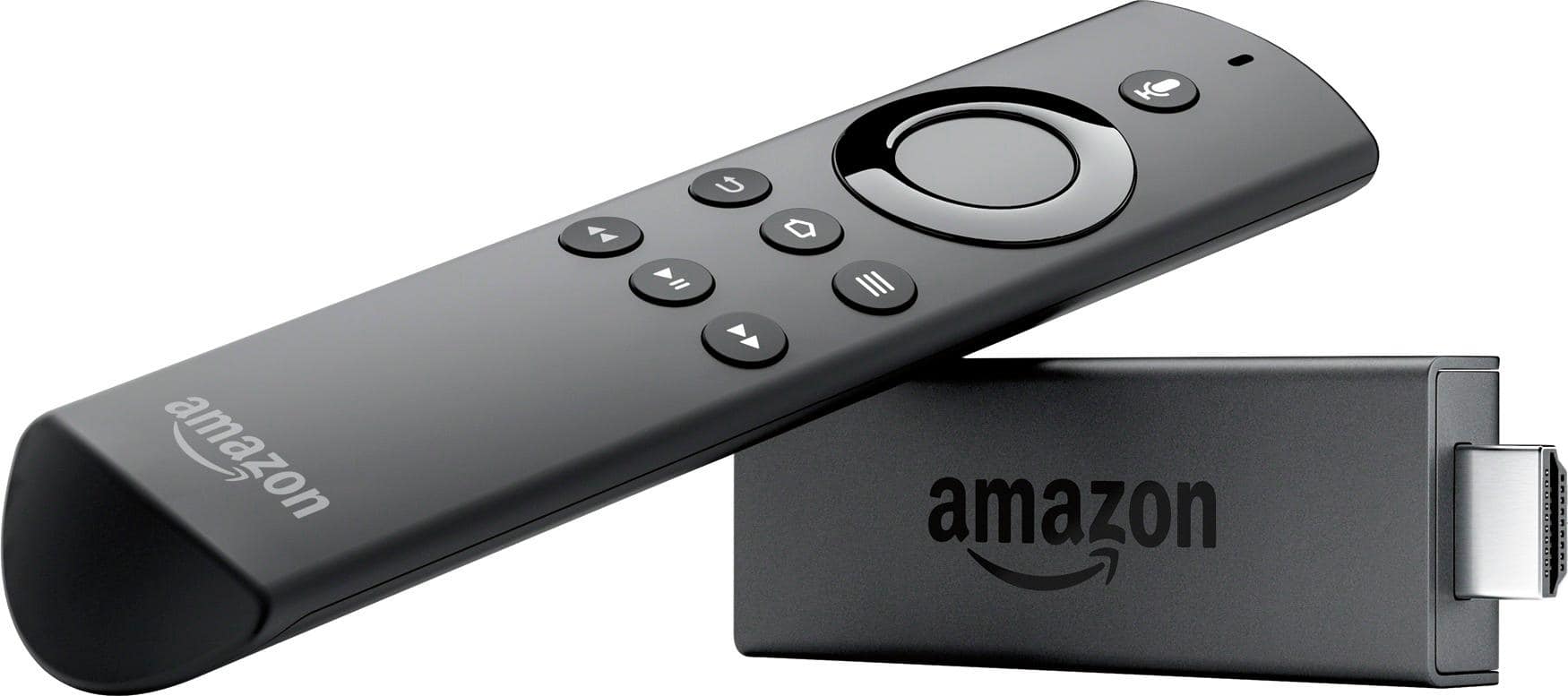
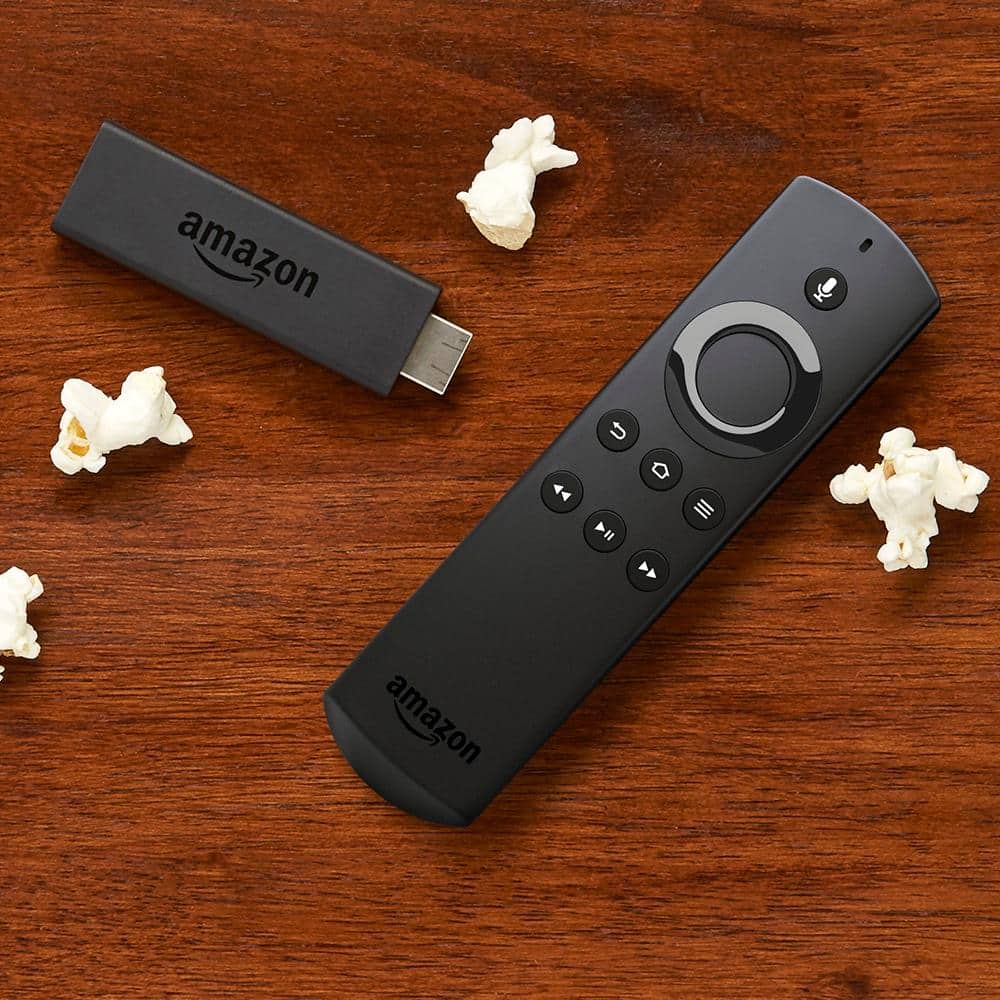
A:AnswerHi, the fire stick already comes programmed, all you have to do is plug it in and connect to your TV thru HDMI (included), from there it's easy. If you have Amazon prime then you should sign in and watch movies,shows,play games,etc....
You can also find a lot of great "how to use" videos on YouTube.
Good luck, I love my fire stick. Hope this helps....
A:AnswerHere's the steps for Samsung S7:
1) Turn on the Fire Stick Mirroring
2) Using your S7, you have to swipe the top of the screen twice
3) Find the icon for "Smart View"
4) The S7 will then search for your Fire Stick
5) Once it's found, select it, and it'll connect. No password needed.