A:AnswerYou can use this kindle even if you don't have internet. You need a software called Calibre or an adapter to connect to computer, which will transfer the books to your device
A:AnswerIt has a web browser in it but doesn't support ebooks through that. The only way you could view your etext is by downloading it on you computer somehow and transferring it over to the Kindle in .mobi or PDF format
A:AnswerI have had the batteries last for a few weeks, unless I use it a lot (non-stop for several hours), then I have noticed a decrease in battery life. It definitely lasts substantially longer than when I use my Samsung tablet for reading.
A:AnswerIt depends. Some libraries use systems like Overdrive, which supports this type of Kindle. Other libraries use other e-reader management software, which does not support this type of Kindle. Check with your local library.
A:AnswerI clicked on the link to the kindle. It appears to be a listing for a new kindle. But, Best Buy is your best resource for this. In my experience, listings for refurbished items will include the word refurbished in the title, but I recommend that you either call your local Best Buy and ask, or call the customer service number for their website.
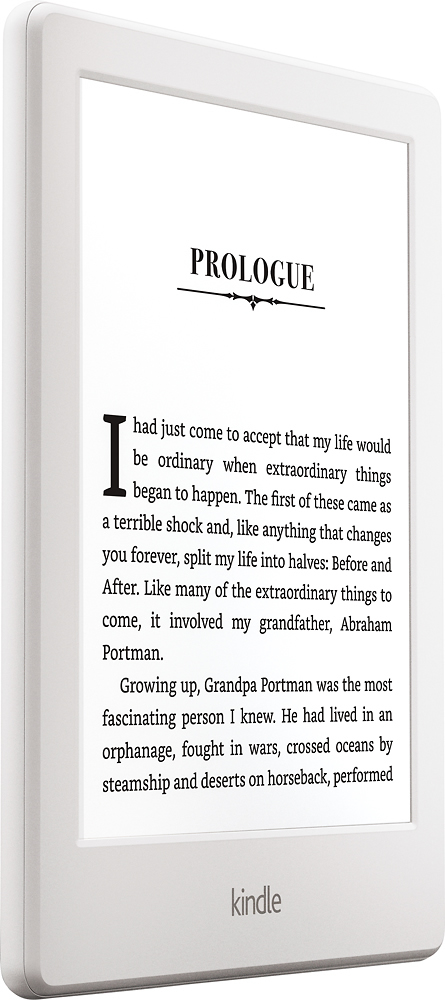
A:AnswerYou can make the font pretty large! It would be great for someone who usually wears reading glasses, but simply doesn't want to wear them all the time!
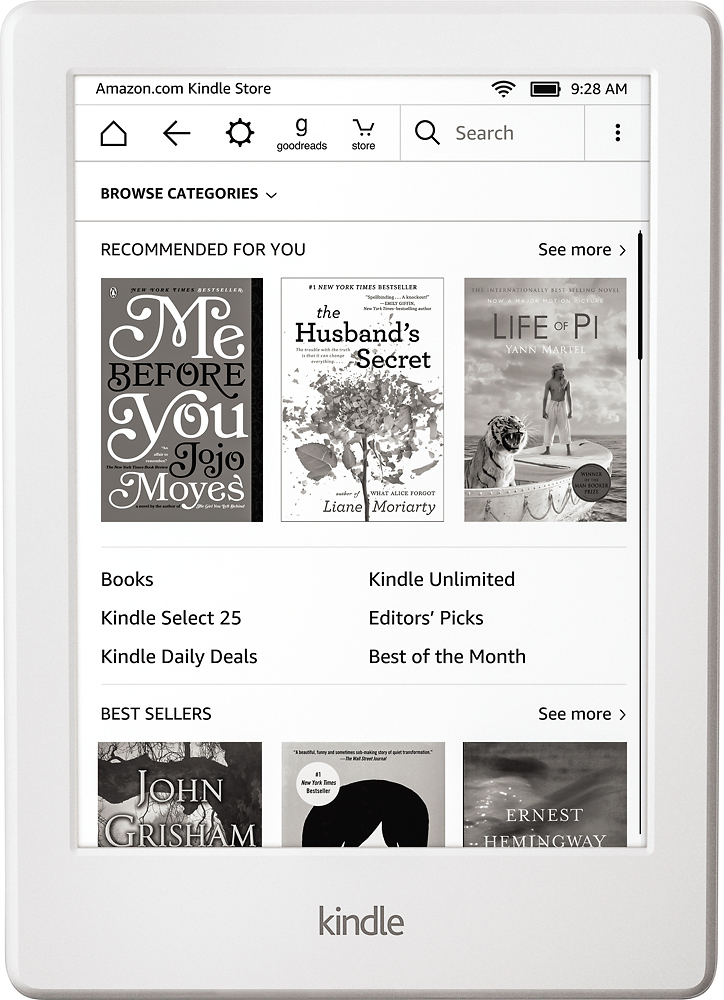
A:AnswerYes, it has advertisements on the lock screen, and on the bottom of the book listing screen. I don't really notice them whilst using the device. There are none while you are actually reading a book.
A:AnswerThe Kindle's processor is slow. It is meant for reading only. Though you can surf the web, it cannot handle graphics intensive web sites. You will not be able to play games like in a regular tablet like the iPad or Galaxy Tab.