A:AnswerNo, this Anker power bank is very unlikely to be able to power a standard CPAP machine for an 8-hour flight. It is not designed for that purpose.
A:AnswerThe term "max outage voltage" isn't a standard specification for power banks. Based on the context of the high-capacity Anker Prime 20K 220W power bank, you are most likely asking for its maximum output voltage.
This power bank is designed to charge high-power devices like laptops. Its key feature is supporting advanced USB Power Delivery (PD) protocols, which allow it to output higher voltages.
Maximum Output Voltage & Profiles
For this 220W model, the maximum output voltage is typically 20V. This is achieved through specific voltage/current combinations across its ports. Common output profiles include:
5V / 3A = 15W
9V / 3A = 27W
15V / 3A = 45W
20V / 5A = 100W (common max for a single USB-C port)
20V / 11A = 220W (total max output, likely shared across multiple ports)
Crucial Points:
"220W" is Total Shared Power: The 220W is the maximum combined output across all ports simultaneously, not from a single port.
Voltage is Negotiated: The power bank does not output 20V constantly. It communicates with your device (via PD protocol) to deliver the correct voltage (e.g., 5V for a phone, 20V for a laptop).
Check Your Device: To charge a laptop at full speed, ensure your laptop's charger specifies an input requirement like "20V" and that it supports USB-C Power Delivery.
For the exact specifications, please refer to the technical details on the product's official Anker page or manual, as profiles can vary slightly by model.
A:AnswerWrist straps are not a standard accessory for this particular design. To be absolutely certain, please check the "What’s Included" or "Specifications" section on the Best Buy product page for the most accurate and up-to-date list of contents.
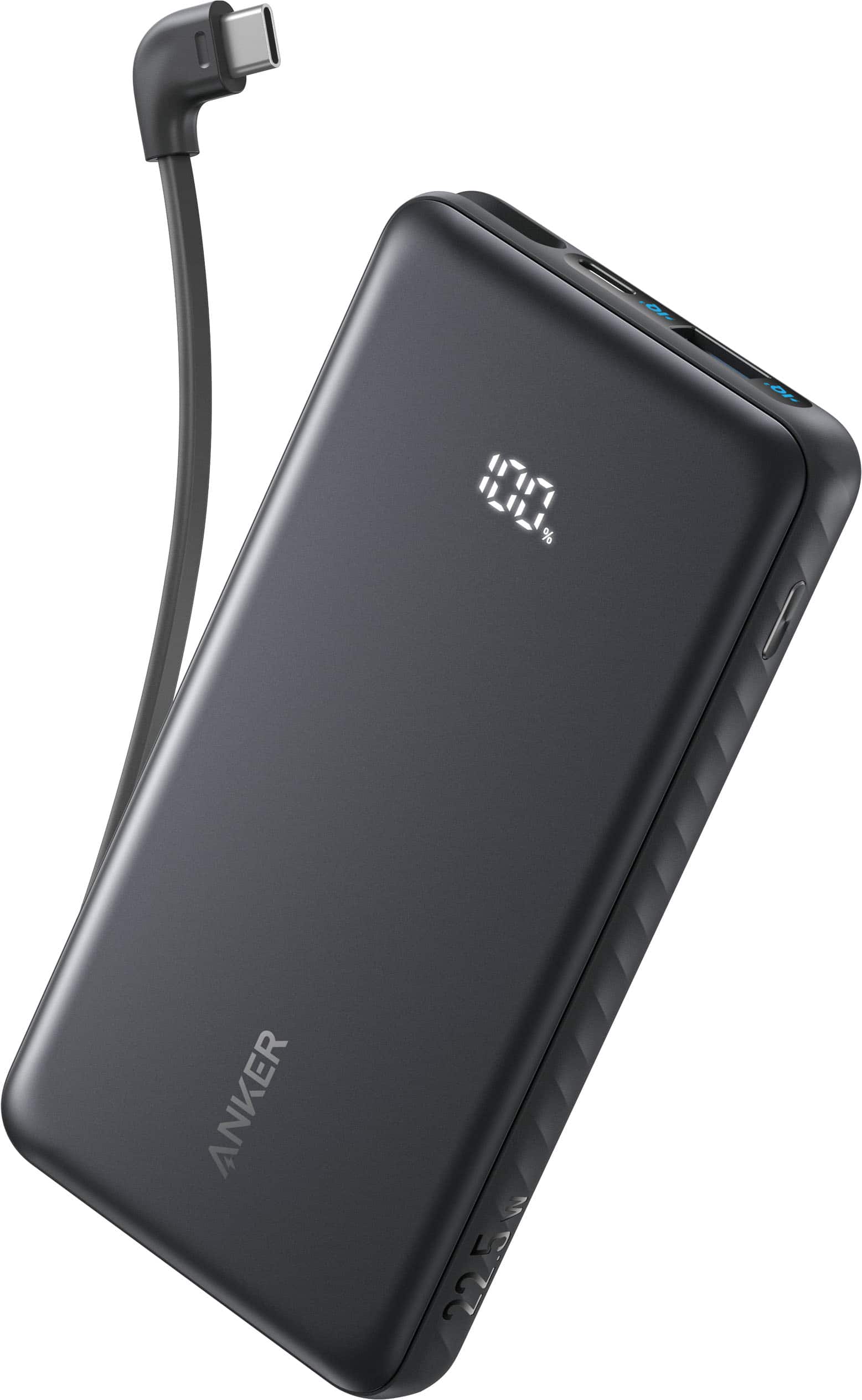
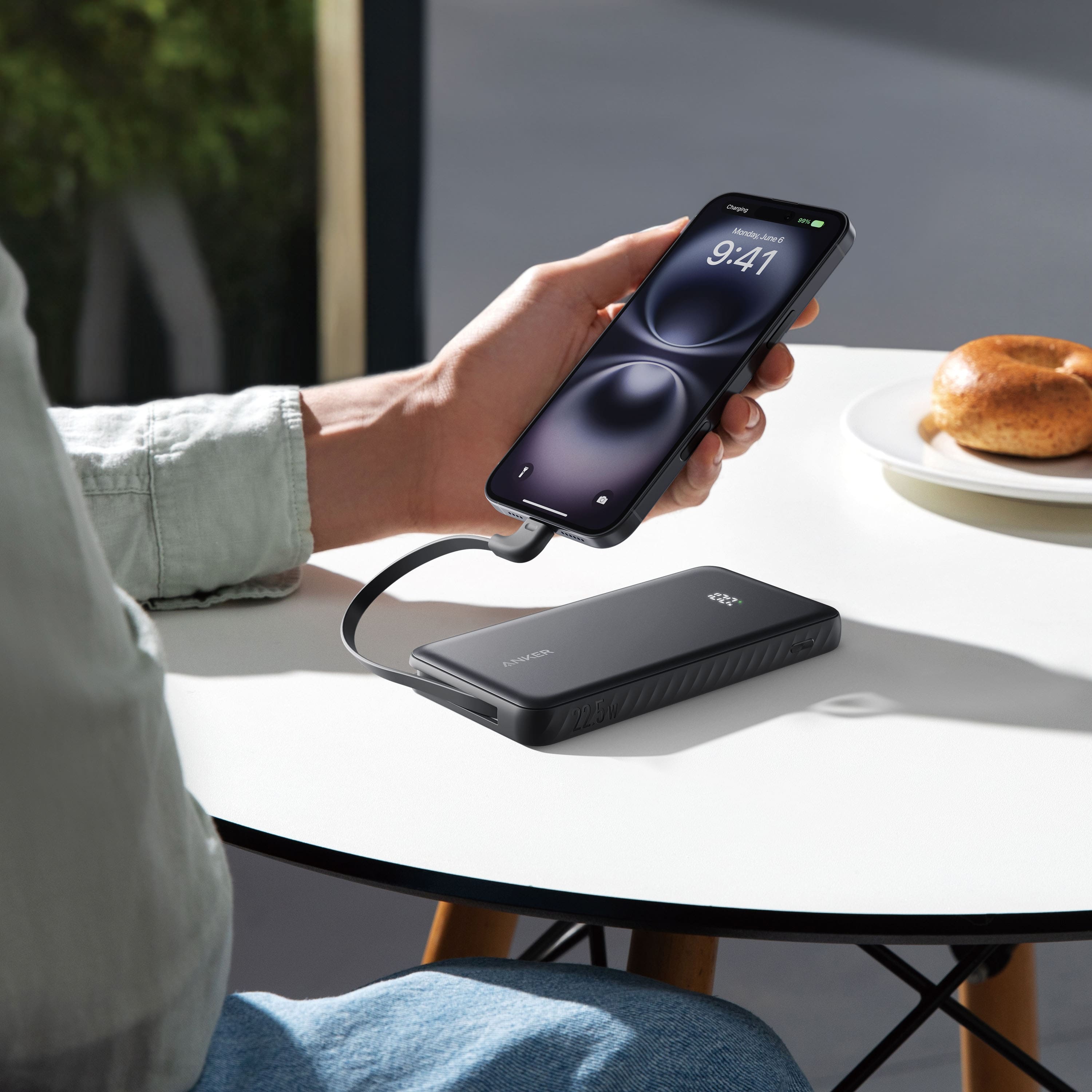
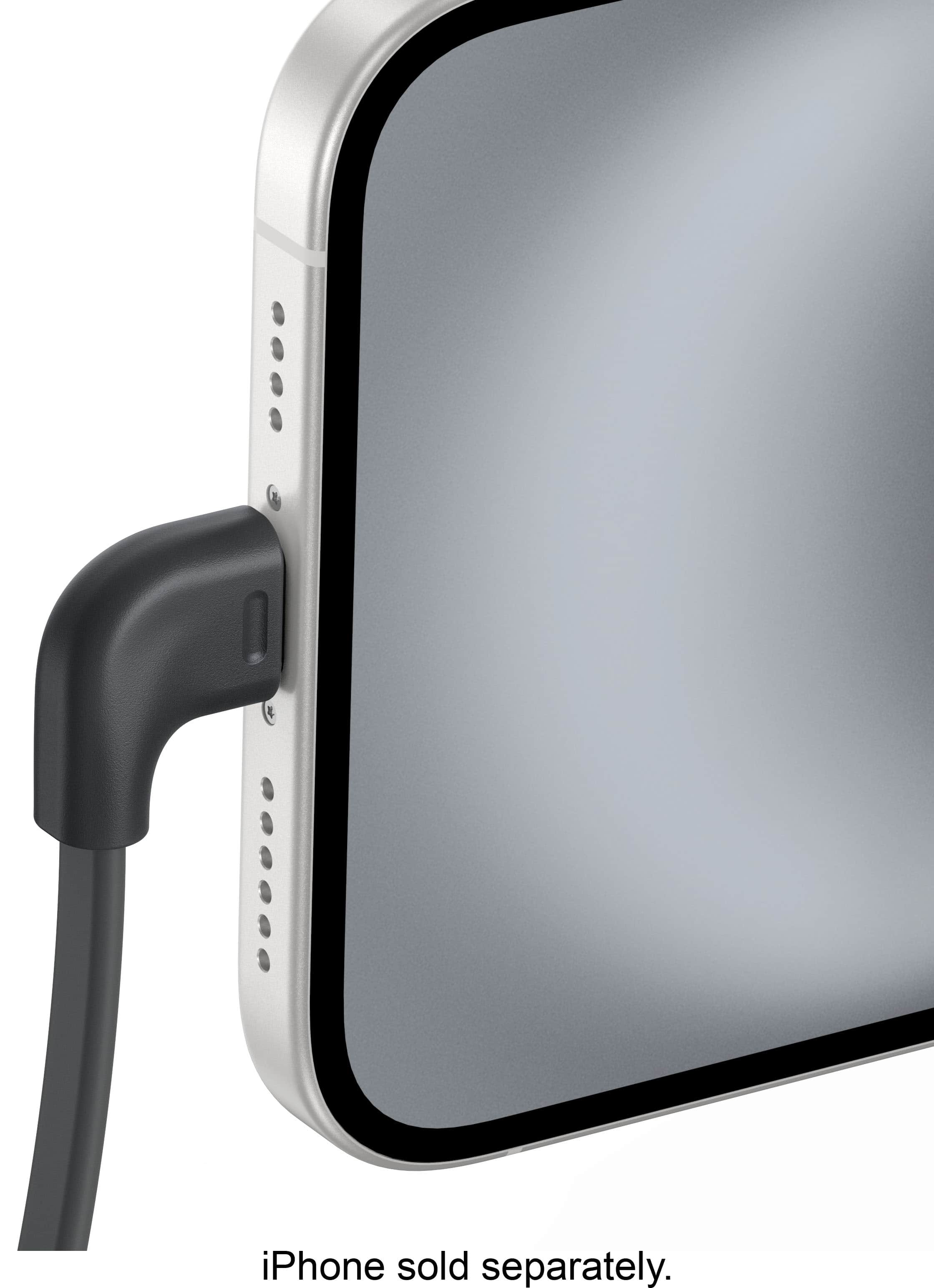
A:AnswerTo charge your Anker Power Bank (10K, 22.5W, Built-In USB-C Cable), use the following method:
Utilize the USB-C port to recharge the power bank itself, as the USB-C port functions as an input. Connect it to a power source using an appropriate cable and wall charger.
Ensure that the wall charger and cable are suitable and functioning correctly.
In case of any charging issues, try another wall charger, cable, or wall outlet to troubleshoot.
Let me know if you need further clarification!