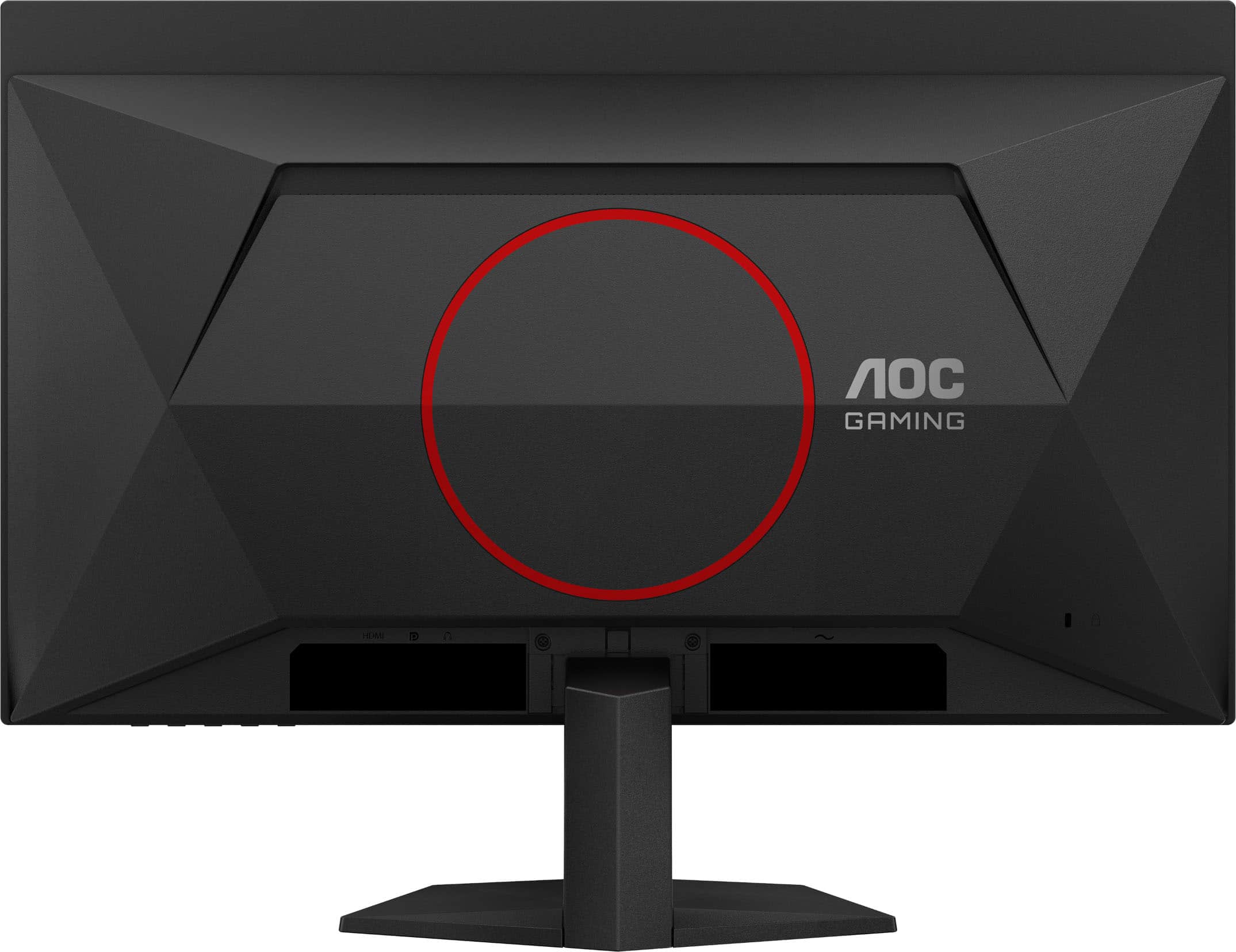
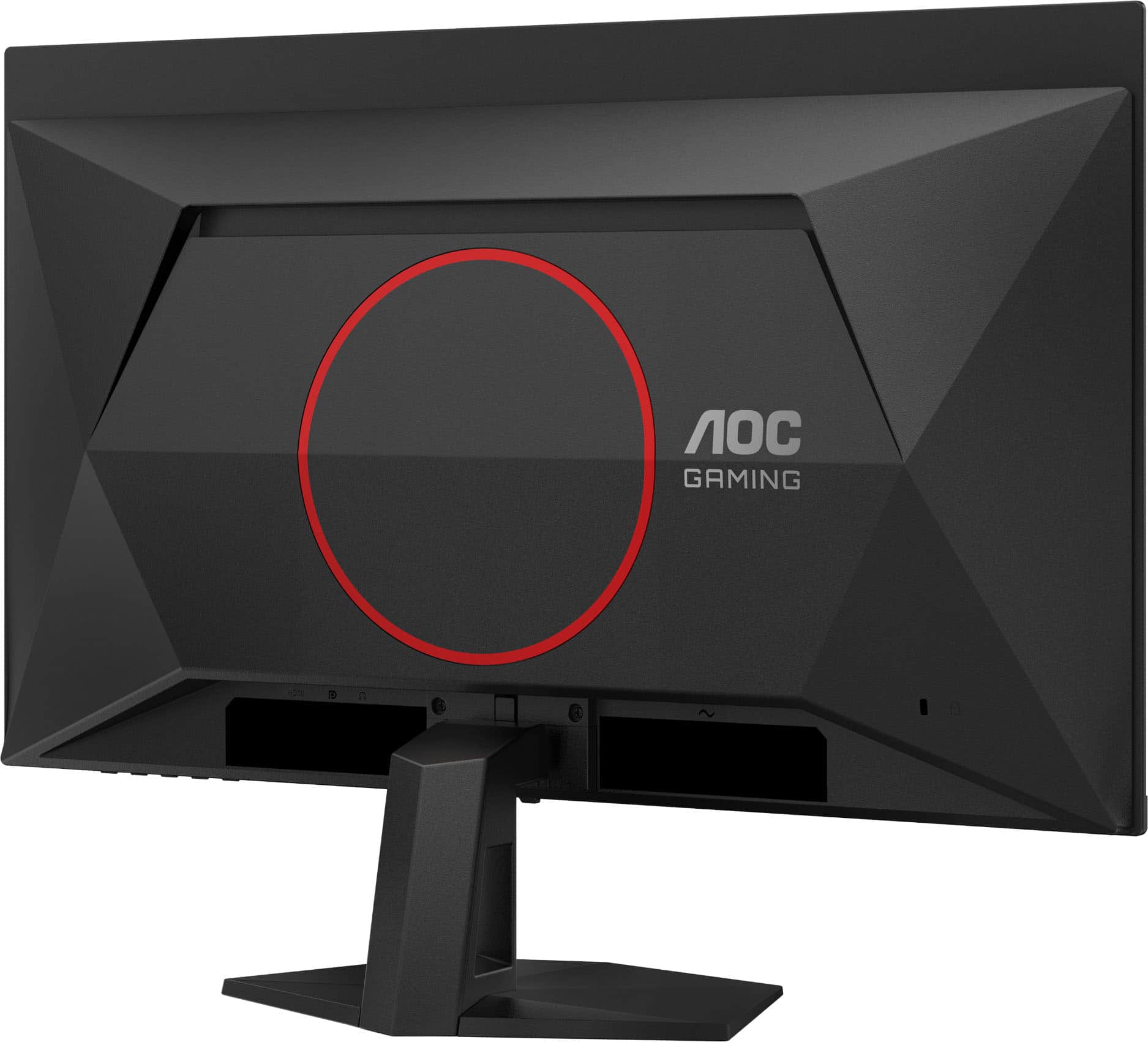
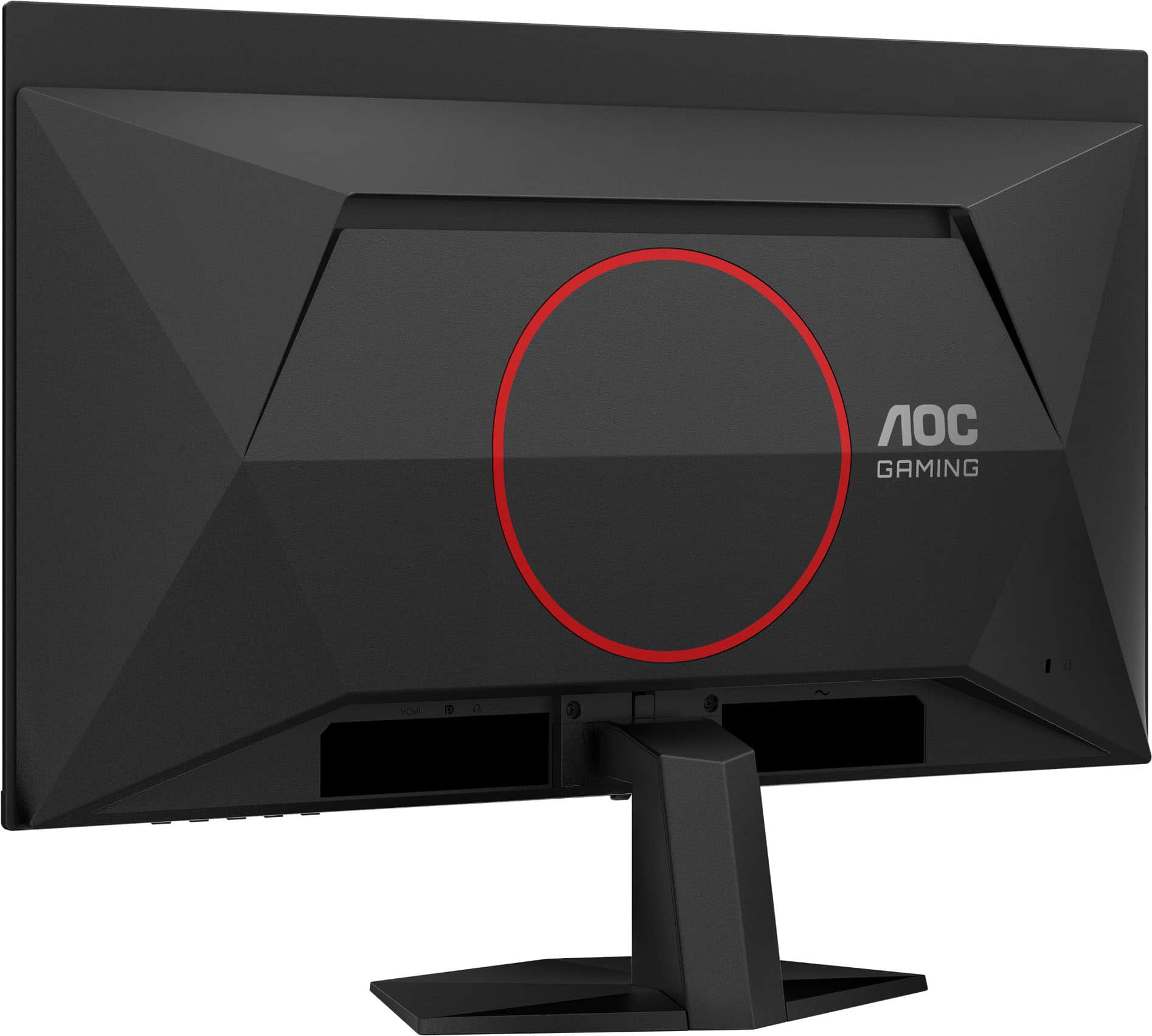
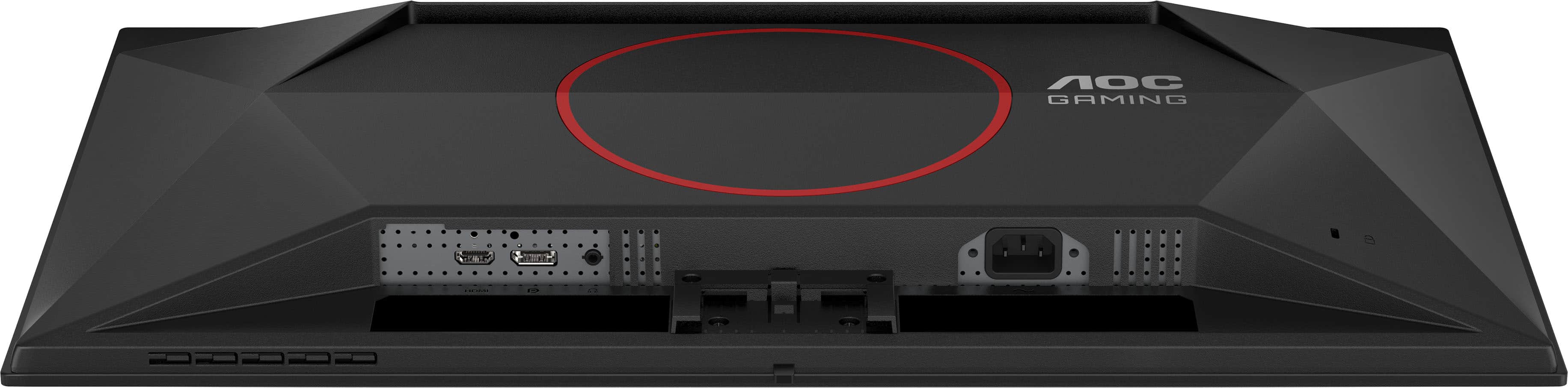
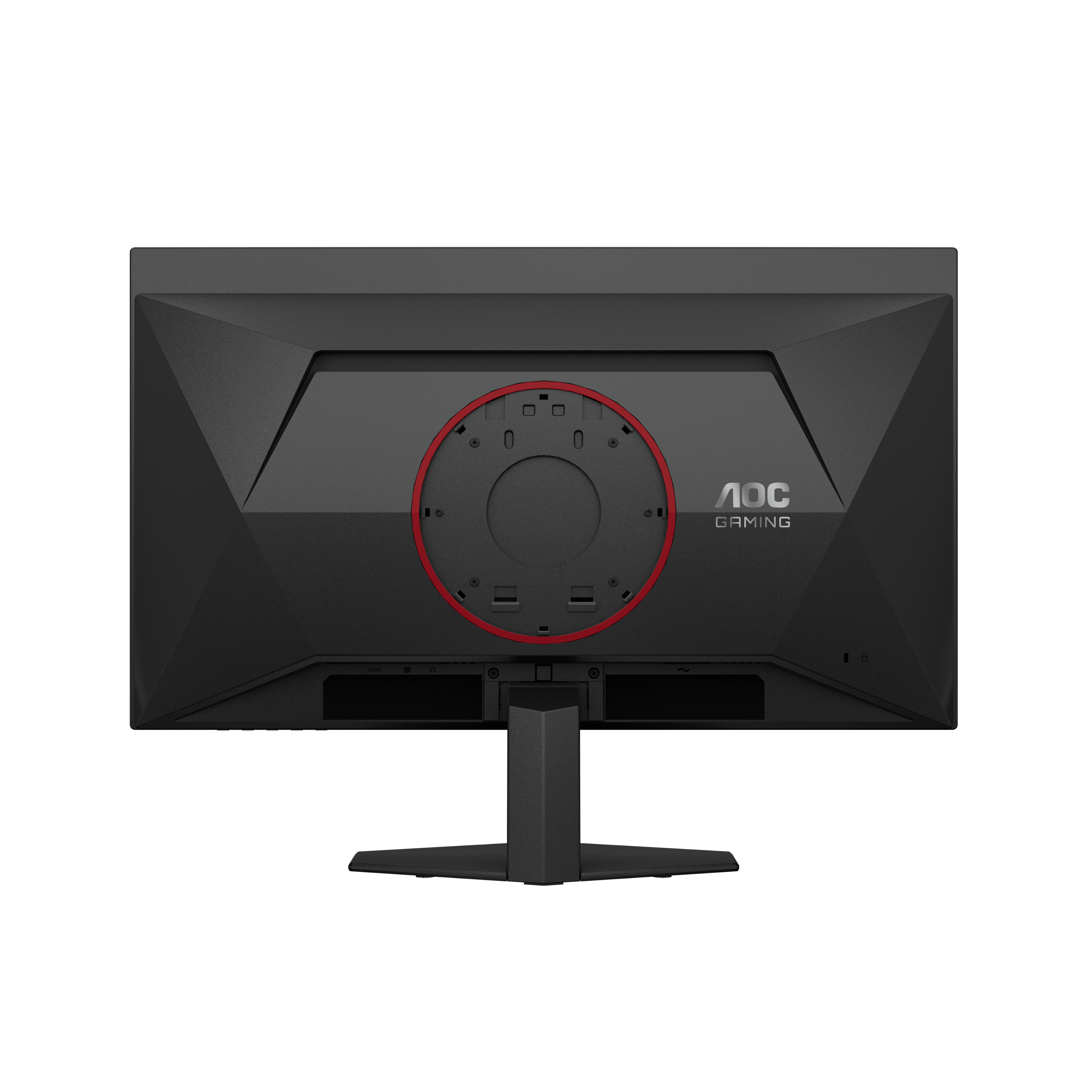
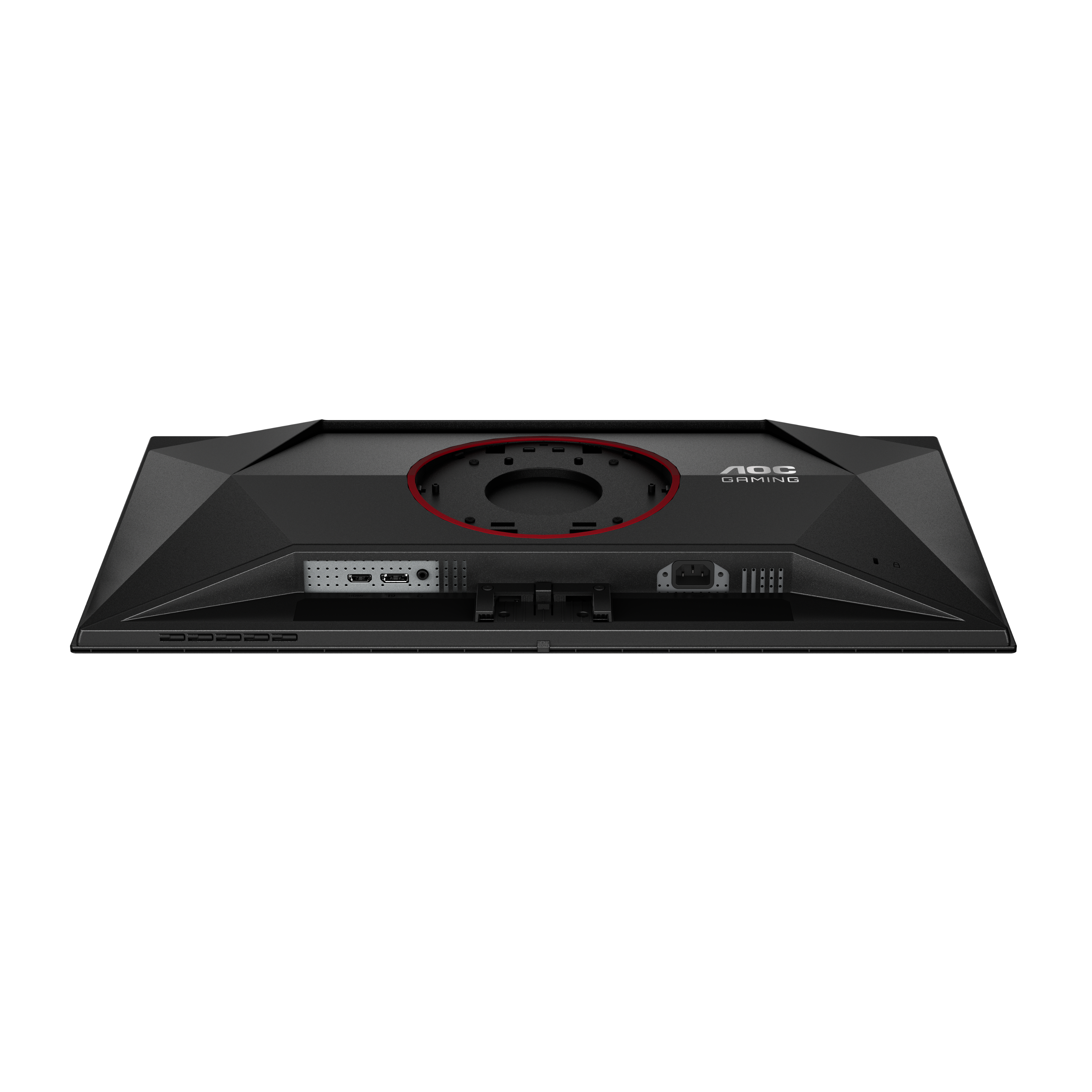
A:AnswerHello, sorry I don’t have a picture but the big round circle on the back you can pop it off and underneath that it has the normal mounting bracket holes to attach to any monitor mount
A:AnswerIt has burn in protection options in the menu as well as pixel refresh procedure that is supposed to be done every so many hours of use. The pixel refresh is required to maintain the 3 year burn in warranty. Those settings are off by default for some reason
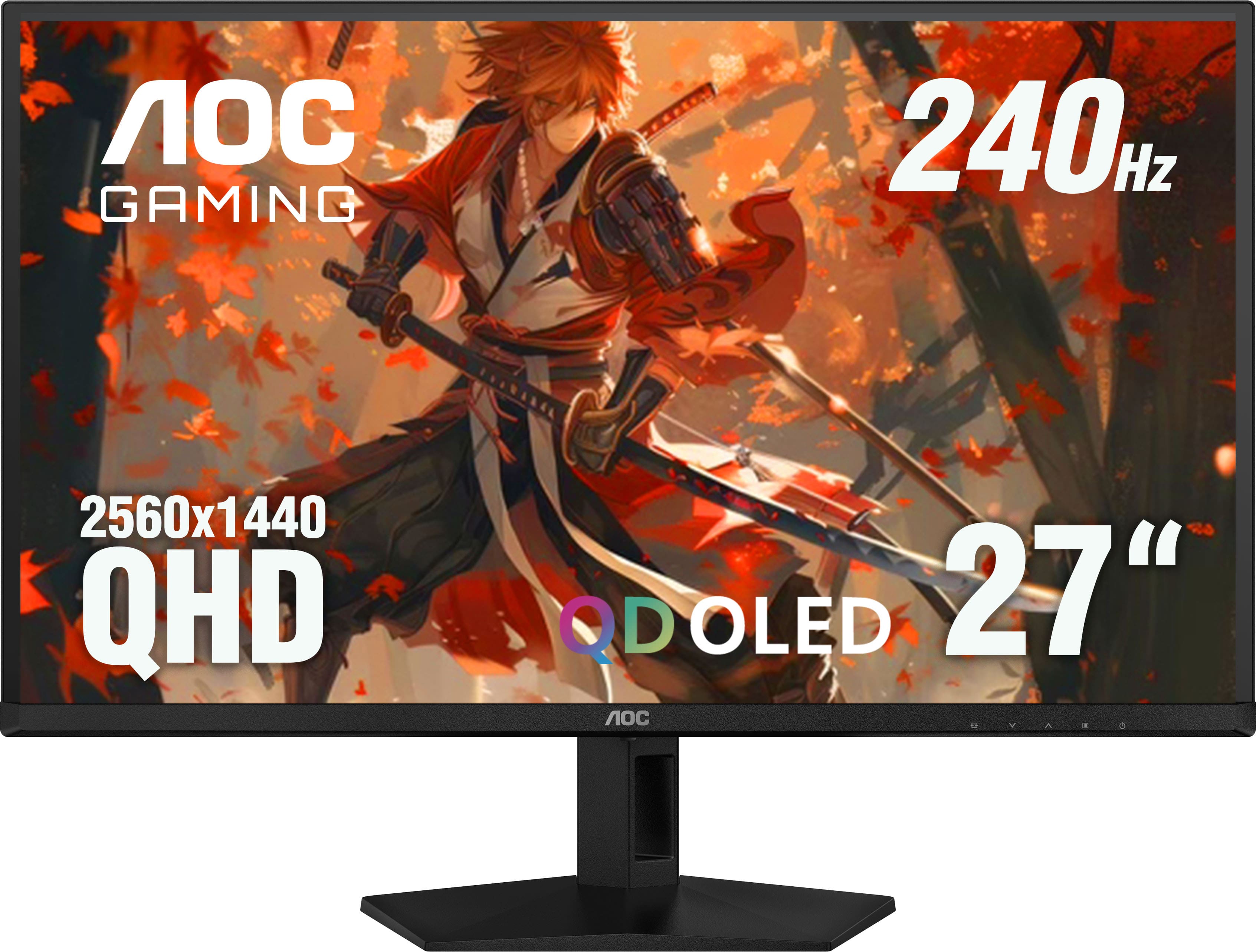
A:AnswerAOC Q27G41ZDF supports up to 2560x1440 (@144Hz via HDMI or @240Hz via DP cable) for compatible computer/console systems. Please check your PS5 'display mode' settings for available options.
A:AnswerAOC Model: Q27G41ZDF is G-sync compatible and supports Adaptive-sync function. For a list of compatible graphics recommended, please check the user manual on page 11 and with AMD for further information.
A:AnswerYeah, it should be. I’m not 100% sure I don’t play on Xbox but it’s a 240 Hz monitor so whatever your Xbox can handle up to it should be able to do that just fine.