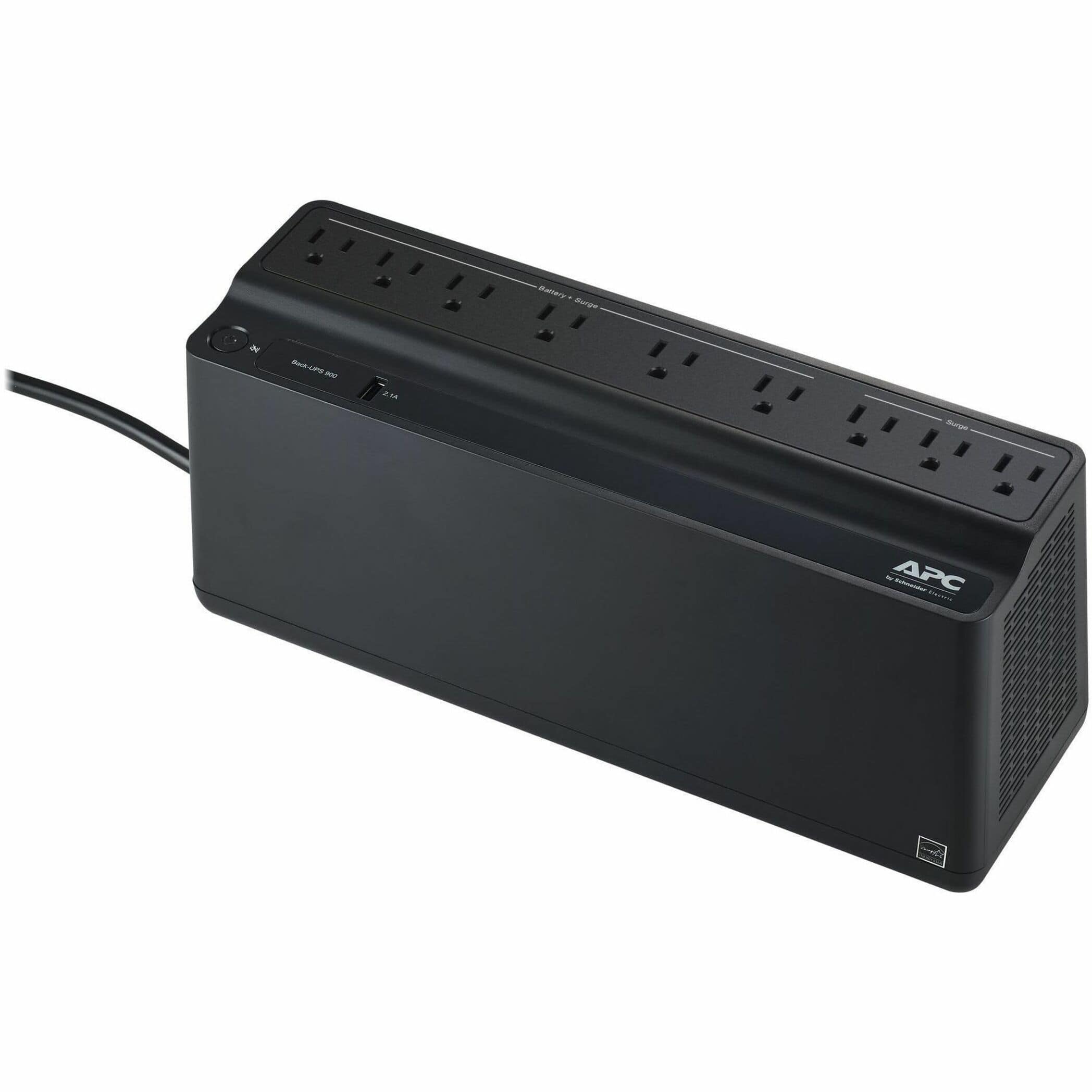
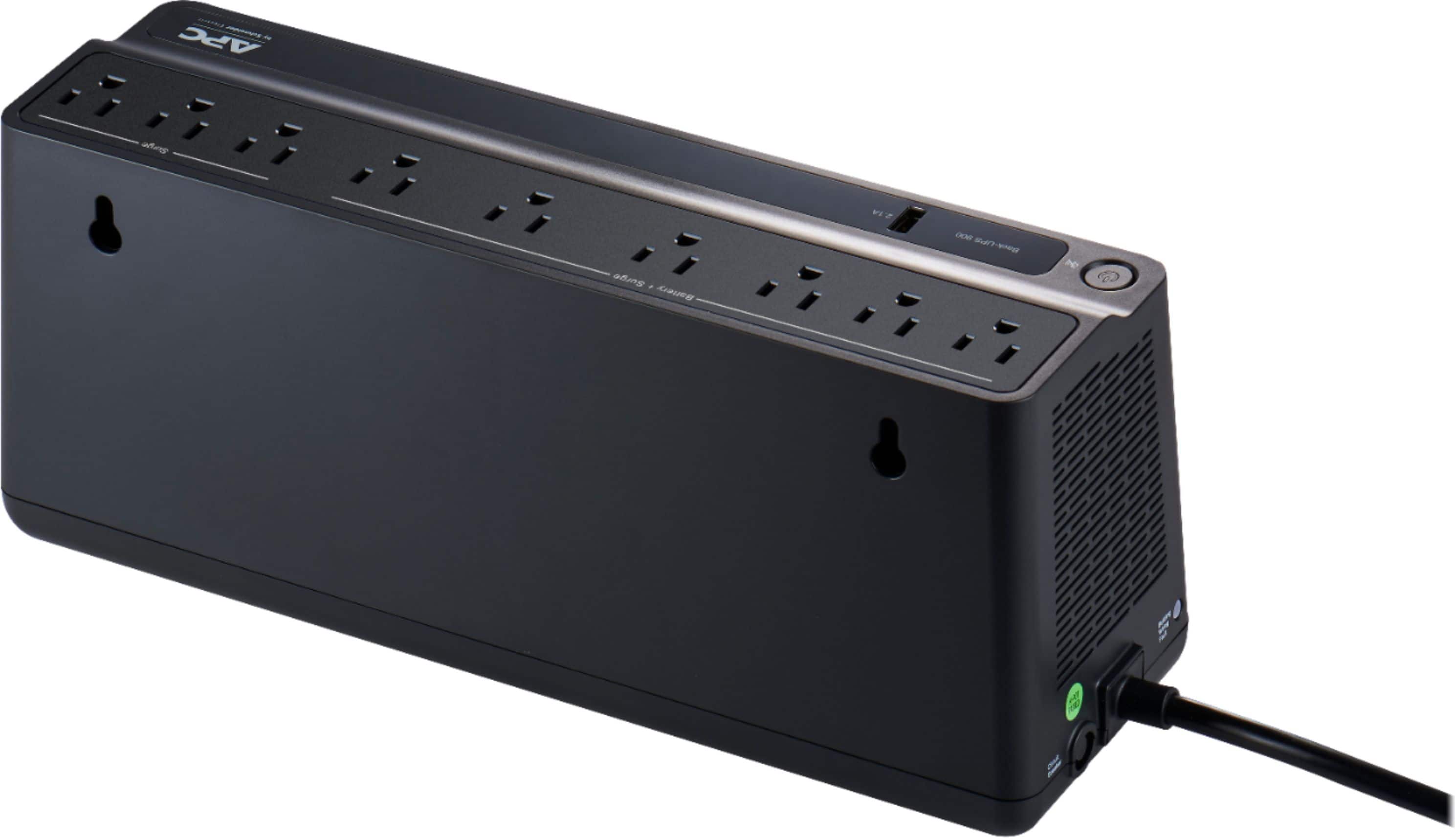
A:AnswerAPC's Back-UPS and Smart-UPS SC product lines are designed for use with computer type loads only. They are not designed to be used with motor loads such as fish filters, air conditioning units, space heaters, vacuum cleaners or any other machinery. One potential issue is the inrush current draw for a motor. It can easily overload a Back-UPS UPS model. Secondly, these models of UPSs output a stepped approximated sine wave when on battery. This waveshape, while ideal for computer type equipment, is not particularly compatible with most motor loads. The result may be that motors run very slowly, erratically, or not at all when the UPS is on battery.
If you need additional assistance, please, feel free to reach out to us directly at https://www.apc.com/us/en/support/ so we can address this issue and provide you with the support you need. Support is available Monday to Friday, 8am to 8pm EST
A:AnswerA UPS' battery back-up time / runtime will always depend on the power (watt) draw of a device. It would be best to visit our website and search for the product page of the UPS. You can then check under the Technical Specifications for the Batteries & Runtime. You can then click on View Runtime Graph. If you have additional questions or need further assistance, we offer phone support at 800-800-4272 and chat service through our support site - https://www.apc.com/us/en/support/. Support is available Monday – Friday, 8am – 8pm EST.
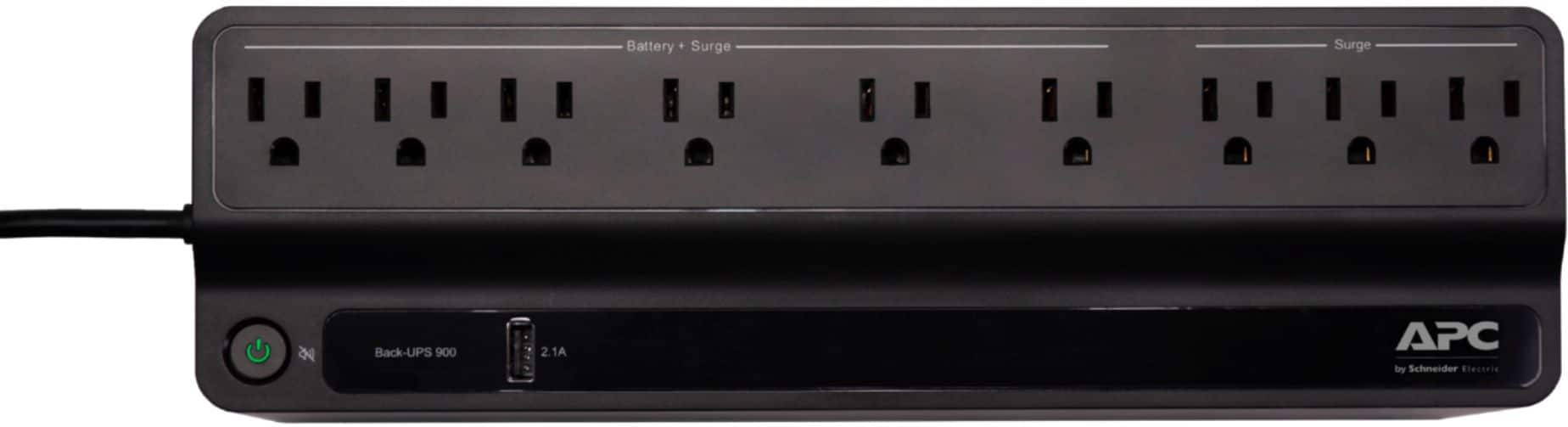
A:AnswerThank you for your interest in our products. The unit offers a quick mute option by shortly pressing the power button for less than 2 seconds during an alarm. There is also the option to turn off the on battery alarm completely. With the UPS turned on, you can configure the on battery indicator modes by holding down the power button and waiting for the third beep. At the third beep, the power button will cycle red/green. Release the power button and its color will indicate the mode it is in. You can mute the on battery alarm permanently by pressing the power button so the mode selector is flashing red. Once the mode as been selected please wait 5 seconds for the settings to be saved to the UPS.