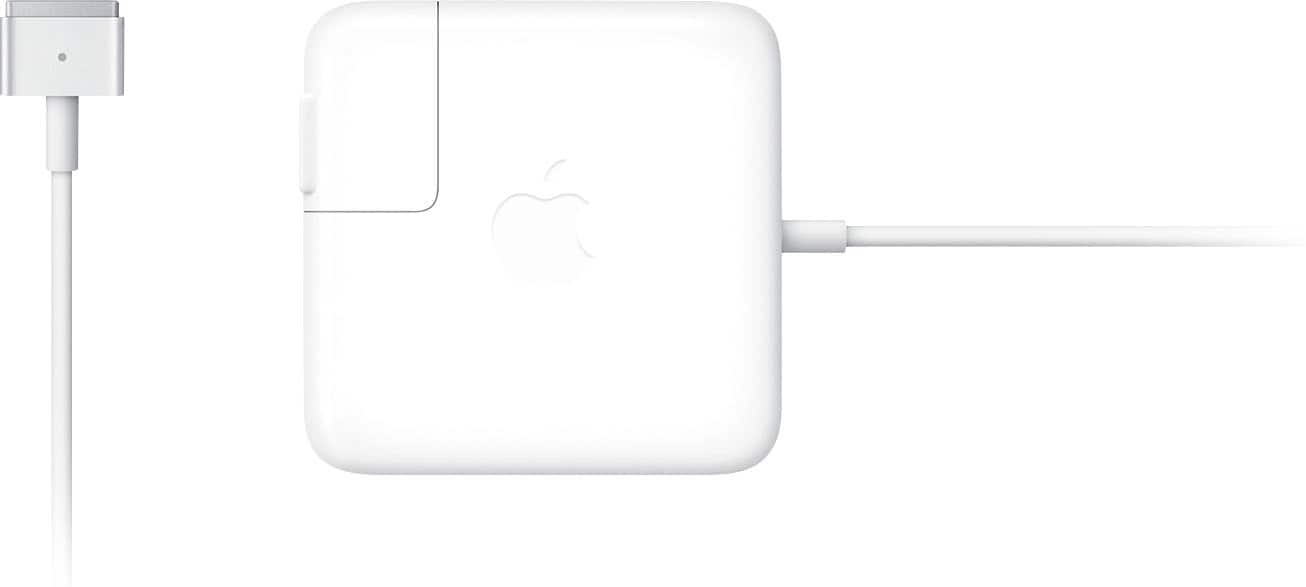
A:AnswerOn the back of your MacBook there’s a model number. Mine starts with an A. With that model you google to see what charger will work and you find out that this one in fact does not bc this charger is only compatible with MacBook Air laptops that use MagSafe 2 ports…
The box for this charger literally states: compatible only with MacBook Air computers with MagSafe 2 port.
A:AnswerSir or madame, really? Simply put… both are connectors plugs…. One just has a really long tail which in turn gives you extra distance you can be with your laptop from the outlet you plugged it into…. Makes sense to me.
A:AnswerNot sure the models it will work with, but this is how you can check for your model number:
From the Home Screen:
Put cursor at top left corner of screen and click apple logo
Click: “About this Mac”
Sometimes you will see a specific model number, sometimes, like mine, “MacBook Pro (15-inch,2018) which should be enough info to look up the proper charger model number on the Best Buy website or via phone. . Hope this was helpful.
A:AnswerYes, it should be, However, check it.
From Home Screen, place cursor in top left of screen and click on apple logo. Then click “about this Mac”. Model number or model overview will be listed. Search Best Buy website and cross reference with models listed for appropriate models or model numbers. Or call any Best Buy store for help.