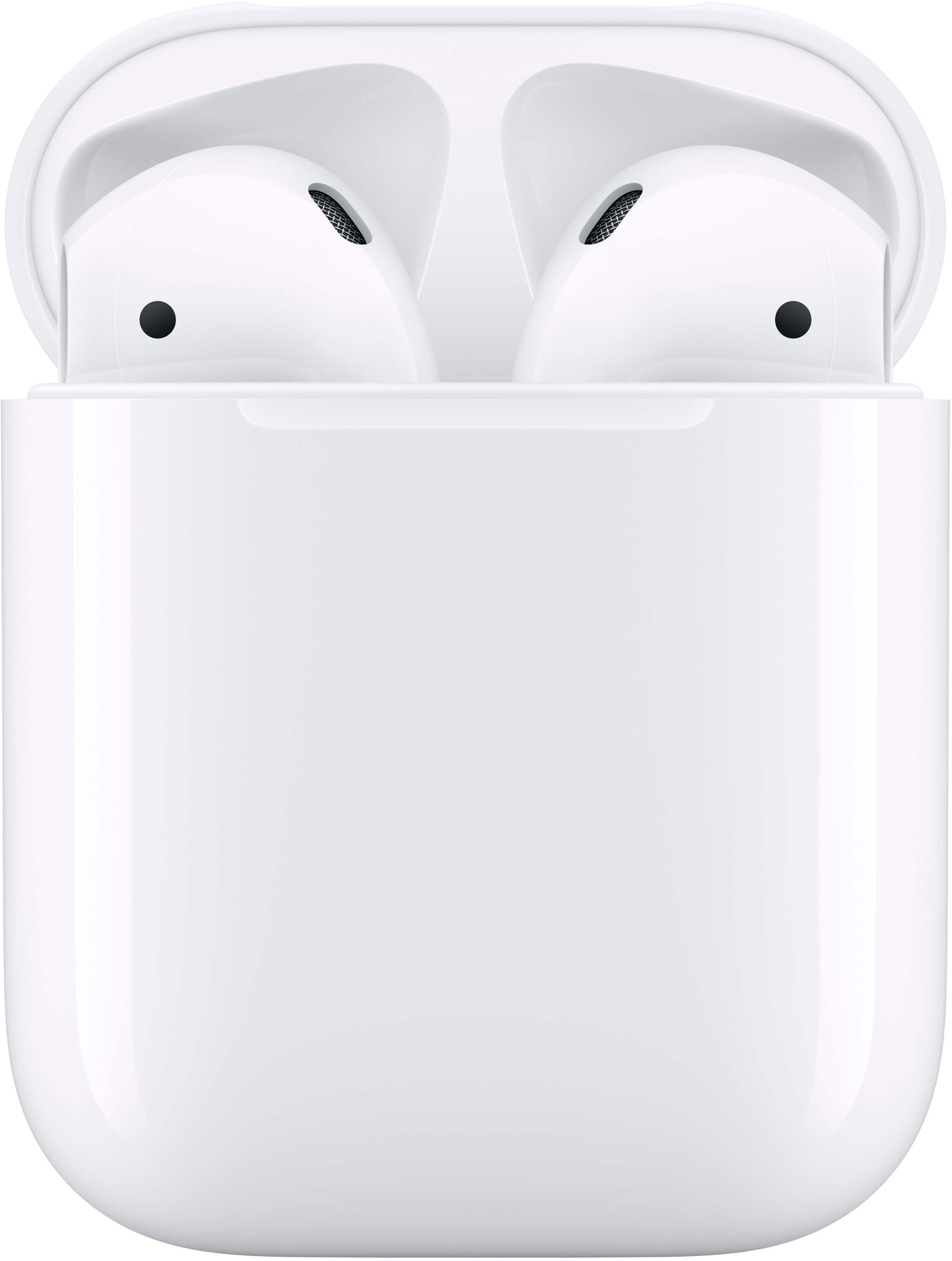
A:AnswerNo, you'll have to buy a skin/case or something for that. The case itself is a smooth, rounded square shape. It's actually very slippery, and a skin/case would be helpful in not dropping them and protecting them when you eventually do because you will drop them.
A:AnswerYes, they're Bluetooth devices, so they can be used on a plane connected to one of your compatible Bluetooth devices (phone, tablet, computer). As far as I'm aware, it won't connect to the plane because those aren't Bluetooth-capable.
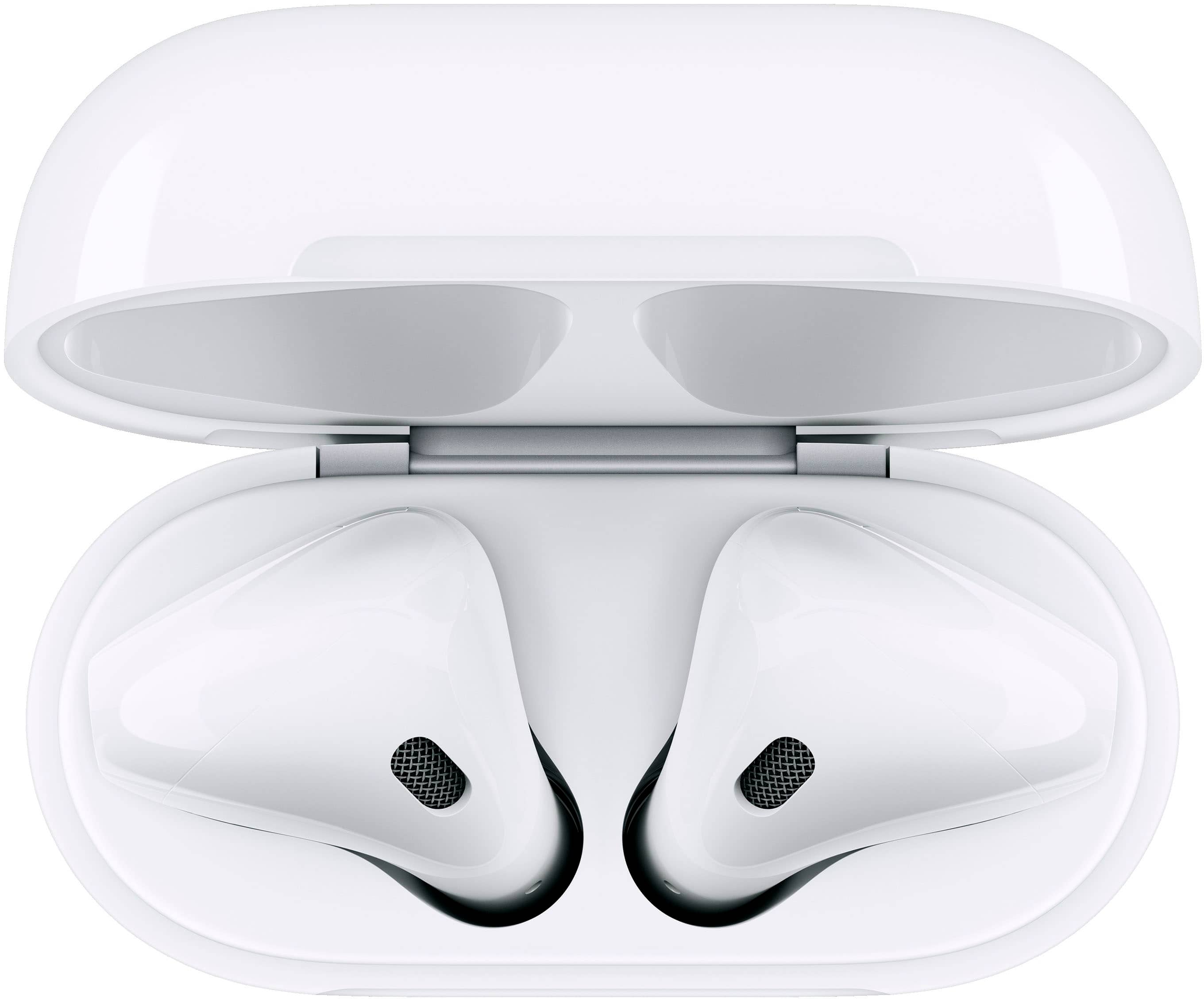
A:AnswerSo the blinking white could be that your AirPods aren't actually paired with a device. If they are paired, and it's still blinking, blinking white is more of an indicator of the charge of the case itself. When the case needs to be recharged, it will blink orange.
The best way to tell the charge level of the AirPods themselves is with the software on the device that you connected them to. Any Apple device will automatically show you the status of the care and each bud once you open the case and they are paired with the device. You can also go into the settings and see them there.
Similarly, if you use these for an Android device, newer Android devices will behave similarly, showing you the status once the case is open or you check in the Bluetooth settings.
A:AnswerUnfortunately, this is the downside to the "One size fits all" approach of AirPods. These do not fit all ears properly and can and will fall out of your ears. You may need to get the third generation that has a slightly larger shape, or even consider getting the pros with the rubber tips.