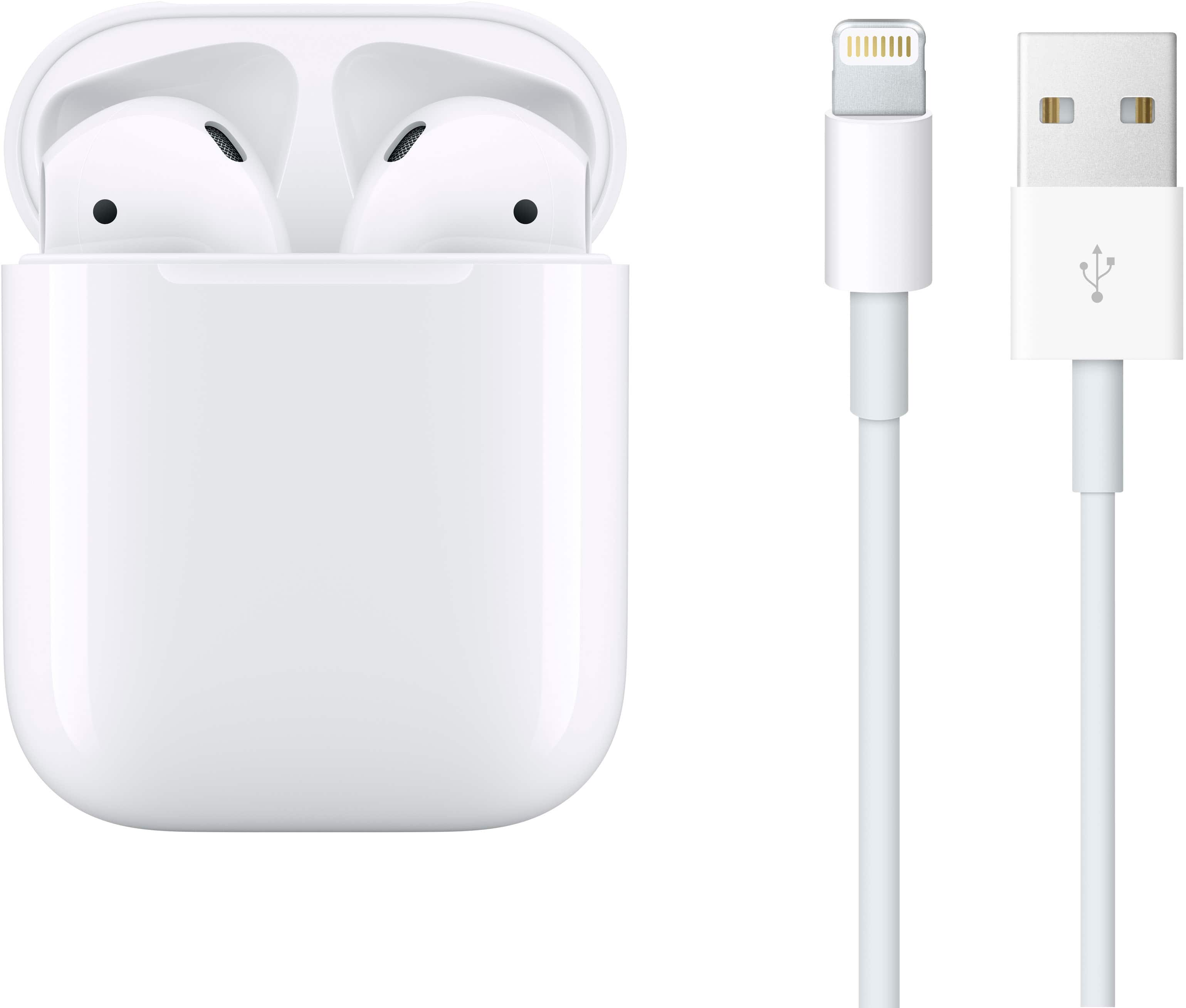
A:AnswerThey are not. They have no IPX rating and do not claim to be water-resistant or sweat proof. If you want earbuds that are IPX4 (sweat-proof and water-resistant), that also has the H1 chip, look at something like the Beats PowerBeats Pro.
A:AnswerYes. I use them with my AirPad while I’m on the treadmill and the sound is great. And with the ear hooks or straps they’re not as bulky as my Bose QCs
A:AnswerYes, you can use Apple AirPods with an Android phone and answer phone calls. While some of the advanced features like automatic device switching and "Hey Siri" won't be available, the basic functionality works perfectly fine. Here's how they perform with an Android phone:
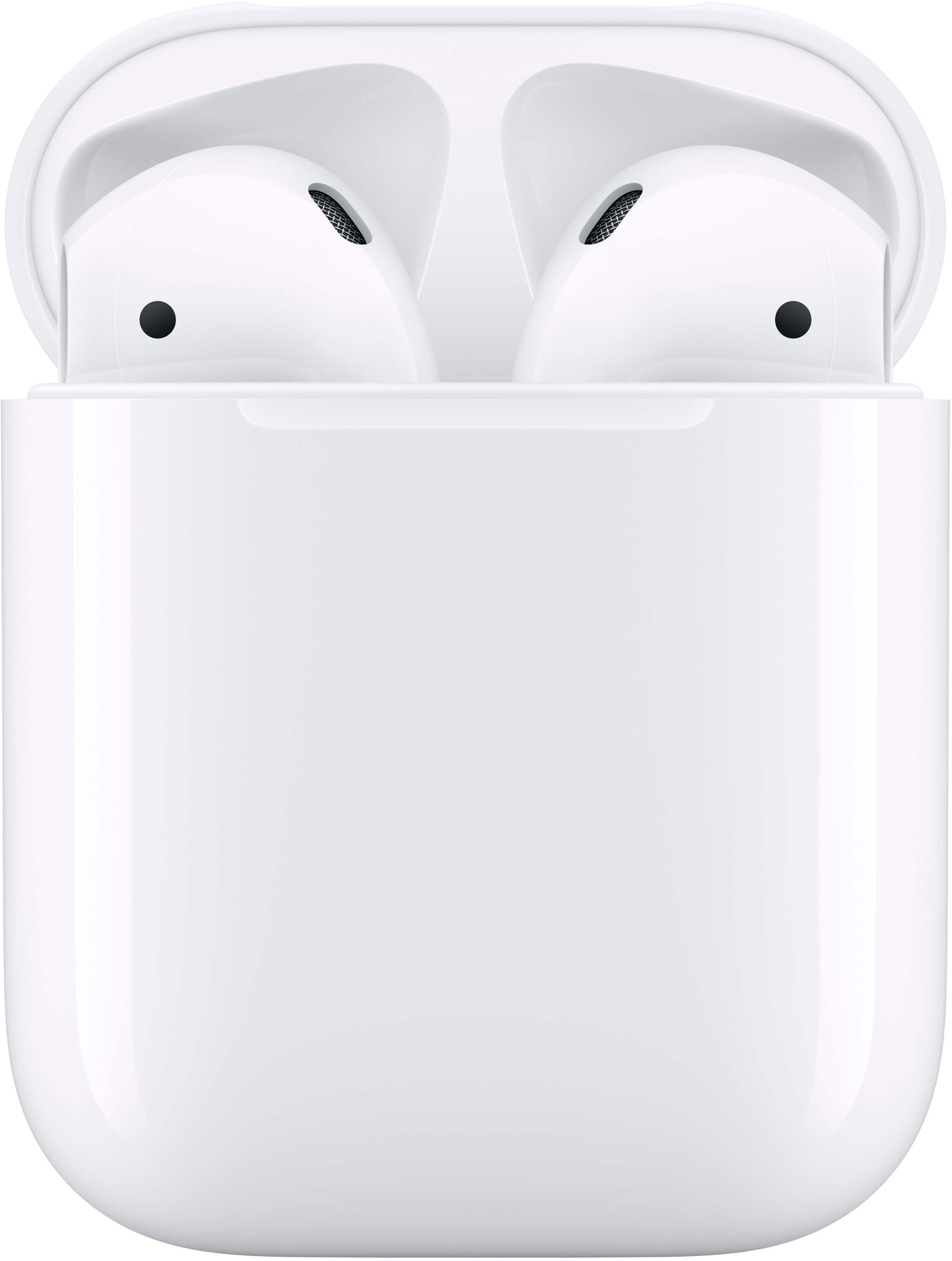
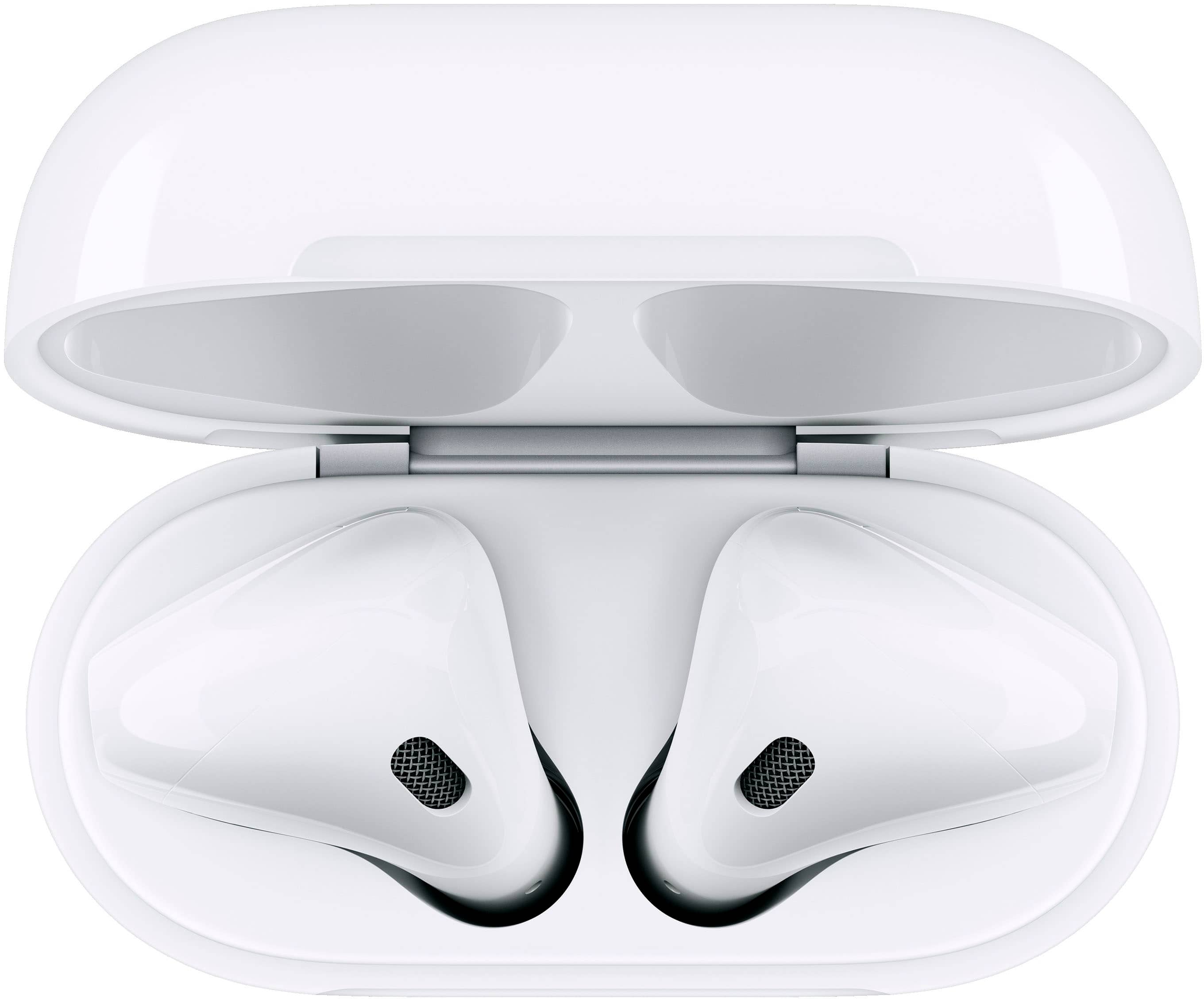
Pairing: Pairing the AirPods with an Android phone is simple. Just open the Bluetooth settings on your phone, open the AirPods case, and press the button on the back of the case until the light flashes white. Then, select the AirPods from the list of available devices on your phone.
Phone Calls: You can use the AirPods to answer and make phone calls just like any other Bluetooth headset. The built-in microphones work well, ensuring clear voice quality during calls.
Audio Quality: The sound quality remains excellent when used with an Android device. You'll still enjoy the rich, balanced audio that AirPods are known for.
Controls: The double-tap functionality on the AirPods will still work, allowing you to play/pause music or answer/end calls. However, you won't be able to customize these controls without an Apple device.
Battery Life: The battery life and charging capabilities remain the same, providing you with several hours of listening time and additional charges from the case.
In summary, while you may miss out on some Apple-specific features, Apple AirPods still work very well with Android phones for listening to music and handling phone calls.
A:AnswerThey are not noise canceling, however they do a pretty okay job of keeping the sound in your ears and not around you. I would recommend reading about them on the apple website where you get a rundown of all the details and comparisons to their other products. But I don’t recommend purchasing them there. If you purchase here they are cheaper and you also get a couple added bonuses too.