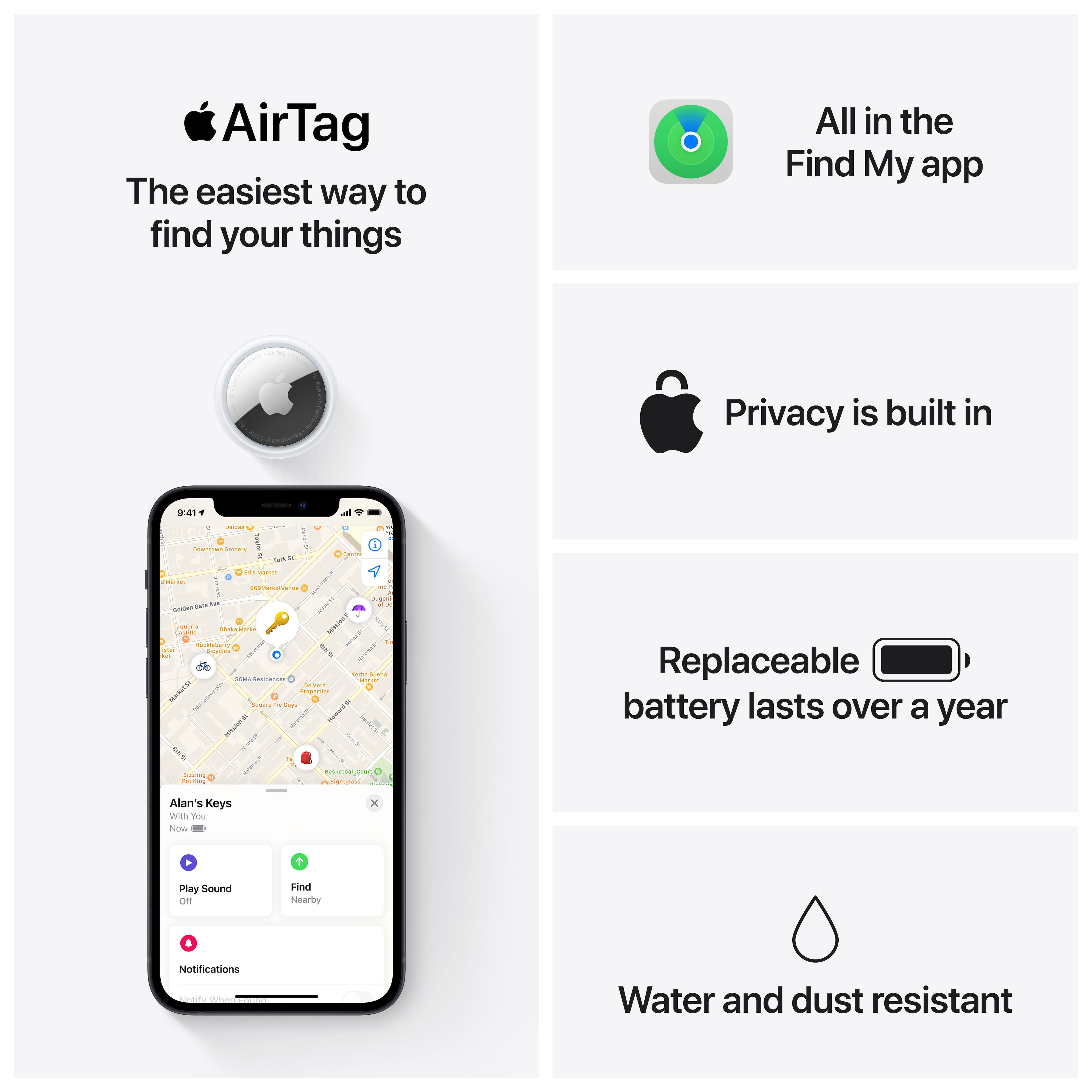
A:AnswerI know it does not work 100 ft away from all Apple devices. My guess would be 30 ft or so. Have watched my luggage move from one airplane to my connecting flight across the tarmac. I think there are lots of iPhones out there so chances are there is one nearby at some point
A:AnswerCan only use to track with Apple devices such as iPhone or iPad connected to internet. Does not work with Android. Android actually has an app that will show you a device is nearby but you cannot use it to locate your device so pretty worthless app for Android. But works great with iPhone
A:AnswerOther iPhones will know that a air tag is nearby but not that it is your air tag. I was at my sister's house and her iPhone notified her that there was a air tag in her house. That is to keep someone from putting an air tag in your personal item without you knowing it.
A:AnswerIt can't; AirTags are only compatible with Apple devices. At this time we haven't heard of Apple planning to make them compatible with Android devices.
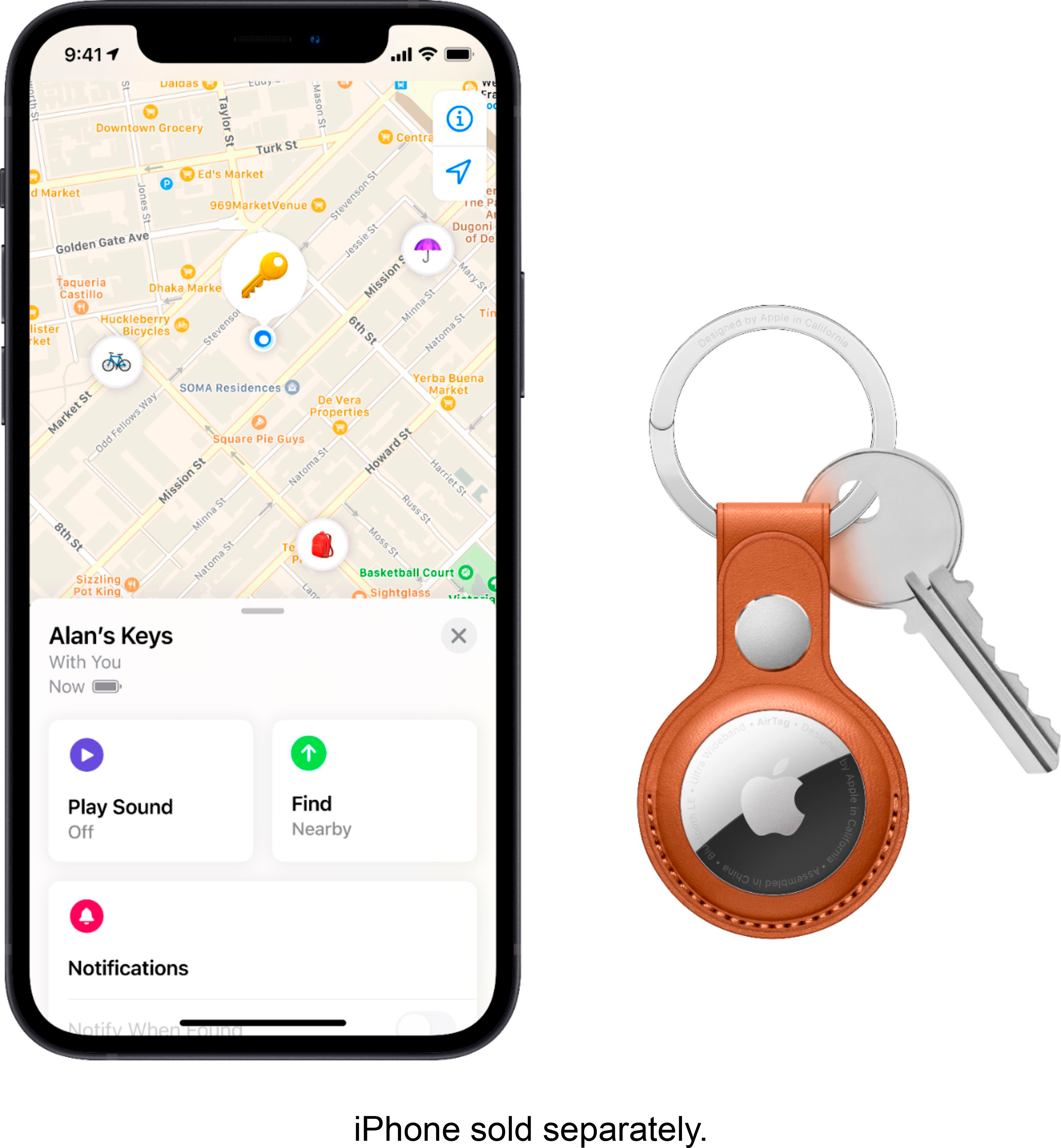
A:AnswerIf you choose "play sound" on the Find My app it will. It will also make noise if it thinks that it's being used as a tracking device (eg. if an Apple device that isn't registered to the AirTag is detected to be with it.)