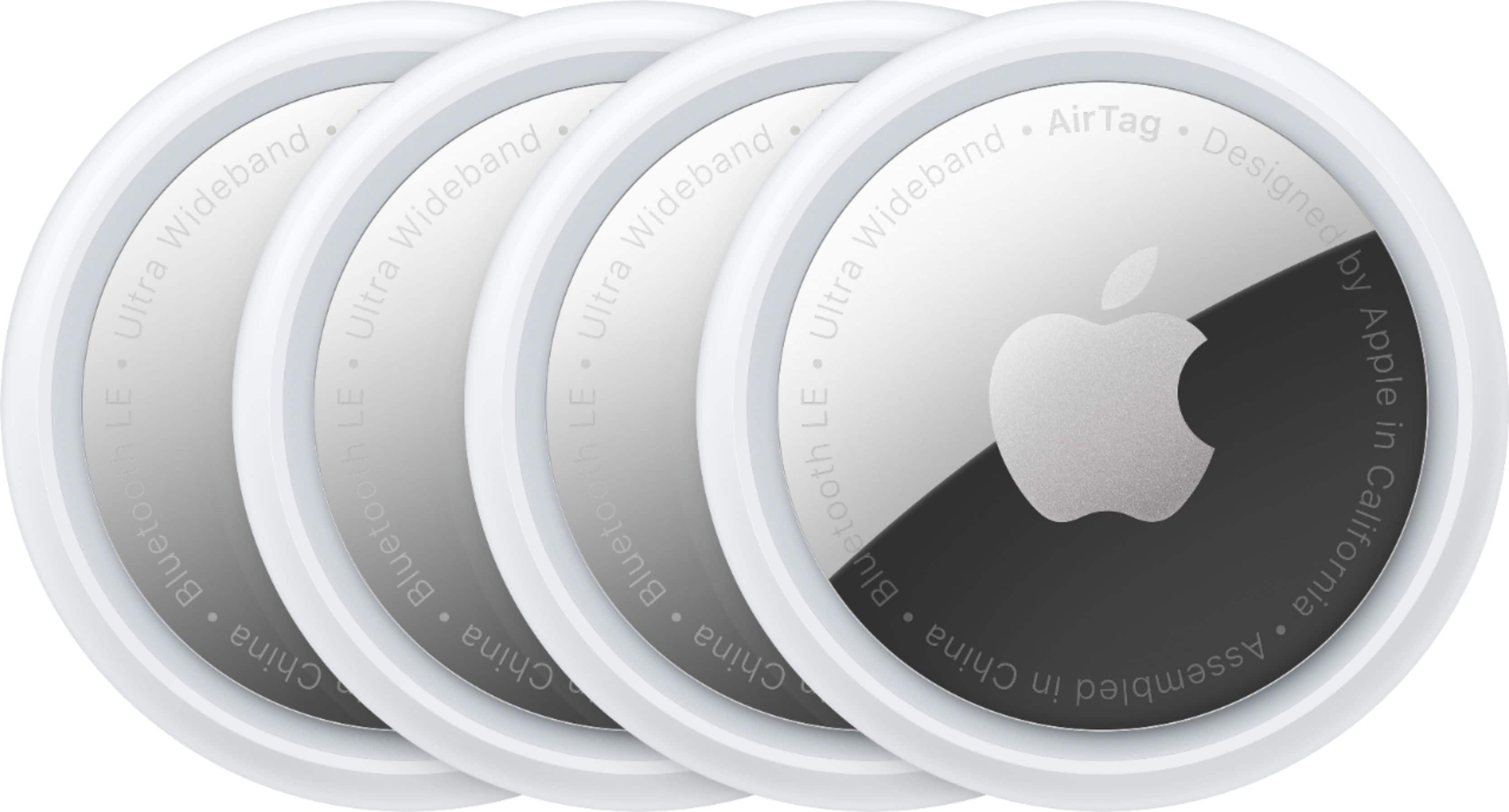
A:AnswerAnywhere those little airtags are they will be tracked , period ... So yes in a pocket and/or anywhere they are located they can be tracked using your apple device
A:AnswerTake it from the box, unwrap it and Just place it next to the apple device that it will show up on the device
Than you can name it and they don’t disconnect
A:AnswerAs long as they are not associated with another person’s Apple ID, they should register easily with yours. If needed, you can reset the device (not wipe the ID) by removing and reinstalling the battery 5 times.
A:AnswerYes. There is a battery inside each one. They last for a year or two and are easily replaceable when they die. Your phone will alert to you their dying battery.
A:AnswerNo, but you can log into any device that can access the internet and log in to iCloud.com or I use my Apple Watch. I ask Siri to find my iPhone. If it’s within range it will start playing a loud noise even if it’s on silent