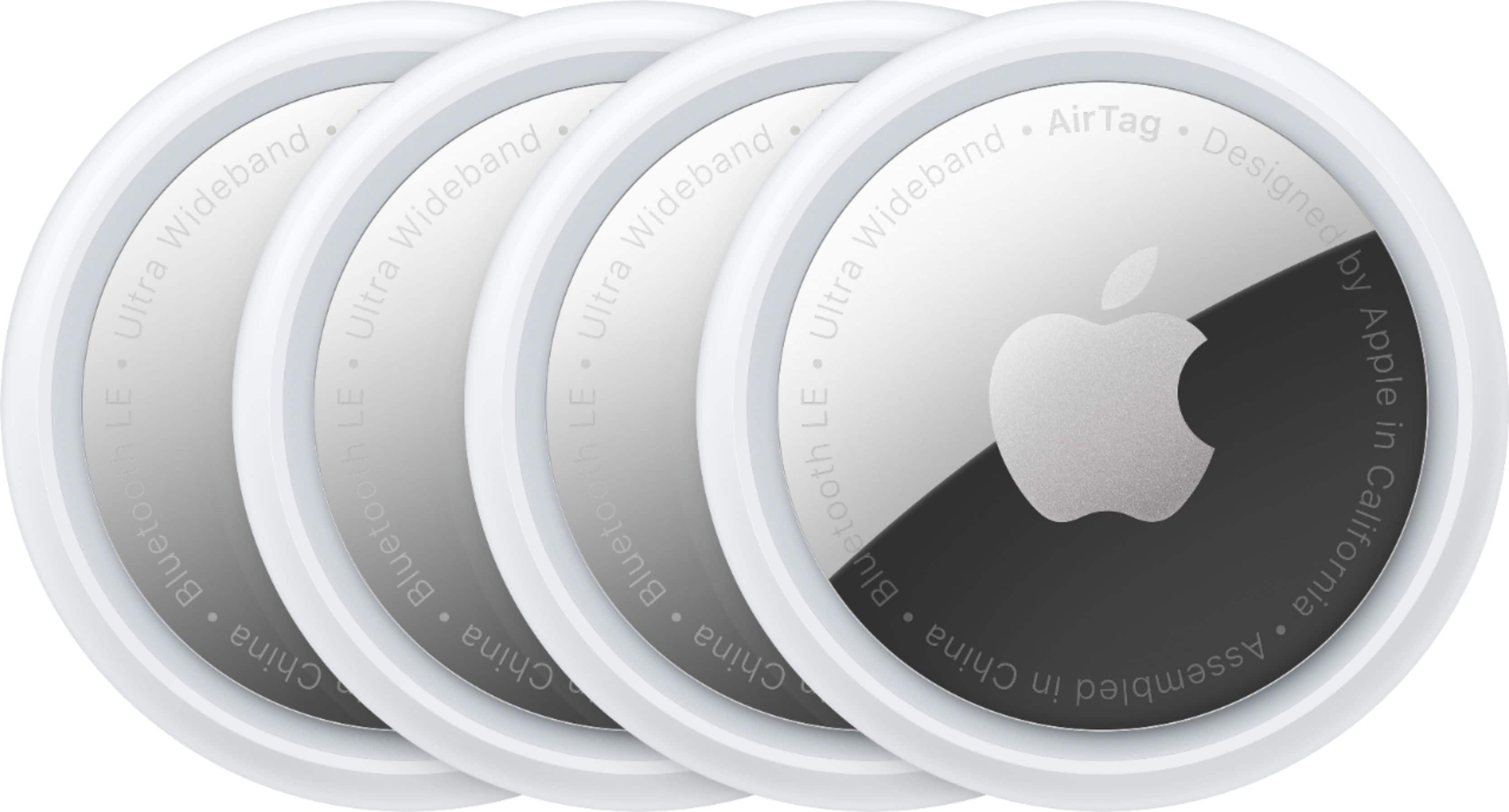
A:AnswerBecause the Find My app isn't available for Android, your options for using AirTags with an Android phone are limited.
Apple released an Android app called Tracker Detect, which tracks item trackers and works with Apple's Find My network. It won't do so automatically; you have to prompt it to detect trackers. You can use it to scan for an AirTag; it will check for trackers that are outside the Bluetooth range of the owner's device.
For Android, other solutions provide a better user experience like Tile
A:AnswerBecause the Find My app isn't available for Android, your options for using AirTags with an Android phone are limited.
Apple released an Android app called Tracker Detect, which tracks item trackers and works with Apple's Find My network. It won't do so automatically; you have to prompt it to detect trackers. You can use it to scan for an AirTag; it will check for trackers that are outside the Bluetooth range of the owner's device.
For Android, other solutions provide a better user experience like Tile
A:AnswerBecause the Find My app isn't available for Android, your options for using AirTags with an Android phone are limited.
Apple released an Android app called Tracker Detect, which tracks item trackers and works with Apple's Find My network. It won't do so automatically; you have to prompt it to detect trackers. You can use it to scan for an AirTag; it will check for trackers that are outside the Bluetooth range of the owner's device.
For Android, other solutions provide a better user experience like Tile
A:AnswerBecause the Find My app isn't available for Android, your options for using AirTags with an Android phone are limited.
Apple released an Android app called Tracker Detect, which tracks item trackers and works with Apple's Find My network. It won't do so automatically; you have to prompt it to detect trackers. You can use it to scan for an AirTag; it will check for trackers that are outside the Bluetooth range of the owner's device.
For Android, other solutions provide a better user experience like Tile
A:AnswerYou likely can you would probably just have to get a amount for it however, if you want to attach it to somewhere like the handlebars, I would suggest getting the dimensions of those handlebars and seeing what you need, but they make all sorts of brackets for the AirTags
A:AnswerAn old question but in case others are looking -
When you connect these to Find My, you name them and give them an icon to use, so you can keep them separate easily
A:AnswerTracking distance is more a function of what's around the tag and not the tag itself. The tag is not an active tracker. when other apple devices are in range, it pings and the location is passed in the background to the FindMy network. It will always show the last position it was seen on the map in FindMy and will update if someone with a connected Apple device comes within its range. So, if you dropped this in the middle a store, it is likely you could track its motion since there are likely enough Apple devices to keep it live. If you dropped it in the middle of the desert, it would show you the position where it was when it was last connected but it won't live update until another Apple device comes within range AND it still has a battery charge