A:AnswerSometimes when your purchase the equipment from Verizon they’ll require old plans to be updated to new ones but if you purchase the phone outside of them, then there’ll be no changes to your plan
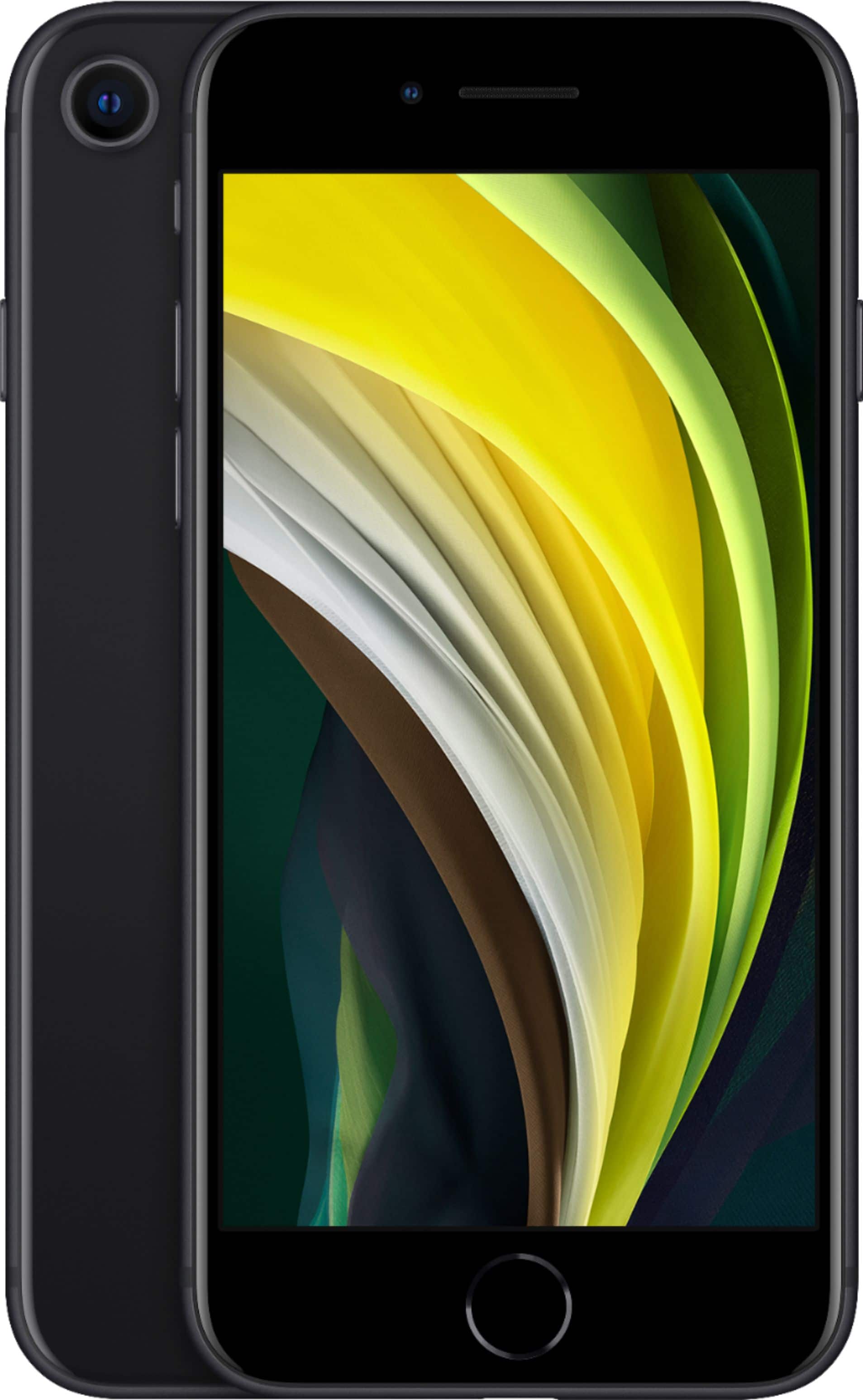
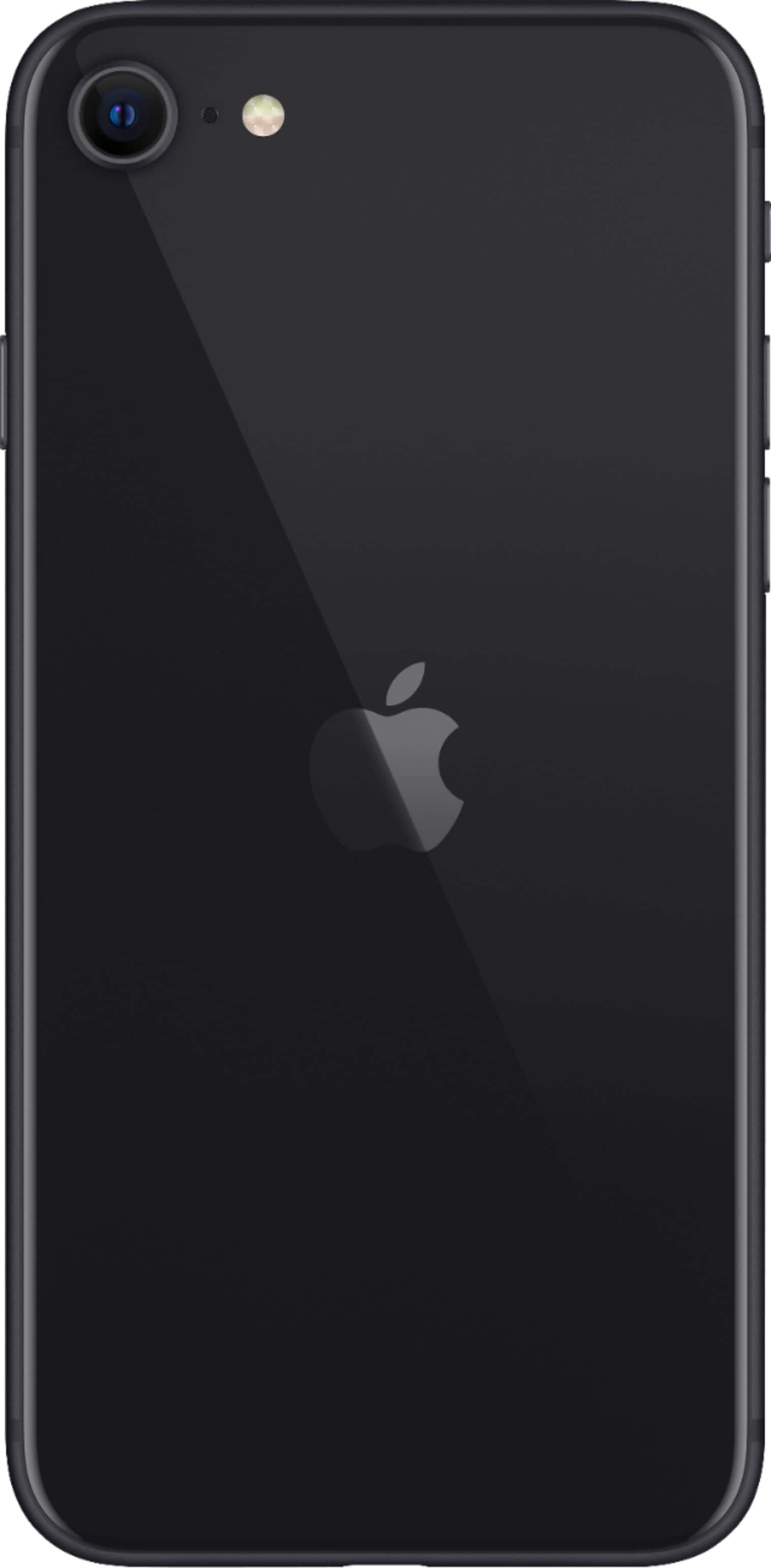
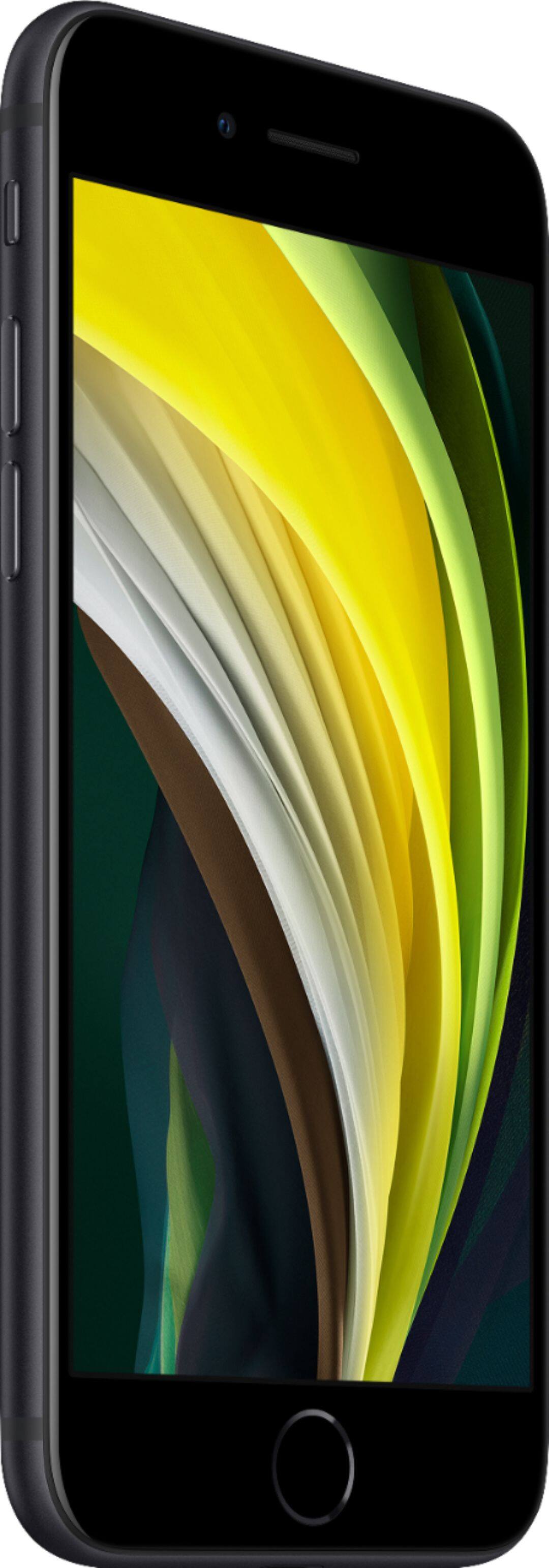
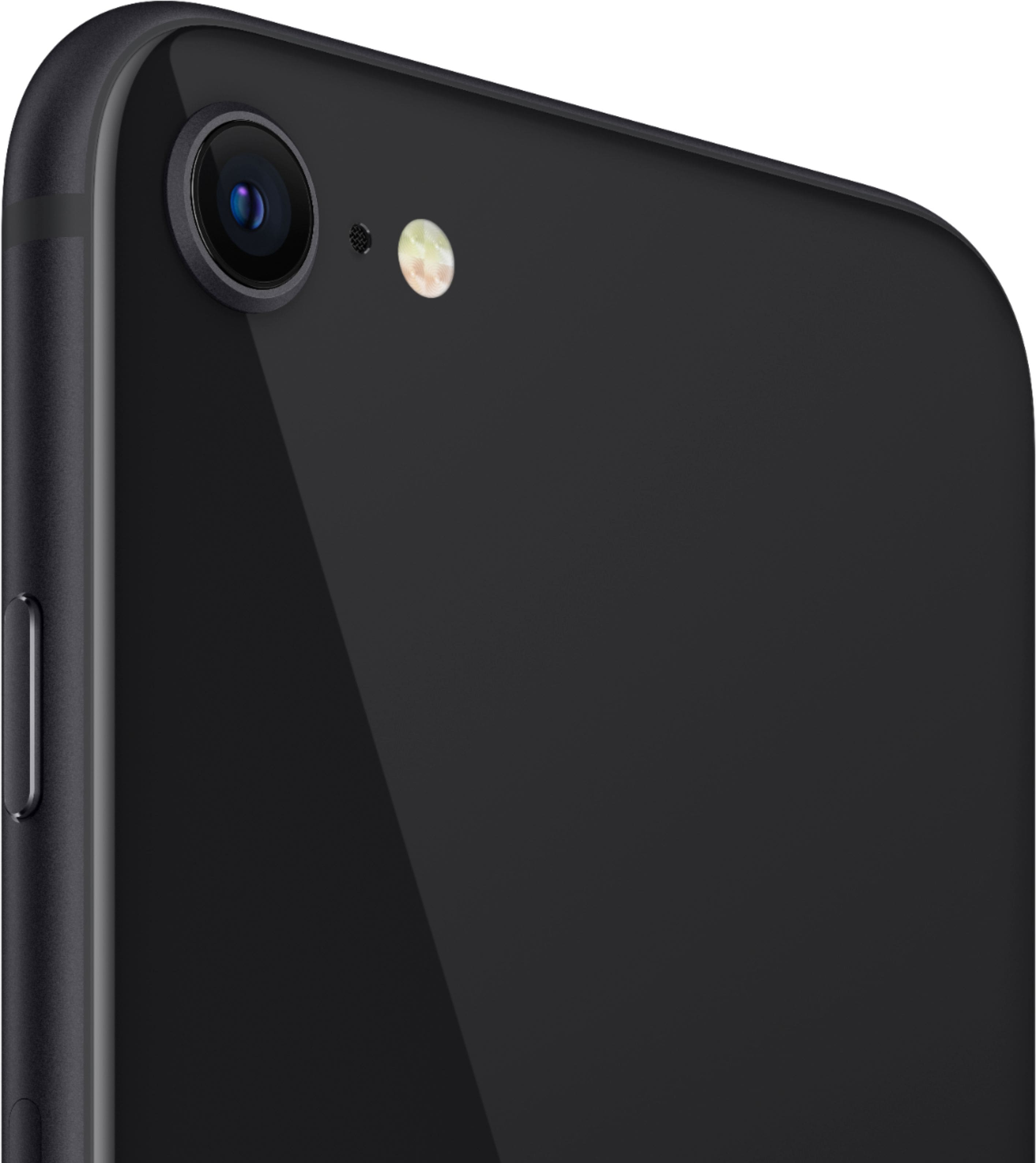
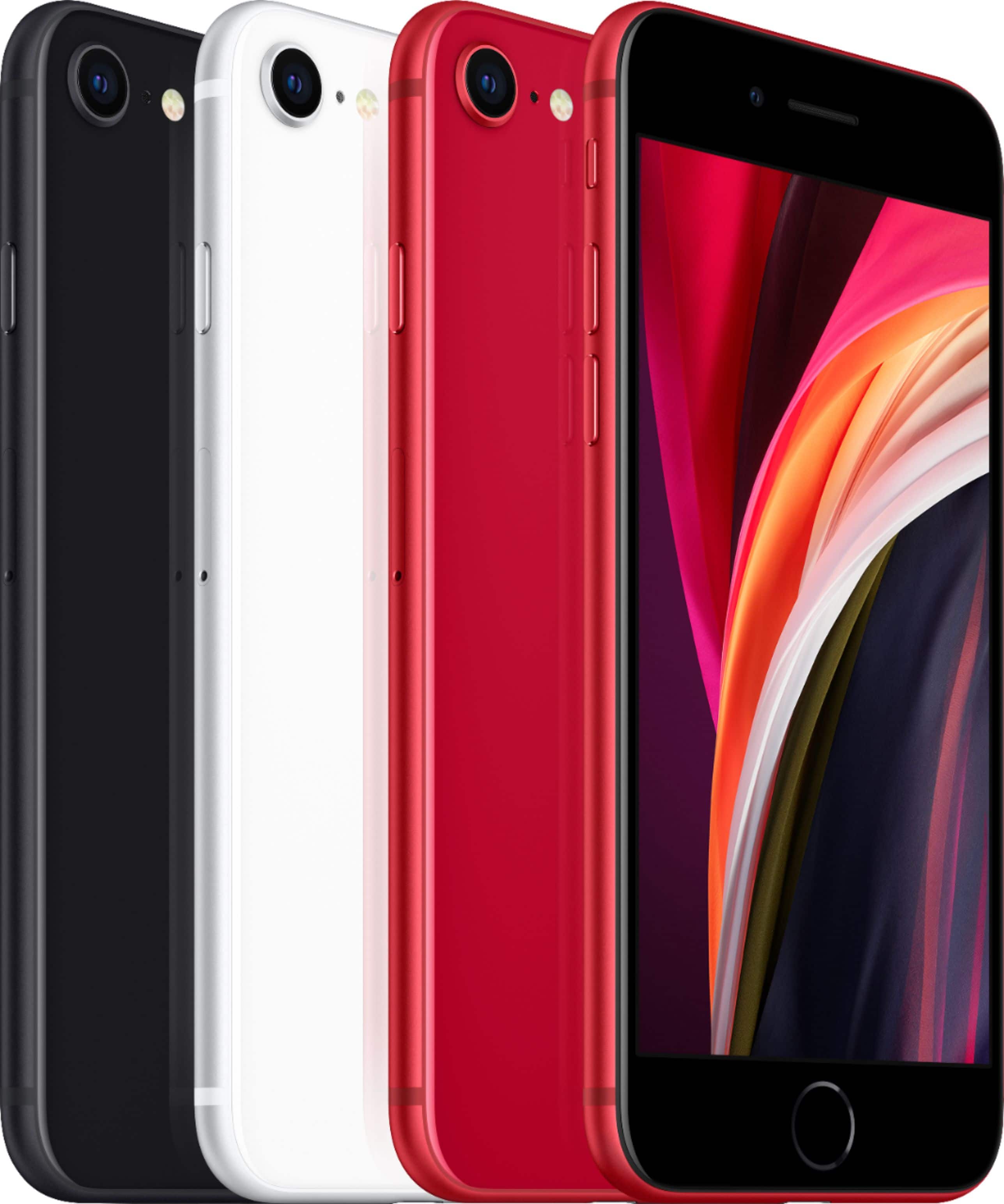
A:AnswerThis phone is the 2nd version of the iPhone SE. The original iPhone SE was based on the iPhone 5S body type. This updated version is based on the iPhone 8 body type. This is a completely new device for 2020. Unless you purchase a “refurbished” device, you will have a brand new iPhone SE 2nd Generation.
A:AnswerI'm not sure how quickly the activation will occur, but you can order the phone and SIM card. I ended up having to call Verizon to assist with the activation. In all, the call with Verizon only took 10-15 minutes. I hope that helps and best of luck.
A:AnswerHi Sandy,
I just bought new SE's for my entire family and I liked the option to restore the new phone from a backup in iTunes, however there are three options on the Apple support page below. Just click on each method to launch the steps for each option.
https://support.apple.com/en-us/HT201269
Just to elaborate on my preference. I installed iTunes on my computer. (Windows for me, however iTunes should work the same on a Mac) Once iTunes is open I plugged in the older iPhone and followed the prompts to make a backup. I ran the backup twice to make sure. Once the backup was complete I removed the old phone and plugged in the new iPhone and powered it on, then followed the prompts on the phone. Below is a link to Apple support page for making a backup, two two methods are listed, Use your computer is my preference. It is often faster than the iCloud method.
https://support.apple.com/en-us/HT203977#computer
Hope this helps, stay safe!
A:AnswerThis phone has the microchip of the newest iPhone 11. This phone also has front and back portrait mode. It is 1.4 times faster than the old SE. hope this helps.