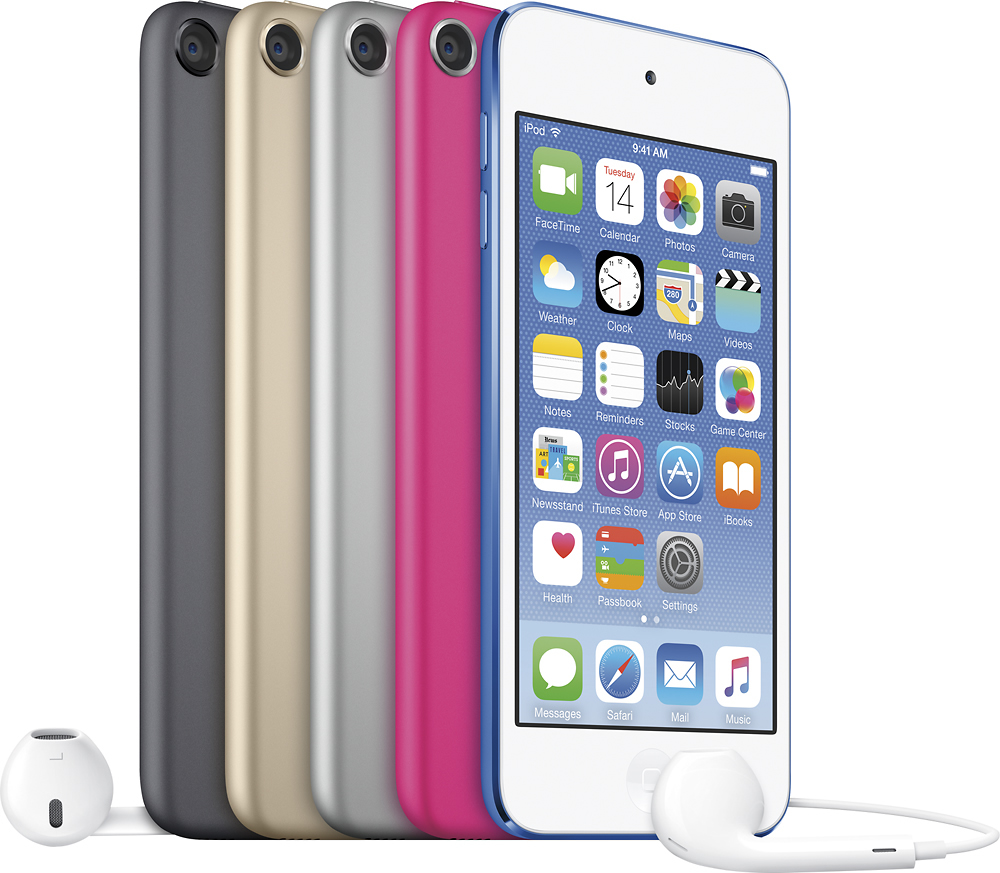
A:AnswerYes you can track any apple device by going in to settings and scroll down till you find FIND my phone just enable and good to go. In order to track it you need to go in to your iCloud account and it will give you the option to track all of you apple devices
A:AnswerThe asterisk reference is in the description under the main picture of the iPod Touch at the top left on the page. The membership required is iTunes,
A:Answeryes. Depends on the size(kind) of song you transfer. If you purchase all of your songs from itunes, you should be able to get a 1,000 songs on there, no prob.