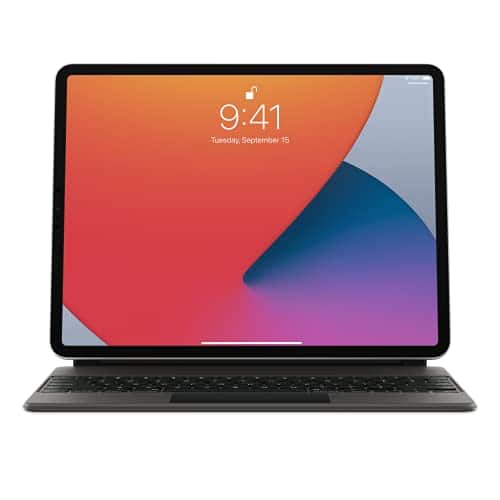
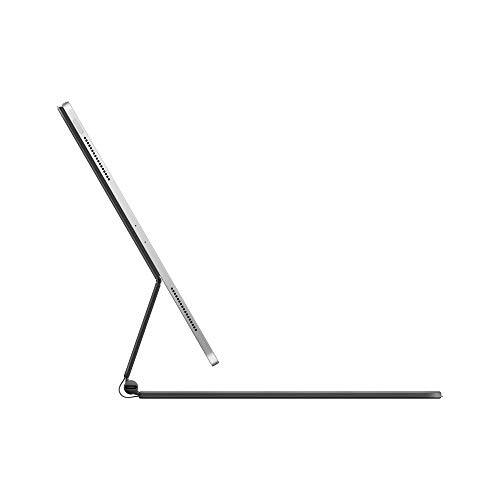
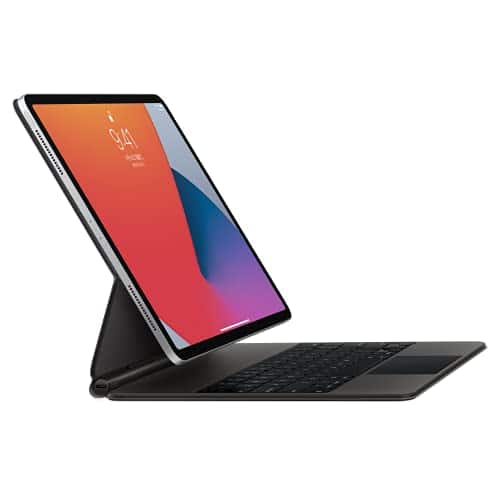
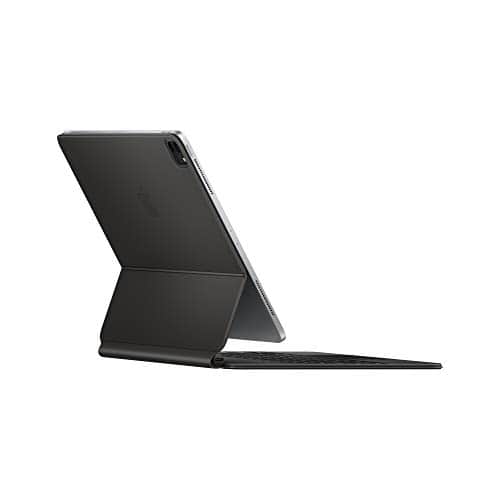
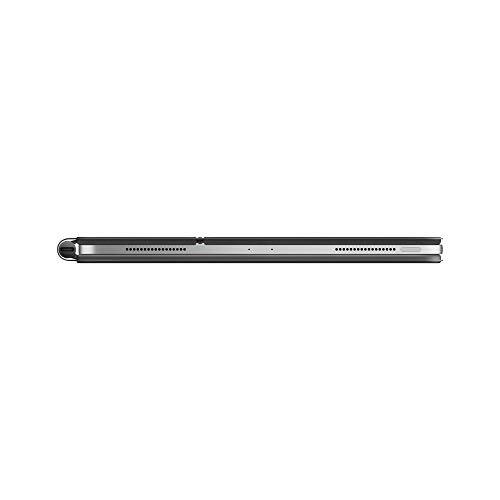
A:AnswerThis does not add any additional storage or wifi. It is a keyboard that offers an additional USB-C port only for charging freeing your other USB-C port up for a dongle. It connects to your iPad pro by magnetic connectors on the back of the iPad and does not connect via bluetooth or WiFi. Your iPad is what has storage and WiFi capabilities.
A:AnswerIt has a limited ability as far as angles, but I believe it should work for what you described. Pretty much designed to get an appropriate angle either on a table top or your lap. It is not pre set to specific angles.
A:AnswerHi,
No, the Apple Magic Keyboard for 11-inch iPad Pro (1st, 2nd, or 3rd Generation) and iPad Air (4th, or 5th) does not work for the 10.9-inch iPad. The Magic Keyboard is designed specifically for the 11-inch iPad Pro and iPad Air.
The 10.9-inch iPad has a slightly different design and dimensions than the 11-inch iPad Pro and iPad Air models, so the Magic Keyboard will not fit it properly. Additionally, the Magic Keyboard uses Smart Connector pins to connect to and power the iPad, and the 10.9-inch iPad does not have Smart Connector pins.
If you are looking for a keyboard for your 10.9-inch iPad, there are a number of third-party options available here at best buy.
I hope this information is helpful.
A:AnswerHey there!
Unfortunately, the Apple Magic Keyboard for 11-inch iPad Pro (1st, 2nd, or 3rd Generation) and iPad Air (4th, or 5th Generation) does not work for the iPad 10th gen.
The iPad 10th gen has a different design than the iPad Air 4th and 5th gen, so the Magic Keyboard is not compatible. If you're looking for a keyboard for your iPad 10th gen, Apple does offer a Magic Keyboard Folio that is specifically designed for that device.
I hope this helps! Let me know if you have any other questions. :)