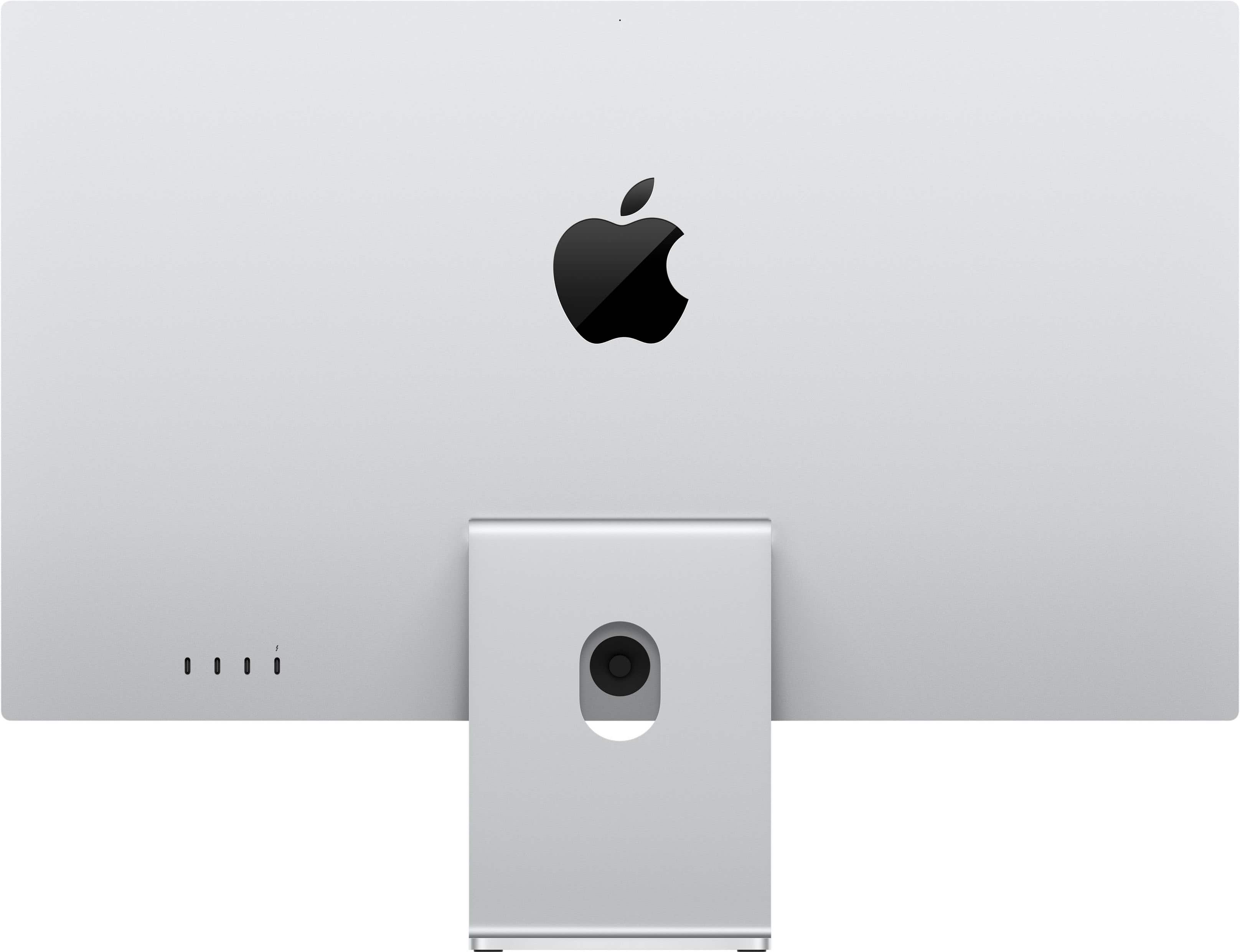
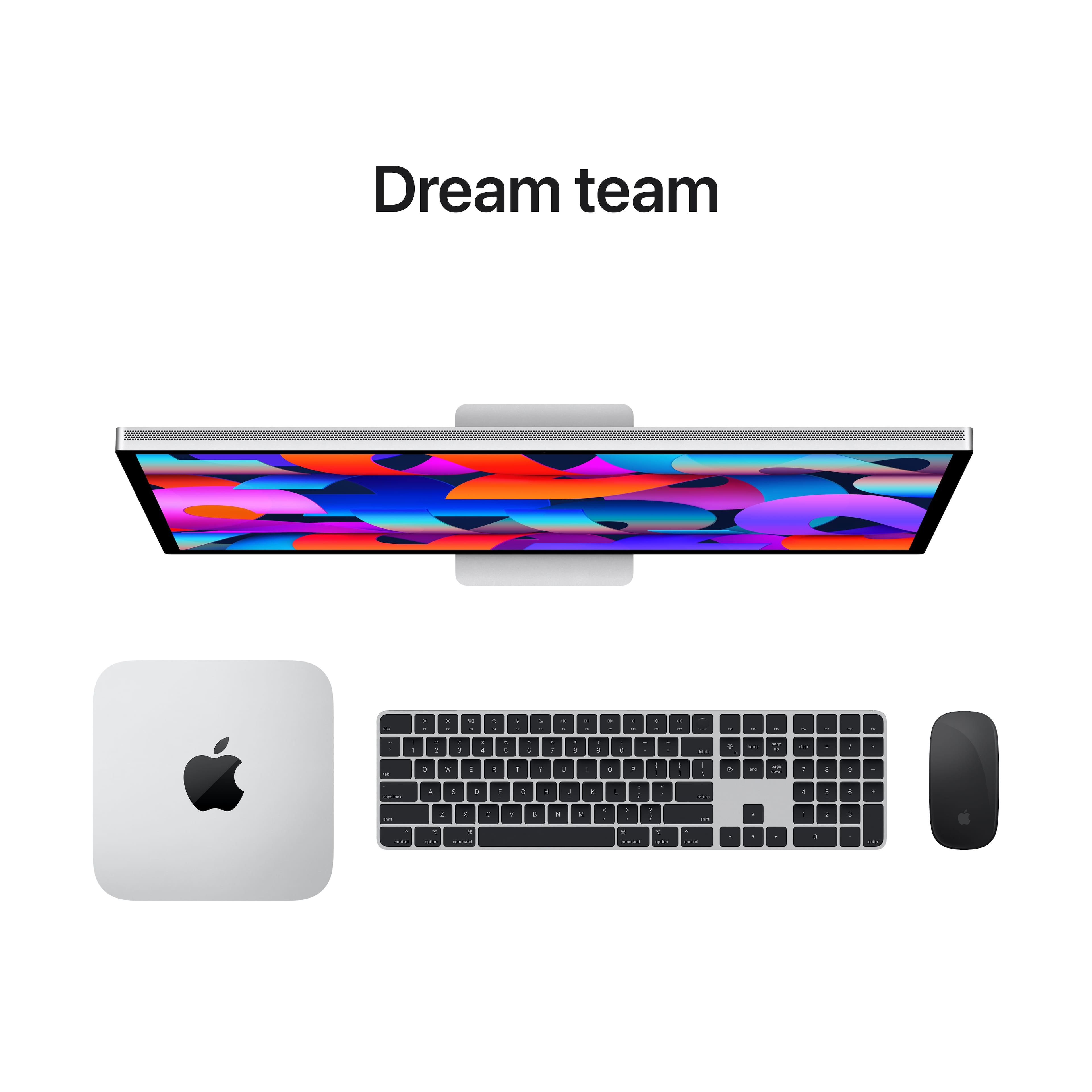
A:AnswerYes it will work with a MacBook Pro with M1 without an adapter. A standard M1 in a MacBook Pro or Air only supports one external monitor and the internal monitor. A MacBook Pro with M1 Pro/Max, Mac Studio, Mac Mini or Mac Pro can support 2+ monitors.
A:AnswerIf you have the Intel mac mini and it has 2 thunderbolt ports 2 of these displays should work (although you may want to validate the max resolution the mini you have supports as it may not support 2 displays at the full 5K resolution). However, if you have the M1 mac mini you can only use 1 thunderbolt display and another display connected via HDMI. Therefore to use 2 apple studio displays you would need some type of HDMI to Thunderbolt converter (if one even exists)...
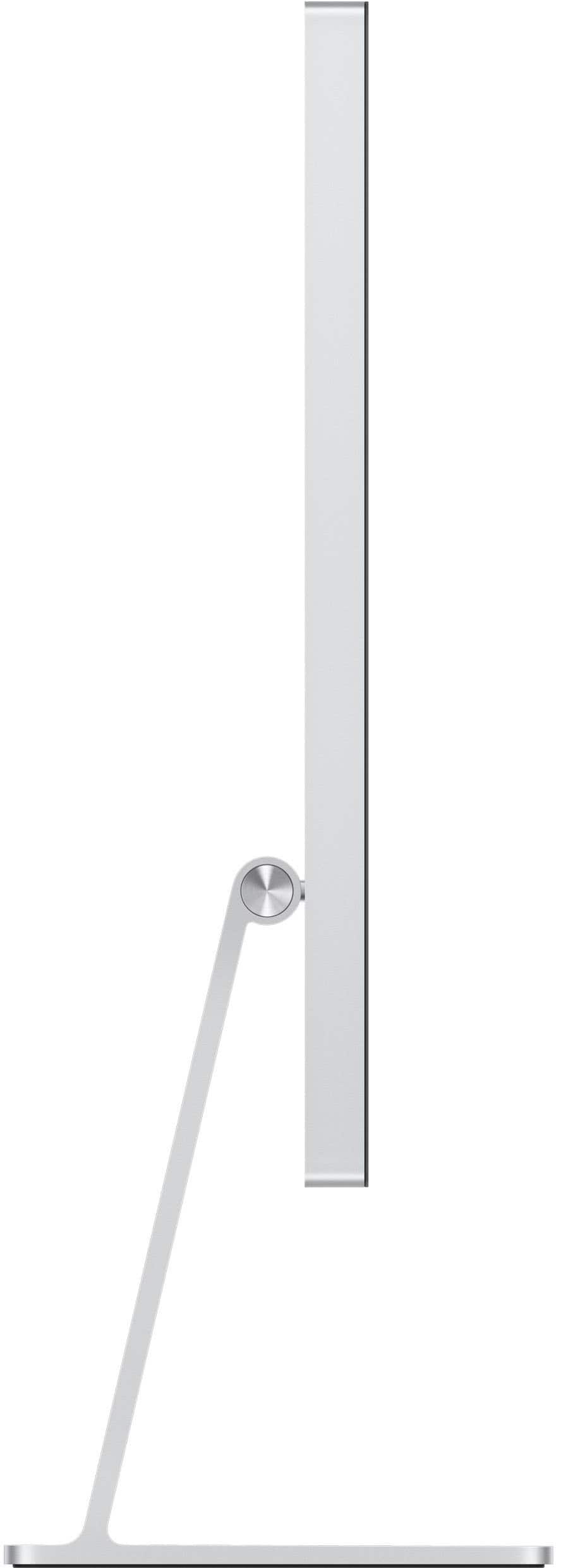
A:Answerwe accept trade-ins however we currently do not carry the full tilt stand. trade-in value will vary but if you search trade in in the search bar on this site you can get an estimate.