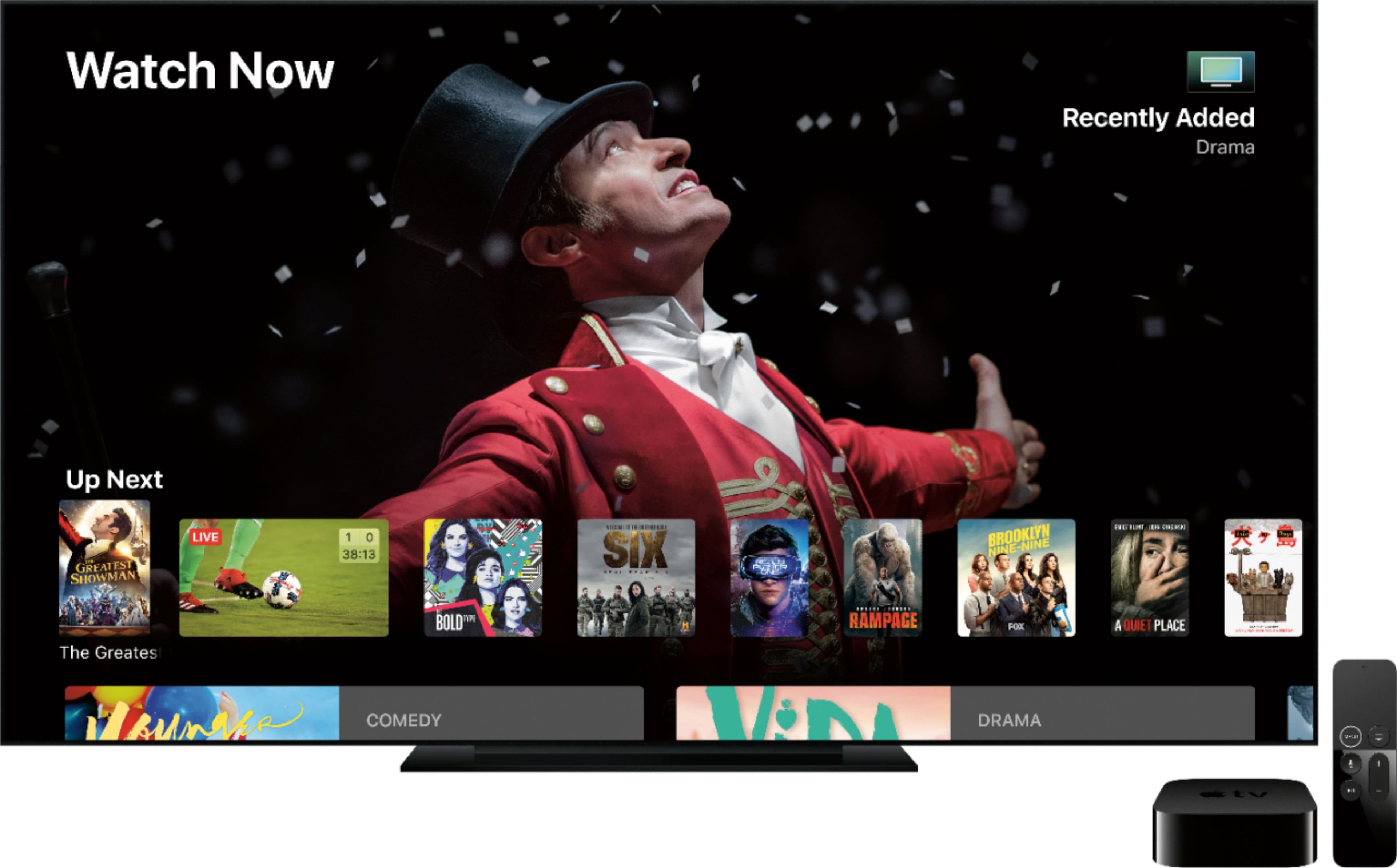
A:AnswerNot to use AppleTV. Many individual streaming services have monthly charges though, though there are really excellent free ones too, including Peacock, CW Seed, and Tubi.
A:AnswerYou’ll need either a new hdmi cable, or to use one you already have. Even if you already have one, there’s a chance it might not work with this if it’s an older cable that doesn’t support 4K+HDR (assuming ours using this on a 4K tv).
I ended up using a cable that came with a 1080p device and it’s been working okay.
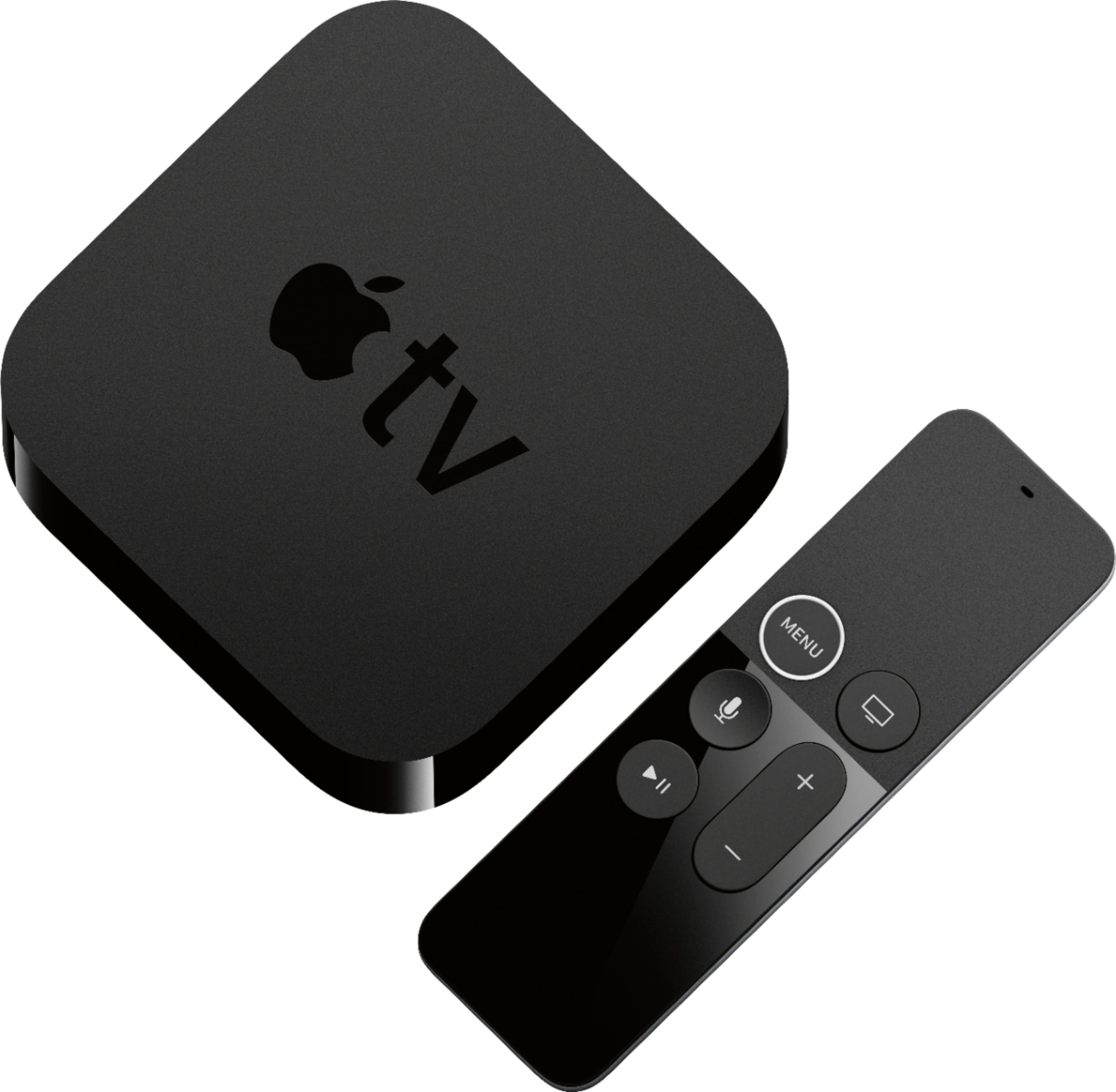
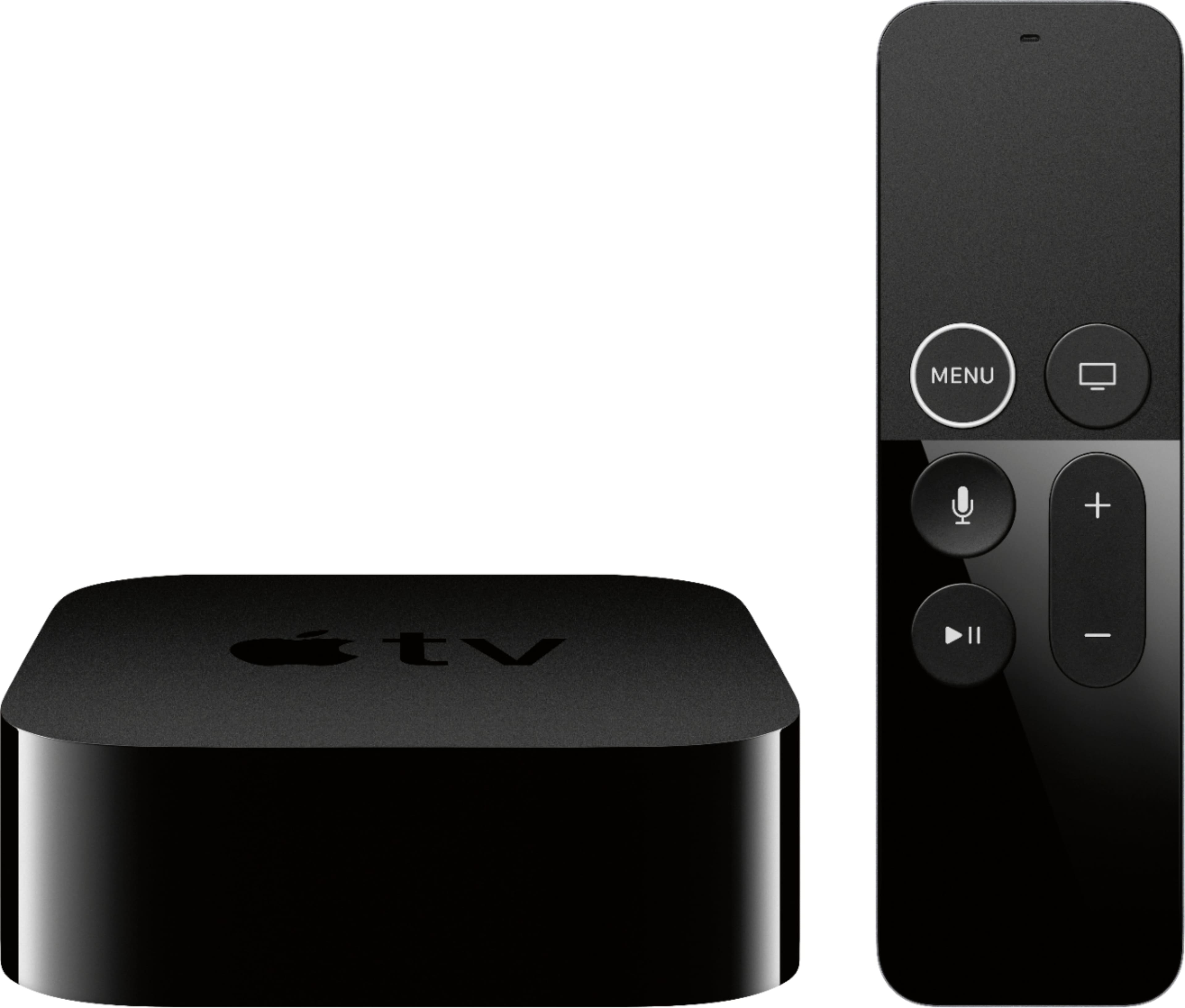
Beyond that, I use an IR remote I already owned with it (you can easily program it to work with basically any IR remote)
A:AnswerBluetooth connection. Using the Apple HomePods are more streamlined and they find themselves. You need to set up the devices to pair in bluetooth mode with the device when using Sonos
A:AnswerYou can go in to settings and see a list of everything that’s installed and delete it from there. There may be a way to do it directly from the Home Screen, but I’m not sure (I can move apps around the screen directly from there though).
A:AnswerIt depends on the “app” you’re using and the specific content, but a lot of streaming content has closed captioning. I think almost everything I’ve ever streamed has captions available, though I’m pretty sure I ran across some older show that didn’t, and also some show where the captions were either ahead of or behind the video by a bit. That’s an issue with the individual show though, not the AppleTV. Almost everything I watch has closed captions that work fine.
A:AnswerI’m not 100% sure but I THINK Comcast doesn’t support it at all on AppleTV, just to push their own box they want you to rent, which I’m not doing and find obnoxious.
Obviously the app already exists on iPad/iPhone, making it even more ridiculous they don’t let it run on AppleTV also.
Oran into this a few weeks ago during that free watch week thing, and was utterly shocked I couldn’t get it on my tv.
A:AnswerThere are a lot of differences depending on what you're looking for. Both do a great job of streaming video and have user-friendly interfaces. The main thing with the Apple TV is that it blends seamlessly in with the Apple ecosystem - iPhone, MacBook, iPad and especially HomeKit. The main thing with the Roku is that it's a lot cheaper to basically get the same streaming content, with a few exceptions. The Apple does have a higher quality feel but I actually prefer the Roku remote. I also like to connect directly to the router via an internet cable - ATV has an internet port but only the top of the line Roku have the port. I did notice that Roku is now allowing AirPlay and HomeKit interconnectivity with their devices so that's another difference that's gone. You honestly can't go wrong either way in my opinion but as I stated, Roku devices are a lot cheaper.