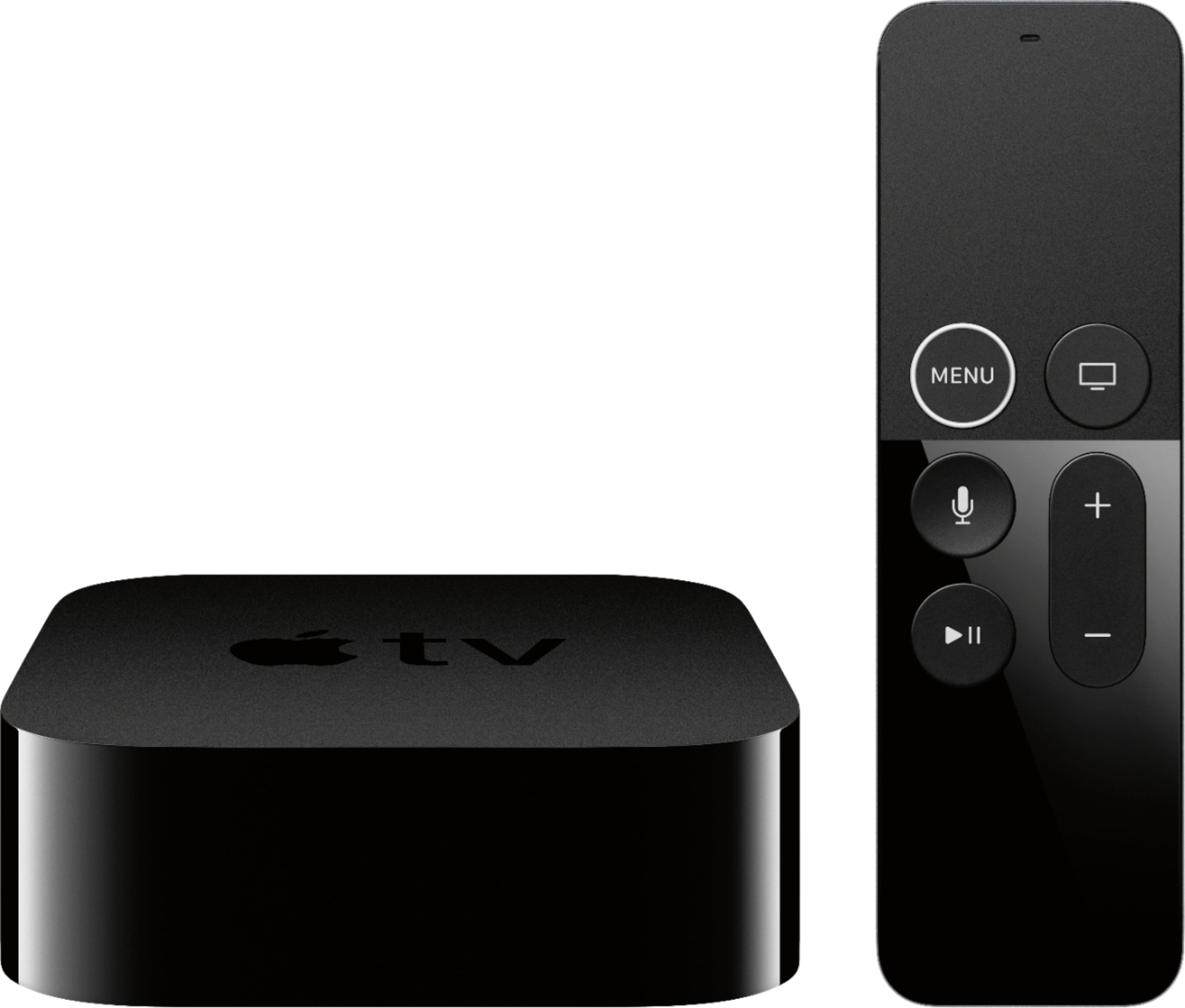
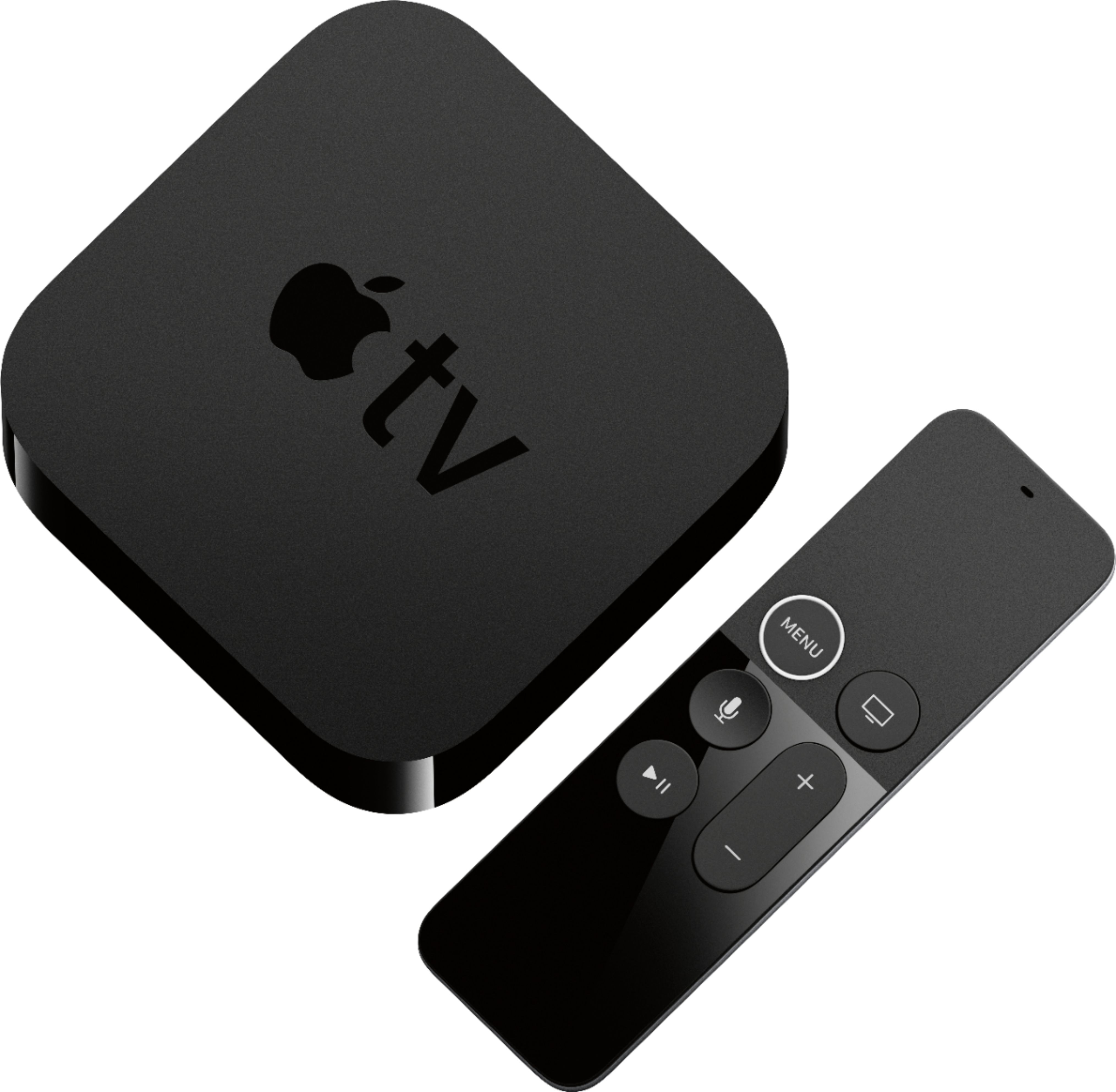
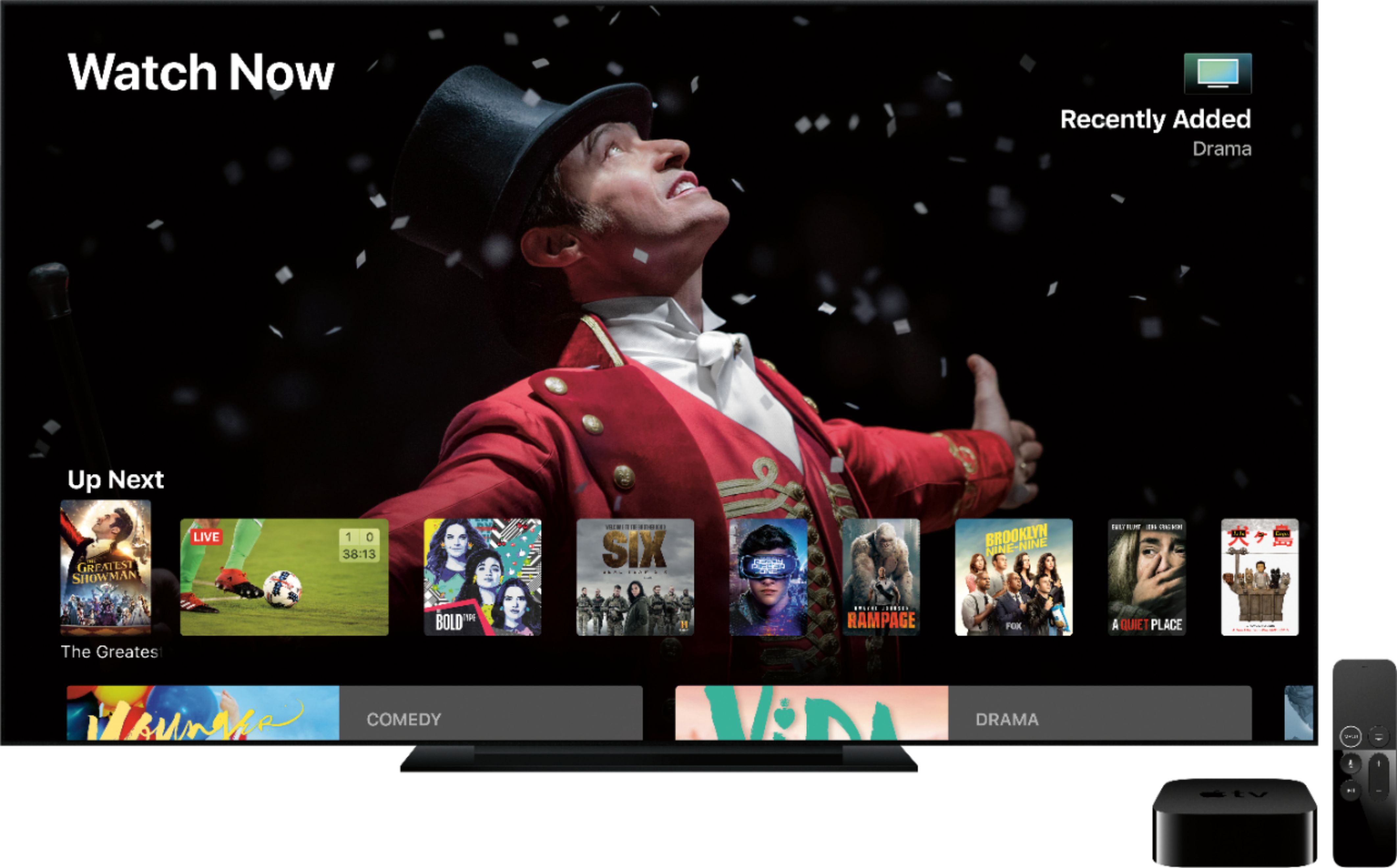
A:AnswerCheck tv setting for hdr options. Also check apple tv video settings for 4k hdr at either 60hz or 30hz. Look up youtube videos on whatever brand you have for tv and apple tv setup in youtube to find some help. Also you need a good hdmi that can handle hdcp 2.2, 18gbps transfer speeds or 48gbps with the belkin apple tv4k cable sold at amazon or apple for futureproofing.
A:AnswerI have mine plugged into the receiver via HDMI, then the receiver selects the Apple TV as input source and outputs to TV (and speakers). In short Apple TV -> Receiver -> TV.
A:AnswerNot everything is free, but with subscriptions comes higher resolution at a fairly reliable rate. In general, if you can see a particular show using over-the-air TV, then you can probably access it for free, although many (e.g., major networks) require that you "sign in" to use their service.
A:AnswerAs many channels as you subscribe to or pay for. This device is only the vehicle used to access your streaming subscriptions. There are not free channels.
A:AnswerYes, just need to make sure that the AppleTV unit you get matches the capability of the TV. (Example: make sure both are 4K capable or HD capable)