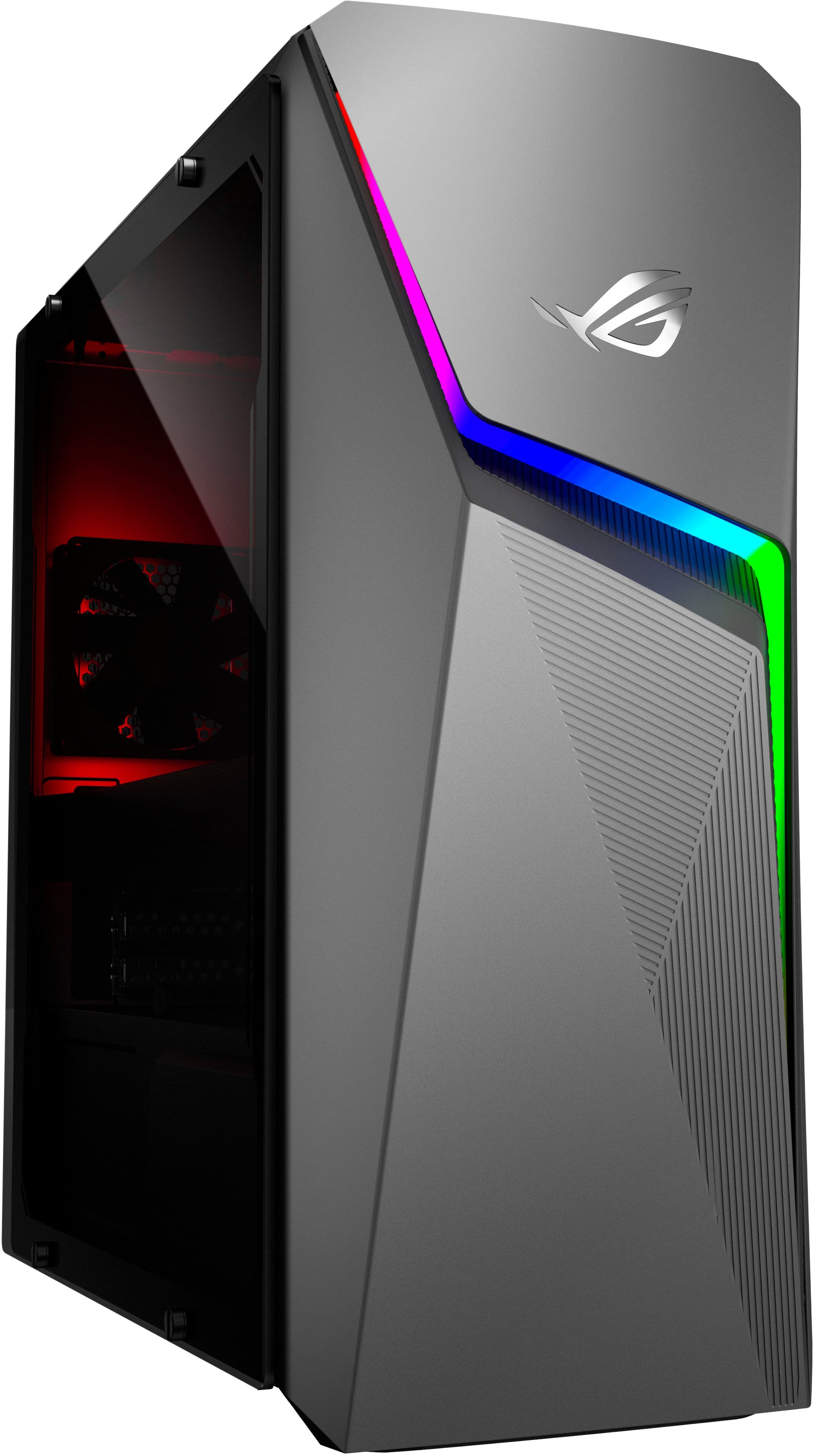
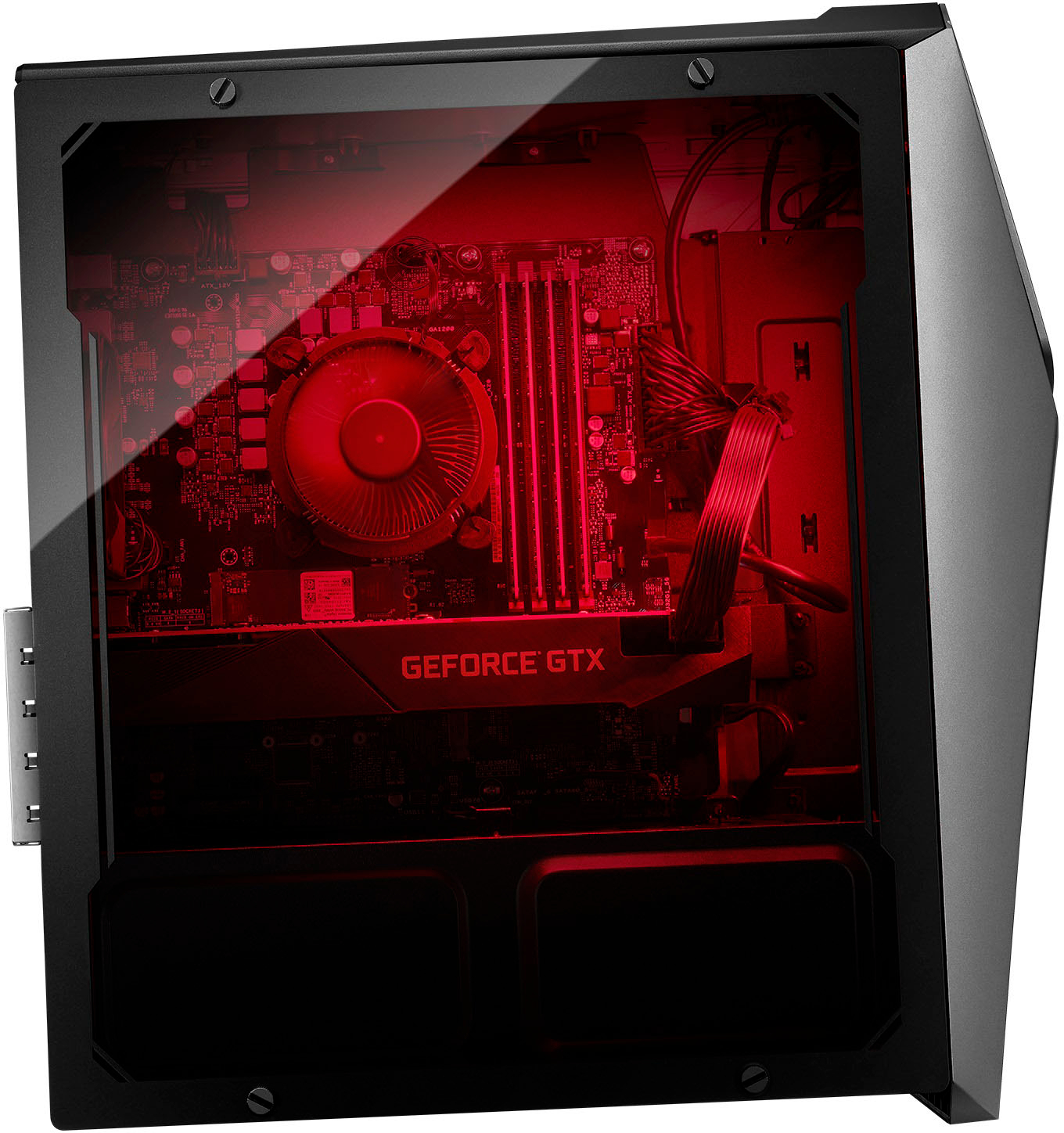
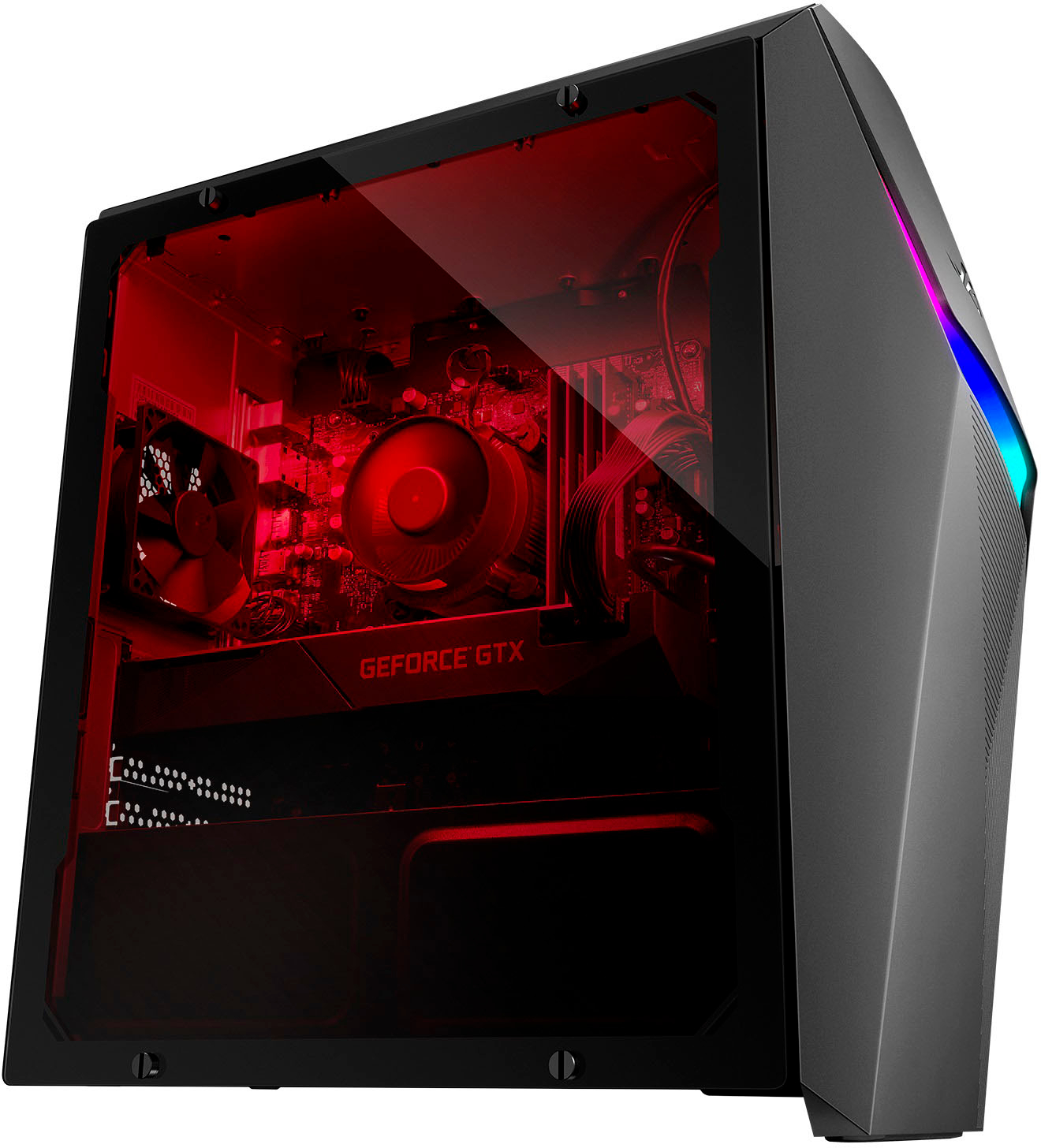
A:AnswerWhen you unscrew all the 4 you will see that there is a switch it will be right next to the ssd as every gpu holder has this all you have to do is press it down and pull it out once all the screws connected to the gpu is all out.
A:AnswerIt is normal for the PC screen to turn black while on idle mode, or not being used while it is power on and running. For further assistance with the laptop, please call Product Support Hotline at: 1(888) 678-3688. Also, you can chat with an ASUS live support agent at: .
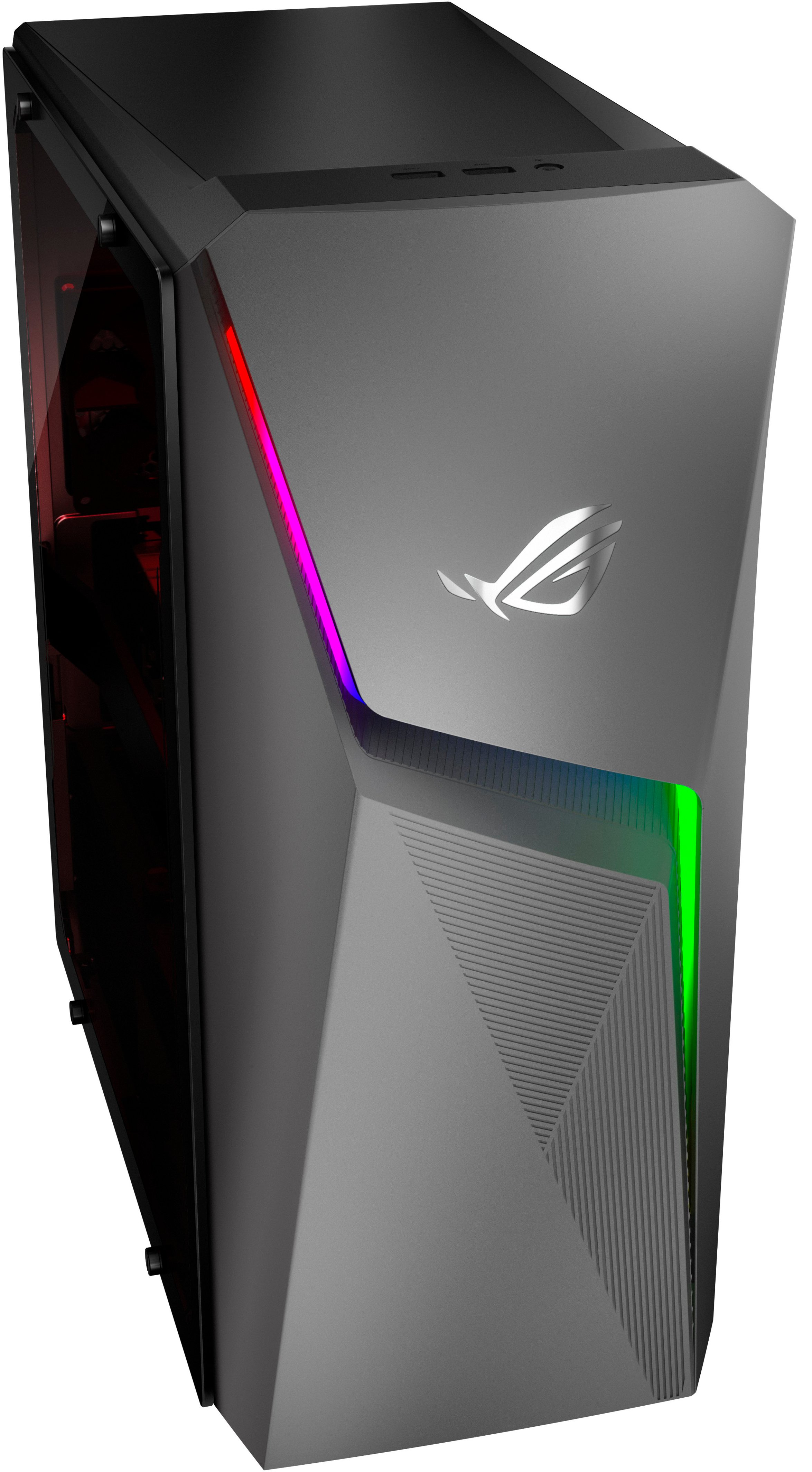
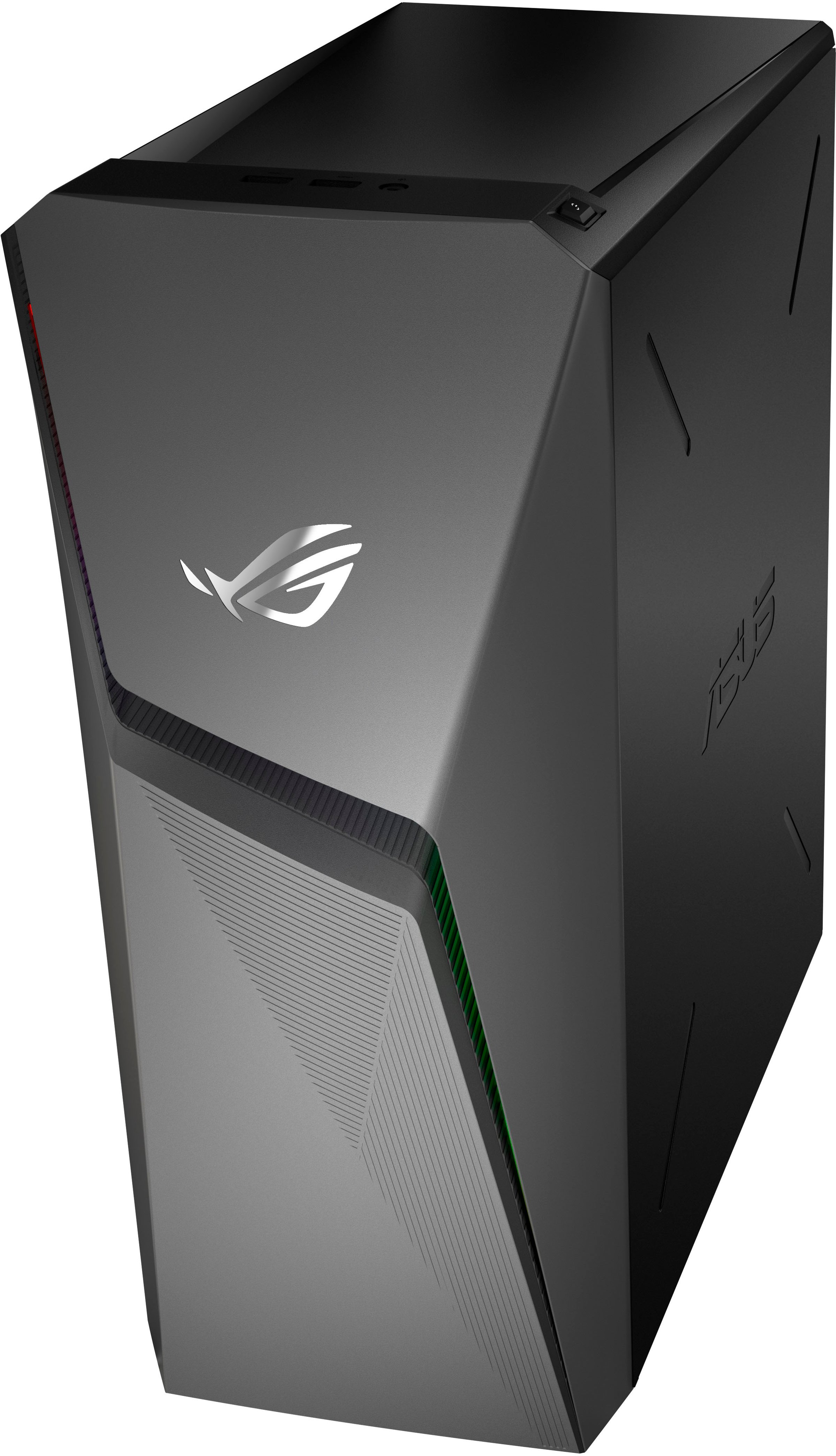
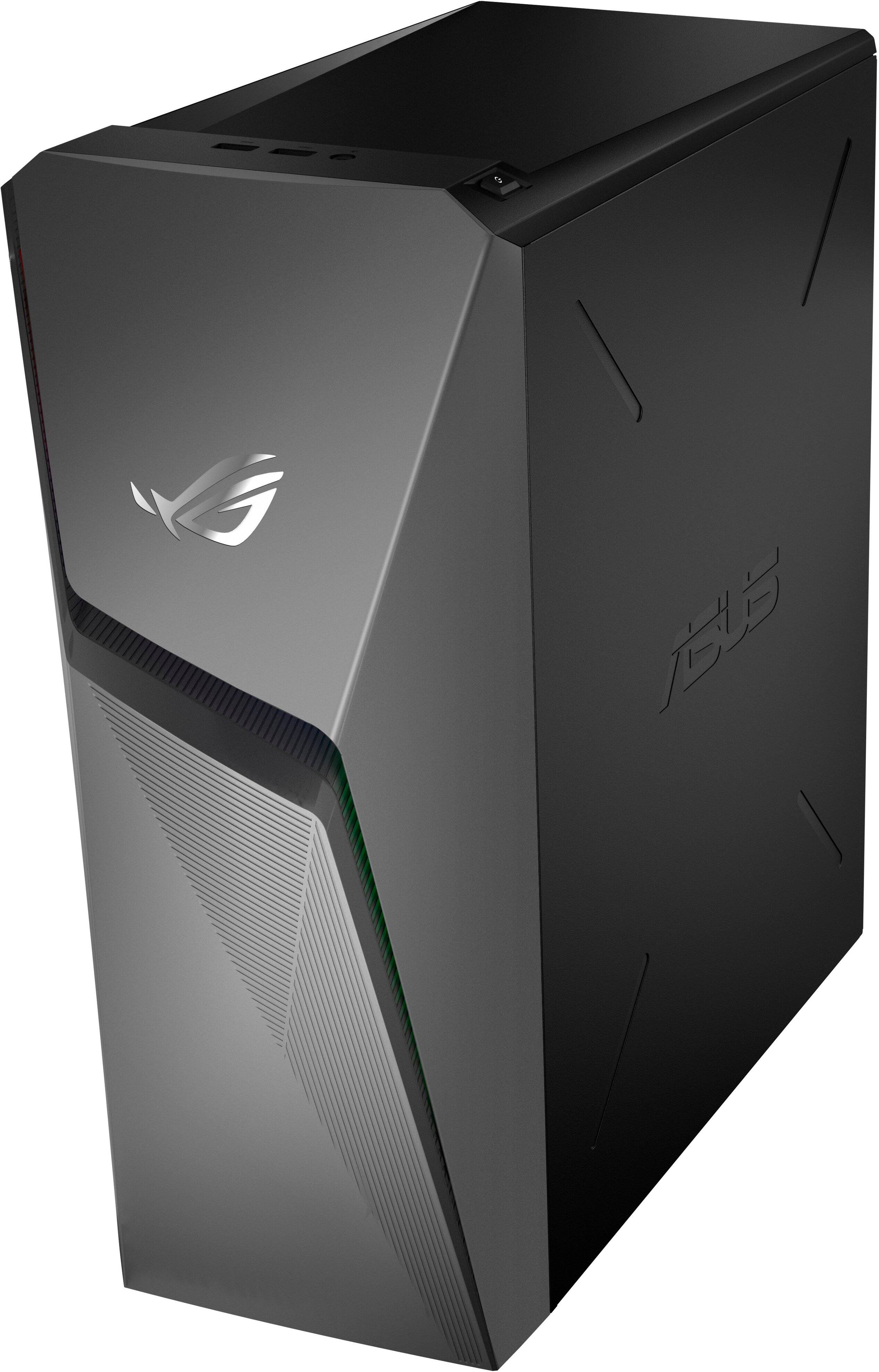
A:AnswerNo this PC does not have USB-C ports. It has two USB 2.0 ports on top, two additional USB 2.0 ports in the rear along with four USB 3.0 ports also in the real.