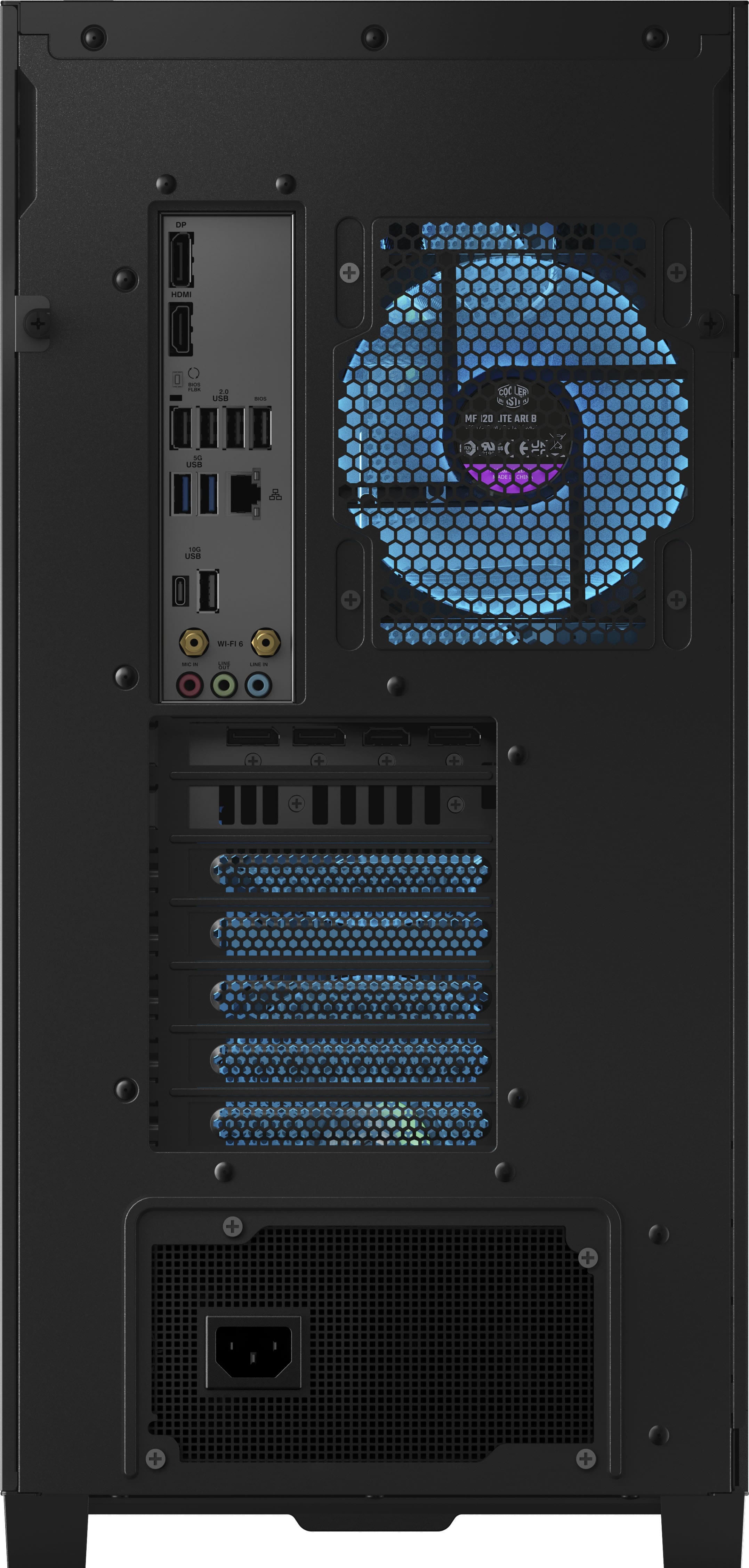
A:AnswerDon’t know if you already fixed this but you could possibly be plugging it in to the motherboard instead of the GPU if you are plugging it in to the GPU check the motherboard HDMI to see if it’s a GPU problem or a PC problem
A:AnswerYes.
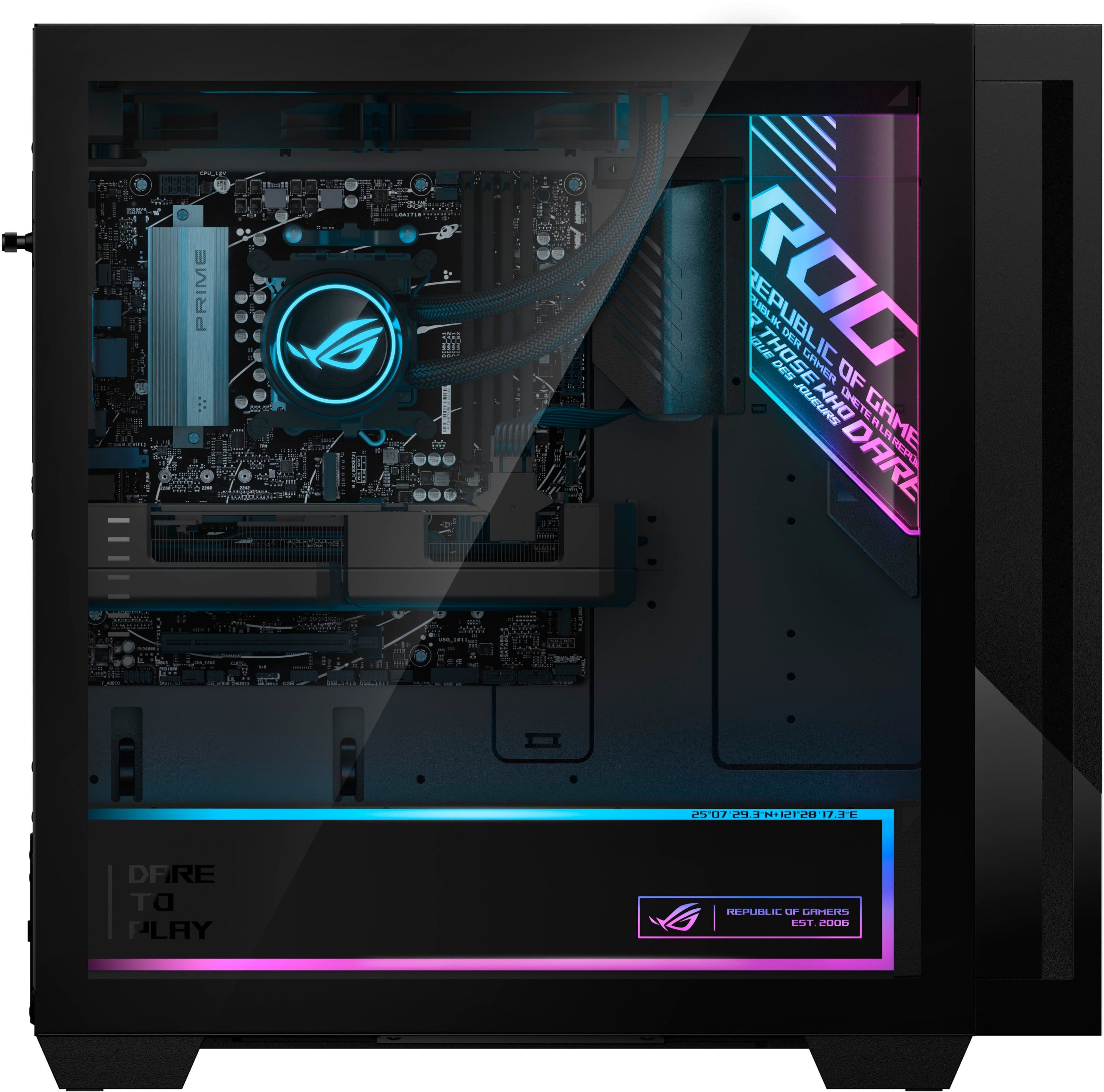
Many ASUS motherboards include settings in BIOS/UEFI for RGB behavior:
1. Restart your PC and press Delete or F2 to enter the BIOS/UEFI.
2. Go to Advanced Mode → Onboard Devices Configuration (naming may vary).
3. Look for LED lighting / RGB lighting options.
4. You might see modes like:
• Stealth Mode / Aura Off — completely disables RGB while on and off
• Aura Only / All On / All Off depending on BIOS options
5. Save and exit.
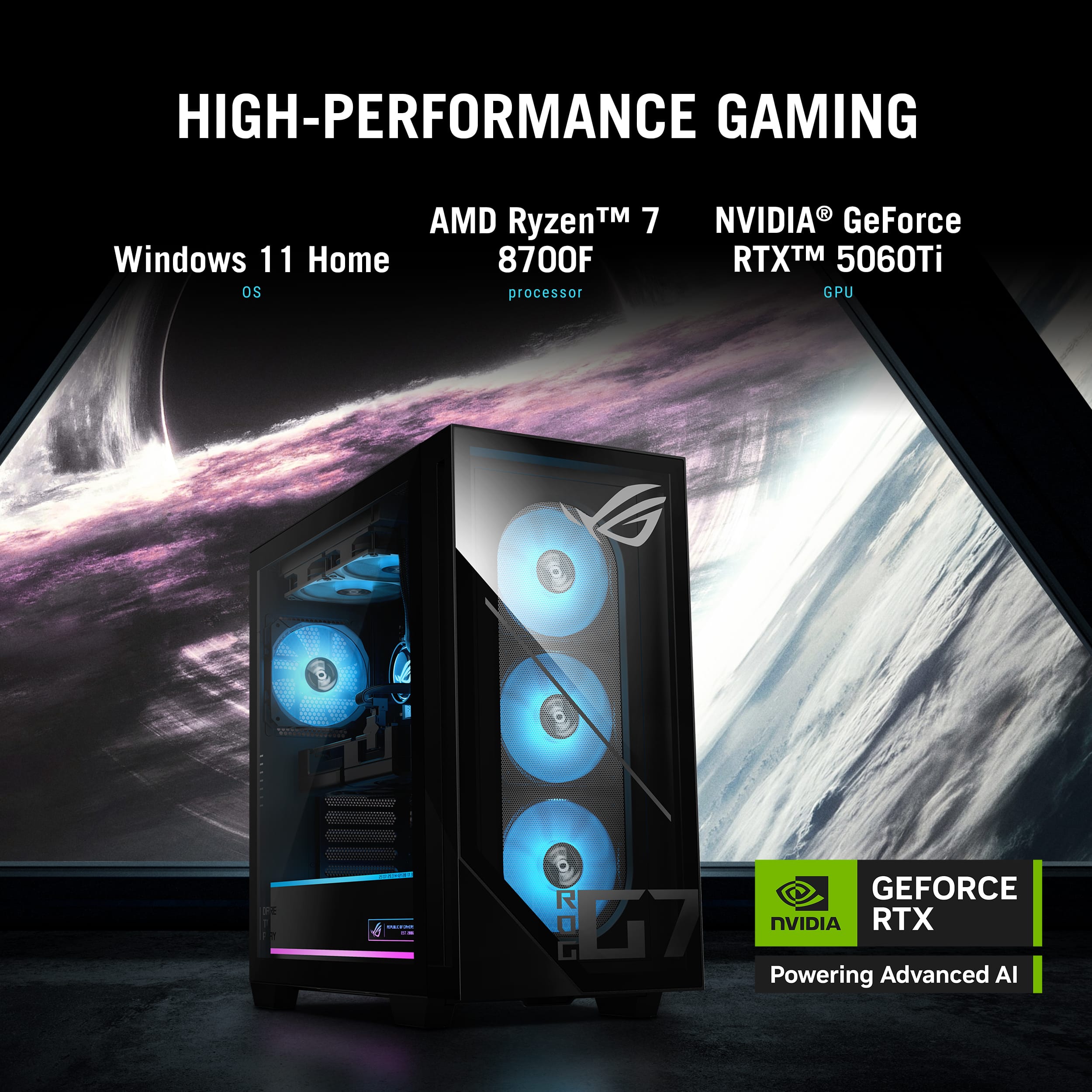
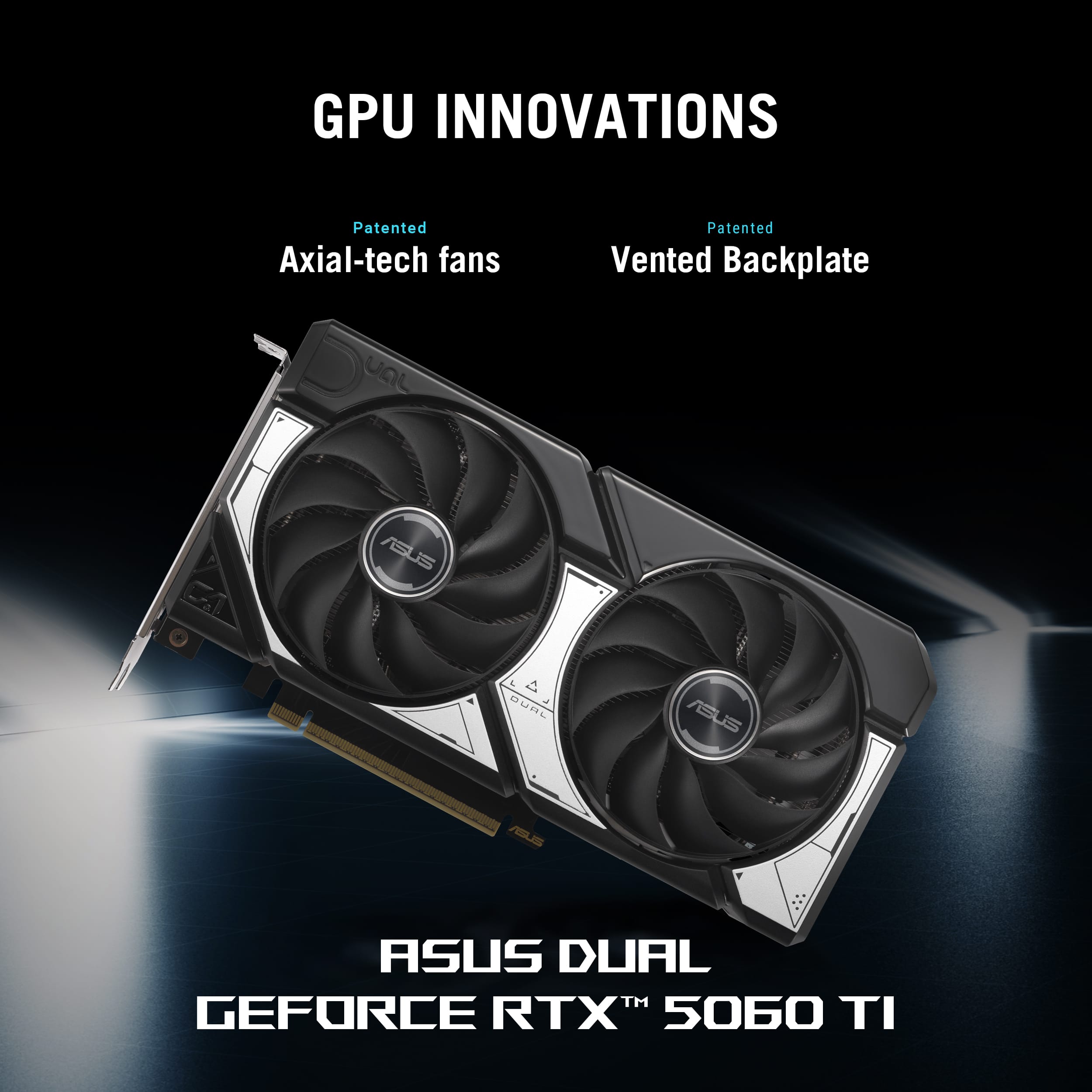
A:AnswerYes. As this pc’s CPU (Ryzen 7 8700F) and 32 GB RAM are also above typical VR minimums, so they’re sufficient for most VR titles( Minimum recommended GPU for many VR systems (like Quest Link and SteamVR) is around an NVIDIA GTX 1060 6 GB / RTX 3050 level or better, and your RTX 5060 Ti is significantly more powerful than that).
A:AnswerThe ASUS GM700TZ desktop exceeds the requirements for Age of Empires IV, delivering smooth performance at high settings and resolutions, including demanding late‑game scenarios.
A:AnswerThe ASUS GM700TZ Gaming Desktop typically comes with an ASUS wired keyboard and mouse included in the package, though the exact peripherals may differ based on the retailer.
A:AnswerFor an Asus ROG G700, you can likely add one or two more SATA drives (HDD or SSD) using available slots and power, but you'll need to buy the drive sleds/brackets and potentially extra SATA data/power cables or splitters, as it's a small form factor (SFF) PC without readily available bays, though you might fit a 2.5" SSD in the drive bay area if you find a way to mount it securely. A single SATA power cable can split to power multiple drives, but be mindful of your power supply's total wattage and avoid overloading one cable, using splitters cautiously or adding dedicated power cables for reliability.
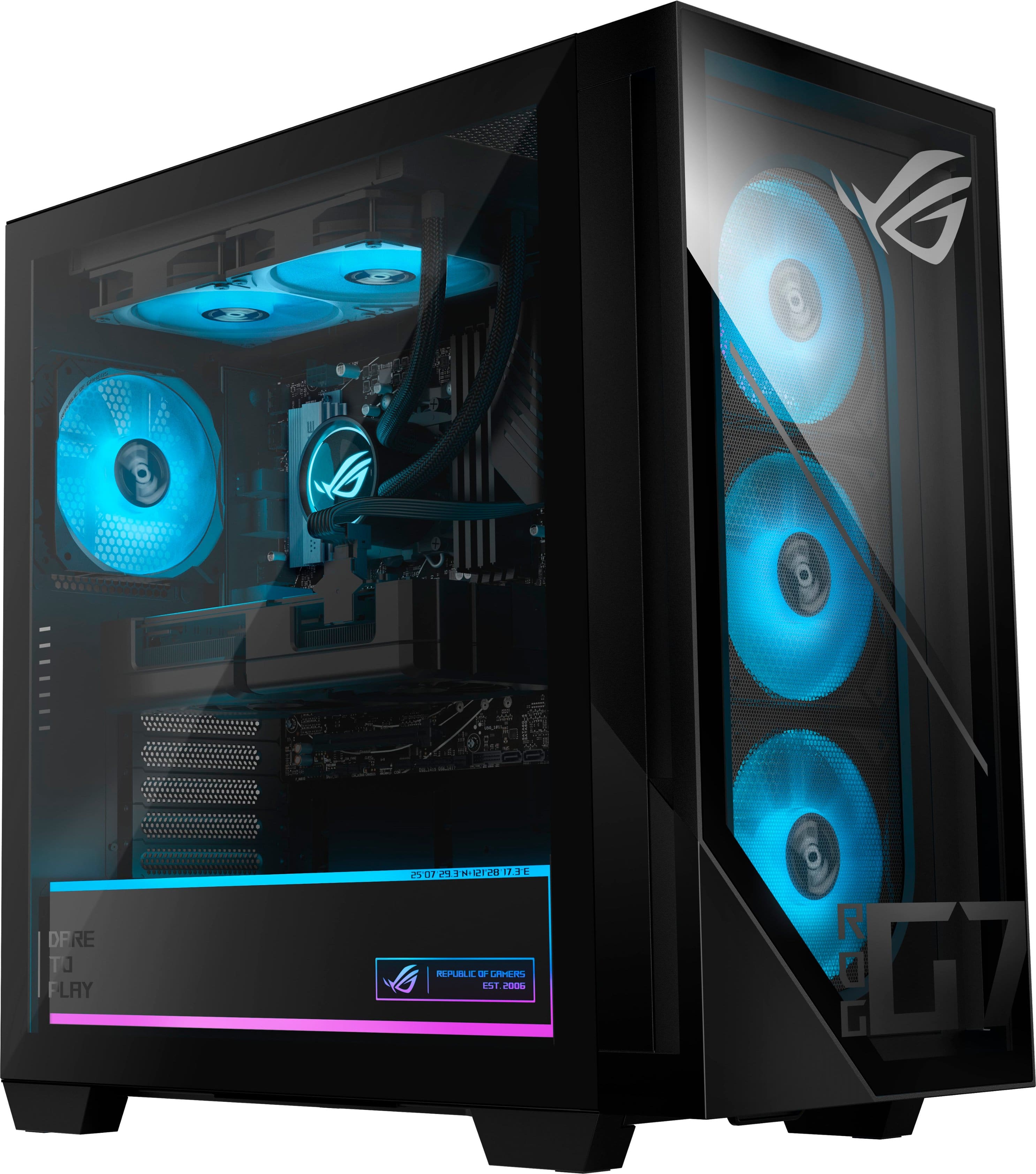
A:AnswerThe ASUS ROG GM700TZ gaming desktop is designed with standard, upgradeable hardware, allowing you to replace or upgrade both the CPU and GPU as needed in the future.
A:AnswerThe ASUS ROG G700 (GM700TZ) gaming desktop sold in the United States, including Oklahoma, typically comes bundled with a standard ASUS USB keyboard and ASUS USB optical mouse.