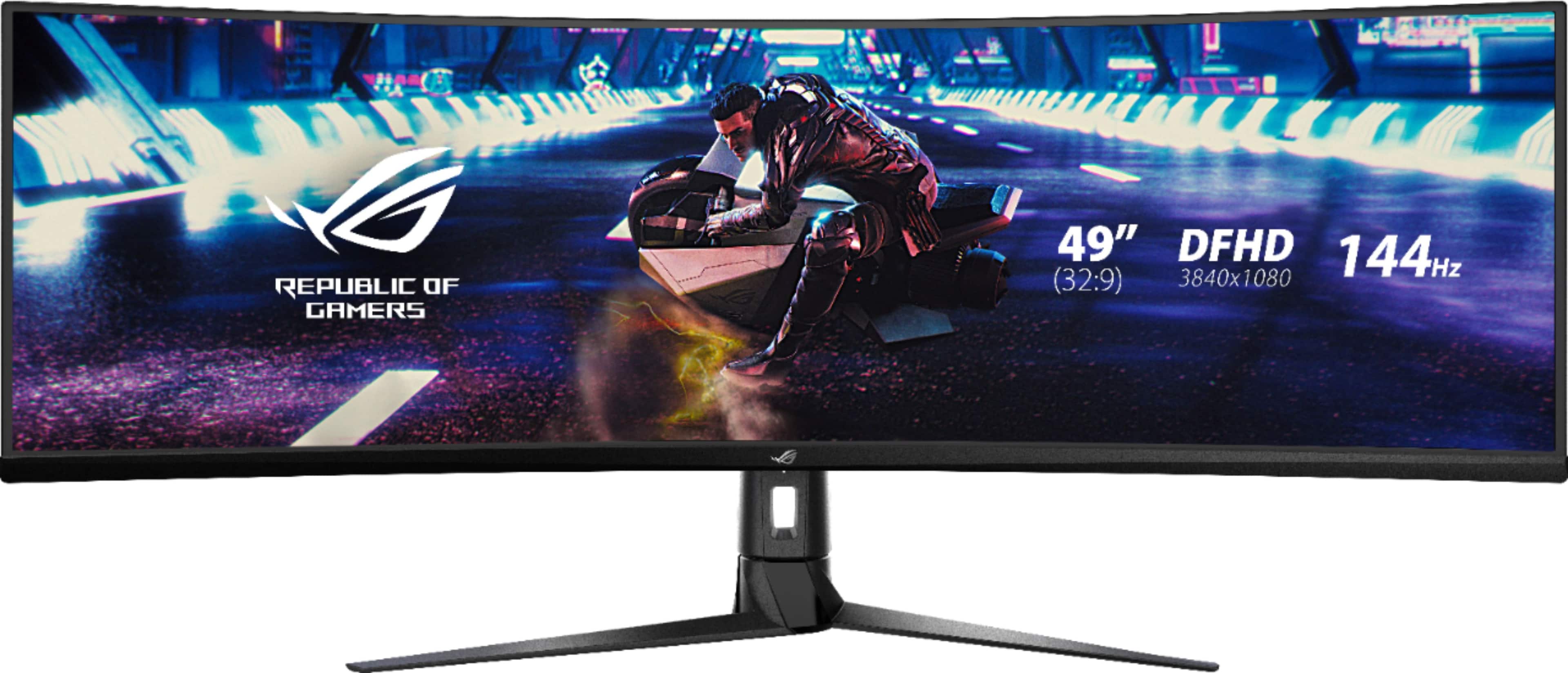
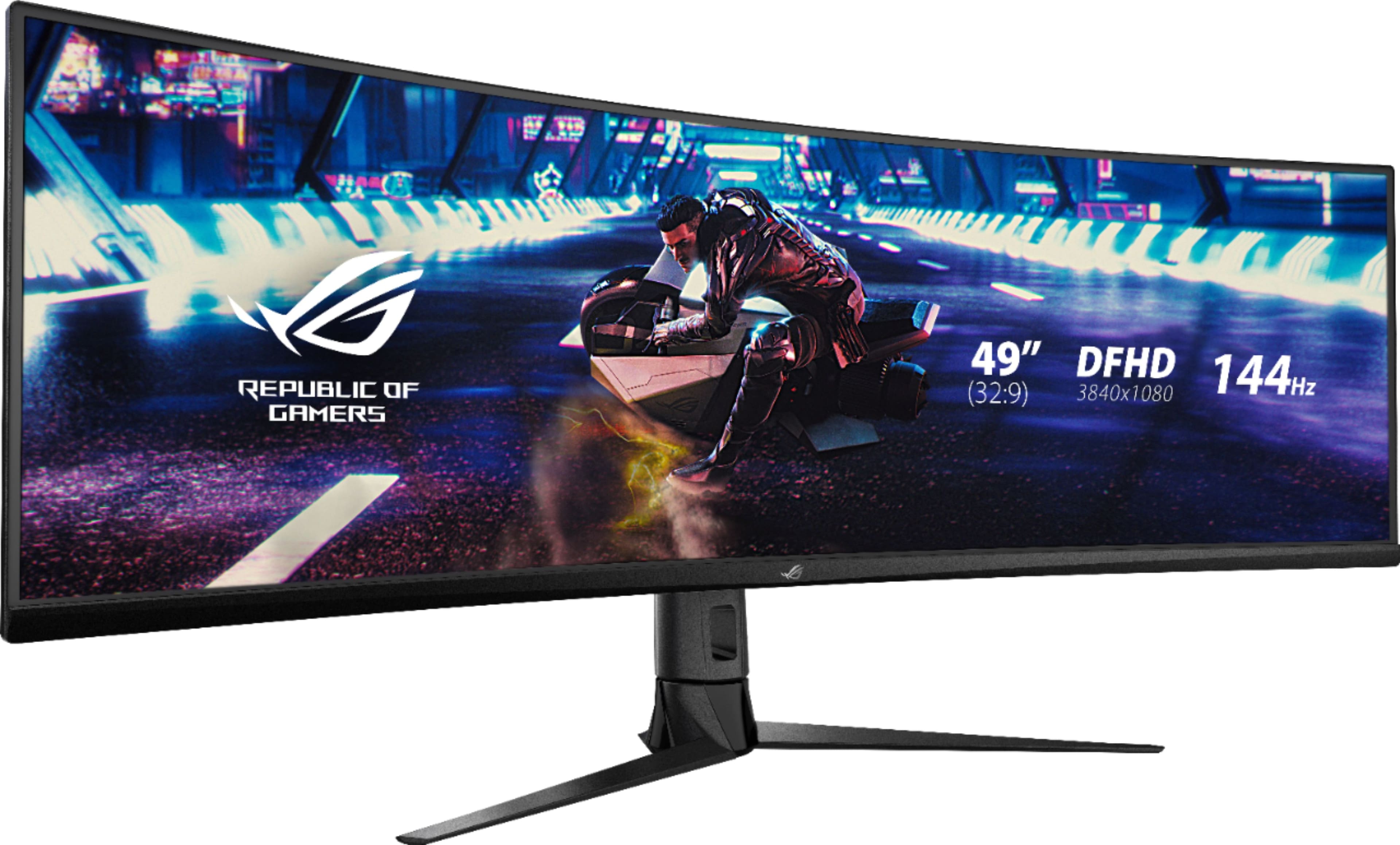
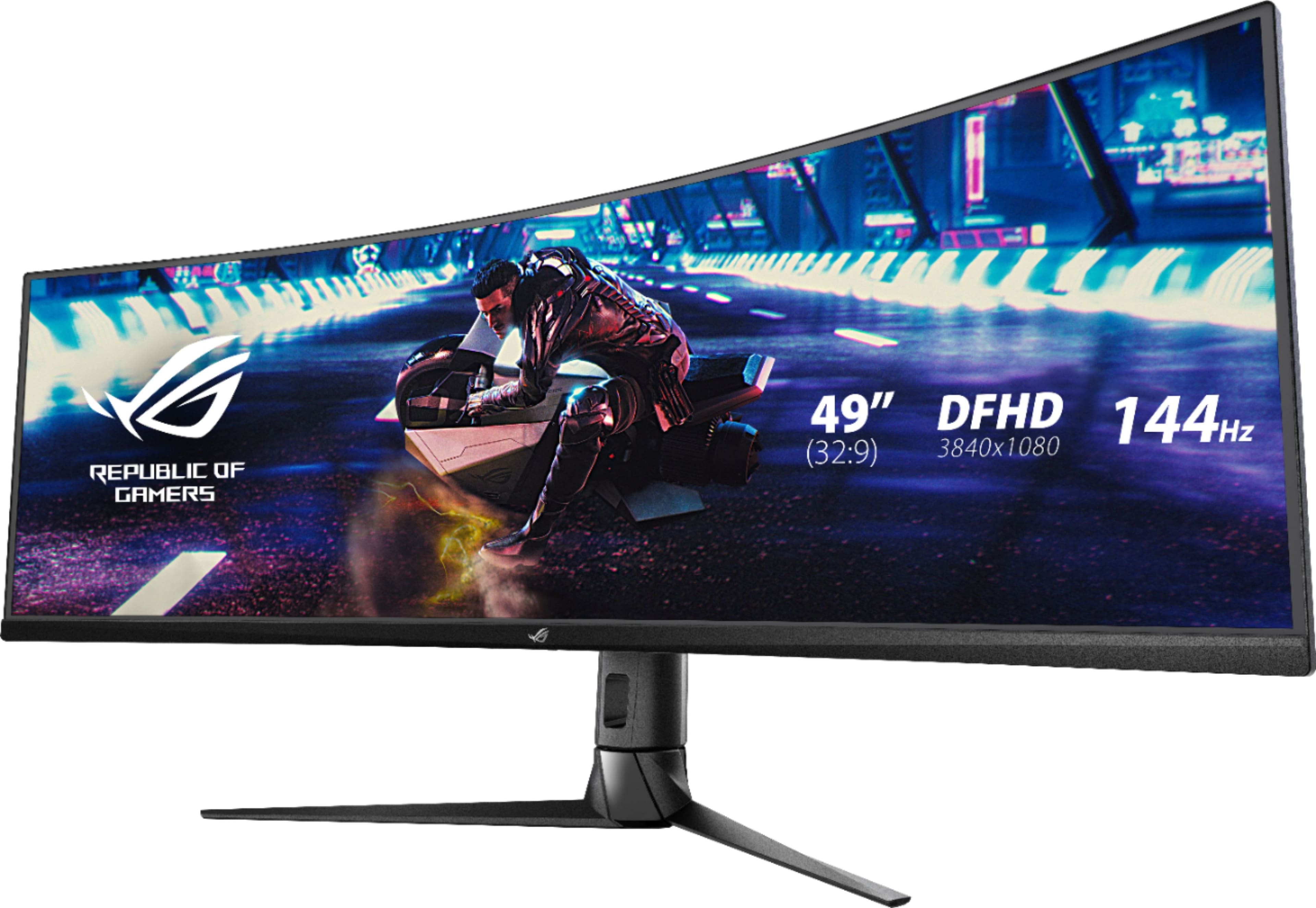
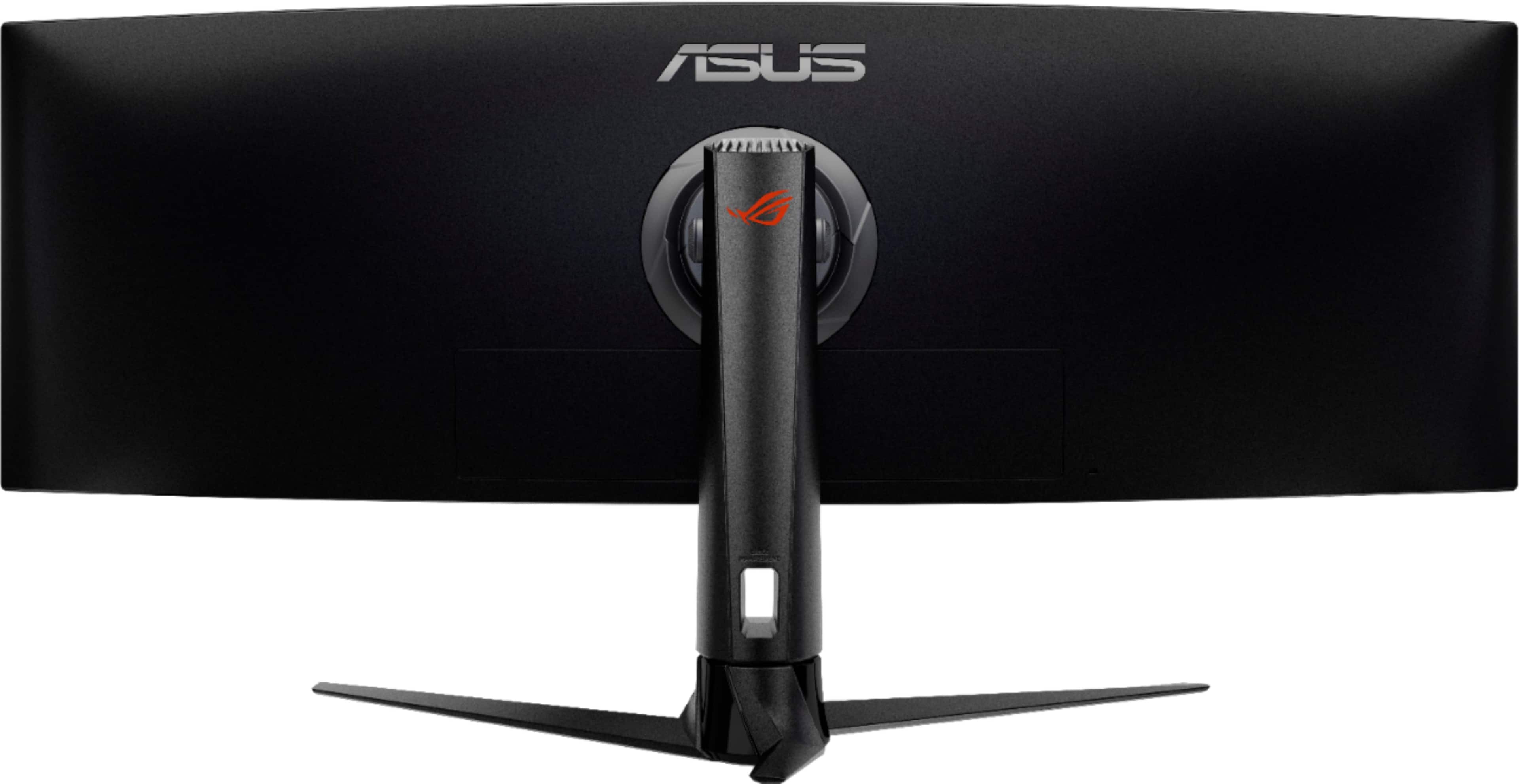
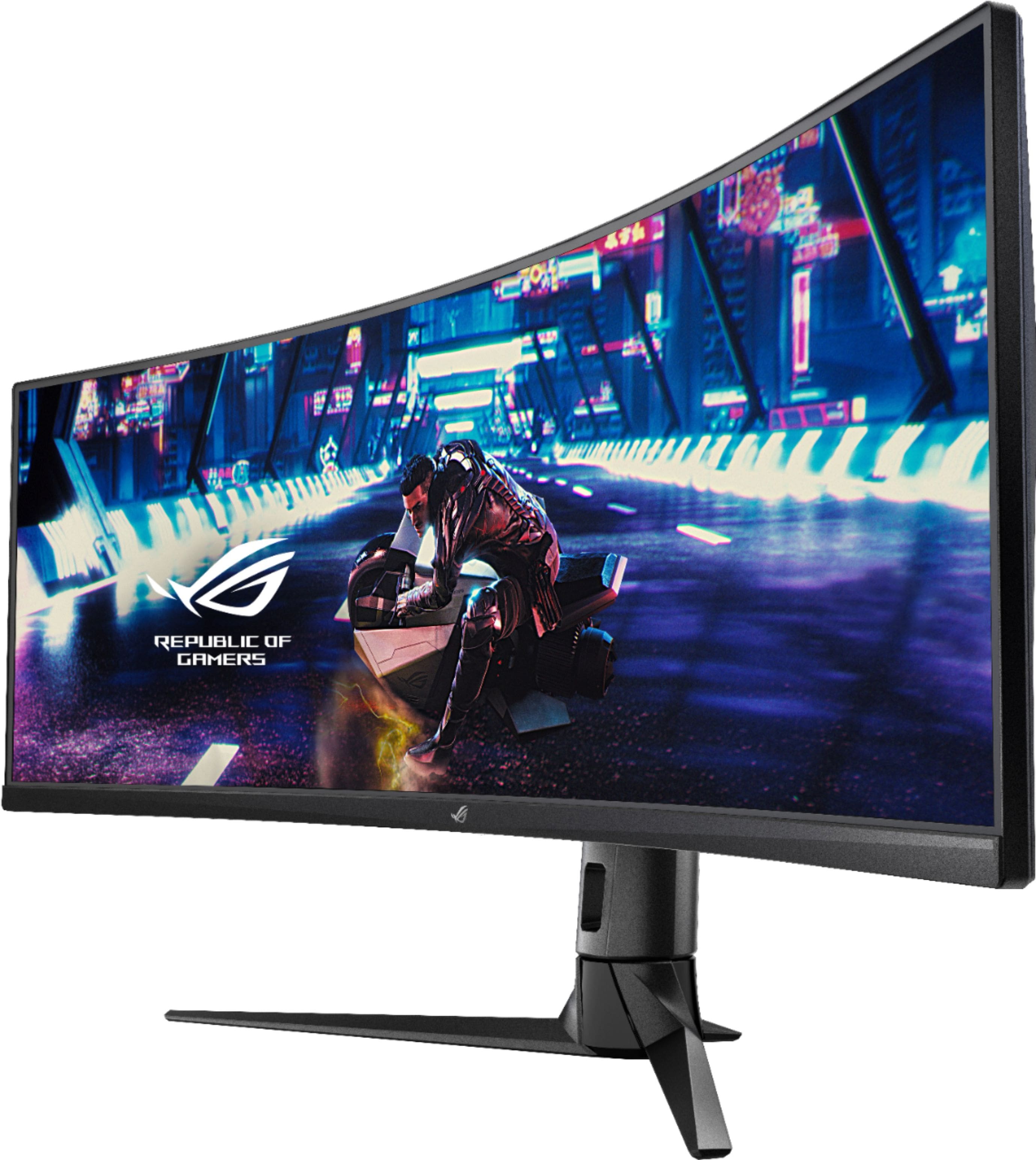
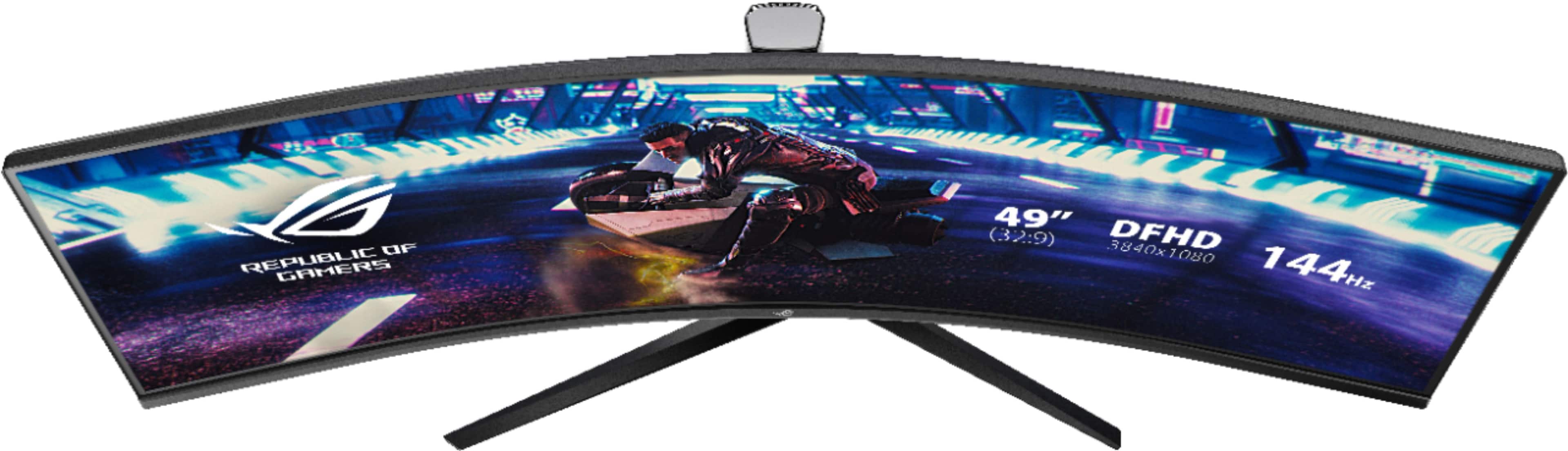
A:AnswerWith a resolution if 3840x1080 it will be comparable to having 2 1920x1080 monitors side by side. So, yes this will be great for documents, as well as spreadsheets.
A:AnswerHello there, I hope I answer your question telling you that I have a PlayStation connected to this monitor I have to play games like Forza horizon, ratchet & clank and demon souls. Console s nowadays has mid to high-end PC power.
A:AnswerIt's a native 32:9 display, the equivalent of having two 1920x1080 HD displays side by side.
If you're talking maximized windows based on a native 16:9 1080 display the most appropriate answer to your question could be 2 windows but your description is unclear as the "number of windows" depends on the resolution of a monitor *and* the sizes of the windows.
This monitor, besides being a single 32:9 native display, has 3 separate inputs and a PBP mode that can run it (using 2 inputs) as two 1080 16:9 displays or (using 3 inputs) three lower resolution (not 16:9) displays or a non 16:9 1/3-2/3 (or 2/3-1/3) split (using 2 inputs) versus the normal single display 32:9 native resolution default.
Note that your Intel Graphics via HDMI may or may not be able to run the native single input 32:9 resolution of this monitor and the monitor does not have any USB-C inputs.
if the Intel Graphics of your T15 won't do the full 32:9 native resolution of this monitor you could probably come up with a USB-C device for getting the T15 to do more than one external monitor output and run this monitor in dual-inputs PBP mode.
A:AnswerIf a laptop, notebook, etc has one or more HDMI or DP monitor ports it can be connected to this display and will show a windows desktop but some graphics devices can not support this monitor's native 32:9 wide 3840x1080 display resolution.
As a solution to that issue the monitor also has support for connecting more than one compatible display cable and using its' PBP multi-input display feature as a solution *but* most mobile computing devices don't natively include more than one external display monitor port so a work-around display device might be needed in some cases.
It depends much more on the "graphics card" capabilities of a computing device than the type of device ("tower" or laptop) as to whether this monitor would be a suitable choice for it.
My 5 year old HP "tower" at work could not do this monitor's native 32:9 display mode so I connected the second monitor port from that tower to this monitor and enabled this monitor's PBP dual inputs mode and now my desktop is a true 32:9 (dual inputs) single desktop screen that runs exactly like having two 1080 monitors connected like I used to have but now this monitor lets me stretch a single window all the way across the whole screen as one continuous window with no screen bezels in the middle which I really like.