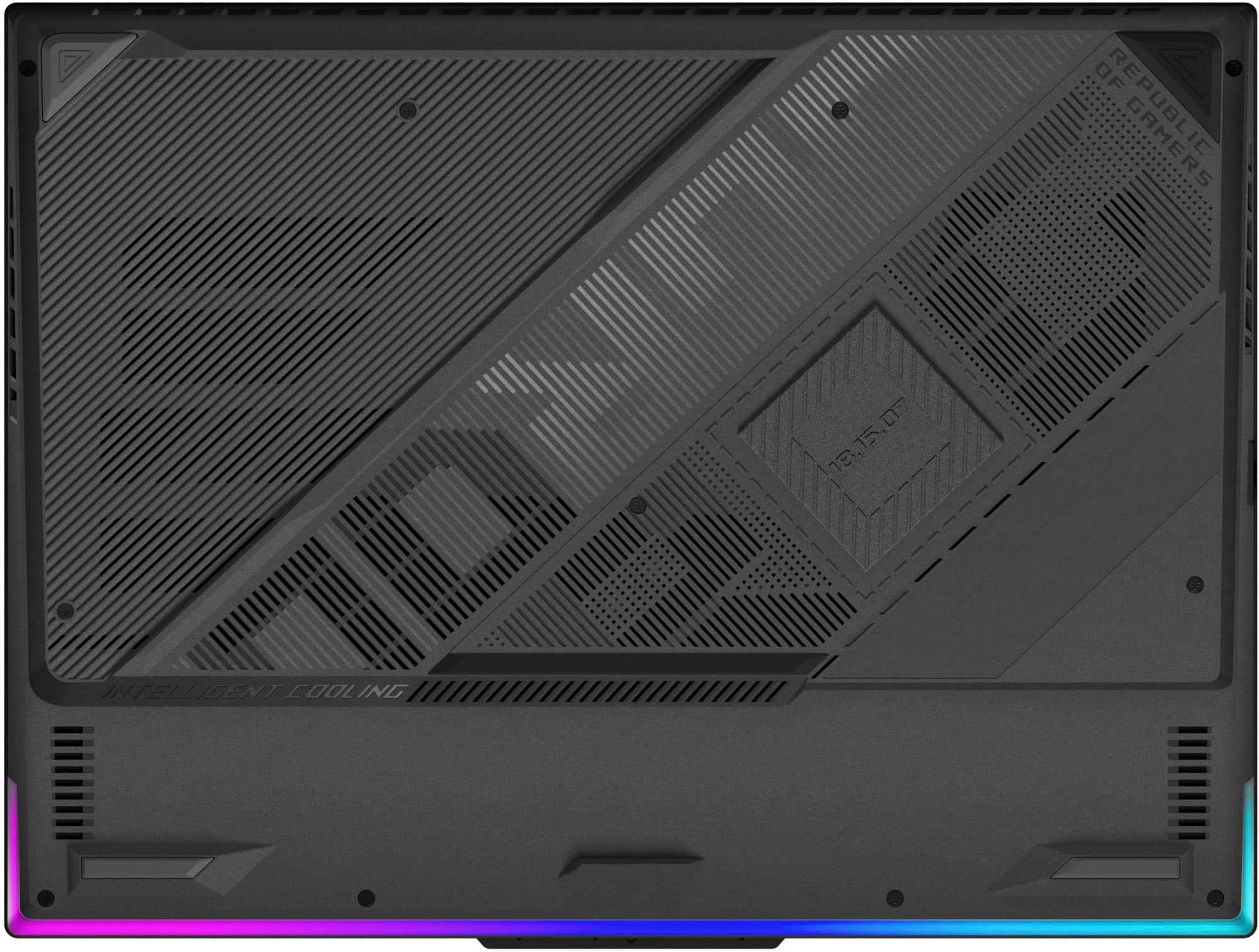
A:AnswerNote that CL (CAS Level) 38 is a rather tight (high performance) timing. For instance the standard Crucial parts have CL 46, not 38. I take that to mean you don’t want to upgrade with the Crucial 5600 MHz parts (please correct me if someone knows this to be wrong). The Crucial parts are getting pricey ir unobtainium anyway now that Micron announced it is nixing its once-great Crucial division. If anyone actually owns one of these, could you do us potential (Best) Buyers a favor and open the bottom and tell us the exact RAM parts that it comes wit from the factory? Then we can extrapolate to the bigger sister parts.
A:AnswerConfirming what Asus said is accurate. I have a 4TB installed and it randomly does not detect the drive. Not a dealbreaker, but annoying since it is my primary disk I've moved from PC to PC.
A:AnswerI've only been getting between 45-60 minutes before critical battery reminders pop up on this laptop. Per ASUS support, normal run times are between 30 mins - 1.5 hours for their gaming laptops. Plan accordingly.
A:AnswerFor inquiries regarding shipping restrictions or order cancellations related to the ASUS G614PR (ROG Strix G16 2025) Laptop sold by Best Buy, we recommend contacting Best Buy Customer Service directly at 866-501-9356.
A:AnswerYes, the ASUS G614PR (ROG Strix G16 2025) features two M.2 NVMe PCIe Gen4x4 SSD slots, each supporting a maximum capacity of 2TB. This allows for storage upgrades of up to 4TB total.
A:AnswerHate to Answer my own question, but there is now a webpage up for these laptops at:
https://rog.asus.com/us/laptops/rog-strix/rog-strix-g16-2025-g614/spec/
showing: 8GB DDR5-5200 SO-DIMM x 2
A:AnswerYou can get this when available at the manufacturer US online Shop with the better panel (500 nits) and 9000 series AMD processor. Only shows Notify Me at this time.
G614FR-DS96