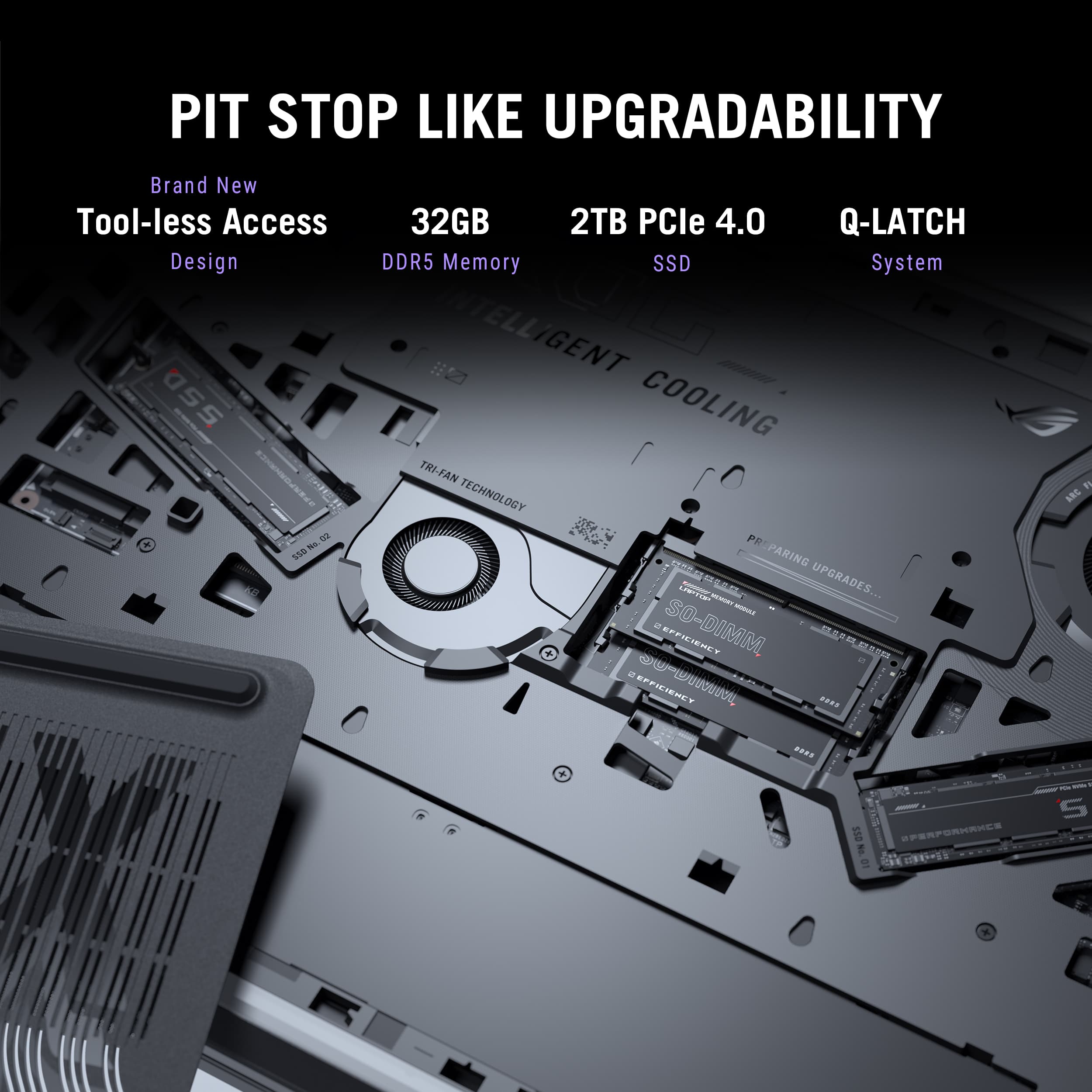
A:AnswerWhen adding a second SSD to the ASUS G815LW Gaming Laptop, it should be installed directly into the M.2 slot on the motherboard. If the drive is placed inside an external enclosure, it will be too large to fit, since enclosures are designed for use as external USB storage rather than for internal installation.
A:AnswerThe ASUS ROG Strix G18 (G815LW) is equipped with two M.2 2280 PCIe Gen4x4 SSD slots, and each slot officially supports a maximum capacity of 2TB.
A:AnswerYes, both M.2 NVMe slots in this laptop model are compatible with Gen5 storage, however only one will run at full Gen5 speed. The other slot is limited to Gen4 speeds due to how it is connected to the motherboard.
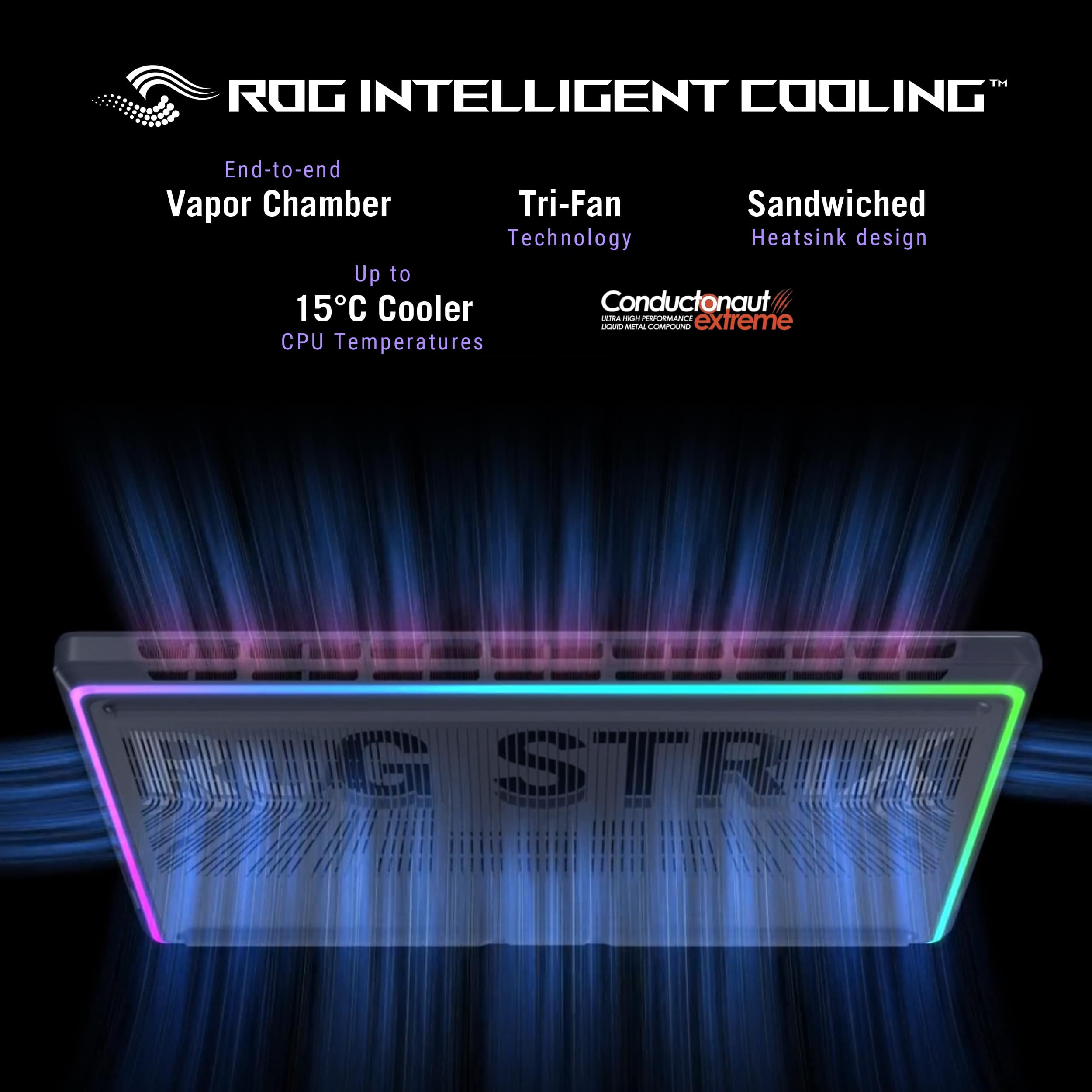
A:AnswerIt runs hot. The power brick is 380 watts. GPU is rated for up to 175 watts and processor can exceed 100 watts. I would recommend using a high airflow cooling pad.
A:AnswerI am sure they “could”. But honestly the bottom comes off with no tools required. And the second m.2 slot is tool less as well. Took me about 3 minutes to add a second drive in the open slot and power on again.
A:AnswerIf you use this laptop outside US, you can get service to the nearest ASUS Regional Service Center. However, you need to play for service since this laptop comes with a local warranty only, international services is not applicable.
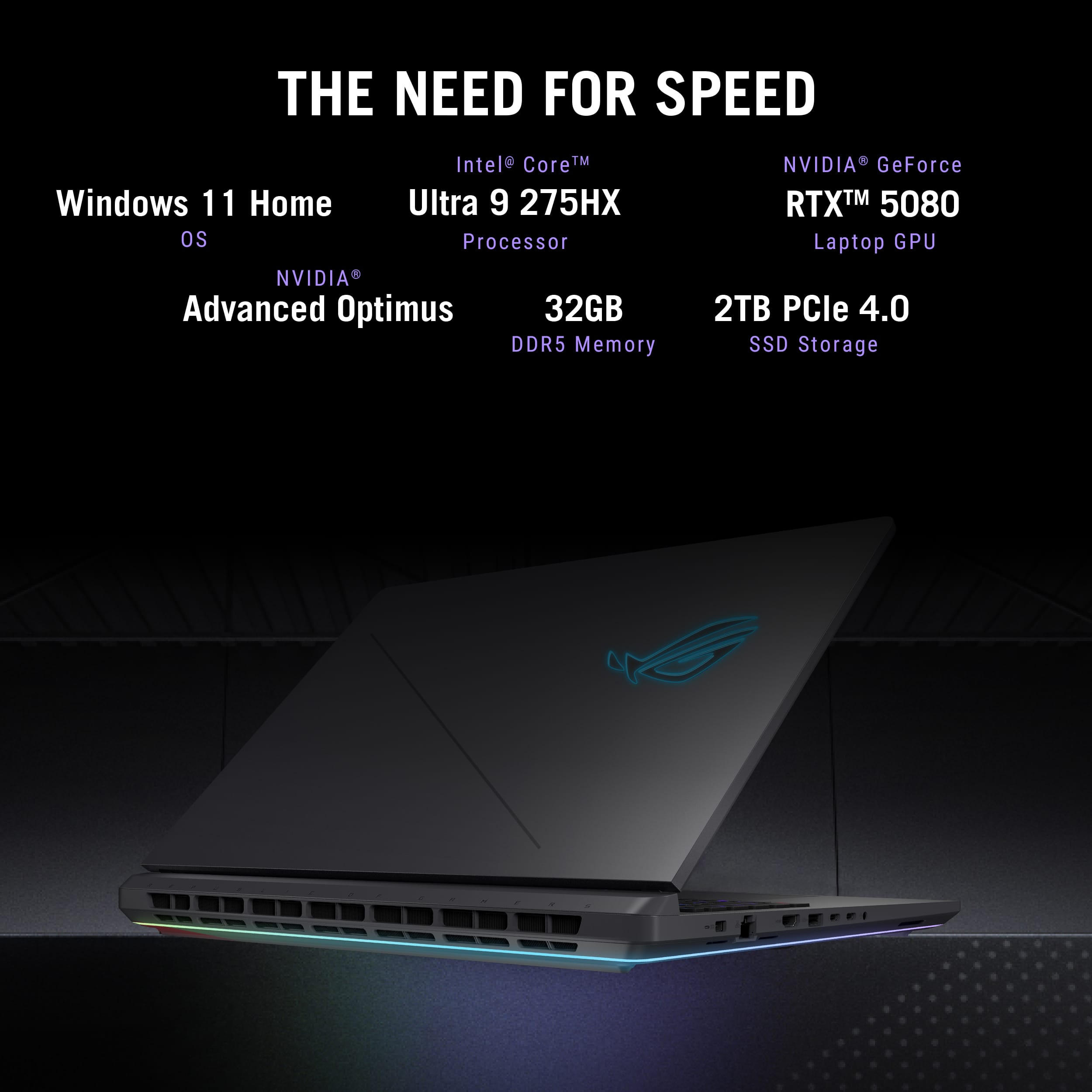
A:AnswerThe ASUS G815LW comes with an Intel Core Ultra 9 HX processor, but its CPU is not upgradeable. Most modern gaming laptops, including this one, have their processors soldered onto the motherboard, meaning they can't be swapped out for a different i9 variant.
A:AnswerThe battery on the ASUS G815LW is not user-replaceable, as it’s designed to be internally secured. Replacing it requires technical expertise and is best handled by an authorized technician to avoid voiding the warranty or causing damage.
A:AnswerYes, the ROG Strix Scar was released in the market. To learn more about the laptop, please visit our Product Support page at: https://rog.asus.com/us/laptops/rog-strix/rog-strix-scar-18-2025/ .
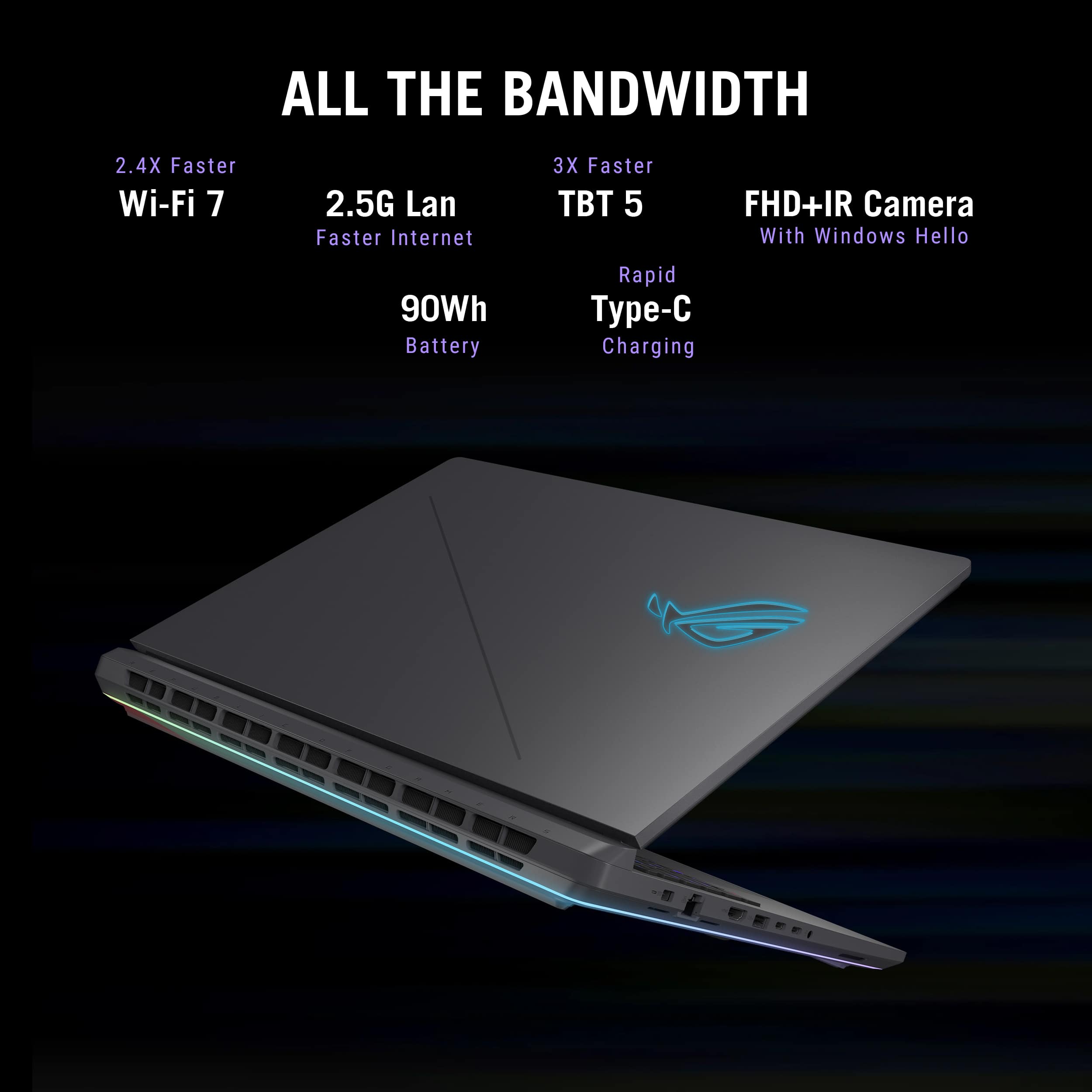
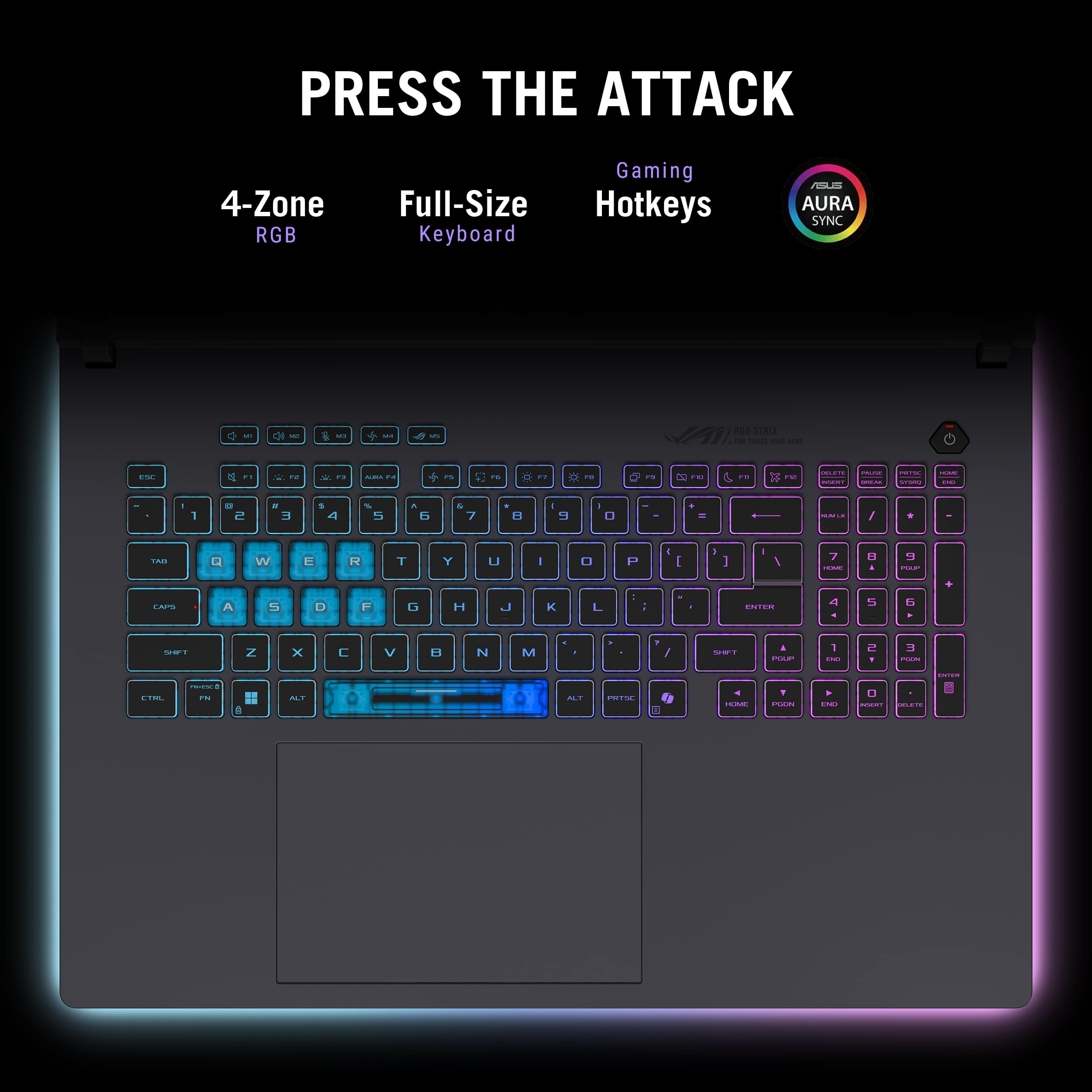
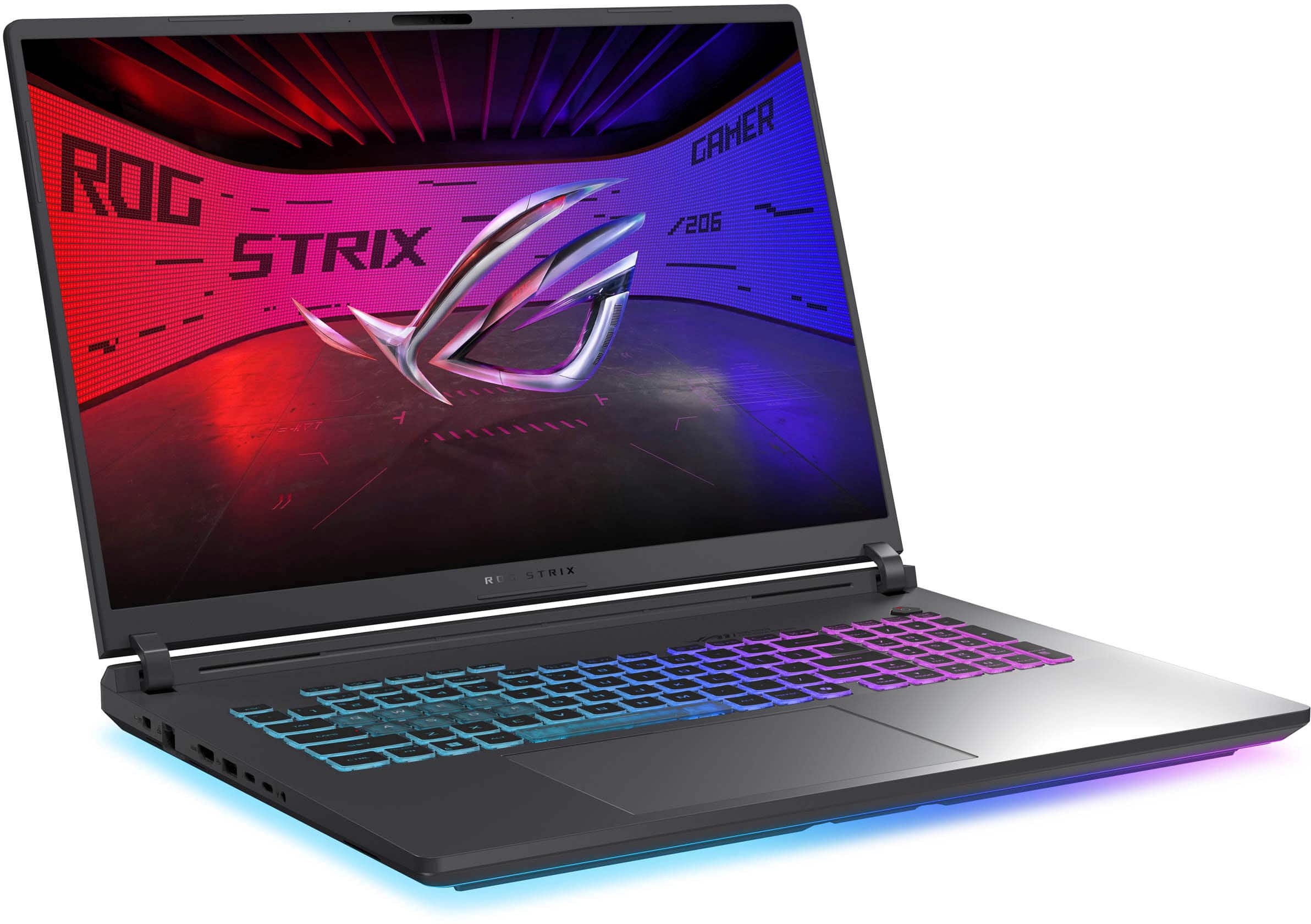
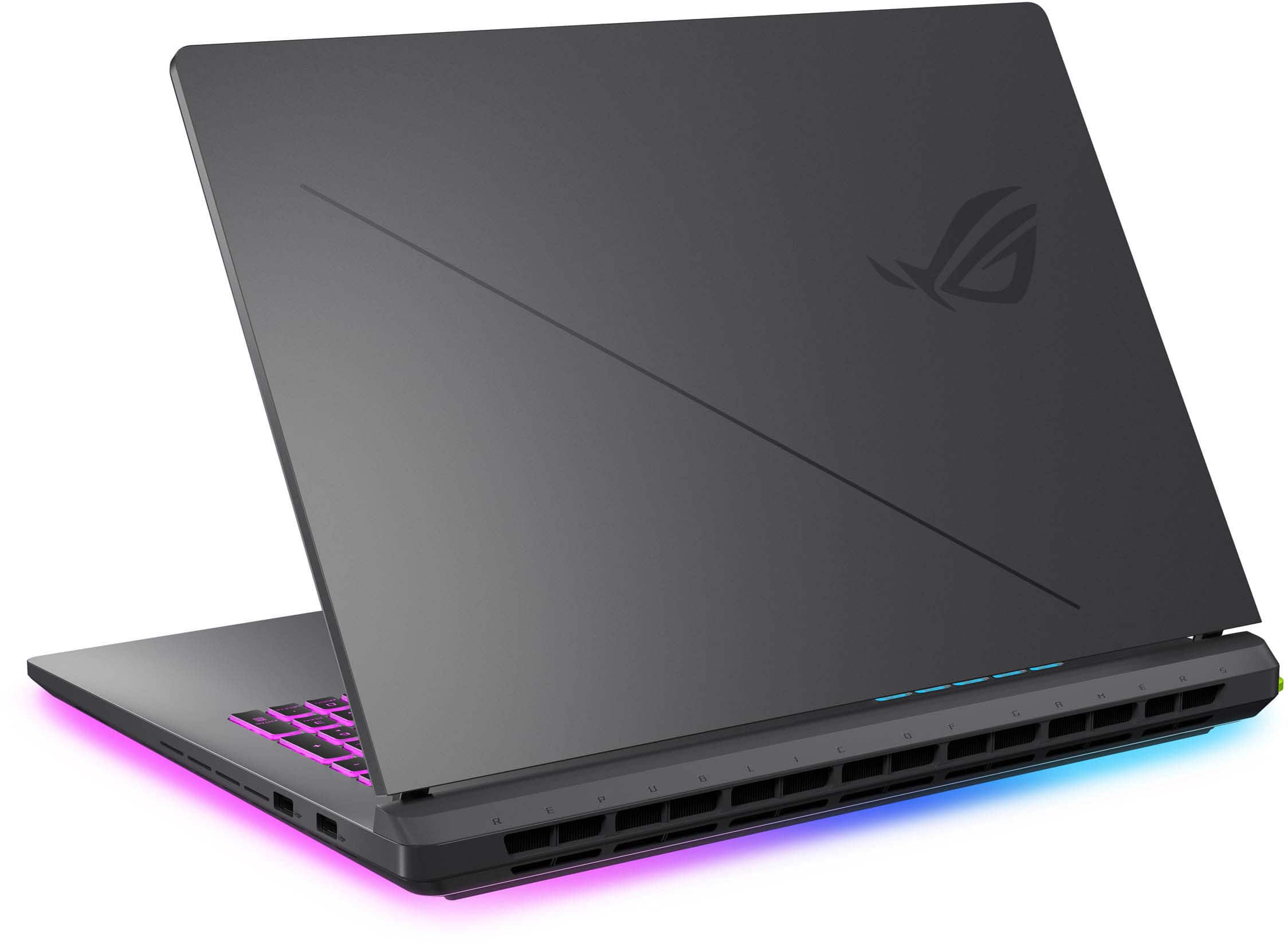
A:AnswerThe ASUS G815LW does not feature an RGB back logo. However, it does have other customizable RGB lighting options, such as on the keyboard, to enhance your gaming experience.