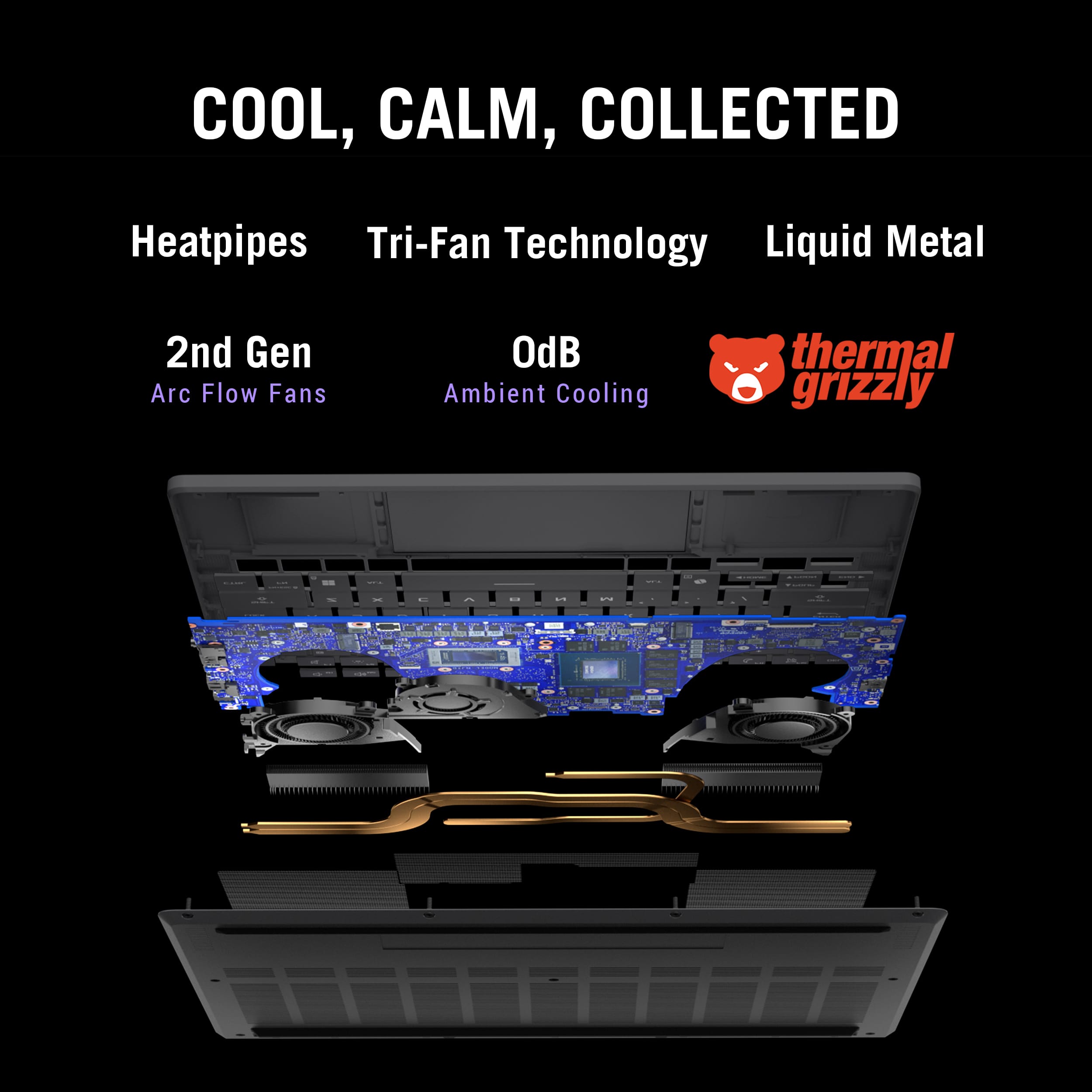
A:AnswerThe cooling fans in the ASUS ROG Zephyrus G14 (GA403UM) can be cleaned if obstructed by dust and replaced if they fail, and the internal battery can also be replaced once its performance begins to decline. However, both procedures involve opening the chassis and handling sensitive components, which requires technical care and precision.
For this reason, it is strongly recommended that such repairs or replacements be carried out by ASUS authorized service centers or professional providers such as Best Buy, to ensure proper workmanship and to maintain warranty coverage.
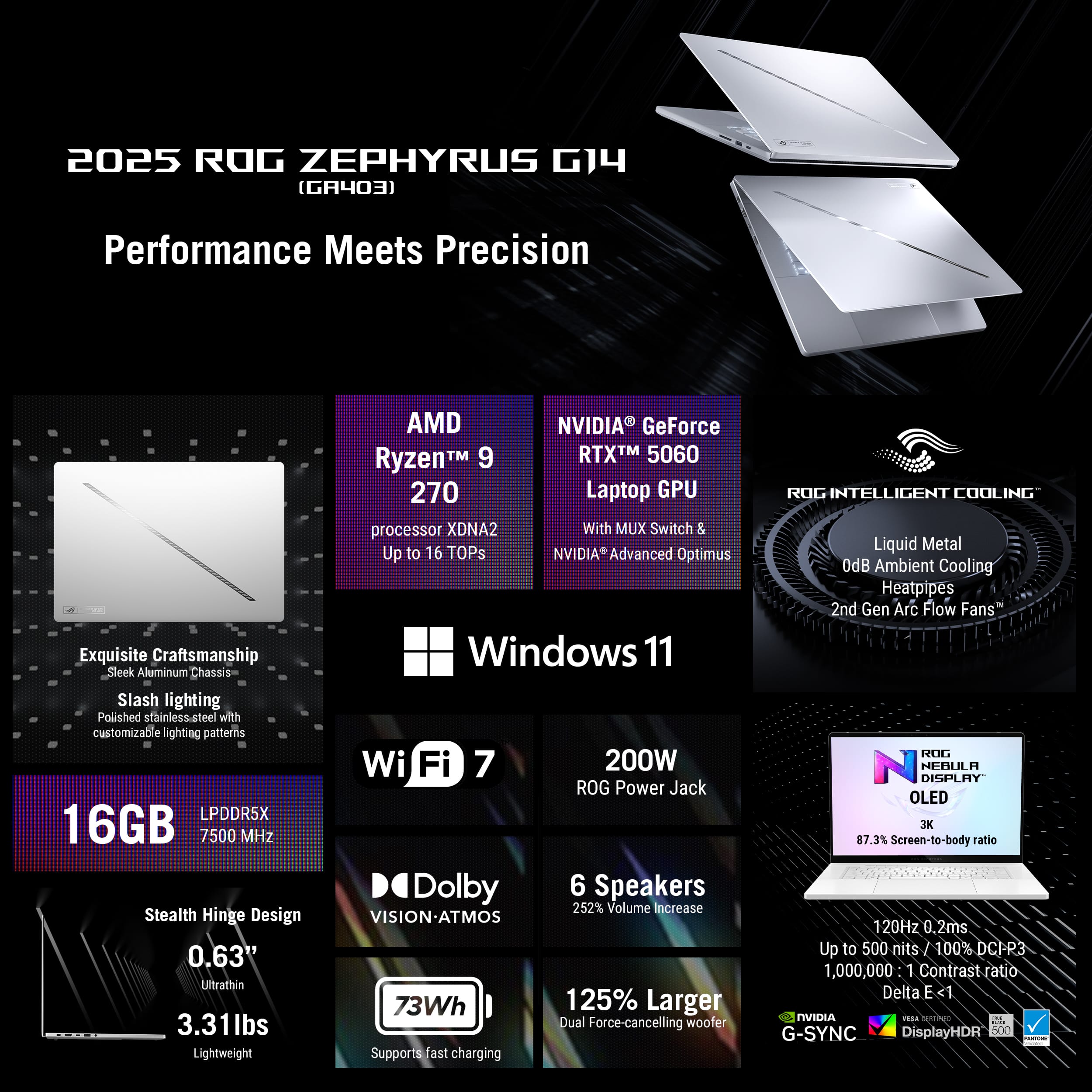
A:AnswerOn the ASUS ROG Zephyrus G14 GA403UM gaming laptop, the SSD is user‑upgradeable, while the memory (RAM) is soldered to the motherboard and cannot be upgraded. The system includes one M.2 NVMe PCIe Gen4x4 SSD slot that supports a maximum capacity of 2TB.
A:AnswerYou able to upgrade Wifi card to wifi 7 or increase storage(SSD). About RAM if ram it not soldered into laptop, I think able to upgrade them as well.
A:AnswerYou could use a usb c charger but it’s capped at like 30-40w and wouldn’t perform as good (basically unplugged performance). Just use the charger it comes with.
A:AnswerYes 65 w, doing office duties, perfectly fine.
Gaming you wont drain battery , you wont charge much.
If you have a full charge and sstart faming with 65w charger . You can play for a day 24h , my guess
A:AnswerOnly a single M.2 SSD slot can be used. No additional SSD is supported. To upgrade storage, the original 1TB SSD can be swapped out and replaced with a larger size SSD