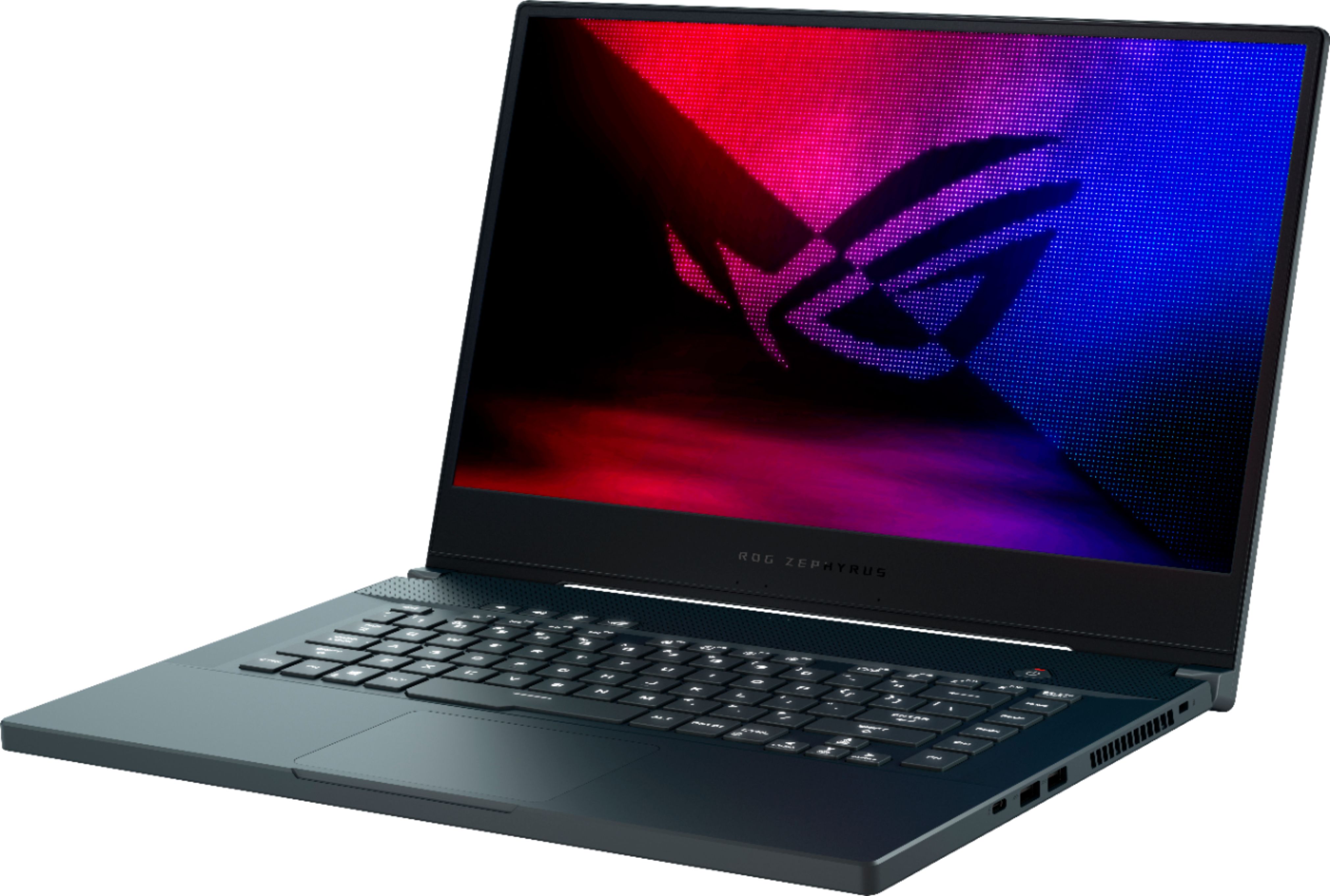
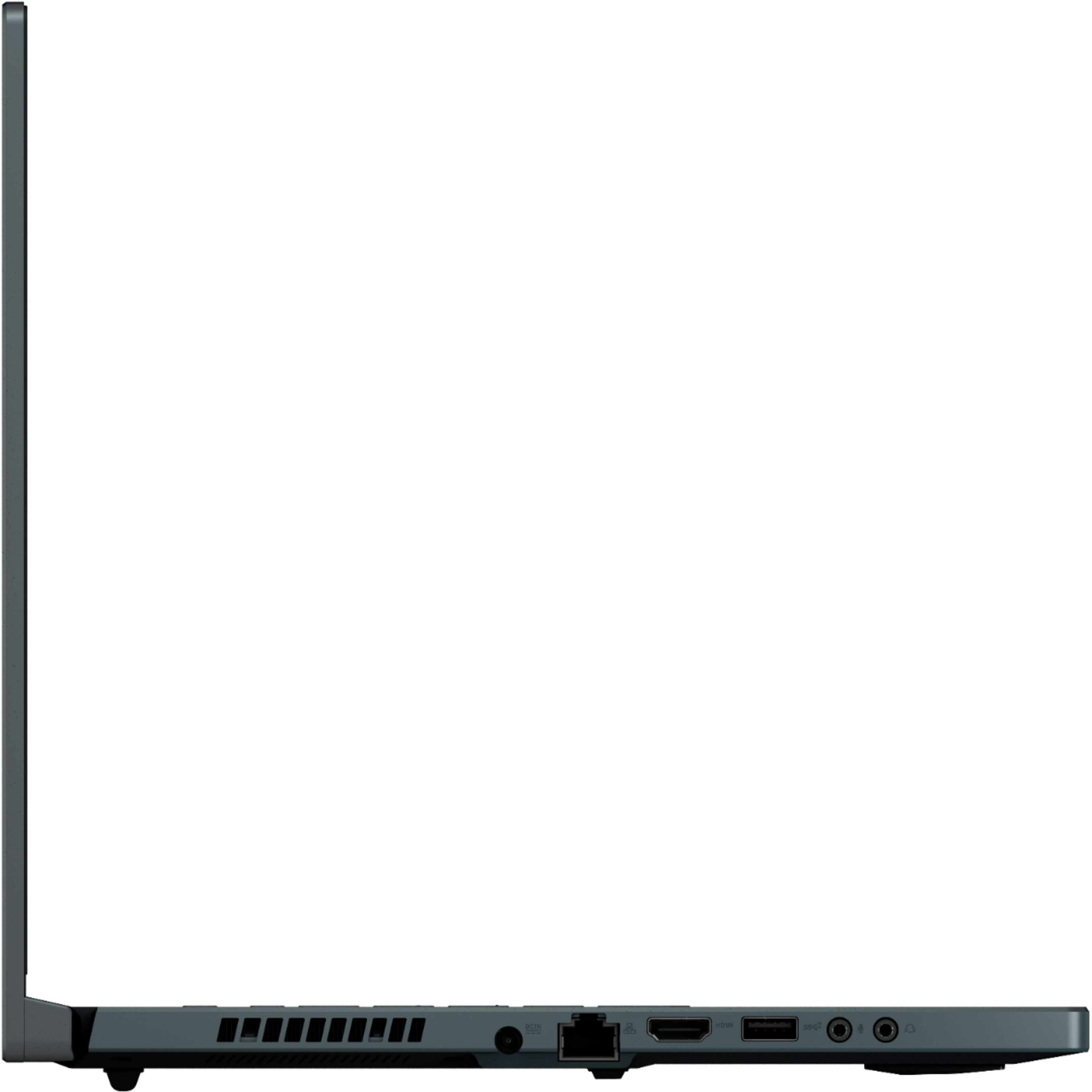
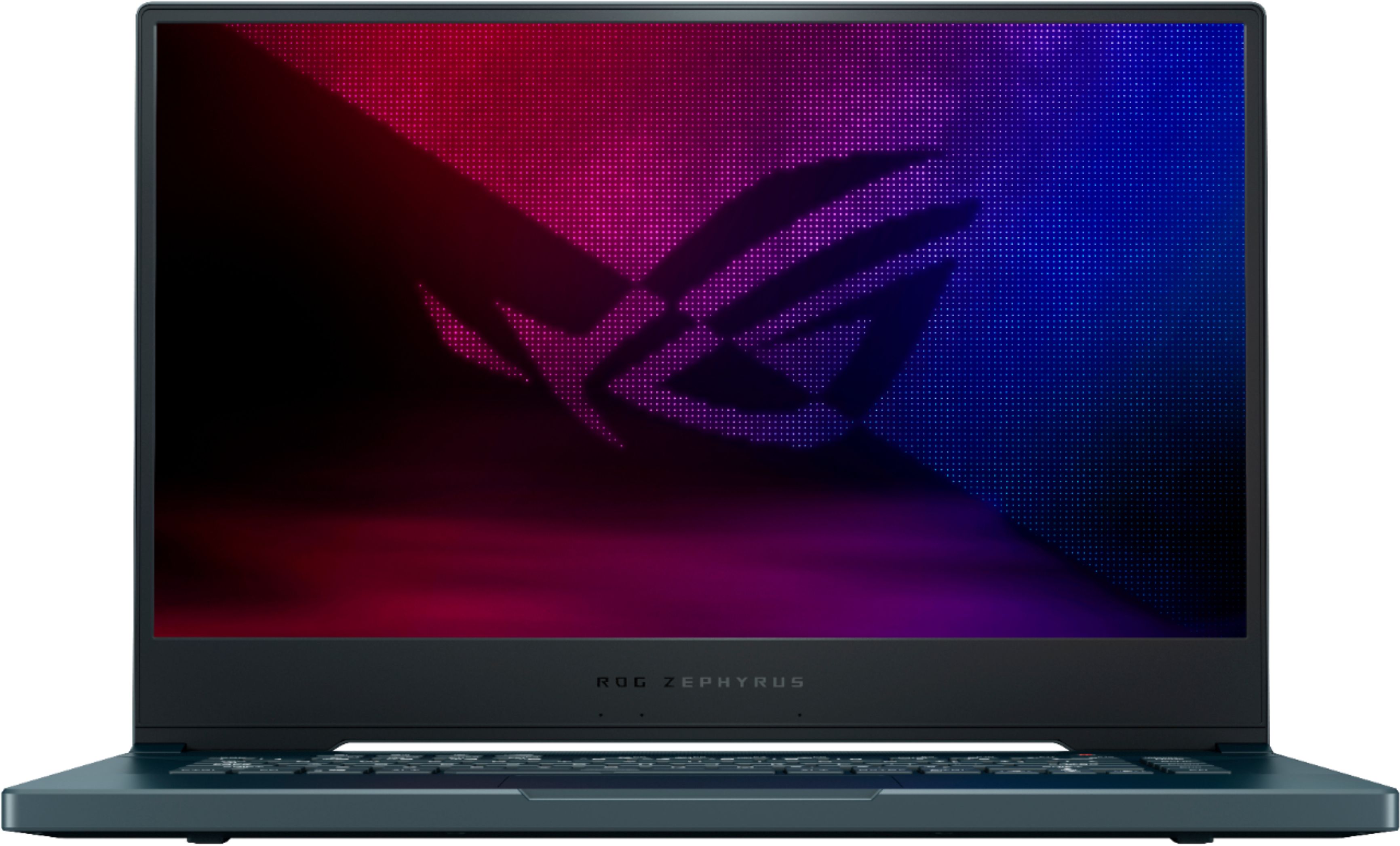
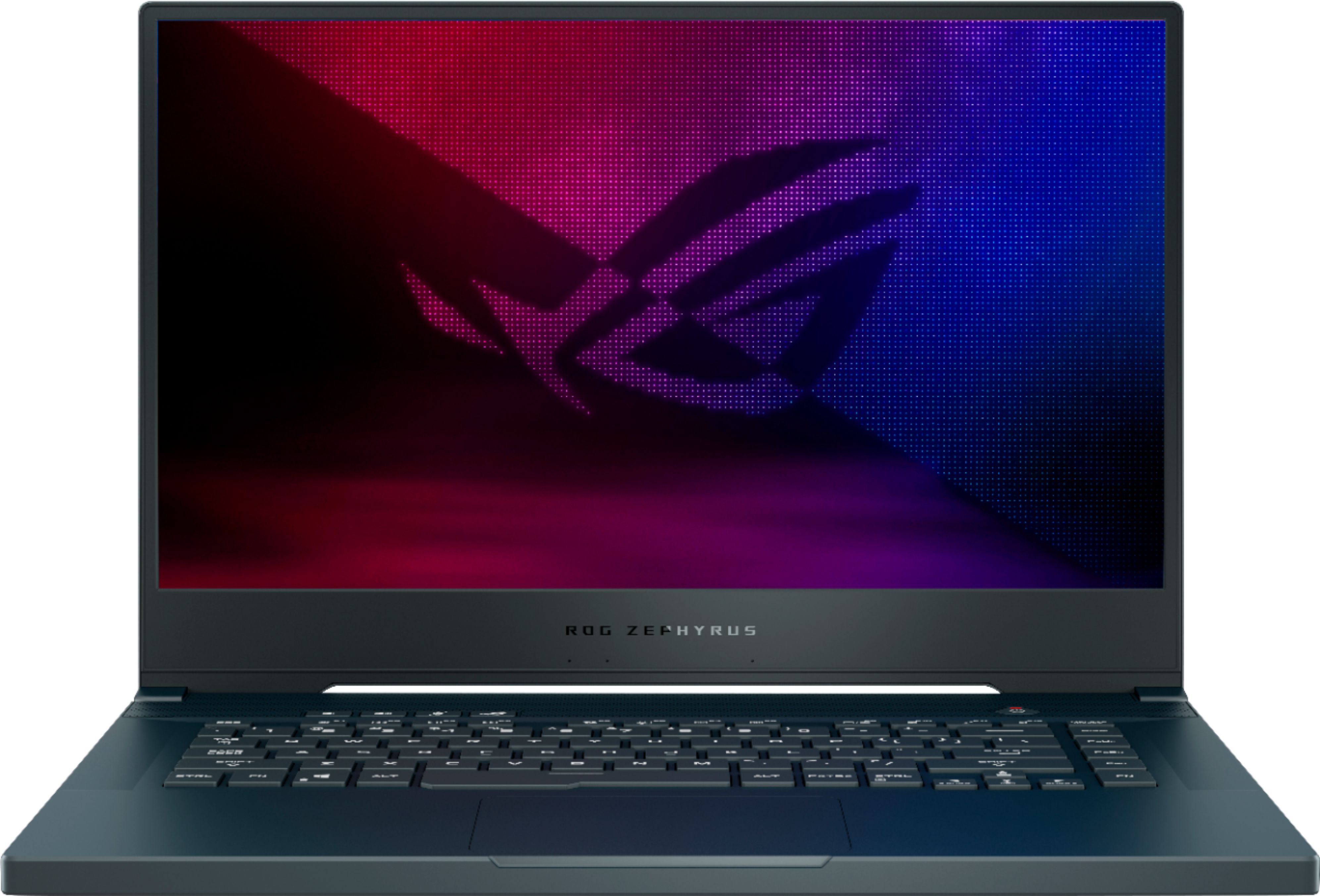
A:AnswerYes, it will allow for a charging brick of up to 65 watts. I wouldn’t recommend it for gaming using a USB-C power adapter though just for charging.
A:AnswerYou can, but there is an 8GB module soldered onto the motherboard, so you'll only be able to replace one of the modules with a 24GB one. You also run into the problem of the memory being forced to run at DDR4 2400 as opposed to the native 3000-3200 speed. As far as I know, only Kingston HyperX memory automatically oc's to those speeds without the need of an intel performance profile. The motherboard bios doesn't support those profiles anyway, so you're basically stuck with Kingston.
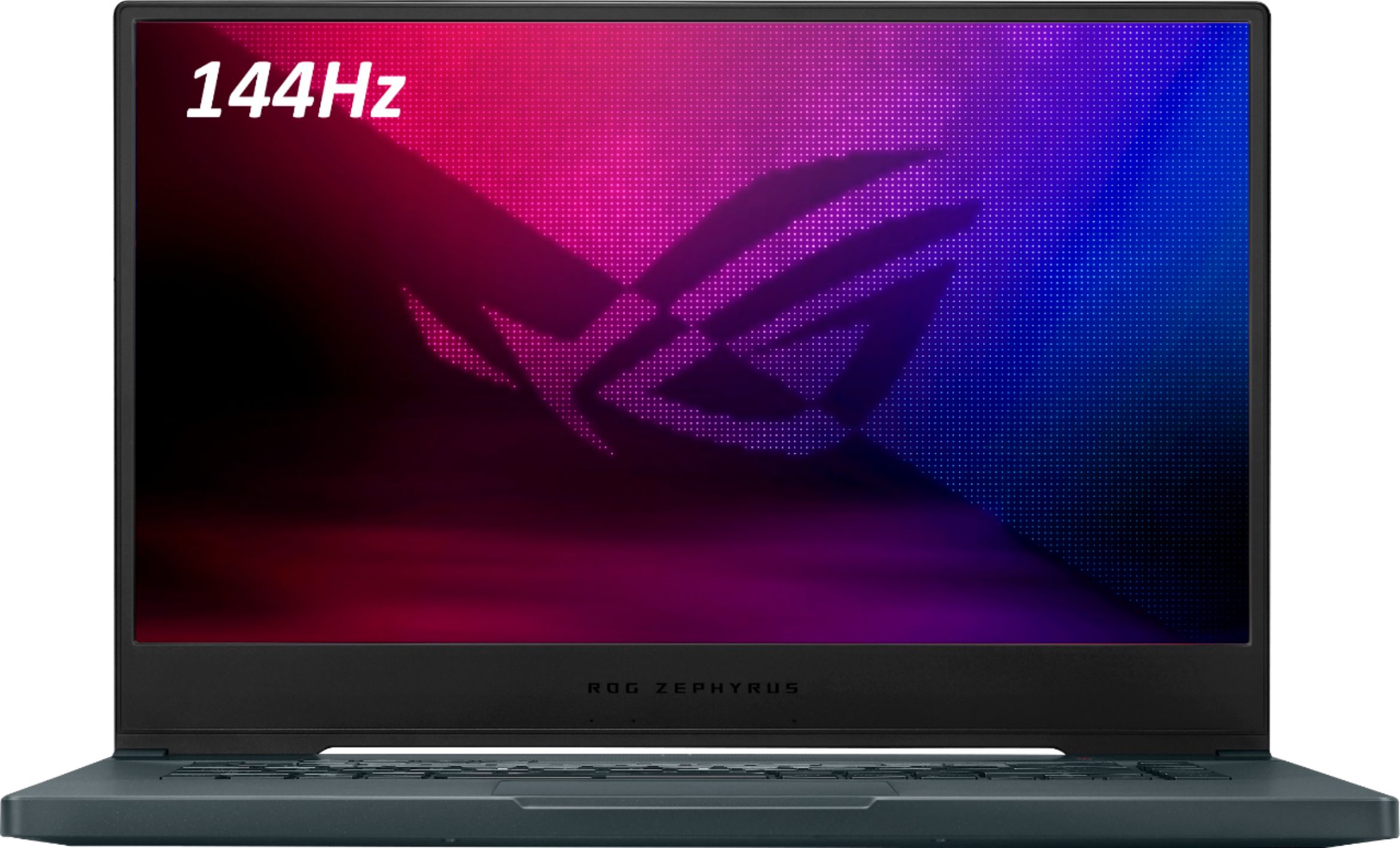
A:AnswerYou need to purchase the 240Hz model for a 3ms response time. That being said, I own this particular model (144Hz TN Panel) and response time hasn't been an issue. I mostly play Rainbow Six Siege, Modern Warfare, Monster Hunter World and The Division 2.