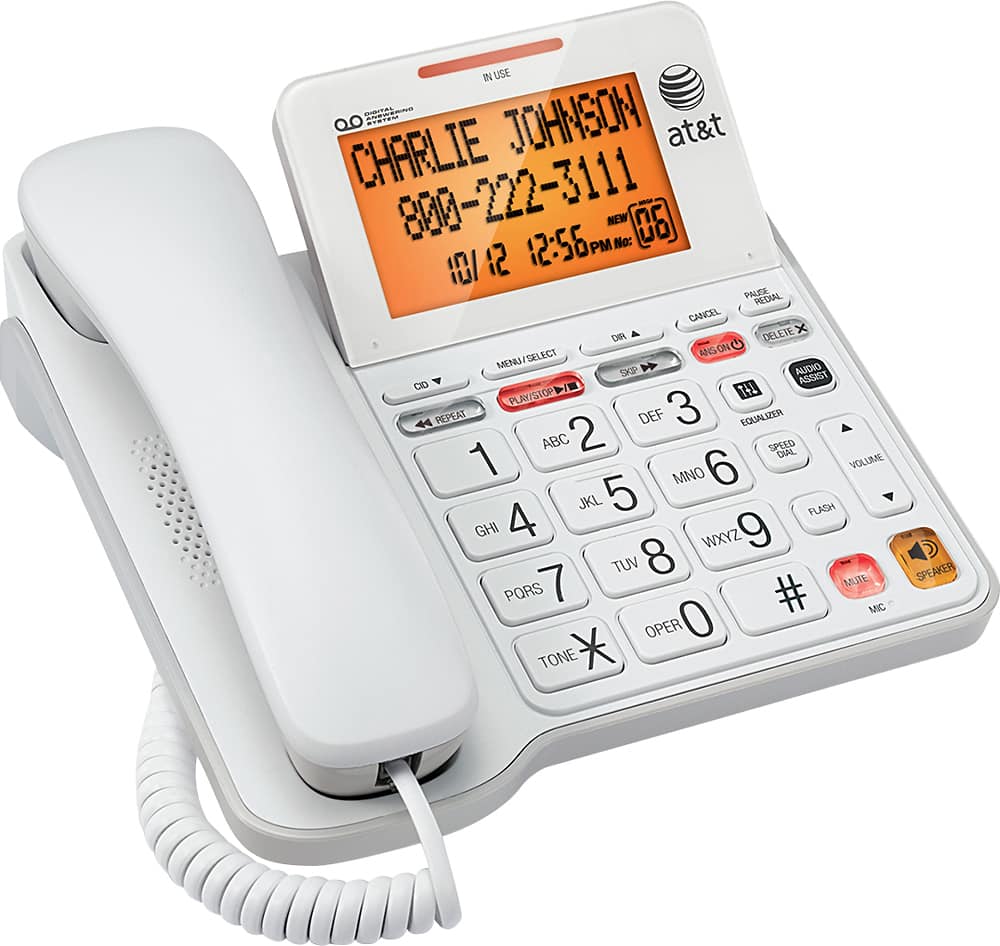
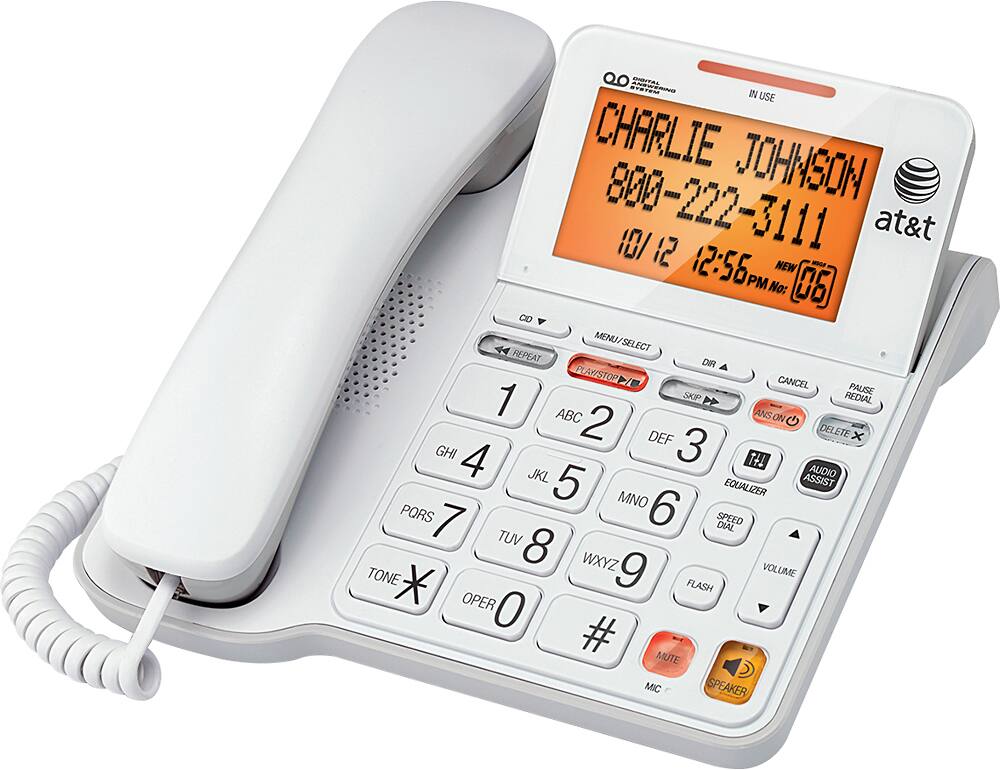
A:AnswerAlthough a bit unclear as phrased, I believe you're asking if you can use this phone with a VOIP connector from your VOIP provider? - If so, then the answer is yes.
(I know Vonage works fine with this phone; I've been using this and earlier versions for 15 years or so. I expect other VOIP providers allow similar functionality.)
A:AnswerA remote phone can access the answering machine. TOUCH TONE capability is required. There may be a smart phone app that will generate the proper tones. Since I don't use this capability I am at the limit of my knowledge.
A:AnswerYES, OF COURSE. IT WILL WORK WITH ANY PHONE COMPANY IN THE USA. IT'S A WONDERFUL PHONE WITH GREAT FEATURES. THE TILT FEATURE IS ESPECIALLY NICE. SOUND IS CLEAR AND FUNCTIONS ARE EASY TO USE. GOOD HANDBOOK PROVIDED.
A:AnswerHere is the instructions directly from the instruction manual for the CL4940
To delete your outgoing announcement:
When the telephone is in idle mode, press MENU/SELECT to enter the main menu.
Press MENU/SELECT again to select Answering sys.
Press MENU/SELECT again to select Announcement.
Press CALL LOG or DIRECTORY to scroll to Play current, then press
MENU/SELECT.
While the announcement is playing, press DELETE X to delete the announcement.
The screen shows Deleted and the system announces, “Deleted” followed by “Hello, please leave a message after the tone.”
A:AnswerI'm getting the time, phone number and caller id, EXCEPT when I'm on another phone call. I'd like to know who is calling in so I know whether to take the call when I'm on another call. There are too many spam calls.
A:AnswerYes. This is a coded phone. Compatible with all wired phone systems. If your other phones are cordless, they will have 1 or more base units that will plug into the house's phone jacks.