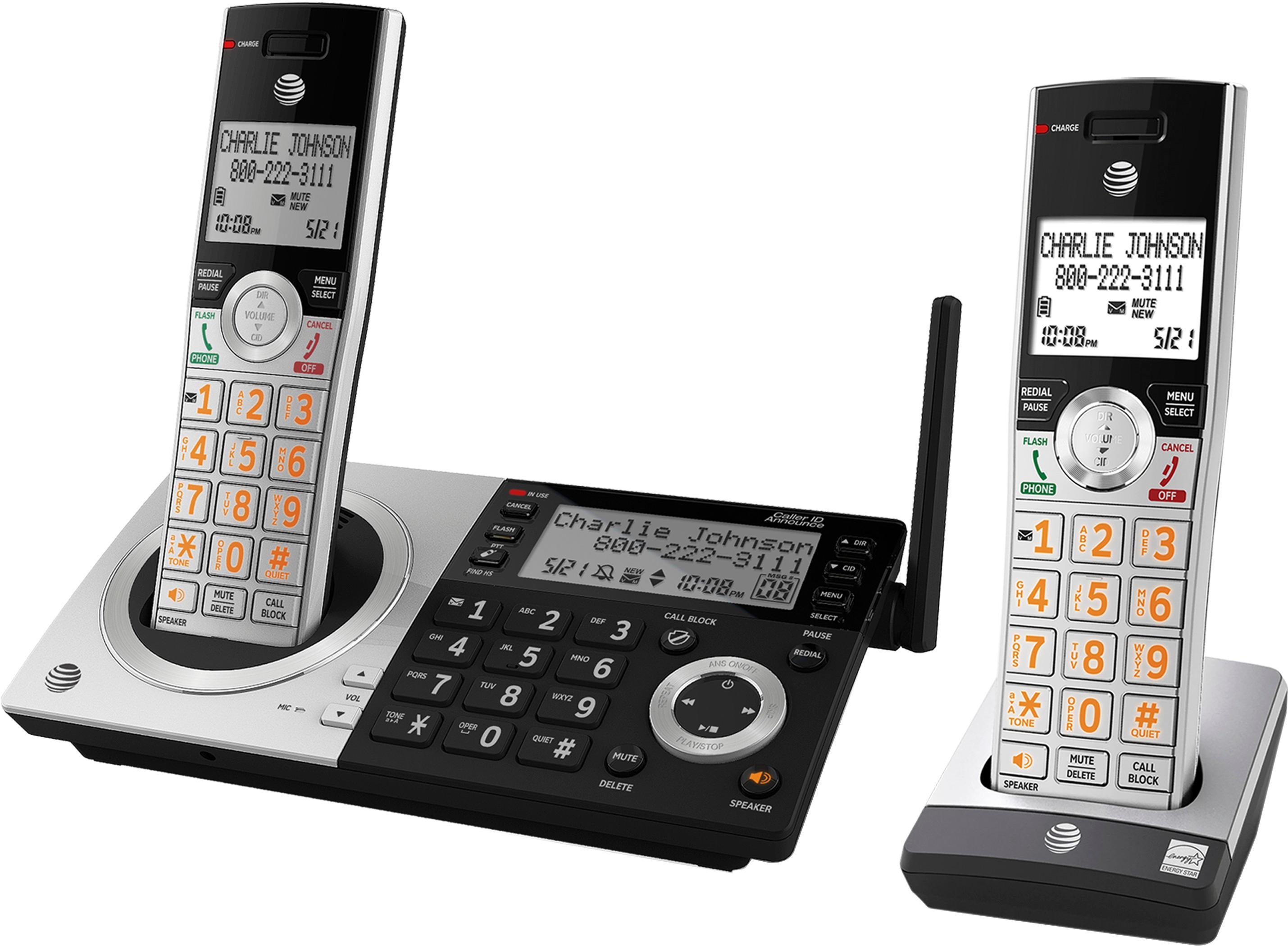
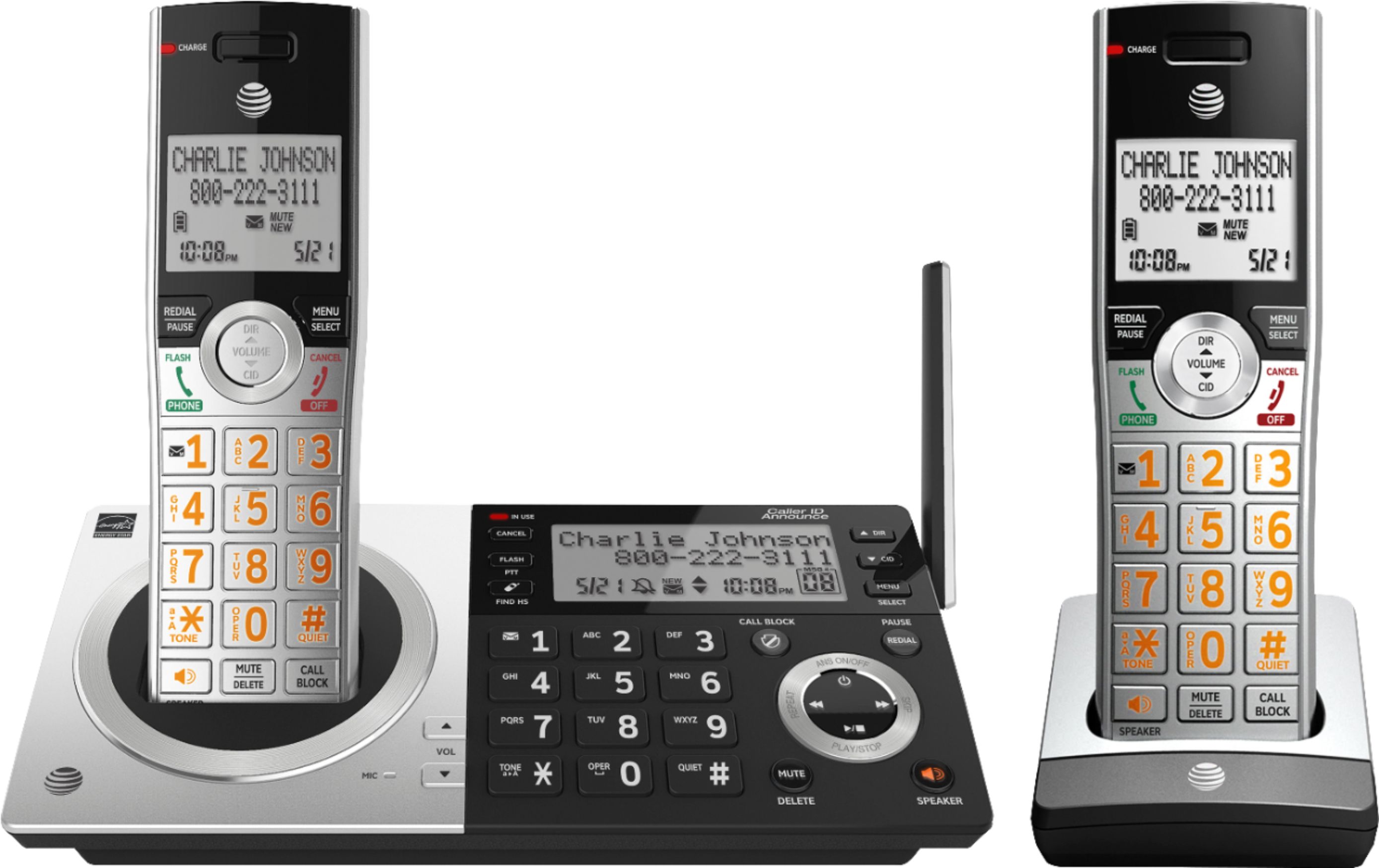
A:AnswerI have found that you can add numbers to the blocked list two ways.
1. While it is still ringing, press the "call block" button and that number will be automatically added to your block list, but of course if you don't have caller ID you won't know
if it's a number that you wish to block. You'll need to use the 2nd option below.
2.- Press the "MENU/SELECT" button, scroll down to "Smart call blk" and press the "Menu/Select" button again.
-scroll down to "Block list" and press "Menu/select" button again.
-scroll down to "Add new entry" and press the "MENU/SELECT" button again.
-then enter the phone number including the area code that you want to add to your Block List.
A:AnswerThe intercom feature can be used between both handsets or either handset and base. This feature is buried in the menu, rather inconvenient, but available.
A:AnswerThe screen on the base is easier to read than the screen on the handsets. I don't know how to answer the question as to whether it will work for you.
A:AnswerYes, you can pair up to two cordless headsets to this system (along with up to 10 cordless handsets). The AT&T TL781x series headsets are confirmed compatible by AT&T and the TL761x series have been reported as compatible as well.