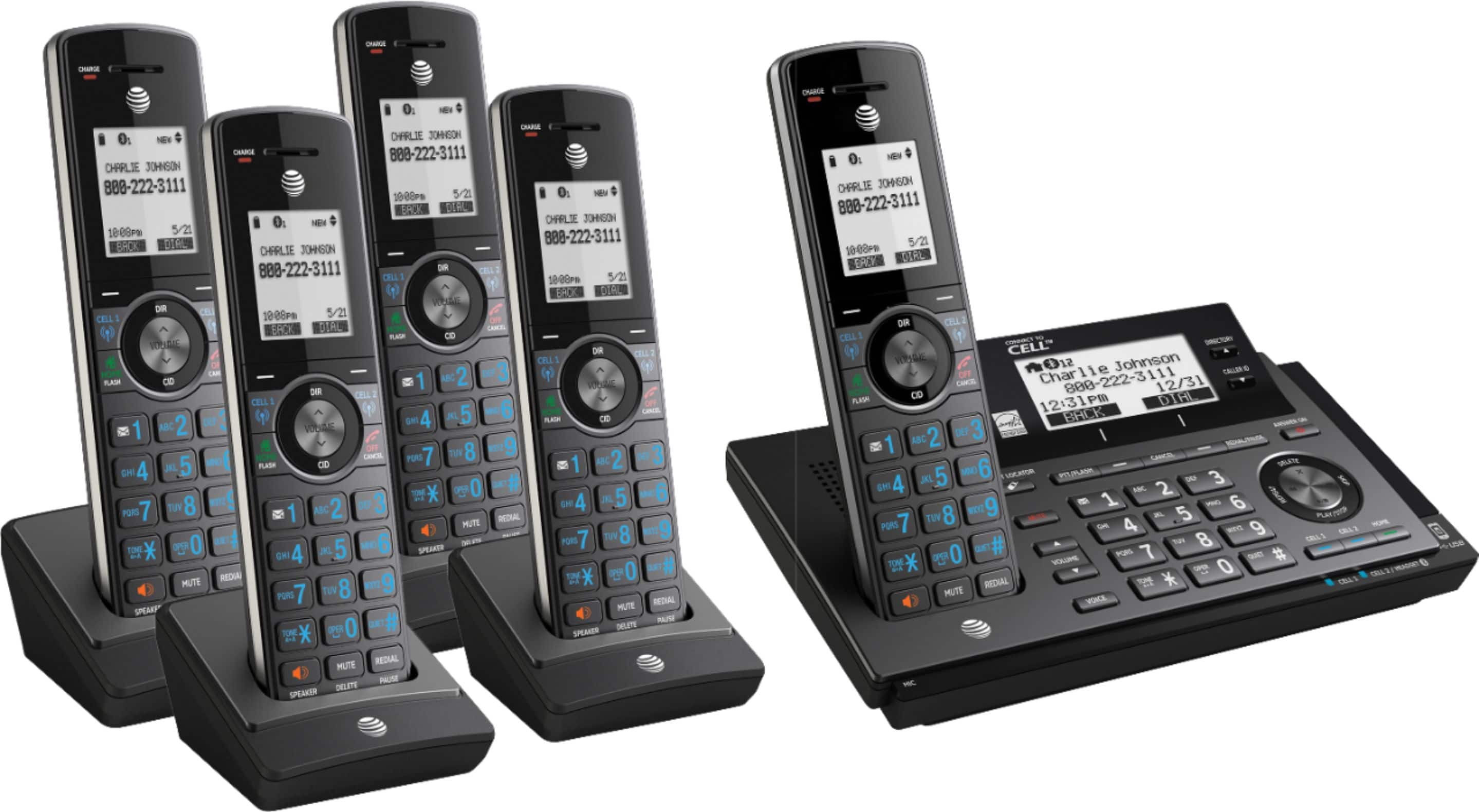
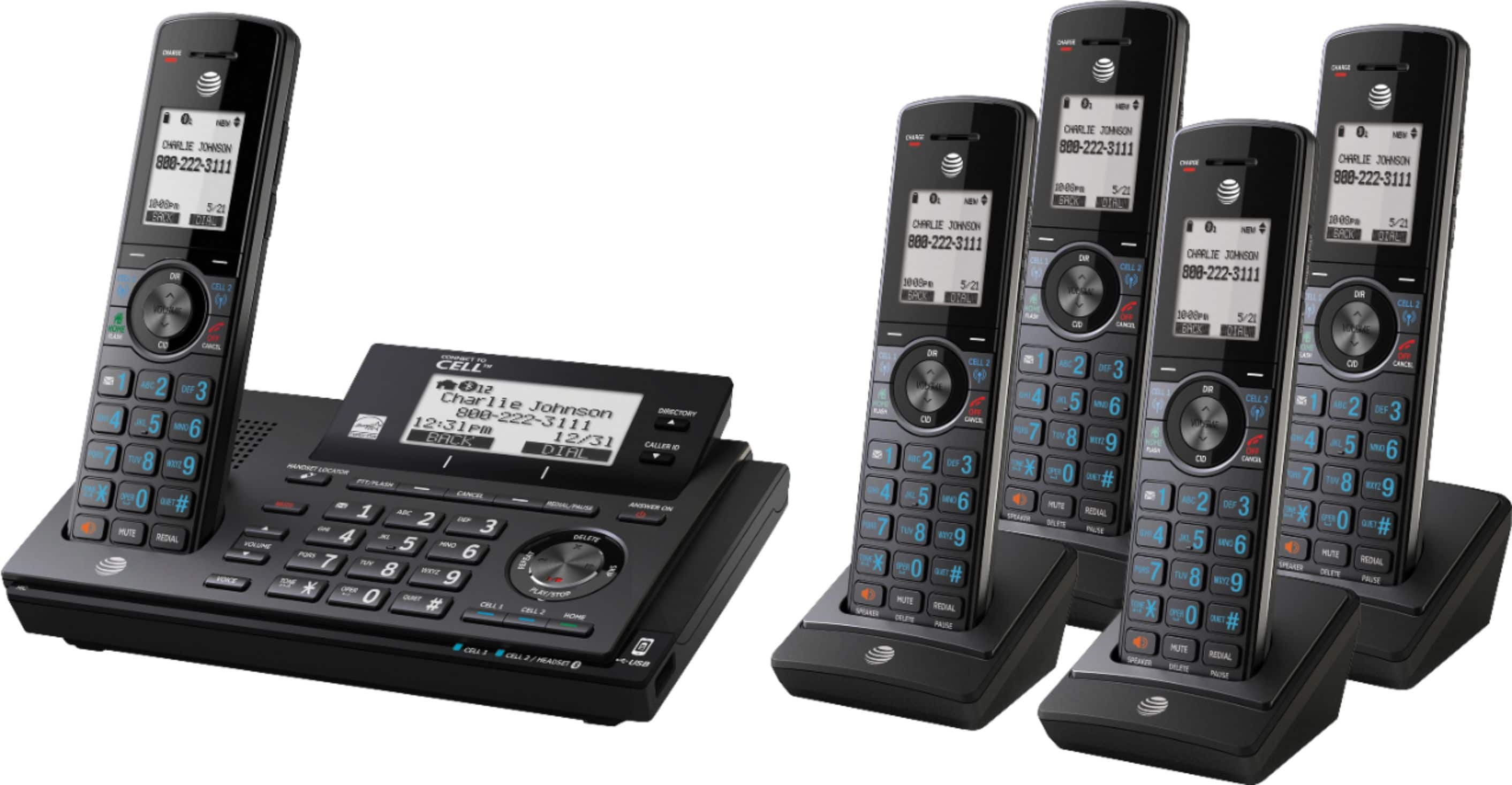
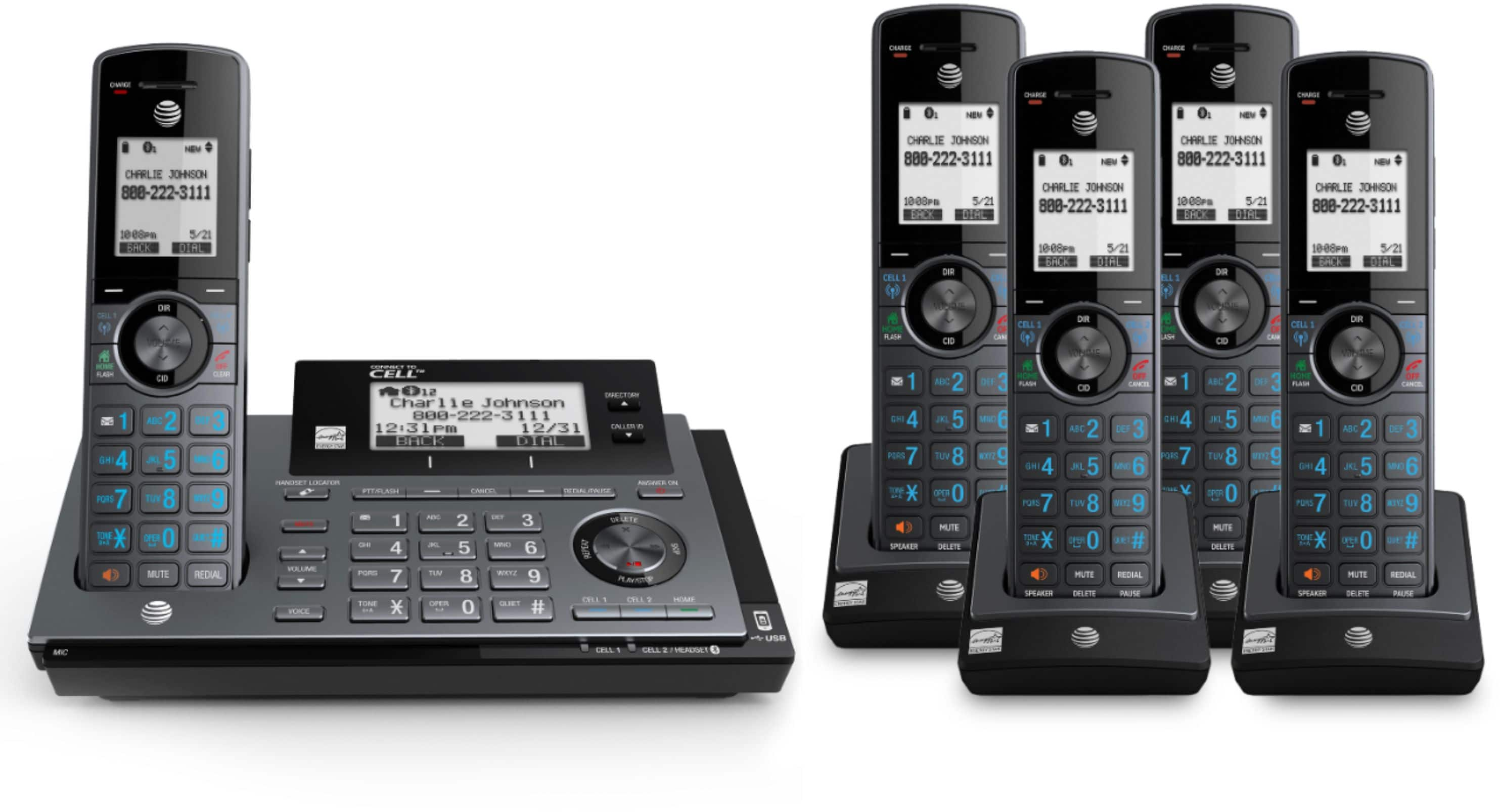
A:AnswerYes and Walky talky available for all hand sets. Still learning how to use mine but they keep the annoying telemarketing calls from getting through and anyone you haven't added to a prescreen list.
A:AnswerNo. At least i have not been able to get that work at all.. No matter what i set the answer option to, it just doesn't work with my cell phones. wish it did though.
A:AnswerI never found a way to do it. The system that we used to have allowed that, but this one doesn't.
I finally had to put a P-Touch label on each receiver so that we would know which room it should
be returned to.
A:AnswerI have set my answering machine to pick up after 4 rings. You have a choice when you set up the machine as to how many rings are allowed before it answers.
A:AnswerI think all calls are blocked as they come in. You will need to enter the phone numbers of people you want to respond to. If you answer the phone for a known caller that number can be added to your list. The system uses caller ID to eliminate unwanted calls. I like this very much we can now eat meals, take naps and sleep without constant interruptions.
A:AnswerWell, I have Spectrum, too. And last night I installed these phones. My old ATT cordless system was clear but it was too old. These phones, for whatever reason, I hear like white noise when the other party is speaking. Very annoying. As far as reset the power, oddly, I received two calls this morning for the first time on the new phones and lost my power! I had to have Spectrum reset my entire system. I asked if it was the phones. They said, no. I don't believe it! Just too coincidental.