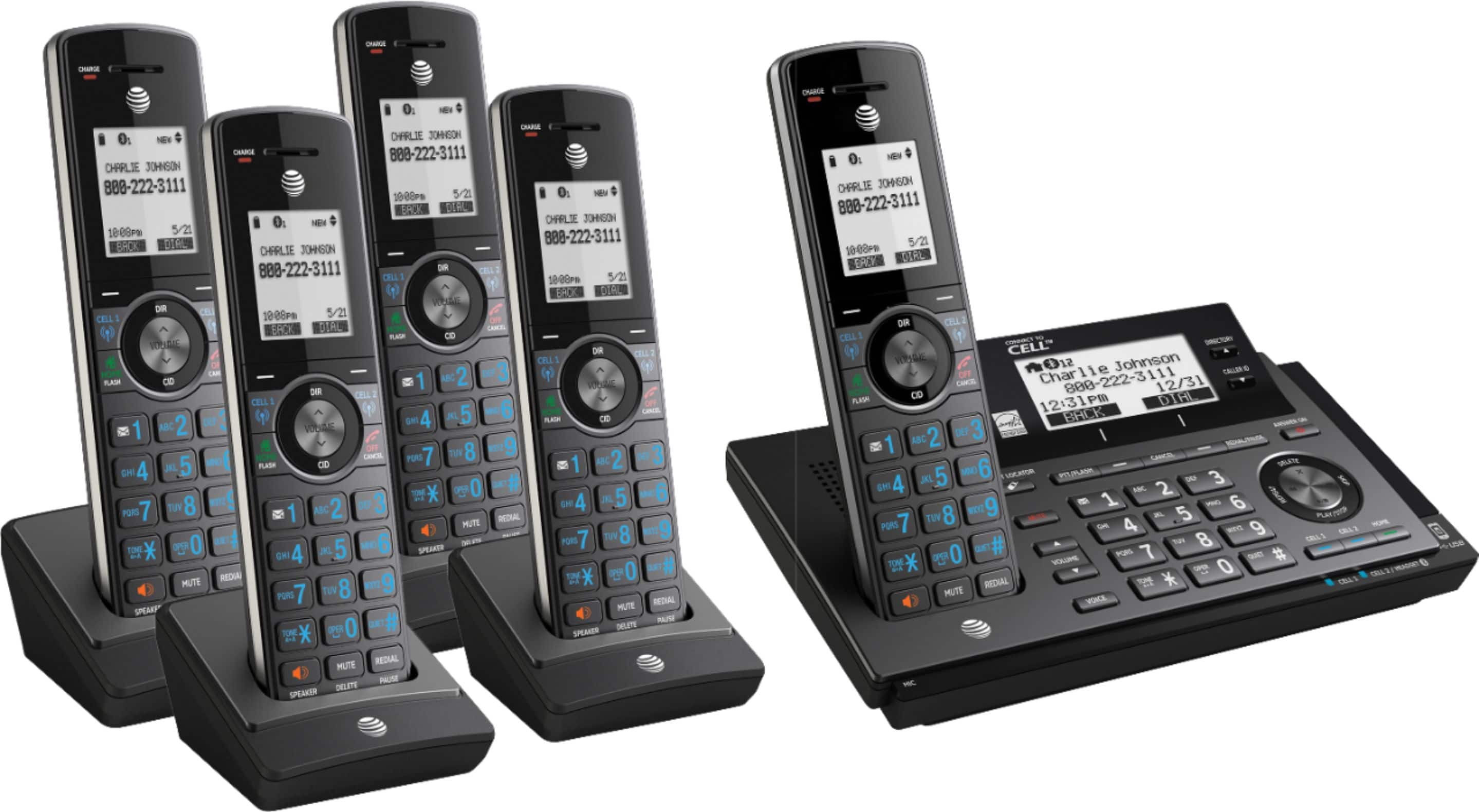
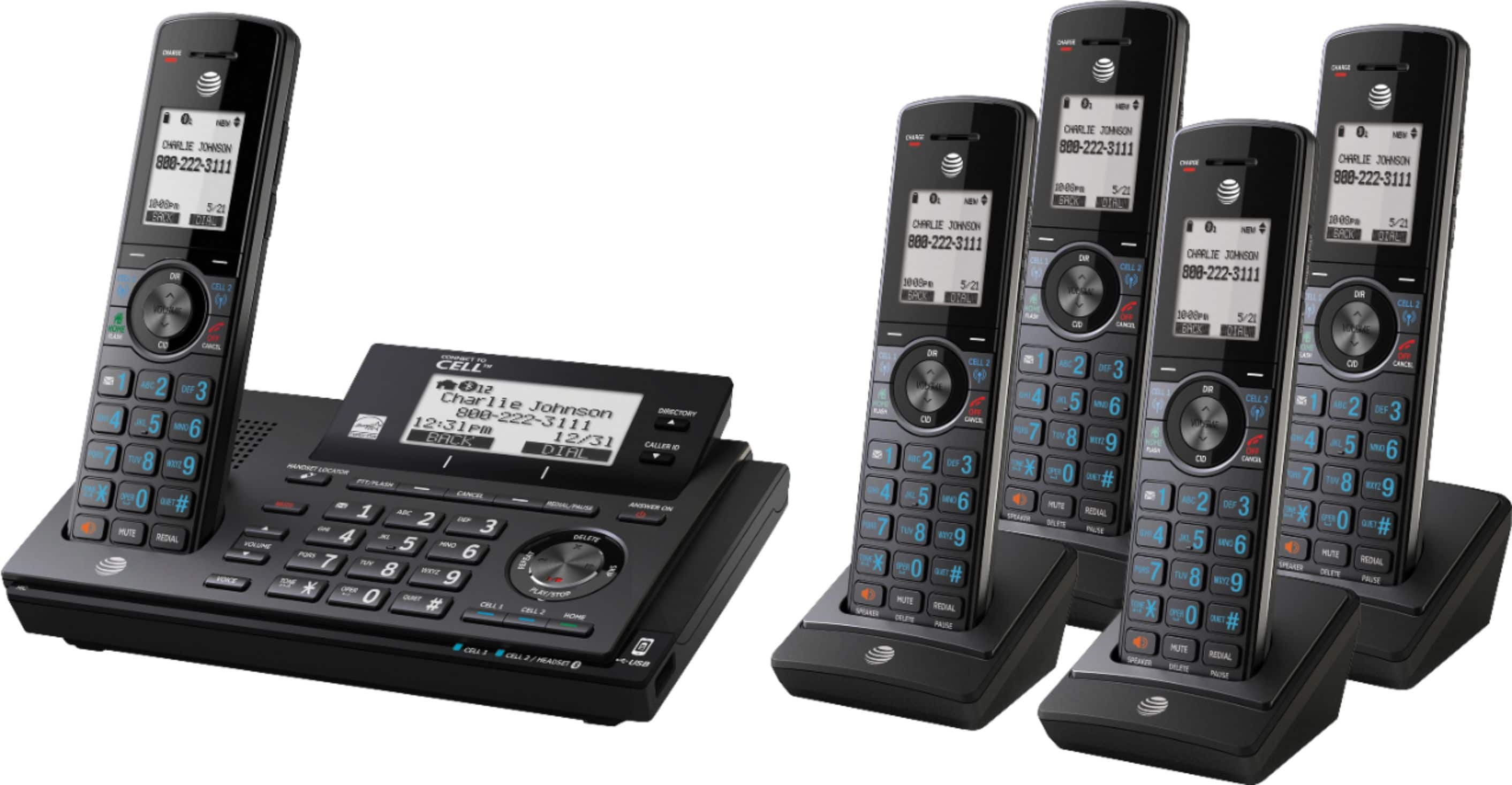
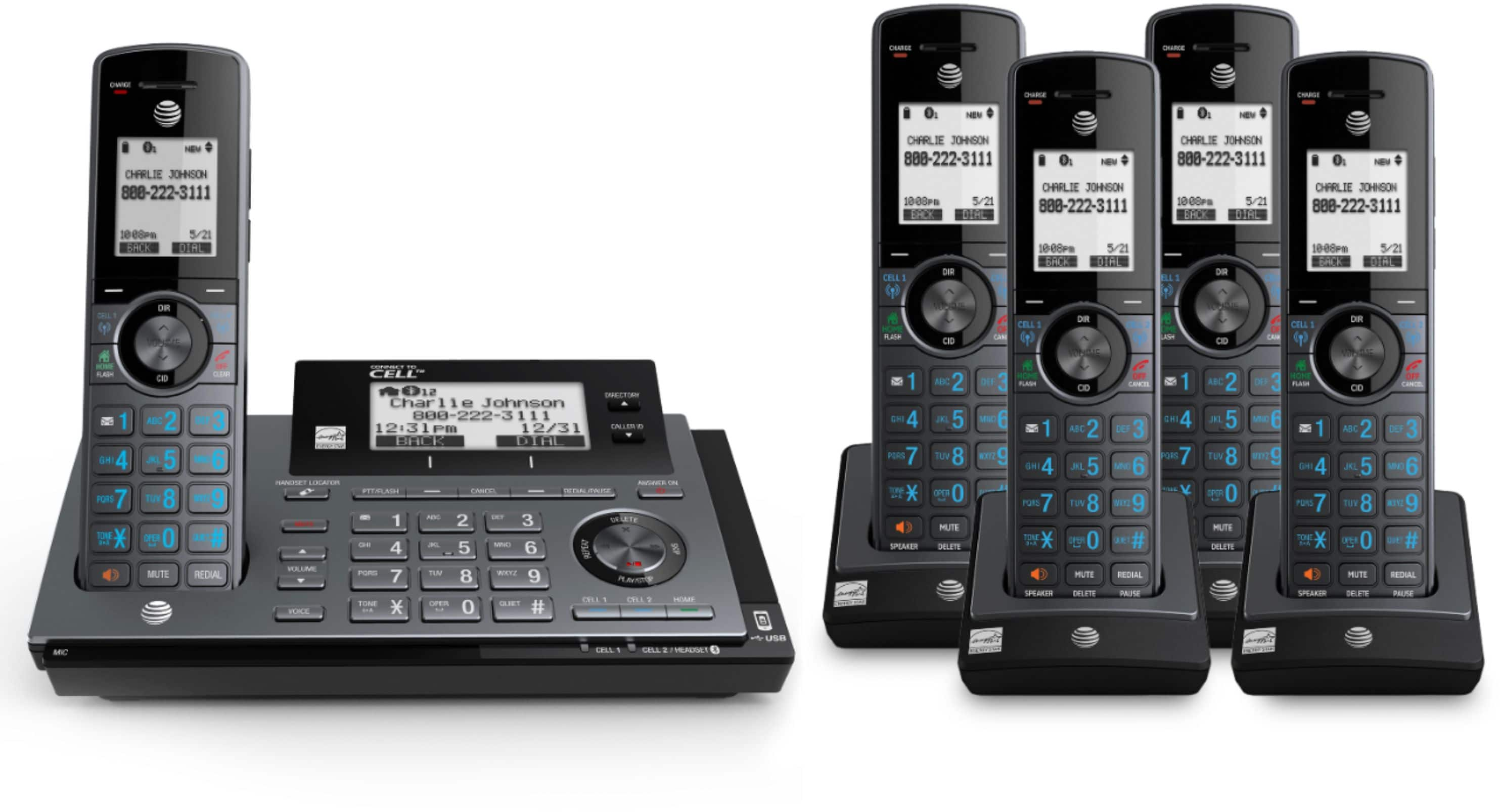
A:AnswerThe wife programmed ours so you have to state your name or it cancels the call if you're not on the *APPROVED* list. I would suggest reading the manual.
A:AnswerThe system can handle 12 handsets. Just buy an additional handset that goes with this system (It comes with a charging unit.). There are instructions on how to add it to your system. Usually all you have to do, once the battery is charged, is place the new additional handset on the base unit (not one of the charging units). It should register on its own after a short time ( It will indicate that it is registered and assign handset 6 to the new handset). If not, the instructions tell you what to do next. I purchased an additional unit and it works fine.
A:AnswerPerhaps a better answer is that you can store 250 numbers in an approved list, and block EVERYONE else no limit. For specific blocks, I suppose your answer is 250.
A:AnswerThe caller doesn’t need to state their name prior to the call going through. There are numerous ways to set-up this phone.
We love this phone. It was easy to set up the phones the way we wanted them. We have been able to reduce many false/spam calls. I put our different contacts on the phone. It is easy to block calls, as well. We are very pleased with the phone.
A:AnswerNot the corded or wall-mounted ones. However, they will ring once when any call comes in, even if the call is blocked or filtered. If the caller is in your directory or allow list, the corded or wall-mounted phones will ring until the call is answered or canceled from the base unit or a cordless handset.
If you have another cordless base unit, I have no idea if it would work without interference with this unit.