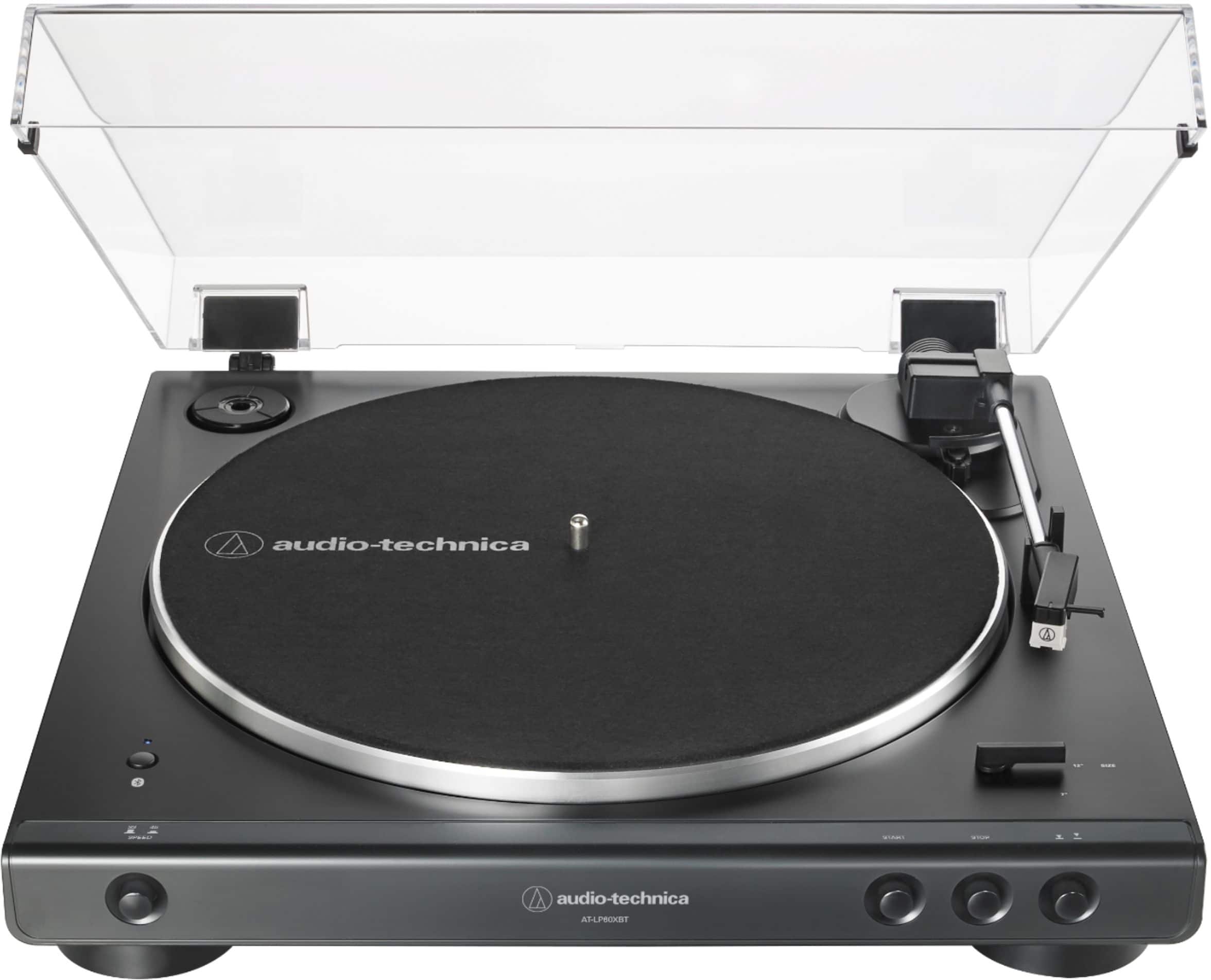
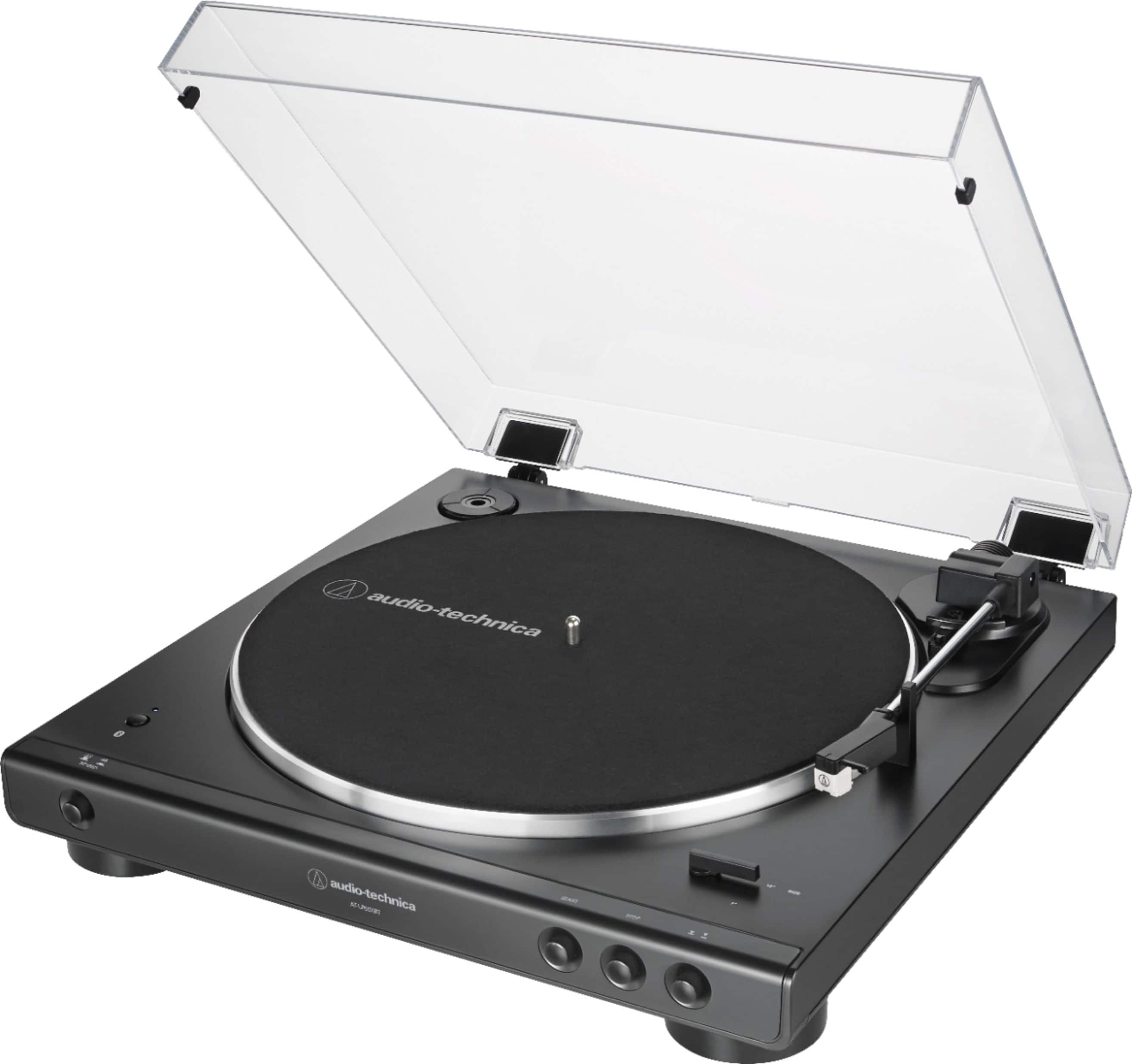
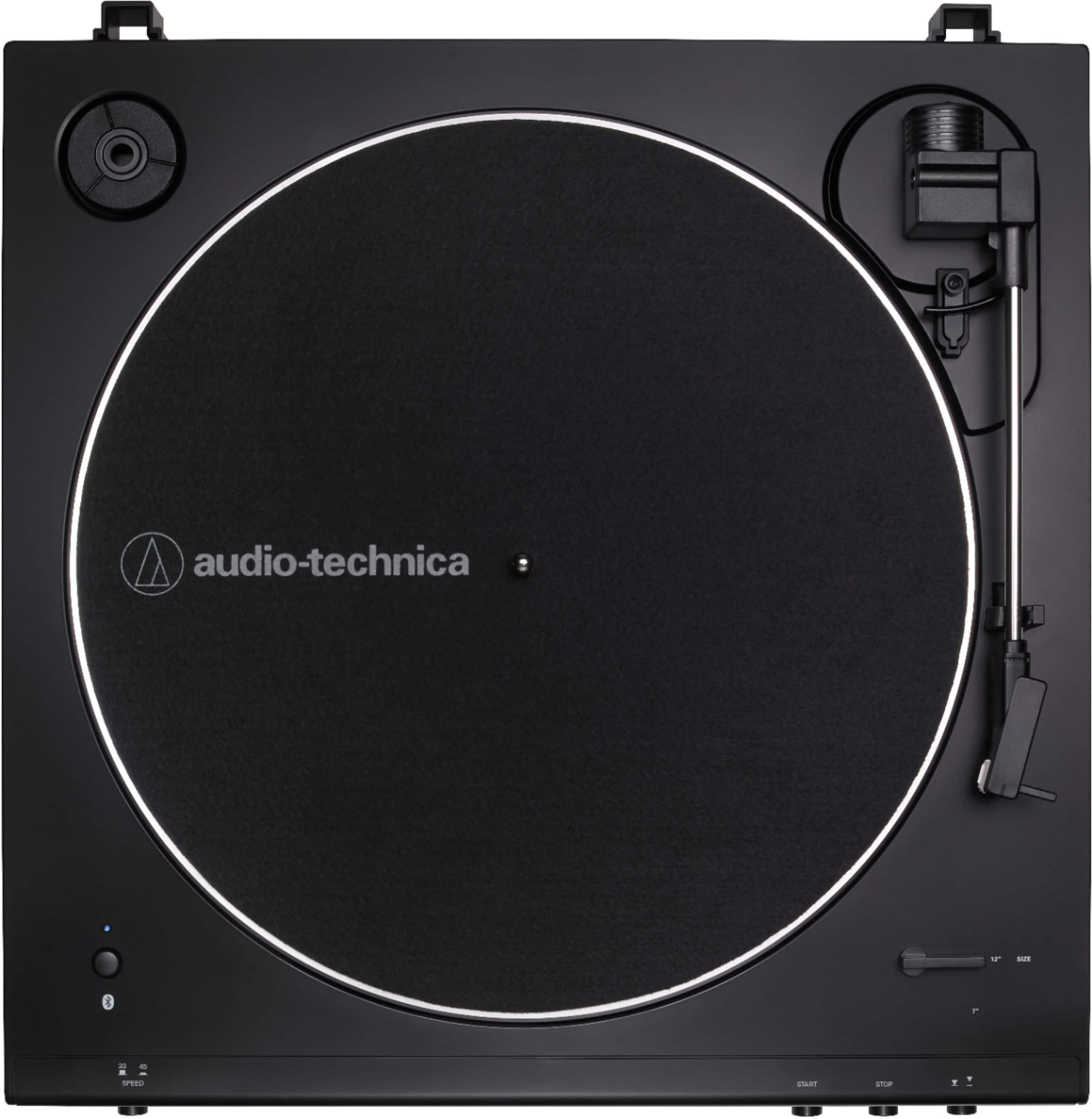
A:AnswerYou can, but you will need a different type cable, a male-to-male 3.5 mm stereo (TRS) type, to make the connection. Make certain that the preamp selector switch on the back of the turntable is set to the LINE position for use with the AUX jack.
A:AnswerRemove then reinstall the stylus (needle) assembly as if you were replacing it with a new one, it is probably loose on the cartridge. Refer to page 10 of the User Manual (below) for assistance with this.
https://www.audio-technica.com/media/wysiwyg/product/pdfs/us/at_lp60xbt_um_162501372_v2_en_web_190527.pdf
A:AnswerYes it does. There is a tonearm lift button on the front of the unit which raises and lowers the tonearm for pausing play or manually selecting a track.
A:AnswerFirst, plug headphones into the 3.5 mm Analog Out jack on the back of the turntable and listen to the turntable directly. Make certain that the switch next to the jack is set to the LINE position for this test. You may leave the switch set to LINE for Bluetooth use. If you hear the record playing at a louder volume level in the headphones, the issue is Bluetooth related, reset the Bluetooth on the turntable. If you DO NOT hear the record playing at a louder volume level in the headphones, the issue may be with the stylus assembly on the turntable, remove then reinstall the stylus assembly.
A:AnswerThat record player does not have a speaker. You might hear the sound coming off the needle and vinyl itself, but shouldn’t hear it when your Bluetooth is playing, as it is very quiet. There is a delay due to processing when sending through Bluetooth, so the timing won’t be the same.
A:AnswerYes, when th record is finished, th arm goes back in place. There isn't a power button, just press start or stop. I've been enjoying this record player daily. So far, so good.
A:AnswerYour Question is a little hard to understand
If you are asking " Can you connect this turntable using RCA Audio Cables to your Receiver the answer is a DEFINATE YES !!!!
As a matter of Fact the RCA cables are included with the turntable -PS NICE UNIT
Audio Denny
A:AnswerLook up the Bluetooth standard range based on the Bluetooth version supported by the record player and the version supported by the receiving device, and use the lower number.
This will be lower when trying to go through walls, thick objects, or have many devices using the 2.4 ghz wireless channel, as they will cause interference.
A:AnswerYes, paired easily. you won't get a lot of distance so not good for listening to vinyl and cleaning the house, maybe 25 feet away you start breaking up.
A:AnswerNo, it does not have a USB port, but here's a work-around for recording if that's at the core of this question. Make the turntable an audio input device on your computer, then install an audio program on your computer that will record "What-U-Hear." Bluetooth it into a file (as long as your computer has Bluetooth). I did it. Works great!