A:AnswerRemove the record mat from the turntable. Remove the platter from the center spindle as shown in Figure 11c. Once removed, flip the platter over and note the raised rim located about an inch and a half in from the outer edge of the platter. The belt goes around this rim. See Figure 11d. Make certain that the belt lies flat (no twists) all the way around the rim. Once the belt is installed around the rim, flip the right side side up and place it back on the center spindle. Rotate the platter by hand until one of the large rectangular shaped openings is located at the upper left corner of the turntable (at about the 10 o’clock position). Look into the opening and locate the brass colored motor pulley. Grab the belt with your fingers and stretch it over the pulley. The belt will be located at the inside edge of the rectangular shaped opening. Place the record mat back on the turntable, place a record on the mat and test for normal operation.
A:AnswerIt can be connected to an AUX input. The turntable is fitted with a 3.5mm female stereo (TRS) Analog Out jack on its rear panel, and a 3.5mm stereo (TRS) male to dual RCA male audio cable is provided.
A:AnswerNo app. The turntable contains a Bluetooth transmitter, your device must contain a Bluetooth receiver. The Bluetooth profile is A2DP and the support codecs are SBC and aptX
A:AnswerYes. It has RCA plugs to plug into the amp. An older Sansui should have a phono pre-amp input. If it does, you would make sure the phono pre-amp switch is turned off on the back of turntable. If the amp just has an AUX input, you would turn ON the turntable phono pre-amp switch and plug in using the RCA lines.
A:AnswerNo it will not, not wirelessly anyway. Your Sonos system works over Wi-Fi, not Bluetooth. Alternatively, the AT-LP60XBT Turntable can be wired to your stand alone pre amp just like you do with your existing turntable.
A:AnswerCorrect, the cartridge with stylus is included. The cartridge itself is an integral part of the tonearm and cannot be removed, therefor only the stylus assembly is replaceable. The stylus assembly is replaced by hand.
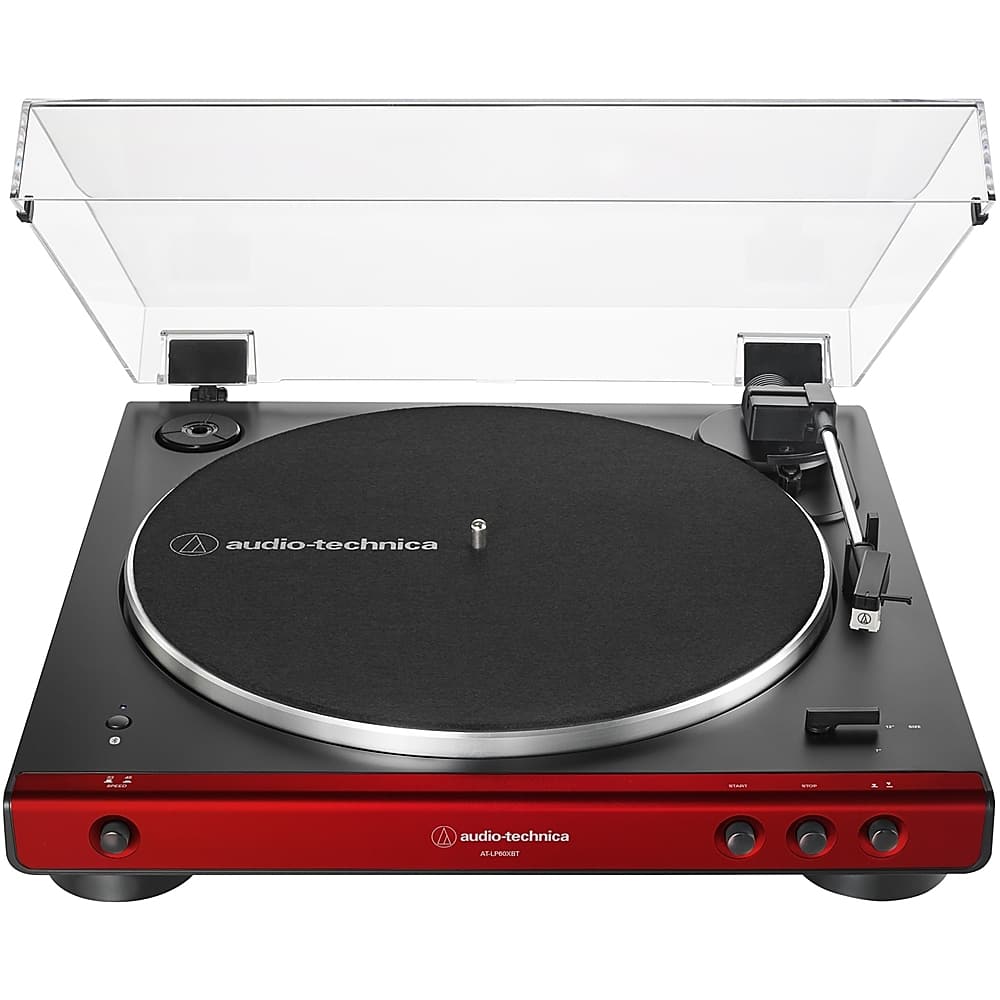
A:Answer14” Wide
15.5” Deep (with dust cover open, includes buttons on front, connections on rear)
4” High with dust cover closed
14” high with dust cover open
A:AnswerYes, you can. You will need the proper adapter cable, or cable, to make the connection however. The Sonos 5 Speaker has a 3.5 mm Line-In jack on the back of it. You will need to either add an RCA to 1/8" (3.5mm) adapter cable to the dual RCA audio cable provided with the turntable, or use a different cable all together to make the connection to the jack The adapter cable will need to be the dual RCA (female) to single 1/8" (3.5 mm) stereo male type. Alternatively, you could replace the provided cable with a 1/8" (3.5 mm) stereo male to 1/8" (3.5 mm) stereo male type cable.
A:AnswerThe turntable has a button you push that automatically moves the needle from the resting position to the record and then returns it to resting position upon completion of the record OR if you push the button again,