A:AnswerThis turntable is designed to be used in conjunction with a component stereo receiver. It features RCA outputs which would connect to the R/L stereo RCA jack inputs on the receiver.
It would be possible to eliminate the receiver if you owned a pair of powered speakers with RCA inputs.
A:AnswerYes, the AT-LP60 Turntable may be connected directly to powered type speakers thanks to a built-in phono preamplifier. To turn the preamplifier on, place the preamp selector switch located on the rear of the turntable in the LINE position. The built-in phono preamplifier raises the signal level from phono (low) to line (high) level, and it applies the RIAA equalization curve required to playback vinyl records.
A:AnswerTechnically you could, the volume level will be at a fixed moderate level (with the built-in phono preamplifier turned on) however. There is no volume control on the turntable. You may want to consider using a Headphone Amplifier between the turntable and your headphones. Another option would be a headphone, such as our now discontinued ATH-OX7AMP model, that has a built-in headphone amplifier and a volume control.
A:AnswerYes you can. Just make certain that the turntables internal phono preamplifier is turned OFF. That is, the preamp selector switch that is located on the rear of the turntable should be placed in the PHONO position.
A:AnswerI texted my son at college and his response was -
Buy an adapter. 3.5mm to red and white plug
Hope this helps. He loves he turntable. Has a great sound
A:AnswerWhile it ;is usually said that the system is no better than its lowest quality part, you will get a bigger difference in sound based on speakers selected than anything else in the system. Yes you need a decent amp and sound source, but the speakers make a big difference in how things sound. While I do have some brand preference I will not pass that on not knowing if anything they make would be within your budget.
I will however suggest what to do to select a speaker,. Take a CD with you of music you like and are familiar with. Listen to it on high end equipment and speakers. Try a few different ones to get the sound you think is appropriate. Then audition equipment and speakers within your price range. Get as close to the high end as you can within your budget. Musical sound is very subjective and the ideal varies considerably depending on what type of music you listen to,.
Bottom line is I would suggest spending more than you want to on the speakers. They last way longer than anything else in the sound system. If you are concerned about quality of sound as opposed to just noise, it is an investment worthwhile making.
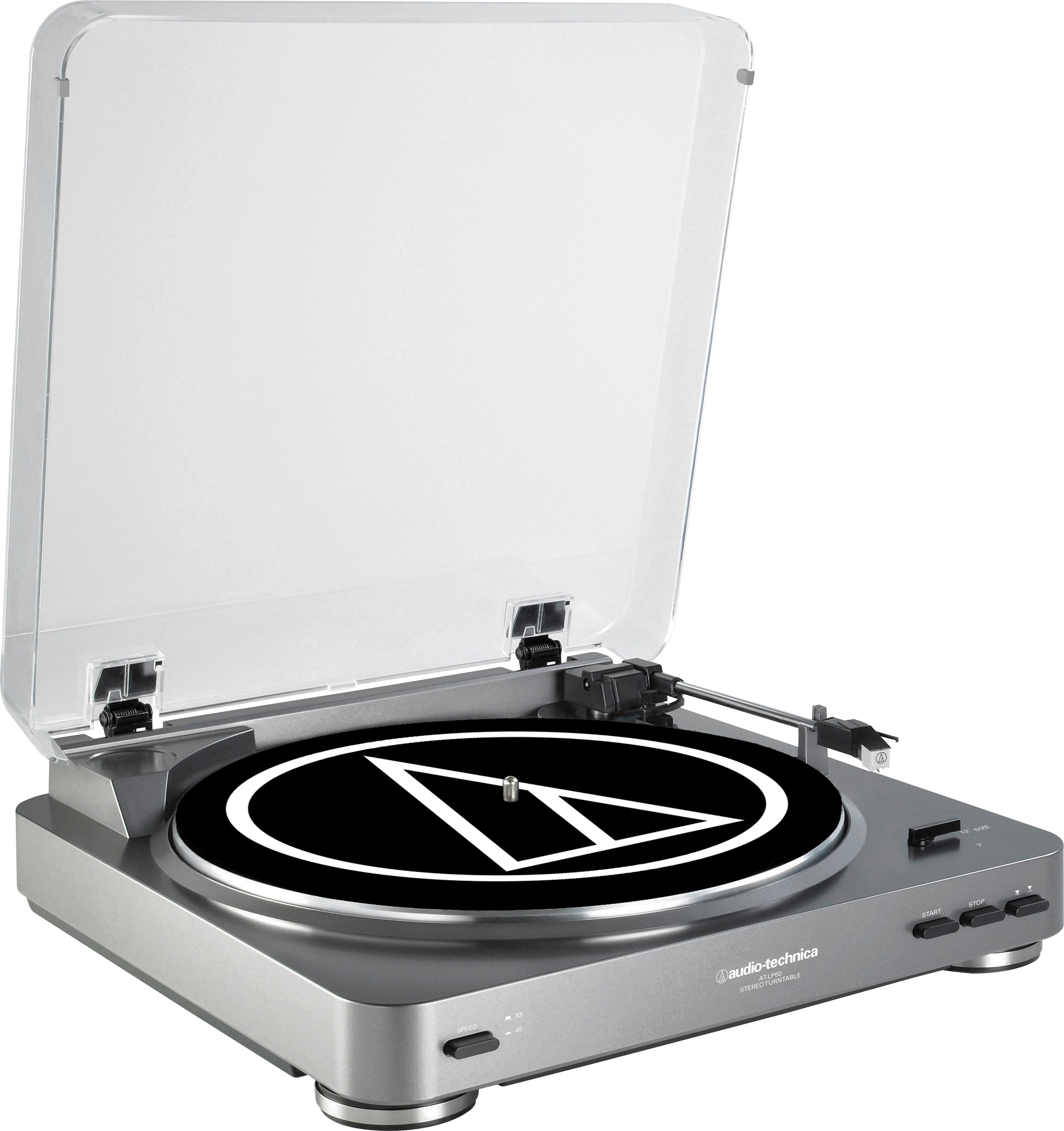
A:AnswerYes it comes with audio cables built in and two adapters for a aux or headphones plug in I have a bose wave radio hooked up to mine it sounds phenomenal
A:AnswerThank you for your inquiry. Yes, you can replace the stylus if this when wears out. Please not that the ATN3600L is the only compatible stylus.
A:AnswerThank you for your inquiry. According to the manual for the Bose 321 system, it appears that you just need to connect the turntable directly to the analog inputs. No amp should be necessary. You will need to enable the preamp on the turntable.
A:Answer13 inches is required to open the dust cover to the point where it will support itself. If you install the hinges on the turntable (the turntable only and NOT the dust over) you could lift the cover off if you have 9 inches of space. Having the hinges installed on the turntable will prevent the dust cover from sliding off the back of the turntable.
A:Answer14” wide by 13 3/4” front to back. Add 1/4” total front to back to accommodate the buttons on the front and switch & cords on the back. It’s a great turntable!
A:AnswerThis is a fine basic turntable no matter what anyone says. I have one in my living room and it plays all my records fine. However, you can't upgrade anything on this table, such as the cartridge. In my opinion, you'd be better off spending a little bit more and going with the LP-120 (what you referenced as your first table) or take a look at the Orbit U-Turn which I also have in my listening room and is awesome and very affordable.
A:AnswerIt can by using the provided Dual RCA (female) to 3.5 mm (1/8") mini-plug (male) stereo adapter cable to connect the turntable to the LINE IN jack on the computer. Make certain that the turntables built in phono preamplifier is turned on (by placing the preamp selector switch that is located on the rear of the turntable in the LINE position) for this application.
A:AnswerYou'll need speakers. It comes with RCA red and white outputs built in to make hooking up speakers easier. It also has a built in preamp, so you won't need to purchase that.