4th of July Appliances Sale.Free delivery. Ends 7/8. Terms apply.Shop now
User rating, 4.5 out of 5 stars with 30001 reviews.
Show only Answered Questions
Asked 3 years ago by Gina.
Answered 3 years ago by Anonymous
Asked 3 years ago by Anonymous.
Answered 3 years ago by Blu5409Verified Purchase
Asked 3 years ago by Mombo.
Answered 3 years ago by KevinT
Asked 3 years ago by HappyCloud.
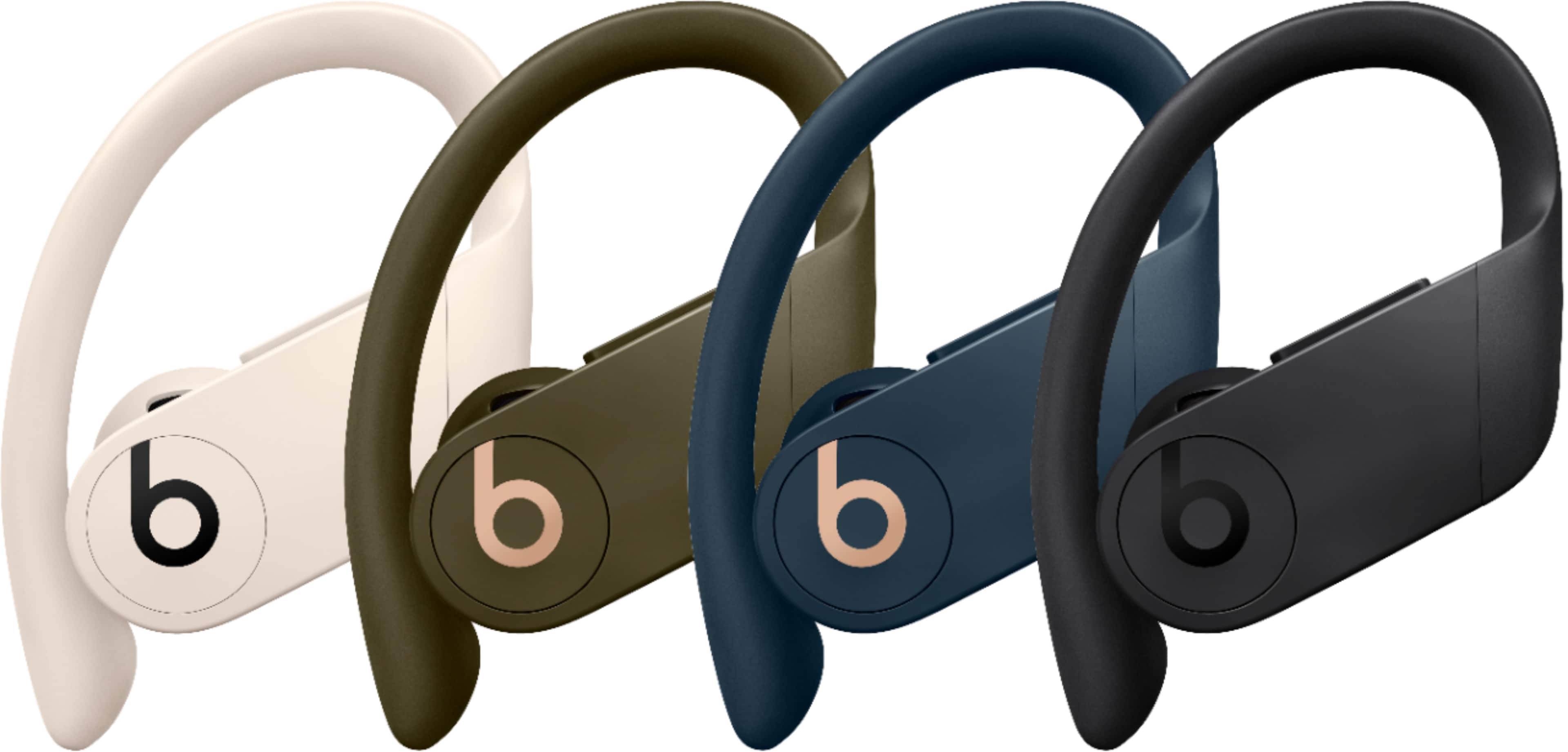
This question was asked about the related product: Beats - Powerbeats Pro Totally Wireless Earbuds - Ivory
Answered 3 years ago by Blu5409
Answered 3 years ago by JoseVerified Purchase
Asked 3 years ago by DATN1.
Answered 3 years ago by Network7D
Asked 3 years ago by Nevaeh08.
Answered 3 years ago by JoeydVerified Purchase
Asked 3 years ago by CowboysHawk8.
Answered 3 years ago by MadelineVerified Purchase
Asked 3 years ago by Star.
Answered 3 years ago by AnonymousVerified Purchase
Asked 3 years ago by Craig.
Answered 3 years ago by Shauna
Asked 3 years ago by BeatsUser.
Answered 3 years ago by DustinVerified Purchase
Answered 3 years ago by GolfergirlVerified Purchase
Asked 3 years ago by Annie.
This question was asked about the related product: Beats - Powerbeats Pro Totally Wireless Earbuds - Navy
Answered 3 years ago by KaseyJ
Asked 3 years ago by daughergiftsmallears.
Answered 3 years ago by JohnJVerified Purchase
Asked 3 years ago by Chad.
Answered 3 years ago by Shemeka
Asked 3 years ago by Robbie.
Answered 3 years ago by KeepsupwiththebeatVerified Purchase
Asked 3 years ago by Connor.
Answered 3 years ago by Rozaylex
Answered 3 years ago by techie
Asked 3 years ago by Diane.